Carry Me
Turn two photos into a piggyback carry clip
One photo with both people, or one photo of each person.
Wide screen: YouTube videos, TVs, laptops and website headers.
Advanced options
Motion or style reference. MP4 or MOV, 480p to 720p, up to 15s total.
MP3 or WAV, up to 15 MB and 30s total.
Example
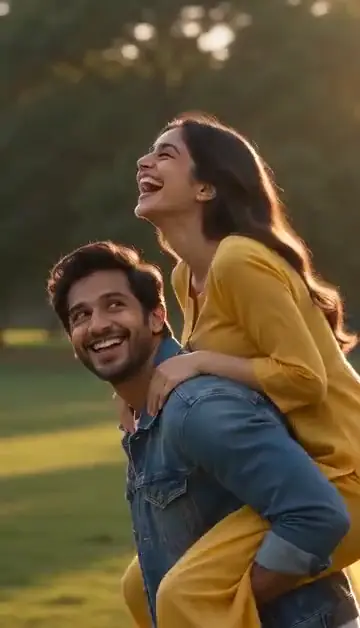
Carry Me
Two people laughing through a piggyback ride in a sunny park
- Output
- 5s · 480p
AI Carry Me Video Generator: Piggyback and Fireman Carry Clips
Updated
Short answer: VdoBloom's carry me effect turns one or two photos into a short clip of one person giving the other a piggyback ride or a fireman carry. The tab opens on Seedance 2 Mini, which makes a 5-second 480p clip for 8 credits (10 seconds for 16). New accounts get 10 free credits, and a daily check-in adds 2 to 5 more, so your first clip is free. Free-tier clips carry a VdoBloom watermark; any paid plan or credit pack removes it.
The VdoBloom AI carry me video generator makes fun carrying clips from photos: a piggyback ride or a fireman carry over the shoulder. Upload a photo of each person, or one photo, pick a template and the AI animates one person carrying the other. The editable prompt sets the location, the energy and, most importantly, who carries whom.
Is it free? Your first clip can be. New accounts get 10 free credits and the tab opens on Seedance 2 Mini at 5 seconds and 480p, which costs 8 credits. Free-tier results carry a VdoBloom watermark; any paid plan or credit pack removes it. The Lite pack is 300 credits for $19.50 one-time (never expires) or $15 a month, enough for 30 Gen-3 carry clips.
It is the playful member of the carry family: friend and sibling jokes, couple posts, group-chat replies and TikTok trends. Use photos of adults who have agreed to appear; prompts are screened before a job runs.
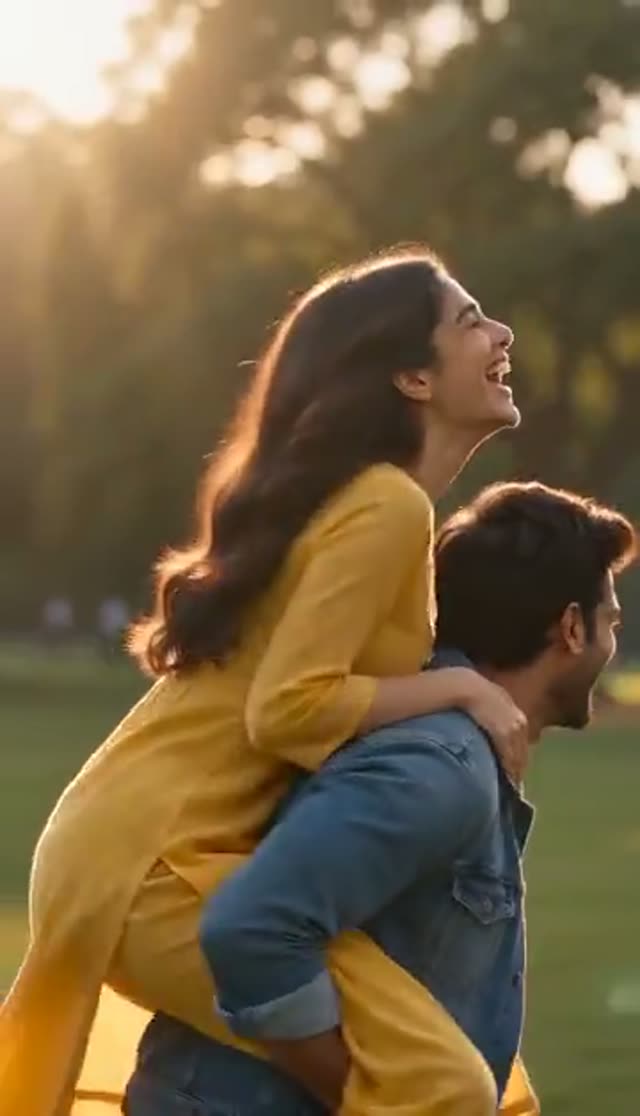
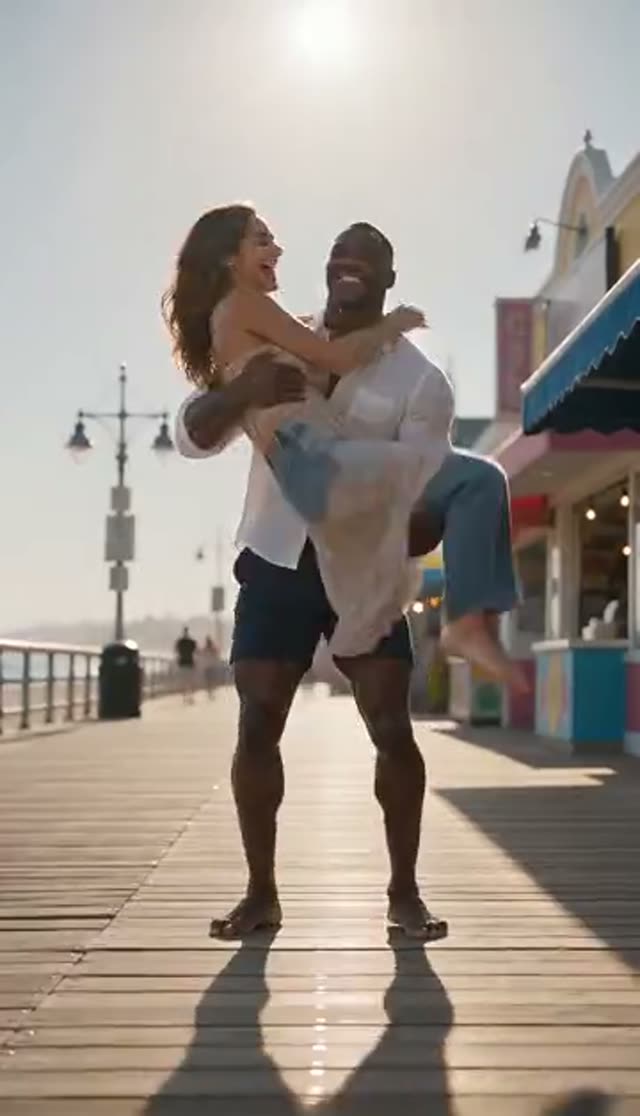
How it works
- 1
Choose one photo or two
Two photos: one portrait of each person, combined into one scene. One photo: by default the AI invents the person doing the carrying; edit the prompt if your photo already shows both people.
- 2
Upload full-body or three-quarter photos
Height and posture sell a piggyback. Sharp photos with clearly visible faces work best.
- 3
Pick the carry
Piggyback Ride (on the back, joyful) or Fireman Carry (over the shoulder, strong and dynamic). The wording switches automatically between one- and two-photo mode.
- 4
Say who carries whom
Name the roles and the setting: a beach, a hallway, a football pitch, a festival field. On a joke clip, getting the roles backwards ruins the joke.
- 5
Set model, length and ratio
Seedance 2 Mini at 5 seconds and 480p is the 8-credit default. The tab opens on 16:9; pick 9:16 for Stories and Reels.
- 6
Generate and send
The clip appears in My Creations in a few minutes. Check arms and faces, then download and share.
Why use this tool
Two classic carries
Piggyback Ride and Fireman Carry are separate prompts with different timing, not two speeds of the same motion.
No photo together needed
In two-photo mode both people are first placed close together in one full-body frame with headroom for the carry, then animated.
You direct the roles
The editable prompt sets who carries whom, so the punchline lands on the right person.
More carry types by prompt
Describe a princess carry, a shoulder ride or a spin and the model follows the prompt rather than the template name.
Models that use both photos
Two-photo mode offers Runway, Kling, PixVerse, Vidu and LTX-2 Fast, plus Seedance 2, Gemini Omni and Veo 3 Fast as direct two-reference models.
Cheap drafts
In one-photo mode ByteDance V1 Pro Fast renders 5 seconds at 720p for 7 credits; in two-photo mode Runway Gen-3 is 10.
Quick facts
The tool at a glance.
- What it does: vdoBloom's carry me effect turns one or two photos into a short clip of one person giving the other a piggyback ride or a fireman carry.
- Input: one photo of both people, or one photo of each person.
- Templates: Piggyback Ride, Fireman Carry. Each prompt is editable.
- Default model: Seedance 2 Mini, 4 to 15 seconds, 8 credits for 5 seconds at 480p. ByteDance V1 Pro Fast is 7 credits for 5 seconds at 720p.
- Free credits: 10 at signup plus 2 to 5 a day from the daily check-in.
- Watermark: on free-tier clips; removed with any paid plan or credit pack. One-time pack credits never expire.
- Failed renders refund their credits automatically.
Which model should I use for a carry me video?
Credits per clip. Two-photo mode lists models that can use both photos; one-photo mode opens the full image-to-video list.
- ByteDance V1 Pro Fast
- Clip:5 s at 720p
- Credits:7
- Photo mode:One photo only
- Seedance 2 Mini (default)
- Clip:5 s at 480p / 720p
- Credits:8 / 17
- Photo mode:One or two photos
- Runway Gen-3
- Clip:5 s / 10 s at 720p
- Credits:10 / 20
- Photo mode:One or two photos
- Vidu 2.0
- Clip:4 s at 720p
- Credits:15
- Photo mode:One or two photos
- PixVerse v3.5 / Vidu Q2 Turbo
- Clip:5 s at 720p
- Credits:18
- Photo mode:One or two photos
- Runway Gen-4 Turbo / PixVerse v4 / Vidu Q3 Turbo
- Clip:5 s at 720p
- Credits:20
- Photo mode:One or two photos
- Seedance 2 Fast
- Clip:5 s at 480p / 720p
- Credits:24 / 50
- Photo mode:Reads both photos as references
- Kling V2.5 Turbo
- Clip:5 s
- Credits:40
- Photo mode:One or two photos
- Runway Gen-4.5
- Clip:5 s
- Credits:48
- Photo mode:One or two photos
- Seedance 2
- Clip:5 s at 720p
- Credits:82
- Photo mode:Reads both photos as references
| Model | Clip | Credits | Photo mode |
|---|---|---|---|
| ByteDance V1 Pro Fast | 5 s at 720p | 7 | One photo only |
| Seedance 2 Mini (default) | 5 s at 480p / 720p | 8 / 17 | One or two photos |
| Runway Gen-3 | 5 s / 10 s at 720p | 10 / 20 | One or two photos |
| Vidu 2.0 | 4 s at 720p | 15 | One or two photos |
| PixVerse v3.5 / Vidu Q2 Turbo | 5 s at 720p | 18 | One or two photos |
| Runway Gen-4 Turbo / PixVerse v4 / Vidu Q3 Turbo | 5 s at 720p | 20 | One or two photos |
| Seedance 2 Fast | 5 s at 480p / 720p | 24 / 50 | Reads both photos as references |
| Kling V2.5 Turbo | 5 s | 40 | One or two photos |
| Runway Gen-4.5 | 5 s | 48 | One or two photos |
| Seedance 2 | 5 s at 720p | 82 | Reads both photos as references |
What a carry me video costs
Worked examples with the Lite pack (300 credits):
- ByteDance V1 Pro Fast, 5 s, 720p (one photo)
- Credits each:7
- Clips from 300 credits:42
- Runway Gen-3, 5 s, 720p
- Credits each:10
- Clips from 300 credits:30
- Vidu 2.0, 4 s, 720p
- Credits each:15
- Clips from 300 credits:20
- Kling V2.5 Turbo, 5 s
- Credits each:40
- Clips from 300 credits:7
| Clip | Credits each | Clips from 300 credits |
|---|---|---|
| ByteDance V1 Pro Fast, 5 s, 720p (one photo) | 7 | 42 |
| Runway Gen-3, 5 s, 720p | 10 | 30 |
| Vidu 2.0, 4 s, 720p | 15 | 20 |
| Kling V2.5 Turbo, 5 s | 40 | 7 |
Is the AI carry me generator free?
One clip is. The 10 free signup credits cover a 5-second 720p Runway Gen-3 carry video, or a 7-credit ByteDance V1 Pro Fast clip in one-photo mode. Free-tier results carry a VdoBloom watermark; any paid plan or credit pack removes it so you can send the clip. There are no daily free credits; one-time pack credits never expire.
One photo vs two photos
Two photos: for most models, WAN 2.7 first places both people close together in one full-body frame with the floor visible and space above them, then the video model animates the carry. Seedance 2, Gemini Omni and Veo 3 Fast read both photos directly. If fusion fails, nothing is charged.
One photo: the template asks the AI to generate someone carrying the person in your photo. If the picture already shows both people, rewrite the prompt to describe them.
Carry styles
Two templates are built in; others work through the prompt:
- Piggyback Ride (template)
- How:On the back, arms around the shoulders
- Tone:Joyful, slightly chaotic
- Fireman Carry (template)
- How:Over one shoulder
- Tone:Strong, dynamic, absurd
- Princess carry (prompt)
- How:Across the arms
- Tone:Romantic; see also Bridal Carry
- Shoulder ride (prompt)
- How:Sitting on the shoulders
- Tone:Celebration, concerts, wins
| Carry | How | Tone |
|---|---|---|
| Piggyback Ride (template) | On the back, arms around the shoulders | Joyful, slightly chaotic |
| Fireman Carry (template) | Over one shoulder | Strong, dynamic, absurd |
| Princess carry (prompt) | Across the arms | Romantic; see also Bridal Carry |
| Shoulder ride (prompt) | Sitting on the shoulders | Celebration, concerts, wins |
Prompt ideas to try
Add or swap in lines like these:
- Piggyback run along a beach at sunset, both laughing, tracking camera.
- Fireman carry out of an office, papers flying, comedic slow motion.
- Piggyback through a music festival crowd, confetti, handheld camera.
- Carrying a friend across a puddle on a rainy street, careful steps.
- Shoulder ride after a football win, stadium lights, cheering.
Tips for a better carry clip
What helps most:
- Name the roles and the carry type explicitly.
- Use full-body photos so relative height is visible.
- In two-photo mode, pick pictures with similar lighting and framing.
- Describe the motion (running, spinning, walking, standing still).
- Regenerate once before changing model; results vary between runs.
Limits and content rules
Clips are short (mostly 4 to 10 seconds). Two bodies in contact are hard for any model: arms passing through a torso usually means the model could not tell who is in front, so name the roles more clearly. There is no batch option or built-in music; each variation is a separate generation, and you add audio in an editor.
Use photos of adults who have agreed to be in the video, even for a joke. Uploads stay in your private library; prompts are screened and generations follow VdoBloom's content policies.
What people make with it
Common uses:
- Friend and sibling jokes for the group chat.
- Couple posts and "carry me" TikTok trends.
- Birthday surprises featuring the birthday person being hauled away.
- Friends in different cities in one clip from two separate photos.
- Team or sports celebrations.
Frequently asked questions
Is there a free piggyback ride video generator online?
Yes, for your first clip. It runs in the browser: new accounts get 10 free credits, and a daily check-in adds 2 to 5 more each day, and the default 5-second 480p Seedance 2 Mini clip costs 8 credits. Free-tier clips carry a VdoBloom watermark; any paid plan or credit pack removes it.
How do I make a piggyback video from a photo?
Upload a photo of each person (or one photo of both), choose Piggyback Ride, write who carries whom in the prompt, pick a model and generate.
How do I make an AI carry me video?
Upload one or two photos, choose Piggyback Ride or Fireman Carry, say who carries whom in the prompt, pick a model and generate. A 5-second Runway Gen-3 clip at 720p costs 10 credits.
Do both people need to be in the same photo?
No. In two-photo mode both people are placed into one full-body frame, then animated. Seedance 2, Gemini Omni and Veo 3 Fast read both photos directly.
Is the AI carry me generator free?
New accounts get 10 free credits, enough for one 5-second 720p Runway Gen-3 clip. Free-tier results carry a watermark; any paid plan or credit pack removes it.
What carry styles can it make?
Two templates: piggyback ride and fireman carry. By editing the prompt you can also try a princess carry, a shoulder ride or a spin.
Can I make a piggyback video with one photo of me?
Yes. In one-photo mode the AI generates the person carrying you. If your photo already shows two people, edit the prompt to describe them.
What photos give the best result?
Sharp full-body or three-quarter photos with clearly visible faces. Very small faces, sunglasses and heavy shadow are the usual causes of poor likeness.
Which model is best for carry videos?
Draft on Runway Gen-3 (10 credits) or ByteDance V1 Pro Fast (7, one photo). For smoother body motion try Kling V2.5 Turbo (40) or Runway Gen-4.5 (48).
How is Carry Me different from Lift and Carry or Bridal Carry?
Carry Me is the comedic one (piggybacks, fireman carries). Lift and Carry covers romantic or dramatic lifts. Bridal Carry is tuned for the wedding pose.
How long does it take?
Usually a few minutes. Rendering runs on VdoBloom's servers, so you can close the tab and pick up the clip in My Creations.
Can I use a friend's photo?
Yes, if they are an adult and are fine with it. Uploads stay private in your library, and generations follow VdoBloom's content policies.