Gun Shooter Video
Turn a photo into an action shooter scene
A half or full-body photo works best.
Wide screen: YouTube videos, TVs, laptops and website headers.
Advanced options
Motion or style reference. MP4 or MOV, 480p to 720p, up to 15s total.
MP3 or WAV, up to 15 MB and 30s total.
Example
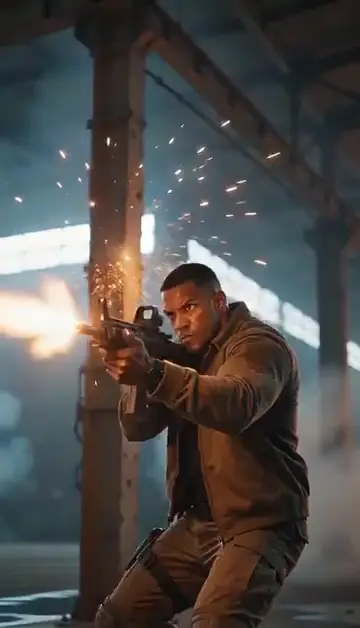
Gun Shooter Video
An action-movie gunfight shot with sparks flying in a warehouse
- Output
- 5s · 480p
AI Gun Shooter Video: Star in a Cinematic Action Scene
Updated
Quick answer: VdoBloom puts the person in one photo into a 5-second action-movie shot (Action Hero, Spy Thriller or Western Showdown); the tab opens on Seedance 2 Mini at 5 seconds and 480p for 8 credits, which the 10 free signup credits cover. A daily check-in adds 2–5 free credits a day, free-tier downloads carry a VdoBloom watermark that any credit pack removes, and one-time pack credits never expire.
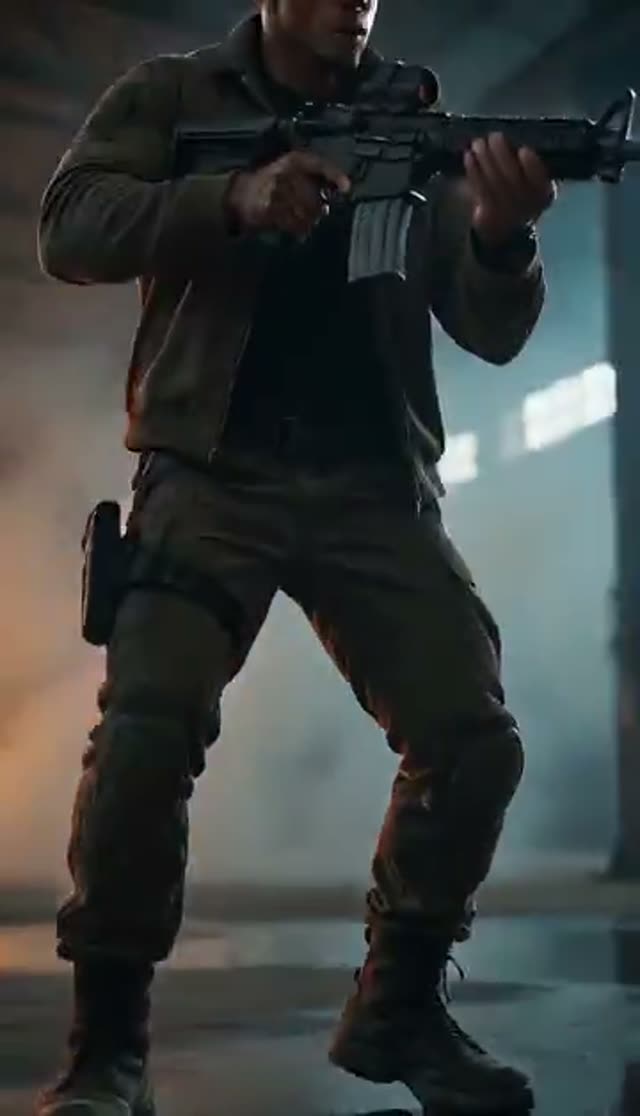
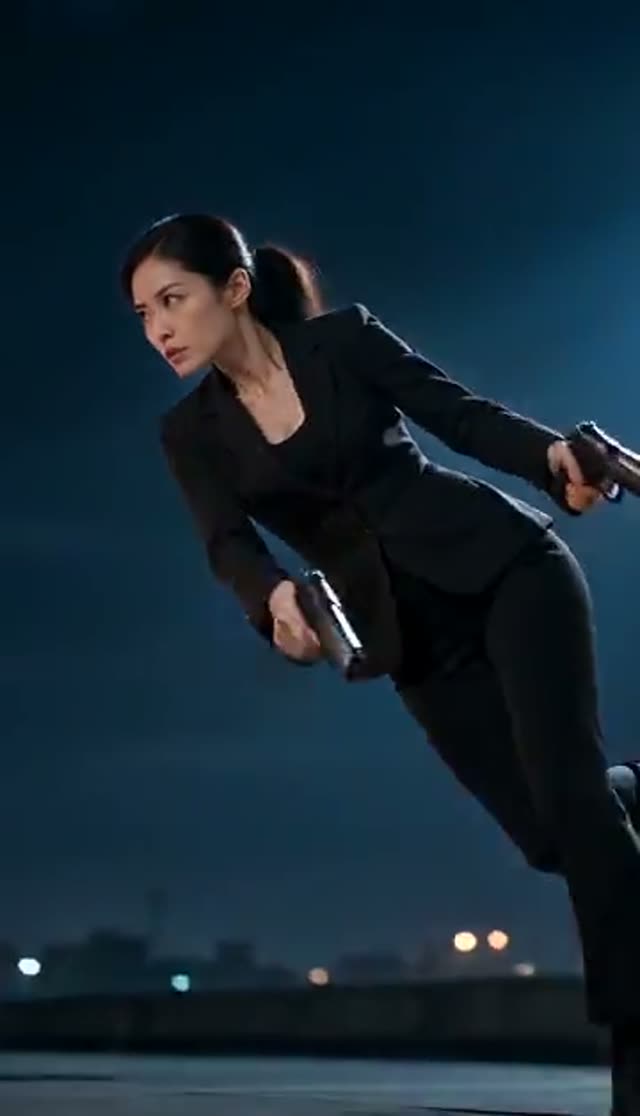
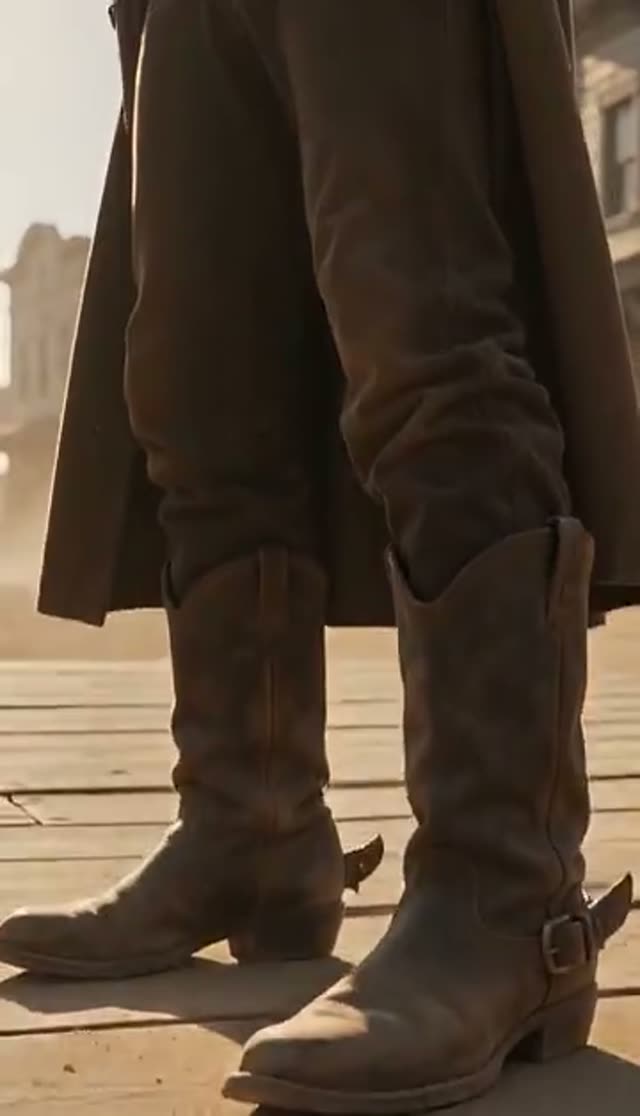
The AI Gun Shooter video tool places the person from one photo into a stylized action-movie shot, the kind of genre moment you see in a trailer. There are three templates: Action Hero (a modern blockbuster set piece with dramatic poses, muzzle flashes and slow motion), Spy Thriller (a sleek suit and a secret-agent chase look) and Western Showdown (a dusty street and a quick-draw standoff). Your first clip is free: new accounts get 10 credits and the default render (Seedance 2 Mini, 480p, 5 seconds) costs 8. Free clips carry a VdoBloom watermark.
Everything except the face is generated: wardrobe, set, lighting and effects all come from the prompt, so an ordinary phone portrait works. It is built for creators making channel intros, trailer parodies and fun genre edits. The scenes are cinematic staging, not realistic violence.
How it works
- 1
Upload one clear photo
A front-facing portrait or half-body shot of an adult who has agreed to be in the video. Confirm the adult-and-consent box to enable Generate.
- 2
Pick a genre
Action Hero, Spy Thriller or Western Showdown. Each rewrites the costume, set and lighting, so one photo gives three different films.
- 3
Adjust the scene
The template prompt is editable. Change the location, the camera move or the era, or swap the genre for a heist, noir or sci-fi look.
- 4
Choose model, length and frame
Default is Seedance 2 Mini at 480p for 5 seconds (8 credits). Use 16:9 for a YouTube intro or 9:16 for Shorts and Reels.
- 5
Generate and edit
Clips are usually ready in a few minutes and land in your library. Cut them into your intro or edit in any video app.
Why use this tool
Three film genres
Modern action blockbuster, spy thriller and classic western, each with its own wardrobe, set and lighting.
One photo, no props or green screen
The set, costume and effects are generated around your face. No second image or reference footage needed.
Editable cinematic prompt
Keep the shipped scene or describe your own camera move, setting and beat. The text in the box is what the model renders.
Full model roster
Runway, Seedance and ByteDance, Kling, Veo 3, WAN, PixVerse, Vidu, Hailuo and more in one picker, from 7 credits a clip.
Quick facts
The short version, before you upload:
- Input: one clear photo of one person.
- Styles: Action Hero, Spy Thriller, Western Showdown.
- Default: Seedance 2 Mini, 5 s, 480p, 8 credits. Every model in the picker is still selectable.
- Length: 5 seconds by default; 10 seconds on Runway Gen-3 is 20 credits, and Seedance 2 Mini runs up to 15 seconds.
- Free: 10 credits on signup plus a daily check-in of 2–5 credits (25 over a 7-day streak).
- Watermark: free-tier clips are watermarked; any paid plan or credit pack gives the clean MP4.
- Paying: one-time packs start at 200 credits for $10.39 and never expire; no subscription needed.
Is the AI gun shooter video generator free?
Your first clip is. New accounts get 10 free credits with no card, enough for one default render (Seedance 2 Mini, 480p, 5 seconds, 8 credits) or one ByteDance V1 Pro Fast clip (7 credits). Free clips are watermarked; a paid plan removes the mark. The Lite pack is 300 credits for $19.50 one-time (never expires) or $15 a month.
Which model to use for an action scene
Fast motion, flashes and smoke test models differently. Draft cheaply, then re-render the take you like.
- ByteDance V1 Pro Fast
- Clip:5 s, 720p
- Credits:7
- Good for:Low-cost test of a prompt
- P-Video
- Clip:5 s, 720p
- Credits:8
- Good for:Low-cost alternative look
- Runway Gen-3
- Clip:5 s, 720p
- Credits:10
- Good for:Reliable baseline; 20 credits at 1080p or 10 s
- Runway Gen-4 Turbo
- Clip:5 s
- Credits:20
- Good for:Sharper detail
- PixVerse v4.5
- Clip:5 s, 720p
- Credits:22
- Good for:Punchier stylized motion
- Kling V2.5 Turbo
- Clip:5 s
- Credits:40
- Good for:Smooth camera and body motion
- Runway Gen-4.5
- Clip:5 s
- Credits:48
- Good for:Highest detail for a final intro
| Model | Clip | Credits | Good for |
|---|---|---|---|
| ByteDance V1 Pro Fast | 5 s, 720p | 7 | Low-cost test of a prompt |
| P-Video | 5 s, 720p | 8 | Low-cost alternative look |
| Runway Gen-3 | 5 s, 720p | 10 | Reliable baseline; 20 credits at 1080p or 10 s |
| Runway Gen-4 Turbo | 5 s | 20 | Sharper detail |
| PixVerse v4.5 | 5 s, 720p | 22 | Punchier stylized motion |
| Kling V2.5 Turbo | 5 s | 40 | Smooth camera and body motion |
| Runway Gen-4.5 | 5 s | 48 | Highest detail for a final intro |
Read more: Best AI video model for realism · Cheapest AI video model
What it costs
Worked examples from the prices above. Failed jobs are not charged.
- 10 free signup credits
- Runway Gen-3 (10 cr):1 clip
- ByteDance V1 Pro Fast (7 cr):1 clip
- Runway Gen-4.5 (48 cr):Not enough
- Lite pack, 300 credits
- Runway Gen-3 (10 cr):30 clips
- ByteDance V1 Pro Fast (7 cr):42 clips
- Runway Gen-4.5 (48 cr):6 clips
- All three genres once
- Runway Gen-3 (10 cr):30 credits
- ByteDance V1 Pro Fast (7 cr):21 credits
- Runway Gen-4.5 (48 cr):144 credits
| What you have | Runway Gen-3 (10 cr) | ByteDance V1 Pro Fast (7 cr) | Runway Gen-4.5 (48 cr) |
|---|---|---|---|
| 10 free signup credits | 1 clip | 1 clip | Not enough |
| Lite pack, 300 credits | 30 clips | 42 clips | 6 clips |
| All three genres once | 30 credits | 21 credits | 144 credits |
Tips for a cleaner result
Short, simple scenes hold the face best.
- Use a sharp, evenly lit photo with the face unobstructed; half-body framing beats a tight headshot.
- Keep clips around 5 seconds and describe one clear beat rather than a whole sequence.
- If props or hands look warped, shorten the clip, simplify the prompt or try another model.
Responsible use
This tool is for clearly fictional, movie-style scenes. Only upload photos of adults (18+) who have agreed to appear, and do not use it to depict real people in threatening, harassing or misleading situations. Label AI-generated video where platforms ask you to, and check TikTok, Instagram and YouTube rules on weapons in content before posting. Prompts are screened before a job runs and every generation follows VdoBloom's content policies, so a request can be refused.
Frequently asked questions
Can I make a movie trailer style video of myself with AI?
Yes. Upload one front-facing photo, pick Action Hero for a blockbuster look or Spy Thriller for a secret-agent chase, and render 9:16 for Shorts or 16:9 for a channel intro. A 5-second Runway Gen-3 clip is 10 credits, covered by the free signup credits.
How do I get free credits for more action clips?
New accounts get 10 credits, and the daily check-in adds 2 to 5 credits a day (25 over a 7-day streak). A referral gives 10 credits to you and to the friend who joins.
Does the gun shooter video have a watermark?
Free-tier clips do. Buying any credit pack or plan unlocks the clean download; pack credits never expire.
How do I make an AI action movie video from a photo?
Open the AI Gun Shooter tab, upload one clear photo, choose Action Hero, Spy Thriller or Western Showdown and generate. The default render (Seedance 2 Mini, 480p, 5 seconds) costs 8 credits, which the 10 signup credits cover.
Is it free?
The first clip is, using the 10 free signup credits. Free clips carry a watermark. After that, the Lite pack is 300 credits for $19.50 one-time or $15 a month.
What styles are included?
Three film genres: a modern action-hero set piece, a spy thriller in a sleek suit and a western quick-draw standoff on a dusty street. The prompt is editable, so you can change the setting or genre.
Will the face still look like me?
Usually, if the photo is sharp, front-facing and evenly lit. Short clips hold the likeness best. If it drifts, add a line asking the model to keep the face unchanged or try a different model.
Can I use it for a YouTube or gaming channel intro?
Yes. Render at 16:9 for an intro or 9:16 for a Shorts hook and keep it to about 5 seconds. Free downloads are watermarked, so use a paid plan for an intro you will reuse.
Is this kind of content allowed on social media?
Stylized film scenes are common on most platforms, but each platform sets its own rules for weapons and AI-generated media. Read them before posting and use the AI label where offered.
How long does it take?
A few minutes for a 5-second clip. You can close the page; the video lands in your library when it is done.
What if the render fails?
Failed jobs are not charged. Retry with a shorter clip, a sharper photo or a simpler prompt, or switch model.