Animate a Drawing: Bring Your Kid’s Drawing to Life
Upload a photo of a crayon, marker or pencil drawing and it comes alive — waving, jumping, dancing or walking across the page, still exactly as it was drawn.
The drawing keeps its own lines, colours and paper. It moves like a simple hand-made cartoon; nothing is redrawn or made realistic.
Examples
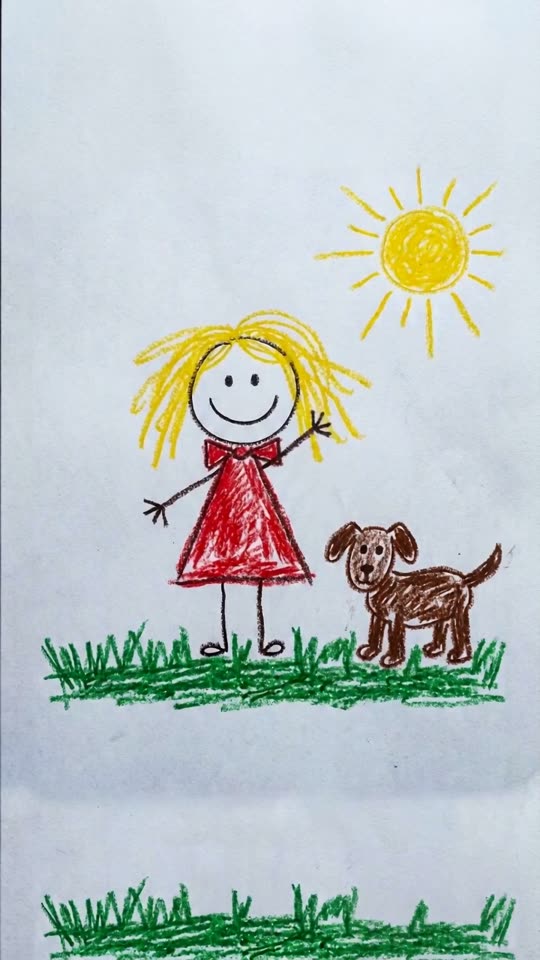
Wave Hello
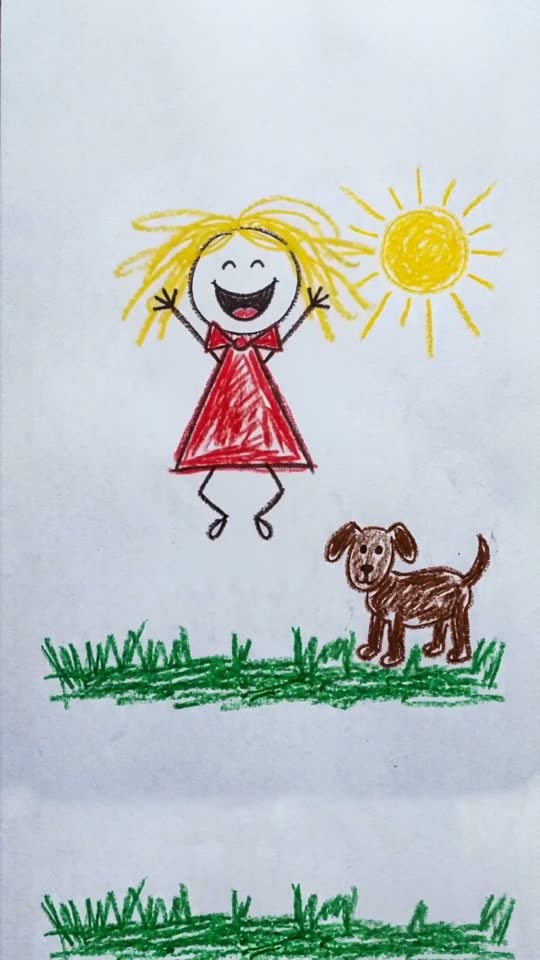
Jump for Joy
How it works
- 1
Photograph the drawing
Lay it flat in good light and shoot straight down so the whole page is in frame — no glare, no fingers.
- 2
Pick a move
Wave hello, jump for joy, dance, walk across the page, fly or swim, or just come alive with a blink and a smile.
- 3
Generate
Your drawing moves like a little hand-made cartoon and stays exactly as it was drawn.
Why use this tool
Still your drawing
Same lines, crayon or marker texture, colours and paper — nothing is redrawn, smoothed or made realistic.
Any doodle
People, pets, monsters, cars, rockets — the fly-or-swim move handles animals and vehicles.
A keepsake to share
A five-second clip of your kid’s art moving is the kind of thing grandparents watch on repeat.
Frequently asked questions
Does it change my child’s drawing?
No. Every template tells the model to keep the exact drawing, texture and paper, and to move only the drawn figures. If something drifts, re-run it or try another template.
What kind of photo works best?
A flat, evenly lit photo taken from directly above, with the drawing filling most of the frame. Thick, clear lines animate better than faint pencil.
How much does one clip cost?
Each clip is priced by the video model and settings you pick — the exact credit cost is shown on the Create button before you generate, and that is the amount charged. The preset opens on the cheapest model and resolution that gave good results in our tests, and you can switch to a higher-quality model from the same picker. If a render fails, the credits go back to your balance automatically.