Time Freeze & Rewind
Time locks mid-motion, then rewinds to the start
A photo with movement in it: people, birds, water or traffic.
Full-screen on phones: Instagram Reels, YouTube Shorts, WhatsApp Status.
Advanced options
Motion or style reference. MP4 or MOV, 480p to 720p, up to 15s total.
MP3 or WAV, up to 15 MB and 30s total.
Example
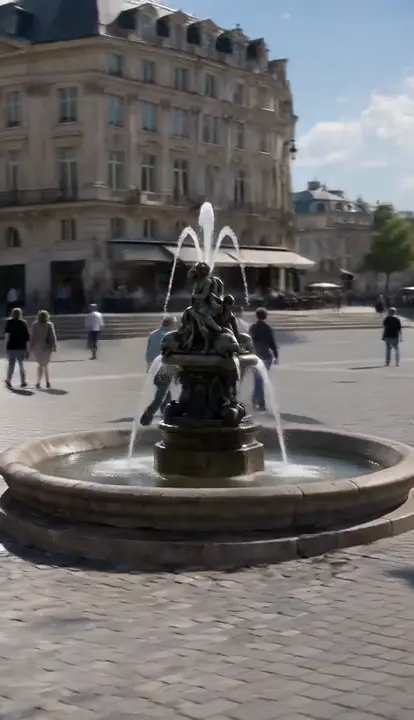
Time Freeze & Rewind
Freeze, half orbit, rewind to start
- Output
- 8s · 480p
Time Freeze Effect: Stop Time in Your Photo, Then Rewind It
Updated
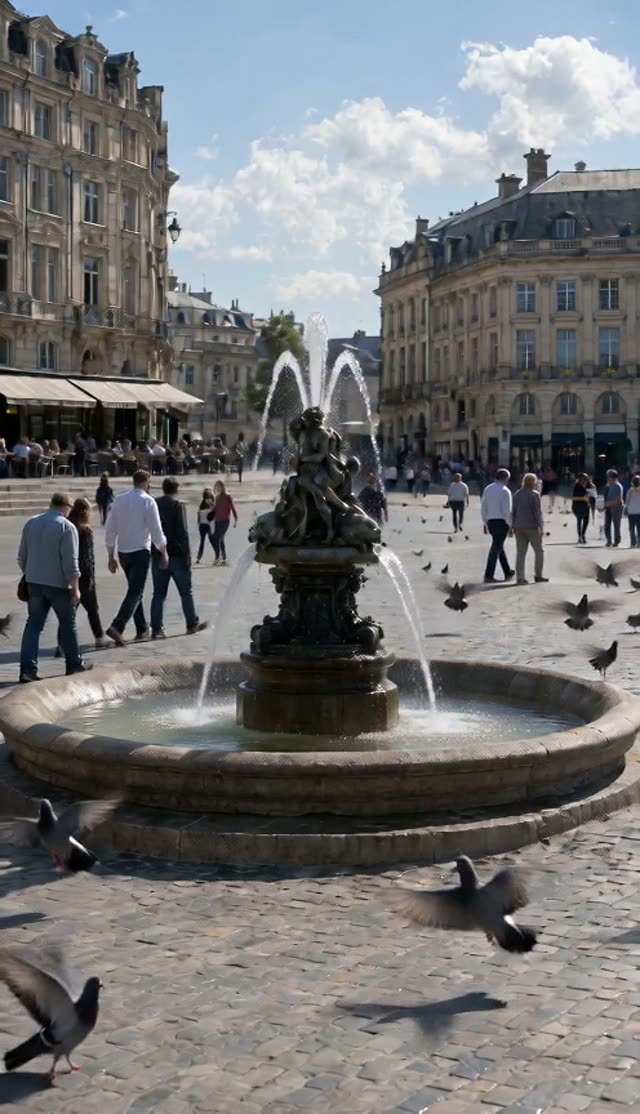
Short answer: upload a photo of a busy moment and VdoBloom turns it into a time freeze video. The scene plays for a moment, then time locks: people stop mid-step, birds and water drops hang in the air, and only the camera keeps moving around the frozen scene. The default Freeze & Rewind template then plays everything backwards toward the start of your photo, so the clip can loop. The tab opens on Seedance 2 Mini at 8 seconds, 480p and 9:16, which costs 13 credits.
Is it free? New accounts get 10 free credits. A 6-second clip at 480p costs 10 credits and a 4-second clip costs 7, so you can try the effect before you pay. After that, the Lite plan is 300 credits for $15 a month or $19.50 as a one-time pack.
You do not need video footage, a camera rig or an editor. A freeze frame in an editing app holds one frame of a video you already shot. This tool starts from a single still photo and makes the camera move through the frozen moment for you. Clips usually finish in a few minutes. Free-tier downloads carry a VdoBloom watermark that any paid plan or credit pack removes.
How it works
- 1
Upload a busy photo
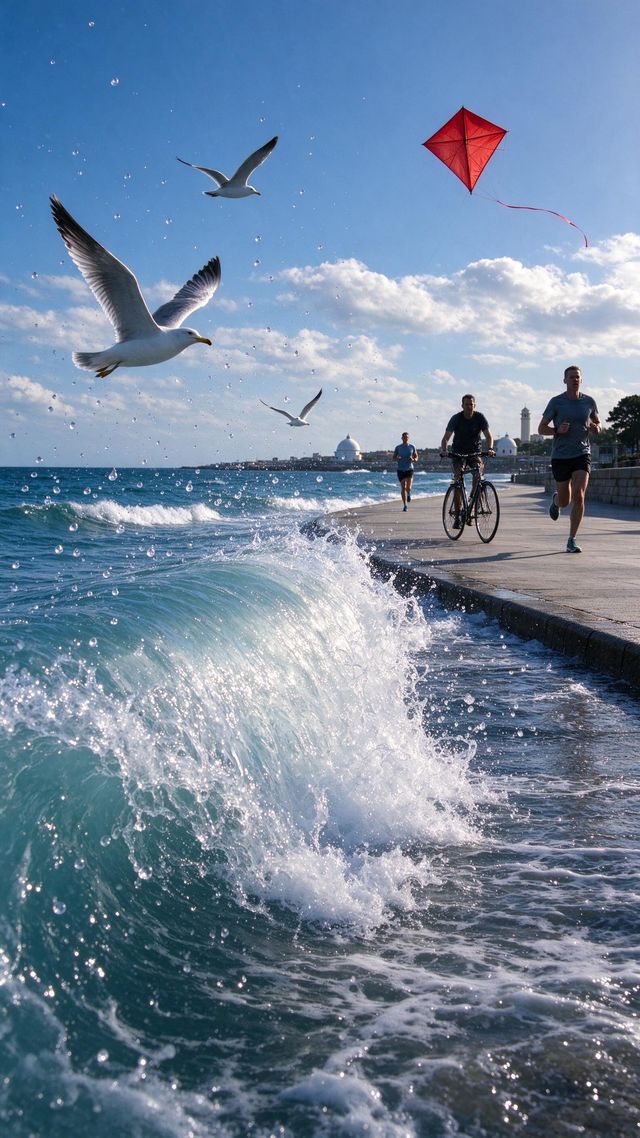
Pick a photo with movement in it: a crowd, birds taking off, a fountain, traffic or a splash. It becomes the first frame of the video.
- 2
Choose a template
Freeze & Rewind freezes the scene, orbits it, then rewinds to the start. Freeze Frame Orbit freezes the scene and keeps circling it.
- 3
Pick a model, length and size
Seedance 2 Mini at 8 seconds and 480p is 13 credits, or 27 at 720p. Lengths run from 4 to 15 seconds. Pick 9:16 for Reels and Shorts or 16:9 for YouTube.
- 4
Generate and share
The exact cost is on the button before you start. The clip lands in My Creations, ready to download.
Why use this tool
Time really stops
The template tells the model that every person, bird, water drop and strand of hair stops dead, which keeps frozen scenes from slowly drifting.
Rewind to the first frame
Freeze & Rewind asks every element to go back along its path to where it started, aiming for a last frame that matches your photo so the clip can loop.
Camera moves, nothing else
Only the camera travels through the frozen moment, the core of the time freeze look.
Nothing new appears
The template tells the model that nobody new enters, nothing morphs and the light stays constant, the usual ways a freeze breaks.
Two templates
Freeze & Rewind for the full freeze-orbit-rewind loop, Freeze Frame Orbit for a held moment seen from a new angle.
Low price per clip
13 credits for the default 8-second 480p clip, with the cost shown before you generate.
Quick facts
The time freeze tool at a glance.
- What it makes: a video where the scene in your photo freezes mid-motion while the camera moves around it, then rewinds.
- Input: one photo with movement in it.
- Templates: Freeze & Rewind (default) and Freeze Frame Orbit.
- Default: Seedance 2 Mini, 8 seconds, 480p, 9:16: 13 credits.
- Length: 4 to 15 seconds on Seedance 2 Mini.
- Free to try: 10 credits at signup cover a 6-second 480p clip.
- Watermark: on free-tier downloads; removed with any paid plan or credit pack.
What is a time freeze effect?
A time freeze effect makes the world stop while the camera, or one person, keeps moving. It goes by a few names, and each one is a slightly different shot.
- Time freeze and rewind (our pick for a photo)
- What happens:The whole scene stops, the camera moves around it, then everything rewinds
- Where to make it:This tab, from one photo
- Bullet time
- What happens:Time stops around one person and the camera orbits 180 degrees around them
- Where to make it:VdoBloom Bullet Time Effect
- Frozen crowd
- What happens:Everyone stops and only you keep walking through the scene
- Where to make it:VdoBloom Frozen Crowd Video
- Freeze frame
- What happens:One frame of your own video is held still for a moment
- Where to make it:Any video editor, on footage you filmed
| Effect | What happens | Where to make it |
|---|---|---|
| Time freeze and rewind (our pick for a photo) | The whole scene stops, the camera moves around it, then everything rewinds | This tab, from one photo |
| Bullet time | Time stops around one person and the camera orbits 180 degrees around them | VdoBloom Bullet Time Effect |
| Frozen crowd | Everyone stops and only you keep walking through the scene | VdoBloom Frozen Crowd Video |
| Freeze frame | One frame of your own video is held still for a moment | Any video editor, on footage you filmed |
Read more: Bullet Time Effect · Frozen Crowd Video Generator
How much does the time freeze effect cost?
You pay per clip, by model, length and resolution. The price for your exact settings shows before you generate. These are the Seedance models most people use on this tab.
- Seedance 2 Mini (default)
- 8 s, 480p (default length):13
- 8 s, 720p:27
- 15 s, 480p:24
- Seedance 2 Fast
- 8 s, 480p (default length):38
- 8 s, 720p:80
- 15 s, 480p:72
- Seedance 2
- 8 s, 480p (default length):61
- 8 s, 720p:131
- 15 s, 480p:113
| Model | 8 s, 480p (default length) | 8 s, 720p | 15 s, 480p |
|---|---|---|---|
| Seedance 2 Mini (default) | 13 | 27 | 24 |
| Seedance 2 Fast | 38 | 80 | 72 |
| Seedance 2 | 61 | 131 | 113 |
Read more: Plans and credit packs · Seedance 2 Mini · Seedance 2
Which photos freeze best?
The effect needs something to stop. The more motion your photo catches, the stronger the freeze looks.
- Good: crowds crossing a street, birds lifting off, fountains and waves, splashes, falling leaves, traffic.
- Weak: a still portrait or an empty room. There is little to freeze, so the clip looks like a slow camera move.
- Leave space around the action so the camera has room to circle it.
- Use 8 seconds or more for Freeze & Rewind so the freeze, orbit and rewind each get time.
- Only use photos you have the right to use. Before each run you tick a box confirming that, and that anyone shown is an adult (18+).
Limits to know
You pick one of the two templates; there is no prompt box on this tab. Background people can sometimes move a little while time is frozen, most often on the lowest-cost model, so re-run the clip or switch to Seedance 2 Fast or Seedance 2 if it happens. The rewind does not always land exactly on the first frame. Seedance 2 Mini renders up to 720p; Seedance 2 goes up to 1080p and 4K. For a sharper master, run the clip through the AI Video Upscaler.
Read more: AI Video Upscaler
Frequently asked questions
How do I make a time freeze effect video?
Open the Time Freeze tab, upload a photo with movement in it, pick Freeze & Rewind or Freeze Frame Orbit, choose a length and size, and press Generate. The scene plays, freezes while the camera moves, and with Freeze & Rewind it rewinds to the start.
Is there a free time freeze effect maker?
Yes, to start. New VdoBloom accounts get 10 free credits. A 6-second 480p clip on Seedance 2 Mini costs 10 credits, and a 4-second clip costs 7. Free-tier downloads carry a watermark.
How much does the time freeze effect cost?
The default clip (Seedance 2 Mini, 8 seconds, 480p) is 13 credits, or 27 at 720p. A 15-second clip is 24 credits at 480p. The Lite plan is 300 credits for $15 a month or $19.50 one-time.
Can I make a time freeze effect from a photo instead of a video?
Yes, that is how this tool works. You upload one still photo and the AI makes the motion, the freeze and the camera move. You do not need any footage.
What is the difference between time freeze and bullet time?
Time freeze stops the whole scene while the camera moves through it. Bullet time is a time freeze centred on one person, with the camera orbiting around them. VdoBloom has a separate Bullet Time Effect tab for that shot.
Can I freeze everyone except me?
Yes, on the Frozen Crowd Video tab. You upload a photo of yourself and walk through a city square or a party where everyone else is frozen.
Does the rewind loop back to the start?
Freeze & Rewind asks the model to send every person, bird and drop back to its exact start position, so the last frame matches your photo. It usually loops well; if it misses, re-run it.
How long should a time freeze clip be?
Use 8 seconds or more for Freeze & Rewind so each part has time. Freeze Frame Orbit works at 5 to 8 seconds. Seedance 2 Mini goes up to 15 seconds.