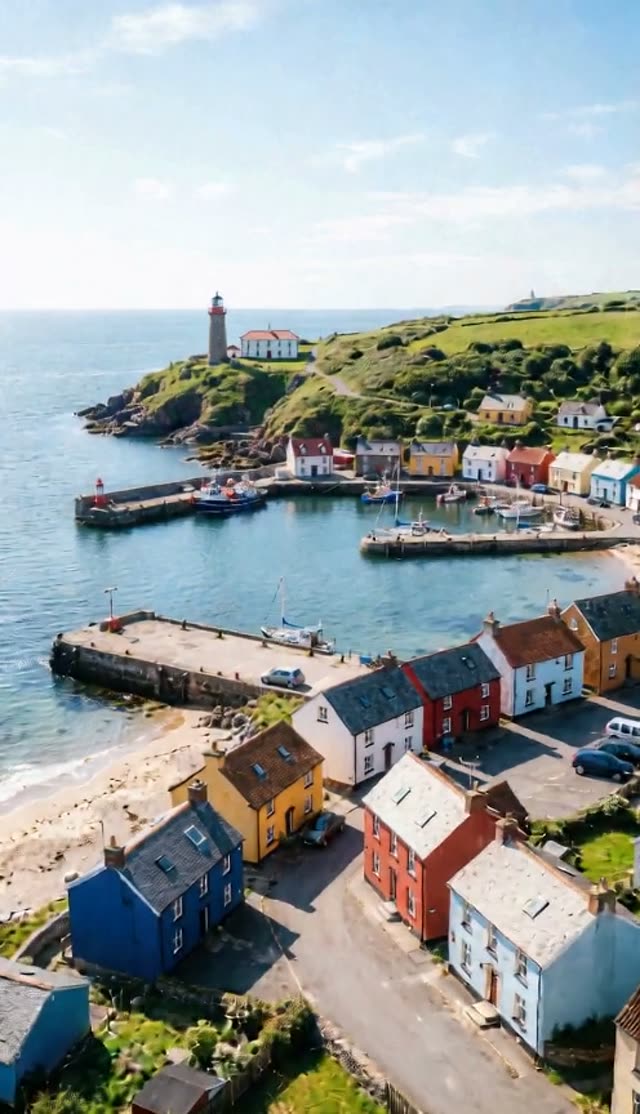
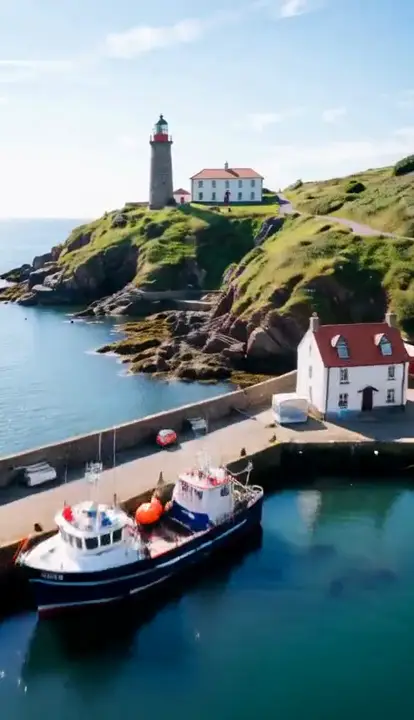
Draw a red route on a photo, get an FPV drone shot along it
Effect
FPV Along My Line
Fast one-take drone flight
Place photo
Upload a photo or drop it hereJPG, PNG, WebP or HEIC · 10 MB
A wide photo of a place, then draw the drone route (erased later).
Model
Duration
6s
Min 4sMax 15s
Resolution
Aspect ratio
Full-screen on phones: Instagram Reels, YouTube Shorts, WhatsApp Status.
Advanced options
Motion or style reference. MP4 or MOV, 480p to 720p, up to 15s total.
MP3 or WAV, up to 15 MB and 30s total.
Example
Draw a Flight Path
Fast one-take drone flight
Output
6s · 480p
Draw a Flight Path: Turn a Line on a Photo Into an FPV Drone Shot
Updated
Upload a wide photo of a place, draw a thick red line for the drone’s route, and the model flies a fast first-person drone shot along that line in one continuous take.
The drawing is only a guide: the clean photo and your marked copy are both sent, with instructions that the line and arrow must never appear in the video.
How to Make an FPV Drone Video from a Photo (Draw the Flight Path) | VdoBloom Tutorial
Turn one photo of a place into a first-person drone fly-through with VdoBloom's Draw a Flight Path. Tick the rights box, upload a wide photo, click Draw your flight path and draw one line from where the drone starts to…
An aerial or high-angle shot of a town, coastline, park, venue or property.
2
Draw the route
Draw one thick red line from where the drone starts to where it ends; an arrowhead is added at the end.
3
Generate
The FPV drone flies your line in one take — and the line is erased from the video.
Why use this tool
Your route, not a guess
Both the clean photo and your marked copy go to the model: one says what the place looks like, the other where to fly.
Marks are a guide only
The prompt tells the model the drawing must never appear in the final video.
Match length to the line
Short, simple lines suit 5–8 seconds; long winding routes need 10–15 so the flight can finish.
Frequently asked questions
Which models support it?
The Seedance 2 family, which follows drawn paths and understands that guide marks should be erased. The tab opens on Seedance 2 Fast, which erased the drawing in our tests.
Why does my red line still show?
Occasionally a model keeps part of the drawing. Draw thicker, cleaner lines, keep the route inside the photo, and re-run — or switch to another Seedance 2 model from the picker. The drawing is only a guide and is never supposed to stay visible.
How much does one clip cost?
Each clip is priced by the video model and settings you pick — the exact credit cost is shown on the Create button before you generate, and that is the amount charged. The preset opens on the cheapest model and resolution that gave good results in our tests, and you can switch to a higher-quality model from the same picker. If a render fails, the credits go back to your balance automatically.