AI Curly Hair Video Generator: See Your Own Photo with Curls
The VdoBloom AI Curly Hair Video Generator turns one photo into a short video of you with curly hair: volume, defined curls, natural shine and bounce, while your face, skin tone and features stay the same. It is a curly hair filter that moves, so you see how the curls sit and bounce, not only how they look in a single frame. Pick Woolly Volume, Loose Waves or Tight Coils and the clip arrives in a few minutes.
Is it free? New accounts get 10 free credits. The tab opens on Runway Gen-3, 10 credits for a 5-second 720p clip, so one transformation is covered; ByteDance V1 Pro Fast (7 credits) and Seedance 1.5 Pro (8) are cheaper. Free-tier results carry a watermark; any purchase removes it. The Lite pack is 300 credits for $19.50 one-time or $15 a month.
People use it to preview curls before a perm or a curly-girl routine, for before-and-after transformation reels, and for fun glow-up posts. Salons and stylists use it to show clients a direction before an appointment. Treat it as a visualisation: it cannot predict how your real hair will take a treatment.
Examples
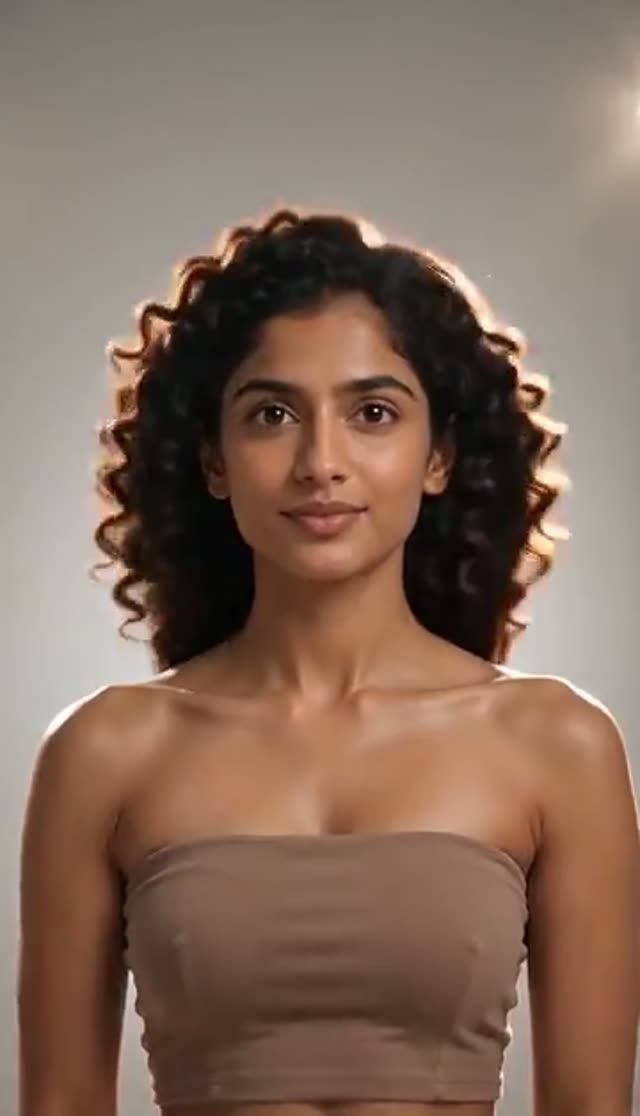
Woolly Volume
Make this with my photo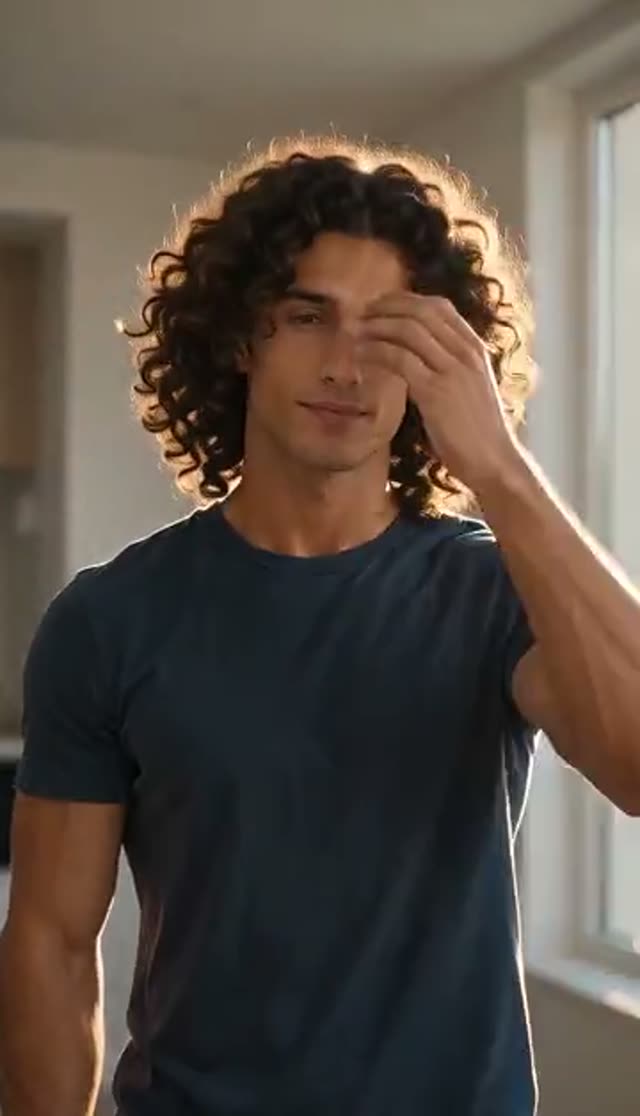
Loose Waves
Make this with my photo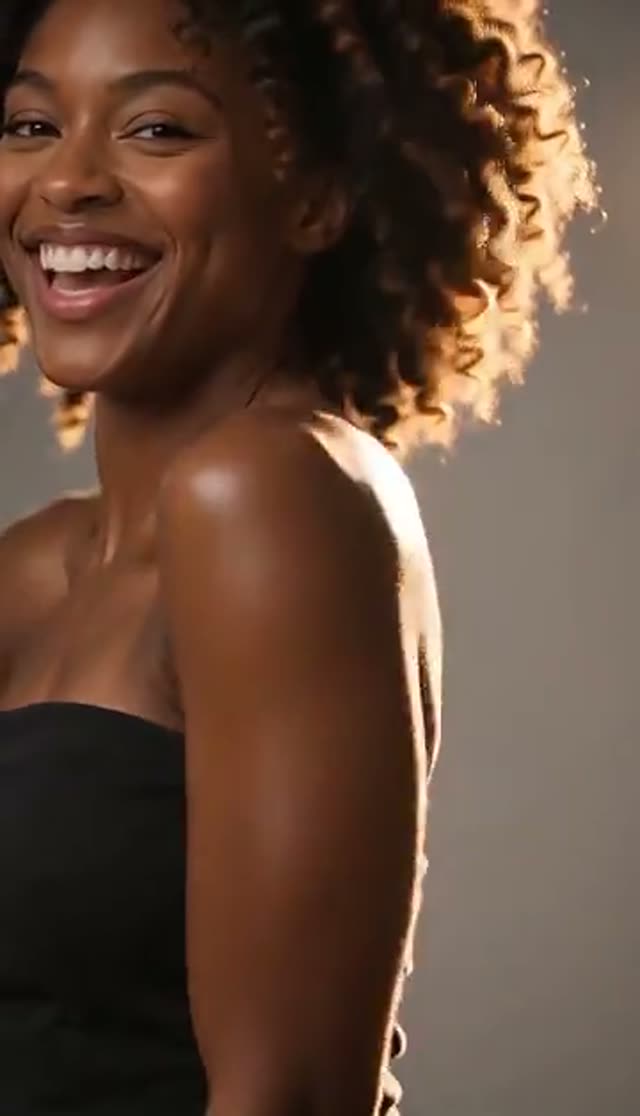
Tight Coils
Make this with my photo
How it works
- 1
Upload a clear photo of your head
Whole head and hairline visible, no hat or headband, even light. The model anchors the curls to your hairline, so it needs to see it.
- 2
Pick a curl pattern
Woolly Volume (dense coils, maximum root lift), Loose Waves (soft waves with defined curl and lift) or Tight Coils (springy, full-coverage coils with lustre).
- 3
Describe the details
The prompt is editable: ask for a length, a colour, a side parting or a curl size. Keep the "preserve identity" wording so your face stays yours.
- 4
Choose a model, length and aspect ratio
Runway Gen-3 is the default at 10 credits. Curls are fine detail, so try a stronger model if the first result looks soft. 9:16 suits transformation reels.
- 5
Generate, compare and download
Run more than one pattern and compare in My Creations. Free-tier downloads are watermarked; after any purchase the clean MP4 downloads.
Why use this tool
Three curl patterns
Woolly Volume, Loose Waves and Tight Coils are different textures, not one curl at three sizes. Each answers a different question about what suits you.
Your face stays your face
Every preset tells the model to preserve facial identity and skin tone and change only the hair. A preview that turns you into someone else is useless.
Curls in motion
Bounce, weight and how curls sit when the head moves only show in video. That tells you more about volume and face shape than a still filter.
Full image-to-video roster
Runway, Seedance, Kling, PixVerse, Vidu, WAN, Hailuo, Veo, Grok Imagine and more. Fine strand detail rewards higher-detail models.
Cheaper than a test perm
Running all three patterns on ByteDance V1 Pro Fast costs 21 credits, a few minutes and no commitment.
Automatic refunds
If a generation fails, the credits go back to your balance.
Which model is best for curly hair?
Prices for 5 seconds at 720p, from the same credit table the picker uses.
| Model | Credits | When to pick it |
|---|---|---|
| ByteDance V1 Pro Fast | 7 | Cheapest check of the shape |
| Seedance 1.5 Pro | 8 | Holds fine detail well for the price |
| Runway Gen-3 (default) | 10 | Reliable faces and lighting |
| Seedance 2 Mini | 17 | Newer Seedance detail |
| PixVerse v4.5 | 22 | Smoother bounce |
| Kling V3 Turbo | 36 | Sharpest strands for a salon showcase |
Read more: Seedance 1.5 Pro · Runway Gen-3 · Kling V3 Turbo
Woolly Volume, Loose Waves or Tight Coils?
All three keep your face, features and skin tone. The prompt stays editable for length, colour and parting.
| Pattern | What you get | Best for |
|---|---|---|
| Woolly Volume | Dense, bouncy coils, dramatic root lift and maximum volume | Big transformation reels |
| Loose Waves | Lush loose waves with defined curls and lift at the roots | A softer, lower-commitment look |
| Tight Coils | Springy, tight coil pattern with full coverage and natural lustre | Testing a full coil pattern |
What does a curly hair video cost?
Credits are taken only when the job is accepted; failed renders are refunded.
- One-time pack credits never expire; subscription credits reset each billing cycle.
- Free-tier downloads are watermarked. Any purchase unlocks clean downloads to show your stylist.
| What you make | Credits | Notes |
|---|---|---|
| 1 clip, Runway Gen-3, 720p, 5 s | 10 | Default; covered by the free credits |
| All 3 patterns on ByteDance V1 Pro Fast | 21 | Side-by-side comparison |
| All 3 patterns on Seedance 1.5 Pro | 24 | Finer detail |
| Lite pack, 300 credits | $19.50 one-time | 30 Runway Gen-3 clips; or $15 a month |
What people make with AI curly hair videos
A moving preview answers questions a still filter cannot.
- Before a perm or curl routine: see whether Loose Waves or Tight Coils suit your face shape before you commit.
- Salon consultations: a stylist shows a client a direction on their own photo (with their agreement) before the appointment.
- Transformation reels: a straight-to-curly before-and-after for TikTok or Instagram at 9:16.
- Curly-hair brands: show what volume and definition look like in motion for product pages and ads.
- Just for fun: try Woolly Volume on yourself, a friend who agreed, or an illustrated character.
How the curly hair effect works
Curly hair is a direct effect tab. Your photo and the preset prompt go straight to the image-to-video model you choose, with no keyframe stage, so the whole image-to-video roster is available. Each preset describes the curl pattern in detail (texture, root lift, shine, bounce) and explicitly tells the model to keep facial identity and skin tone.
Because your photo is the starting point, the curls are anchored to your real hairline. That is why the source photo matters more than the model: a clear hairline gives the curls something real to grow from.
Tips for convincing curls
The hairline is the anchor.
- Show your whole head and hairline; skip hats, headbands and tight crops.
- Natural daylight beats harsh flash, which flattens the depth curls need.
- Use a sharp photo. Low-resolution images make curls look painted on.
- Name the curl size and length you are actually considering in the prompt.
- Run all three patterns; the difference in root lift is often bigger than expected.
What the curly hair generator cannot do
Use it as a preview, not a promise.
- It cannot predict porosity, density or how your hair takes a perm or treatment.
- It changes the hair in a video clip; for a still try-on of many styles, use the hairstyle try-on tool.
- It cannot add detail missing from a blurry or heavily filtered photo.
Read more: How to make an AI curly hair video (guide) · AI hairstyle and beard try-on (guide) · AI Hairstyle Try-On
Frequently asked questions
Is the AI curly hair generator free?
Your first clip is. New accounts get 10 free credits, which covers one Runway Gen-3 clip (10 credits) or one ByteDance V1 Pro Fast clip (7). Trying all three patterns costs 21 to 30 credits depending on the model. Free results carry a watermark.
How do I see myself with curly hair?
Upload a clear photo with your whole head visible to the curly hair tab, choose Woolly Volume, Loose Waves or Tight Coils, pick a model and generate. The clip shows your face with the new curls.
Will it still look like me?
Every preset tells the model to preserve facial identity, features and skin tone and change only the hair. A sharp, evenly lit photo gives the most faithful result.
Is this a curly hair filter or a video?
A video. Instead of a still filter, you get a short clip that shows curl bounce and movement, which says more about volume and face shape.
Can I try different curl types on one photo?
Yes, and it is the recommended way to use it. Generate the same photo with all three patterns, or edit the prompt for a specific length, colour or curl size.
Is it useful before a perm?
As a visualisation, yes. It shows the shape on your own face; it cannot predict how your real hair responds to a treatment.
Which model works best for curls?
Seedance 1.5 Pro (8 credits) holds fine detail well for the price, Runway Gen-3 (10) is the reliable default, and Kling V3 Turbo (36) gives the sharpest strands.
Will the video have a watermark?
On the free tier, yes; you can download the watermarked copy. Any purchase, a one-time pack or a subscription, removes it.
Can I change my hair colour at the same time?
Yes. Add the colour to the prompt, for example "auburn loose waves" or "dark brown tight coils", and keep the line that preserves your face and skin tone. Change one thing per try so you can see what made the difference.
How long does it take, and what if it fails?
Usually a few minutes. If a generation fails outright, the credits return to your balance automatically. If the curls look soft or painted on, use a sharper photo with a visible hairline or try a higher-detail model.
Whose photos can I use?
Your own, or adults who agreed to it. Do not upload photos of children. Label the result as AI-generated when you post a before-and-after.