Seedance 1.5 Pro: Text & Image to Video Online
Bottom line
The Seedance generation before 2: 4-14s clips up to 1080p, with the family's most permissive filtering. Start from a prompt or a still image in the Text to Video tool; VdoBloom shows the exact credit cost before each Seedance 1.5 Pro run, with no separate Seedance account.
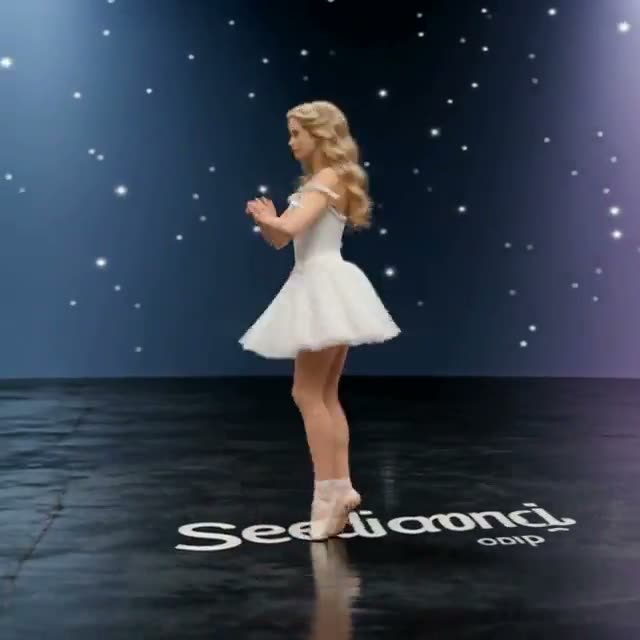
Seedance 1.5 Pro is the generation ByteDance shipped before Seedance 2, and it stays in VdoBloom's catalog for two concrete reasons. The first is coverage: one-second duration control from 4 to 14 seconds, three resolution tiers up to 1080p, and six aspect ratios including 21:9 — a spec set that still handles most production briefs. The second is its content label: 1.5 Pro carries VdoBloom's HOT rating, noticeably more permissive filtering than the MODERATE label applied to the entire Seedance 2 family (2, 2.5, Fast, and Mini).
Pricing is per-second and, unusually for this family, doubles if you turn audio generation on — the only Seedance model on VdoBloom where audio is an explicit optional add-on with its own price rather than bundled in by default. Both text-to-video and image-to-video run from the same page.
That makes 1.5 Pro a deliberate choice, not a leftover. If a concept keeps getting flagged by the stricter Seedance 2 line, or if 1080p is genuinely your delivery ceiling, the older generation is arguably the better tool — same family behavior, fewer refusals, and a straightforward price. VdoBloom shows the exact credit cost before you generate, and a failed job is refunded automatically.
What Seedance 1.5 Pro costs on VdoBloom
Per-second rates: 0.75 credits/second at 480p, 1.5 at 720p, 3.0 at 1080p — doubling if audio is enabled. Worked examples without audio: a 4-second 480p clip is 3 credits, an 8-second 720p clip is 12 credits, a 12-second 1080p clip is 36 credits. With audio enabled, those same three examples become 6, 23, and 72 credits respectively.
Seedance 1.5 Pro vs Seedance 2
1.5 Pro undercuts Seedance 2 on price per second at every shared resolution and applies more permissive content filtering, but caps at 14 seconds instead of 15 and has no 4K tier. If a concept is getting declined on Seedance 2's MODERATE filter, or the budget matters more than reaching 4K, 1.5 Pro is the direct comparison to try on the same prompt.
What creators use Seedance 1.5 Pro for
- Producing ad variations across 16:9, 9:16, and 21:9 framings from a single prompt at 1080p.
- Generating creative concepts that stricter video models decline, within its more permissive filtering.
- Fitting clips to an edit precisely with any length from 4 to 14 seconds in one-second steps.
- Adding a generated soundtrack when a clip needs audio, at a clearly priced add-on rather than a hidden cost.
How to use Seedance 1.5 Pro on VdoBloom
- 1Open the Text to Video tool and select Seedance 1.5 Pro from the model picker.
- 2Write your prompt — or upload a starting image for image-to-video.
- 3Choose your duration (4–14s), quality (480p/720p/1080p), aspect ratio, review the credit cost, and generate.
Frequently asked questions
What does Seedance 1.5 Pro cost?
It's priced per second: 0.75 credits/second at 480p, 1.5 at 720p, 3.0 at 1080p, doubling to 1.5/3.0/6.0 if you enable audio. A 4-second 720p clip is 6 credits without audio or 12 with; an 8-second 1080p clip is 24 credits without audio or 48 with.
Why choose Seedance 1.5 Pro over Seedance 2?
Two reasons: its filtering is more flexible (VdoBloom's HOT label versus Seedance 2's MODERATE), and its 1080p ceiling is enough for most social and web delivery. If you don't need Seedance 2's 4K tier or 15-plus-second range, 1.5 Pro covers nearly the same ground — six aspect ratios including 21:9 and per-second duration control — often at a lower price per second too.
What durations does Seedance 1.5 Pro support?
Any length from 4 to 14 seconds, selectable in one-second steps — eleven options in total, in both text-to-video and image-to-video modes.
How strict is Seedance 1.5 Pro's content filter?
It carries VdoBloom's HOT label, the most permissive tier in the Seedance family — the whole Seedance 2 family runs stricter MODERATE filtering. Prompts that trip standard filters are more likely to generate here, though platform content rules still apply and explicit output isn't guaranteed.
Is there a free way to try Seedance 1.5 Pro?
New VdoBloom accounts start with 10 free credits, enough to cover one or two 480p test clips (a 4-second 480p run is 3 credits) before deciding whether to buy more.
Does Seedance 1.5 Pro support audio?
Yes, as an optional toggle that doubles the credit cost for your chosen duration and resolution — unlike Seedance 2/2.5/Fast/Mini, where audio generates by default at no extra charge. If you don't need sound, leave it off to keep the lower price.
Which formats and resolutions does it output?
Three resolution tiers — 480p, 720p, and 1080p — across six aspect ratios: 16:9, 9:16, 1:1, 4:3, 3:4, and cinema-wide 21:9. It accepts both text prompts and starting images.
Is Seedance 1.5 Pro open source?
No — it's a proprietary ByteDance model, available only through VdoBloom's hosted dashboard, like the rest of the Seedance line.
Seedance 1.5 Pro vs Seedance 2 — which is cheaper?
1.5 Pro is cheaper per second at every matching resolution: 0.75/1.5/3.0 credits/second (480p/720p/1080p) without audio, versus Seedance 2's roughly 7.75/16.5/40.8. The tradeoff is duration (14s max vs 15s) and the lack of a 4K tier — Seedance 2 is the only model in the family that reaches 4K.