AI Kiss Me More Video Generator: Cheek-Kiss Videos from One Photo
The VdoBloom AI Kiss Me More Video Generator builds a small comedy scene around a single photo of one person. Two or three AI-generated adults walk up in turn and give the person in your picture a soft kiss on the cheek, one after another, under warm light. You supply one photo and choose who the kissers are; the AI stages everything else — the people, the room, the pacing and the camera. Nobody else needs to be photographed, which is the whole reason the format works when you are the only person in the shot.
Two templates control the cast, and the control is written into the instruction rather than implied by a label. The Kisses from Girls template opens with 'Women only. No men' and asks for two or three adult women; Kisses from Boys does the same for adult men. Both templates also carry an explicit line telling the model to preserve the subject's face, hair and outfit, which is what keeps the joke landing on the right person. The kisses stay on the cheek — this is a playful format rather than a romantic one, and the prompt text is written to keep it general-audience.
There is no keyframe stage on this tab; your image goes straight to the model you select. That opens the full image-to-video roster of 44 variants across 15 families, including Seedance and ByteDance V1, Runway, Kling, PixVerse, Vidu, WAN, Hailuo, MiniMax H3, Grok Imagine, Gemini Omni, SkyReels V4, HappyHorse, P-Video, Veo 3.1 and Lightricks LTX-2. It also opens the cheap end: ByteDance V1 Pro Fast renders five seconds at 720p for 7 credits, Seedance 1.5 Pro and P-Video for 8, V1 Lite for 9 and Runway Gen-3 for 10. A new account starts with 10 credits, so the first attempt is covered.
Be clear about what free covers, though. A FREE-tier account can generate and watch the finished clip, but the player carries a VdoBloom watermark and the only download offered is a watermarked copy; the clean file comes with a paid plan. That matters more here than on most tabs, because these clips are usually made to be sent — as a birthday surprise, a running joke in a group chat, a reply to a friend complaining about their love life, or the punchline of a POV-style post. Everyone in the upload must be an adult aged 18 or over and you must have the right to use the photo. If you are making one about a friend, ask first; the joke works better when they are in on it. Prompts are screened before a job runs and generations are subject to VdoBloom's content policies.
Examples
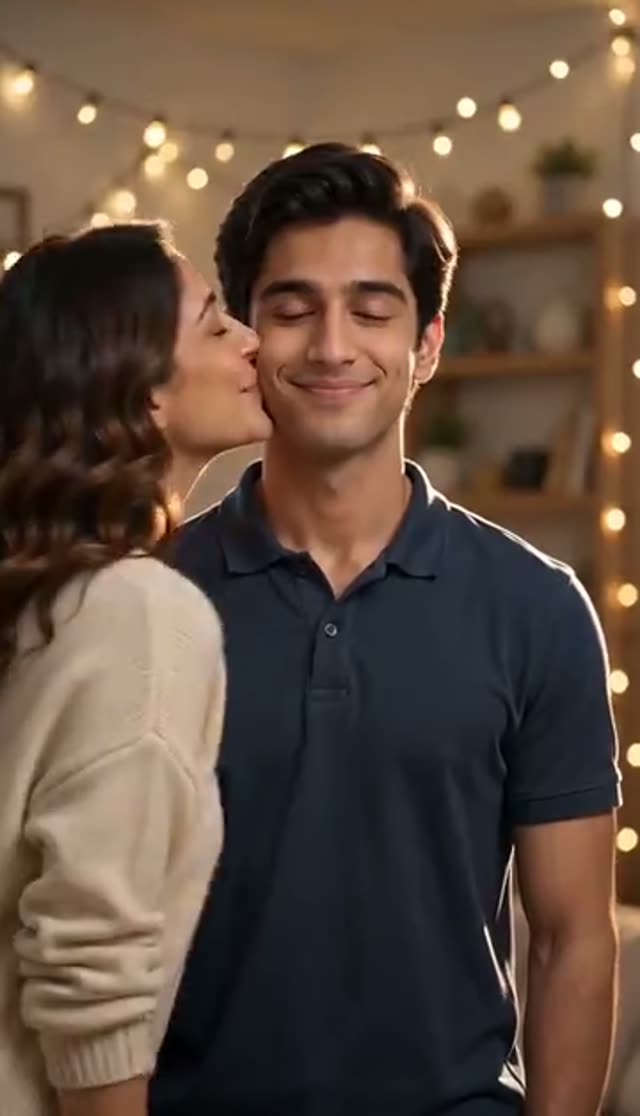
Kisses from Girls
Make this with my photo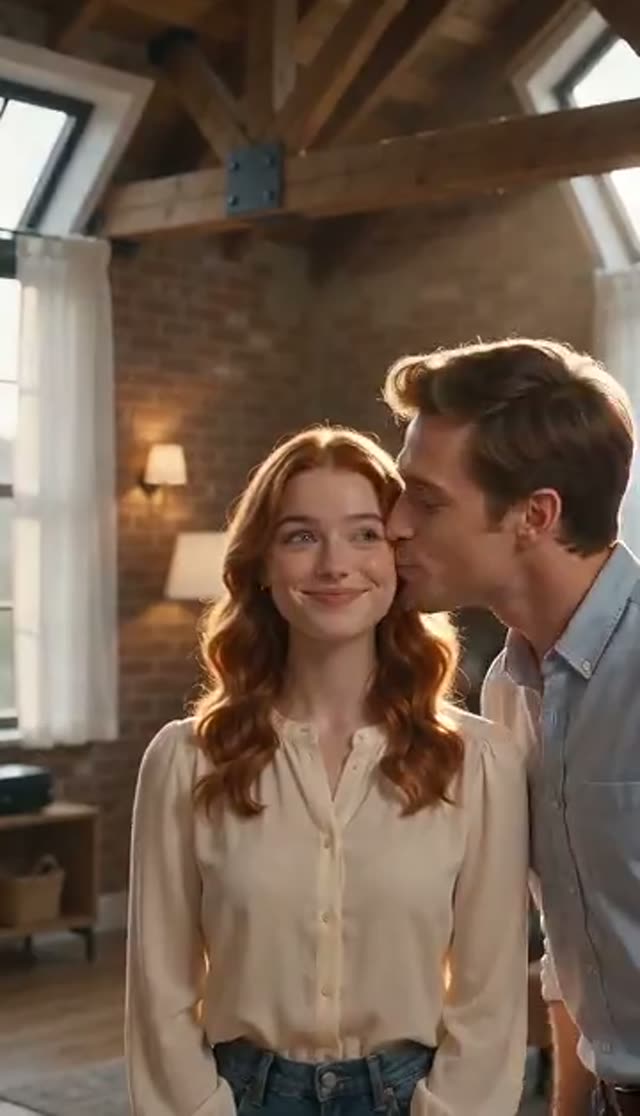
Kisses from Boys
Make this with my photo
How it works
- 1
Upload one clear photo
A single well-lit portrait of whoever is receiving the kisses. Head and shoulders visible, face unobstructed, no sunglasses. This is the only image the tab takes — everyone else in the scene is generated.
- 2
Choose the cast template
Kisses from Girls populates the scene with two or three adult women; Kisses from Boys with adult men. The restriction is stated twice in each prompt, at the start and the end, which is what stops the cast drifting halfway through the clip.
- 3
Rewrite the setup if you want something different
The template text is editable. Change the number of people who approach, move the scene to a party, a café or an office, or push the tone from playful toward over-the-top. The 'preserve the subject's face, hair and outfit' line is worth keeping in whatever you write.
- 4
Pick a model and clip length
ByteDance V1 Pro Fast at 7 credits or Seedance 1.5 Pro at 8 covers a five-second version. Longer clips give each kisser more time on screen, so if the sequence feels rushed, step up to eight or ten seconds — Seedance 1.5 Pro is 12 at eight seconds and 15 at ten.
- 5
Generate the scene
Rendering takes a few minutes and runs in the background. Credits come out only once the provider accepts the job, so a generation that fails outright costs nothing.
- 6
Download and send it
Save the MP4 and drop it into the group chat, send it as a birthday message, or post it vertically. Free-tier files carry the VdoBloom watermark; a paid plan gives you the unbranded version.
Why use this tool
One photo is the whole input
No second person to upload and no scene to describe. Every other figure in the shot is generated, which is exactly why the format works when the only picture you have is a solo portrait of the person being teased.
You decide who shows up
Two templates set the cast to adult women or adult men, and each states the restriction twice inside the prompt — once as an opening instruction and once as a closing one — so the group stays consistent from the first kiss to the last.
The subject stays recognisably themselves
Both templates carry an explicit line asking the model to preserve the subject's face, hair and outfit. Not every effect tab includes that instruction; here it is essential, because the entire joke depends on the viewer knowing who is being kissed.
Cheek kisses, written to be shareable
The scene is a lighthearted one: people walk up, kiss a cheek and move on, under warm light. The prompt text is deliberately general-audience so the clip can go into a family group chat without a second thought.
Cheap enough to iterate
At 7 credits on ByteDance V1 Pro Fast or 8 on Seedance 1.5 Pro for five seconds at 720p, the 10 credits a new account receives cover a complete render with change left. Multi-figure scenes benefit from a second take more than most effects do.
The template is a starting point, not a lock
Venue, headcount, pacing and tone are all editable before you generate. If a take comes back cluttered, dropping the prompt from three approaching people to two is usually the fastest fix available.
Frequently asked questions
What actually happens in a Kiss Me More video?
Two or three AI-generated adults approach the person in your photo one at a time and give them a soft kiss on the cheek. The scene is lit warmly and played for humour rather than romance. Because both templates instruct the model to preserve the subject's face, hair and outfit, the person receiving the kisses stays recognisably themselves while everyone around them is invented.
Can I choose whether men or women appear?
Yes, and it is enforced in the prompt rather than just labelled. Kisses from Girls opens with 'Women only. No men' and asks for two or three adult women, closing with 'Women kissers only'. Kisses from Boys mirrors that for adult men. Stating it at both ends of the instruction is what keeps the cast from switching partway through a clip.
Can I change the number of people or where it takes place?
Yes. The template loads editable text, so you can ask for two approaches instead of three, move the scene to a birthday party, a beach, an office or a rooftop, and dial the enthusiasm up or down. Cluttered results are almost always a headcount problem — reducing the number of people in the prompt cleans up a busy frame faster than switching model does.
What does it cost and what do the 10 free credits buy?
A five-second 720p render costs 7 credits on ByteDance V1 Pro Fast, 8 on Seedance 1.5 Pro or P-Video, 9 on V1 Lite and 10 on Runway Gen-3, so a new account's 10 credits cover one complete video and no card is needed for it. Beyond that you add credits or take a plan. Because this scene has several moving figures, spending the saving on a second take is usually better value than spending it on a premium model.
Is there a watermark on the free version?
Yes. On the FREE tier the player applies a VdoBloom watermark and the download you are offered is the watermarked copy — the clean MP4 requires a paid plan. Everything else is the real thing: same model, same resolution, same length. Since these clips are almost always made to be sent to someone, it is worth knowing before you generate rather than after.
What photo works best?
A clear, front-facing portrait in even light with the face fully visible. Head-and-shoulders framing matters more here than on most tabs, because the model needs physical space around the subject to place two or three people walking in. A tight face crop leaves it nowhere to put them. Avoid backgrounds that already contain other people, since the model may animate them too.
Which model should I pick for a multi-figure scene?
ByteDance V1 Pro Fast at 7 credits and Seedance 1.5 Pro at 8 both handle several figures moving through a frame at low cost, which makes them the sensible first attempts. Runway Gen-3 at 10 is steadier on camera work if the shot feels restless, and PixVerse v4.5 at 22 puts more detail into faces. Runway Gen-4.5 at 48 is rarely worth it for a joke clip.
How long should the clip be?
Five seconds fits two approaches comfortably; three tends to feel rushed. If the sequence is clipped, step up to eight or ten seconds on a model that supports it — Seedance 1.5 Pro is 12 credits at eight seconds and 15 at ten, ByteDance V1 Pro Fast is 15 at ten. There is no keyframe stage on this tab, so even the longer renders finish faster than the two-person kissing and hugging effects.
The take came out wrong. What should I change?
Regenerate before changing anything — results vary between runs and one pass often lands where the last did not. If the problem repeats, look at the photo first: too tight a crop or too little light are the usual causes, since the model has to build a whole room around your subject. After that, reduce the number of approaching people in the prompt. Failed jobs do not consume credits.
Is it fine to share, and what are the rules?
The effect is written as general-audience humour — cheek kisses in a playful, warmly lit scene, nothing explicit. Your upload and the finished video stay in your own account library and are not published anywhere by VdoBloom, so sharing is your decision. Everyone depicted must be an adult aged 18 or over and you must have the right to use the photo; if the joke is about a friend, ask them first. Prompts are screened before a job runs and generations are subject to VdoBloom's content policies.