AI Wink Video Generator: Make Any Photo Wink
The VdoBloom AI Wink Video Generator animates one photo so the person winks at the camera, with a matching smile and a small head movement. It is a real video, not a blink filter laid over a still: the face you uploaded closes one eye, keeps the other open and steady, and the result downloads as an MP4. Pick Playful, Flirty or Cute, and the clip arrives in a few minutes.
Is it free? New accounts get 10 free credits. The tab opens on Runway Gen-3, 10 credits for a 5-second 720p clip, so the first wink is covered. Because a wink lasts about a second, short models stretch the free credits much further: Grok Imagine Video 1.5 Preview renders 1 second at 480p for 2 credits and 2 seconds for 3. Free-tier results carry a watermark; any purchase removes it. The Lite pack is 300 credits for $19.50 one-time or $15 a month.
People use wink clips as chat replies, story stickers, reel outros, animated profile videos and playful greeting posts. The wink is the hardest small gesture to animate because it is asymmetric, so this page also covers which photos work and which models handle it best.
Examples
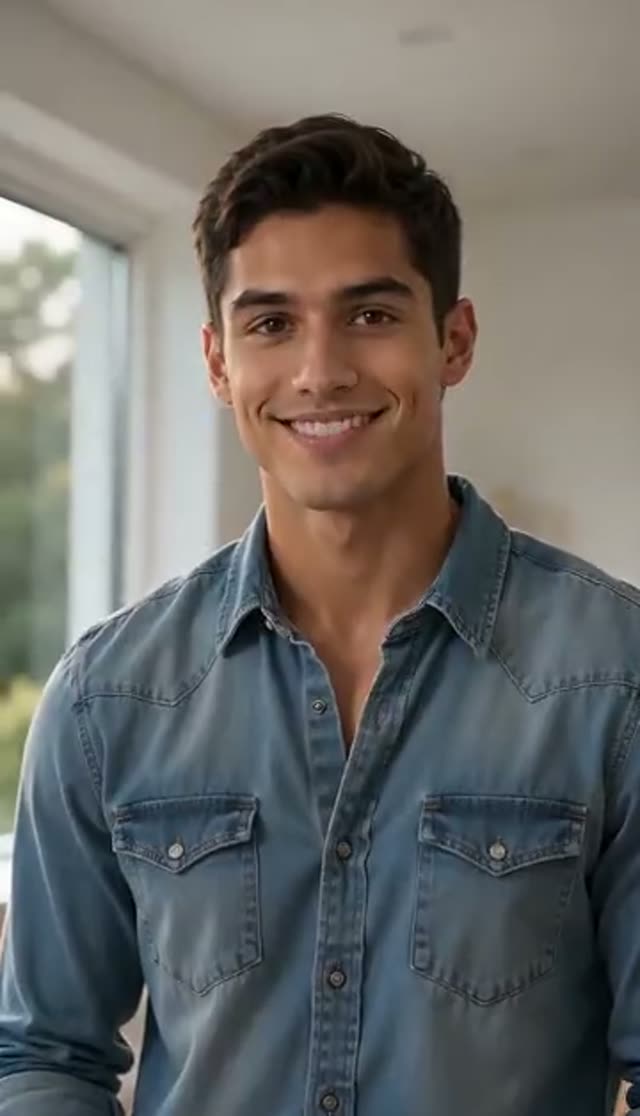
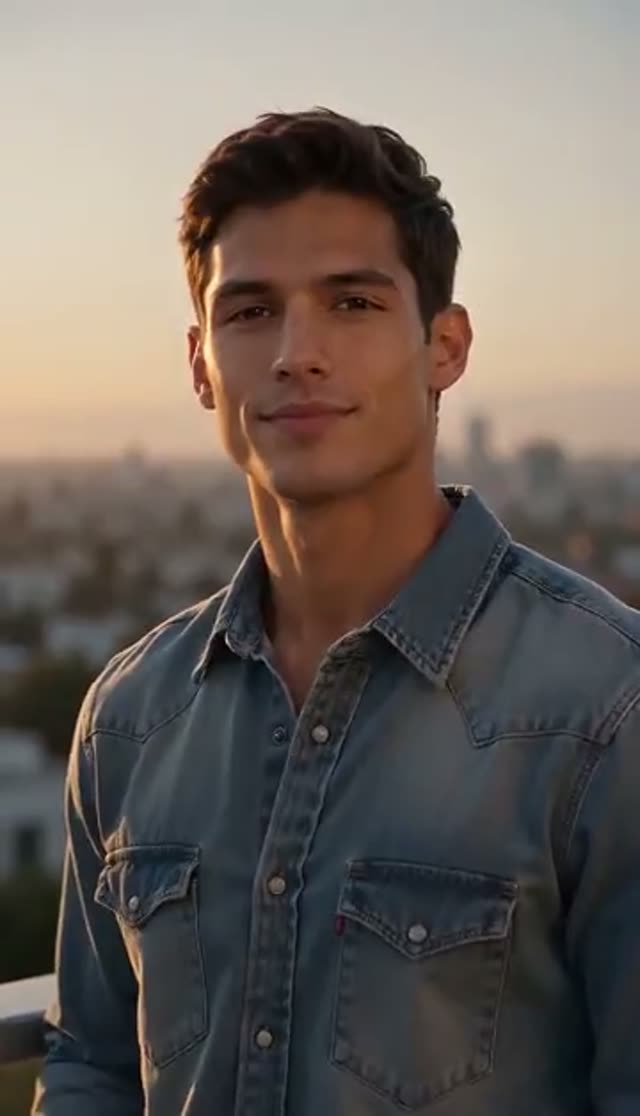
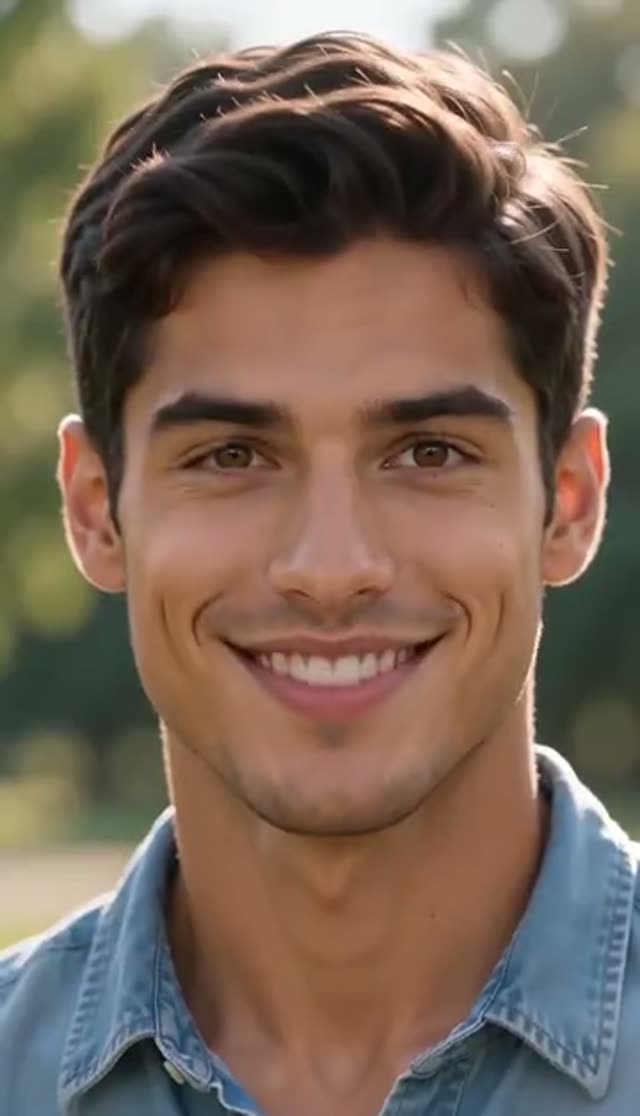
How it works
- 1
Upload a front-facing photo with both eyes visible
The model has to close one eye and hold the other open, so it needs to see both. Hair across an eye, glare on glasses or a three-quarter angle are the main causes of a failed wink.
- 2
Pick a wink style
Playful (charming wink, natural smile, soft light), Flirty (confident smile, warm light) or Cute (bright smile, natural light).
- 3
Add direction if you like
The prompt is editable: ask for a head tilt, a finger-gun, a specific background or a different mood.
- 4
Choose a model and a duration it supports
Runway Gen-3 is the default (5 or 10 seconds). For a 1 to 2 second wink, pick Grok Imagine Video 1.5 Preview; WAN 2.6 Flash starts at 2 seconds. Choose 1:1 for avatars or 9:16 for stories.
- 5
Generate and download
The clip lands in My Creations. Free-tier downloads are watermarked; after any purchase the clean MP4 downloads.
Why use this tool
Three wink moods
Playful, Flirty and Cute each load their own prompt and lighting. Running one photo through two of them shows quickly which reading suits the face.
A real video, not a filter
The face in the output is the face you uploaded, now moving. That continuity matters when the clip replaces a profile picture people already know.
Short clips, low cost
A 1-second Grok Imagine clip at 480p is 2 credits, so you can test several takes on the free balance before choosing a model for the final version.
The full image-to-video roster
Wink is a direct effect tab, so every image-to-video model is selectable: Runway, Seedance, Kling, PixVerse, Vidu, WAN, Hailuo, Veo, Grok Imagine and more.
Framed for where it is going
Set 1:1 for square avatars, 9:16 for stories and reels or 16:9 for outros before you render, so nothing gets cropped later.
Automatic refunds
If a generation fails, the credits return to your balance.
Which model should I use for a wink video?
Credits from the same table the picker uses. Duration matters on this effect: check that the model supports the length you want.
| Model | Length / resolution | Credits | When to pick it |
|---|---|---|---|
| Grok Imagine Video 1.5 Preview | 1 s, 480p | 2 | Cheapest test; a wink is about a second |
| Grok Imagine Video 1.5 Preview | 2 s, 480p | 3 | Wink plus a smile |
| Seedance 1.5 Pro | 4 s, 480p | 3 | Cheap and steady |
| ByteDance V1 Pro Fast | 5 s, 720p | 7 | Cheapest 720p option |
| WAN 2.6 Flash | 2 s, 720p | 8 | Short wink in 720p |
| Seedance 1.5 Pro | 5 s, 720p | 8 | Holds up at full size |
| Runway Gen-3 (default) | 5 s, 720p | 10 | Reliable face detail |
| PixVerse v4.5 | 5 s, 720p | 22 | More natural expression |
Read more: Grok Imagine Video 1.5 Preview · Seedance 1.5 Pro · Runway Gen-3
Playful, Flirty or Cute?
Each preset changes the expression and the light. The prompt stays editable underneath.
| Style | What you get | Best for |
|---|---|---|
| Playful | Charming wink, natural smile, soft lighting | Everyday replies, profile videos |
| Flirty | Confident smile and wink, warm lighting | Valentine posts, playful greetings |
| Cute | Fun wink, bright smile, natural lighting | Stickers, sign-offs, reel outros |
What does a wink video cost?
Credits are taken only when the job is accepted; failed renders are refunded.
- One-time pack credits never expire; subscription credits reset each billing cycle.
- Free-tier downloads are watermarked. Any purchase unlocks clean downloads.
| What you make | Credits | Notes |
|---|---|---|
| 1-second wink, Grok Imagine, 480p | 2 | Five tries fit in the free credits |
| 5-second wink, Runway Gen-3, 720p | 10 | The default; covered by the free credits |
| All 3 styles on Runway Gen-3 | 30 | Compare every mood |
| Lite pack, 300 credits | $19.50 one-time | 30 Runway Gen-3 winks or 150 one-second Grok winks; or $15 a month |
What people make with AI wink videos
A wink is the smallest gesture on the platform and one of the most reusable. It reads clearly at thumbnail size and needs no context.
- Chat replies and reactions: a 1 to 2 second wink answers a message better than an emoji.
- Animated profile videos: the same profile photo people already know, now with a wink, rendered at 1:1.
- Story stickers and reel outros: end a video on a Cute wink before the cut to black.
- Flirty greetings: a Flirty wink for Valentine's Day, anniversaries or a dating-profile intro.
- Brand mascots and characters: a winking mascot or illustrated character works as a playful sign-off in ads.
- Old photos: a Playful wink on a vintage portrait makes a light-hearted birthday or throwback post.
How the wink effect works
Wink is a direct effect tab. Your photo and the preset prompt go straight to the image-to-video model you select, with no extra keyframe stage, so the picker offers the whole image-to-video roster. The photo is the starting frame, which is why the subject stays recognisable: the model adds motion to the face it was given rather than drawing a new one.
The prompt does the directing. Each preset names the expression, the smile and the light, and you can rewrite it freely. If you want a specific eye, a head tilt or a background change, write it in plain words; there is no special syntax.
Tips for a wink that works
The wink is asymmetric: one eyelid moves while the other stays still and lit the same way. That makes the photo more important than on most effects.
- Both eyes clearly visible and roughly the same size. A straight-on face beats a three-quarter angle.
- No glare on glasses. A reflection sits where the eyelid should move and breaks the wink.
- Move hair away from the eyes, or pick another photo.
- For an animated avatar, render at 1:1 so the platform does not crop the head.
- If the model blinks both eyes, add "only the left eye closes, the right eye stays open" to the prompt.
What the wink generator cannot do
Limits worth knowing before you spend credits.
- It does not export GIF or animated WebP; it produces an MP4. Convert it if your platform needs another format.
- Two people winking in one photo is unreliable; generate each person separately and cut the clips together.
- It cannot fix an eye that is hidden or out of focus in the source photo.
Read more: How to make an AI wink video (guide)
Frequently asked questions
Is the AI wink video generator free?
Yes for your first clips. New accounts get 10 free credits: enough for one 5-second Runway Gen-3 wink (10 credits) or five 1-second Grok Imagine winks at 480p (2 credits each). Free results carry a watermark.
How do I make a picture wink?
Upload a front-facing photo with both eyes visible to the wink tab, choose Playful, Flirty or Cute, pick a model and generate. The clip appears in My Creations in a few minutes.
How short can a wink clip be?
It depends on the model. Grok Imagine Video 1.5 Preview goes down to 1 second, WAN 2.6 Flash starts at 2 seconds, Seedance 1.5 Pro at 4 and Runway Gen-3 at 5. Choose the model first, then the duration.
Is this a wink filter or a video?
A video. The AI generates motion from your photo, so the eye closes and reopens with a smile and slight head movement, and you download an MP4 rather than an edited still.
Will the clip have a watermark?
On the free tier, yes; you can download the watermarked copy. Any purchase, a one-time pack or a subscription, removes it.
Can I use a wink video as a profile picture?
That depends on the platform. Some accept short video profiles, some only static images. Render at 1:1, keep it short, and convert the MP4 if the platform wants an animated image format.
Why did both eyes blink instead of one?
Usually because one eye was hidden, shadowed or covered by glare. Use a straight-on photo with both eyes clear, and add a prompt line saying which eye closes and that the other stays open.
Which model is best for winking?
Grok Imagine Video 1.5 Preview for cheap 1 to 2 second tests, Seedance 1.5 Pro (8 credits at 720p, 5 s) when the clip must hold up at full size, and Runway Gen-3 (10) as the reliable default.
Whose photos can I use?
Your own, or adults who agreed to be animated. Do not upload photos of children. Generations are moderated and may be rejected.