Your Name Animated
Your name as neon, gold, chalk, clouds or sand
Short names (1-2 words) spell best, up to 16 characters.
Full-screen on phones: Instagram Reels, YouTube Shorts, WhatsApp Status.
Advanced options
Motion or style reference. MP4 or MOV, 480p to 720p, up to 15s total.
MP3 or WAV, up to 15 MB and 30s total.
Example
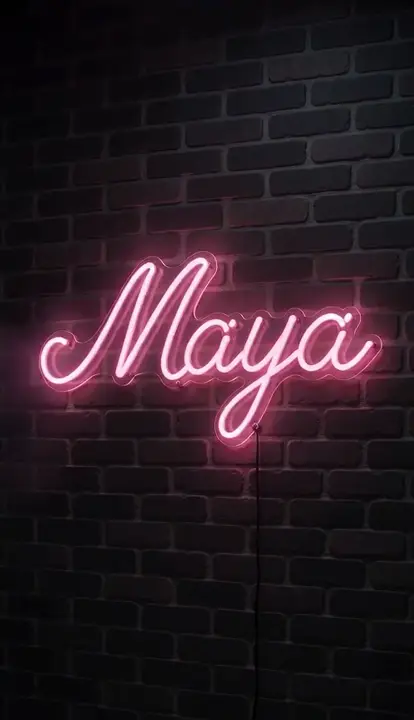
Your Name Animated
Flickers on letter by letter
- Output
- 5s · 480p
Name Animation Video Generator: Your Name in Neon, Gold 3D, Chalk, Clouds or Sand
Updated
Short answer: the VdoBloom name animation video generator turns a typed name into a short AI video where the letters appear on screen: a neon sign that flickers on letter by letter, shiny gold 3D letters that fly in and land, chalk writing on a blackboard, giant cloud letters seen from a drone, or a name written in wet beach sand. You type the name (up to 16 characters), pick one of five styles and press Create. No photo and no editing are needed.
Cost: the tab opens on Seedance 2 Mini at 5 seconds, 480p and vertical 9:16, which costs 8 credits. New accounts get 10 free credits, so your first name video is free. The same clip at 720p costs 17 credits. The video is ready in a few minutes and lands in My Creations as an MP4. Free-tier downloads carry a VdoBloom watermark; any paid plan or credit pack removes it.
How it differs from a template editor: tools built on editable templates let you pick a font and move each letter by hand. Here an AI video model films a whole scene around the name, with light, camera movement and texture, so it looks shot rather than typed. The trade-off is control: you choose the style, not the exact font, and short names spell most reliably.
Examples
How it works
- 1
Type the name
Up to 16 characters. One or two short words spell most reliably.
- 2
Pick a style
Neon Sign, Gold 3D Letters, Chalk Lettering, Name in the Clouds or Written in the Sand.
- 3
Check the settings
Seedance 2 Mini, 5 seconds, 480p, 9:16 by default (8 credits). Switch to 16:9 for a YouTube intro or to 720p for a sharper file.
- 4
Generate
The name goes into the prompt in quotes with a rule that no other text may appear in the frame. The clip is ready in a few minutes.
- 5
Check the spelling and download
Watch every letter. If one is off, run it again or try another style. Free-tier downloads are watermarked.
Why use this tool
Five filmed looks
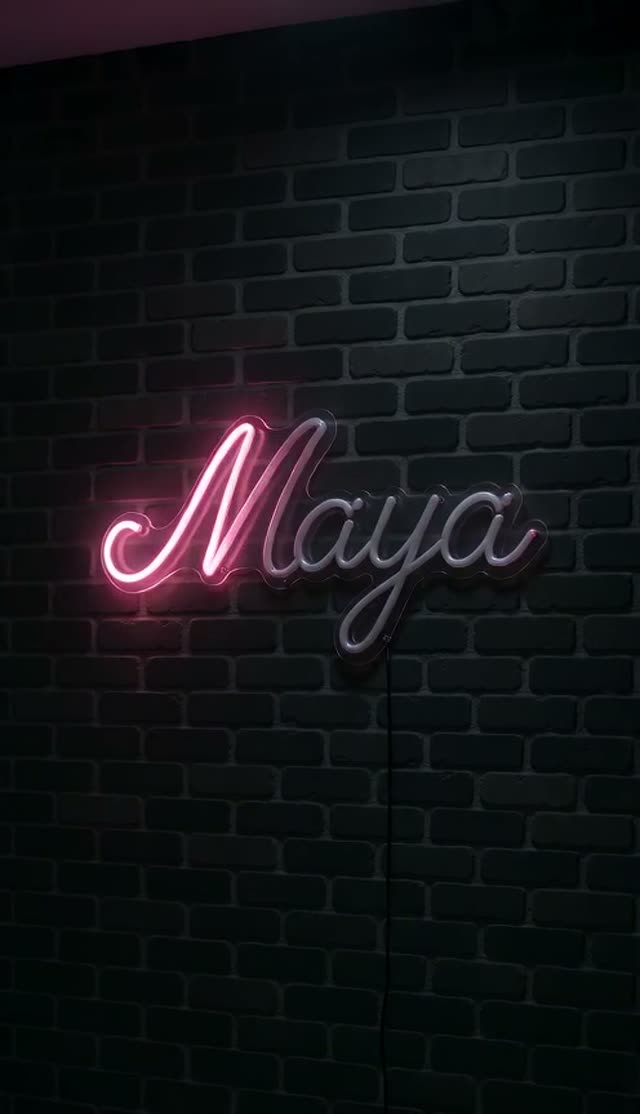
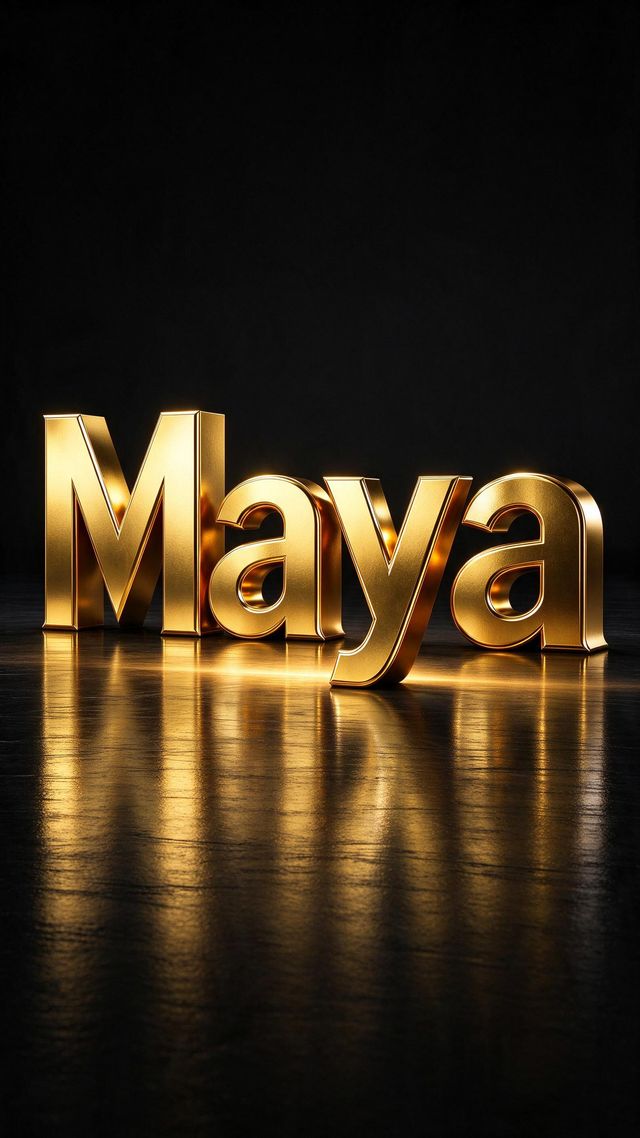
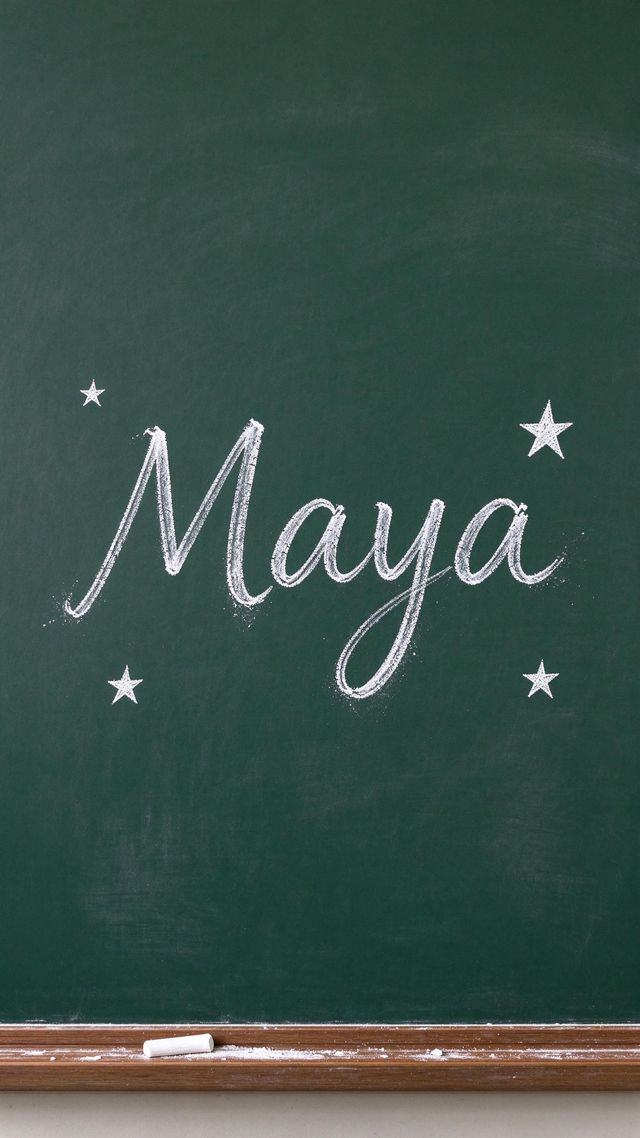
Neon on a brick wall, gold 3D letters on a reflective floor, chalk on a green board, clouds at sunrise, and sand with waves rolling in.
Exact-spelling prompts
Each style tells the model to show no text except the name, spelled exactly, so there are fewer stray letters.
No photo needed
This is text to video: you type the name and nothing else.
Low cost per clip
8 credits for a 5-second 480p clip on Seedance 2 Mini, inside the 10 free signup credits.
Vertical or wide
9:16 by default for Reels, Shorts and TikTok; 16:9, 1:1 and other ratios are in the picker.
Editable prompt
Change the colour, the wall, the floor or the camera move in the prompt; the name stays in quotes.
Quick facts
The name animation tool at a glance.
- Input: a name or short word, up to 16 characters. No photo.
- Styles: Neon Sign, Gold 3D Letters, Chalk Lettering, Name in the Clouds, Written in the Sand.
- Default: Seedance 2 Mini, 5 seconds, 480p, 9:16: 8 credits.
- Output: an MP4 video clip in My Creations, ready in a few minutes.
- Free: 10 credits at signup, plus 2 to 5 daily check-in credits.
- Watermark: on free-tier downloads; removed with any paid plan or credit pack.
The five name animation styles
Each style is one prompt with your name in quotes. Pick the one that fits where the clip will be used.
- Neon Sign
- What happens:Pink cursive neon tubing on a dark brick wall flickers on letter by letter, then glows
- Good for:Channel intros, night-life and gaming posts
- Gold 3D Letters
- What happens:Shiny gold 3D letters fly in one by one and land on a black reflective floor
- Good for:Birthday, anniversary and celebration posts
- Chalk Lettering
- What happens:White chalk writes the name stroke by stroke on a green blackboard
- Good for:Teachers, back-to-school and kids content
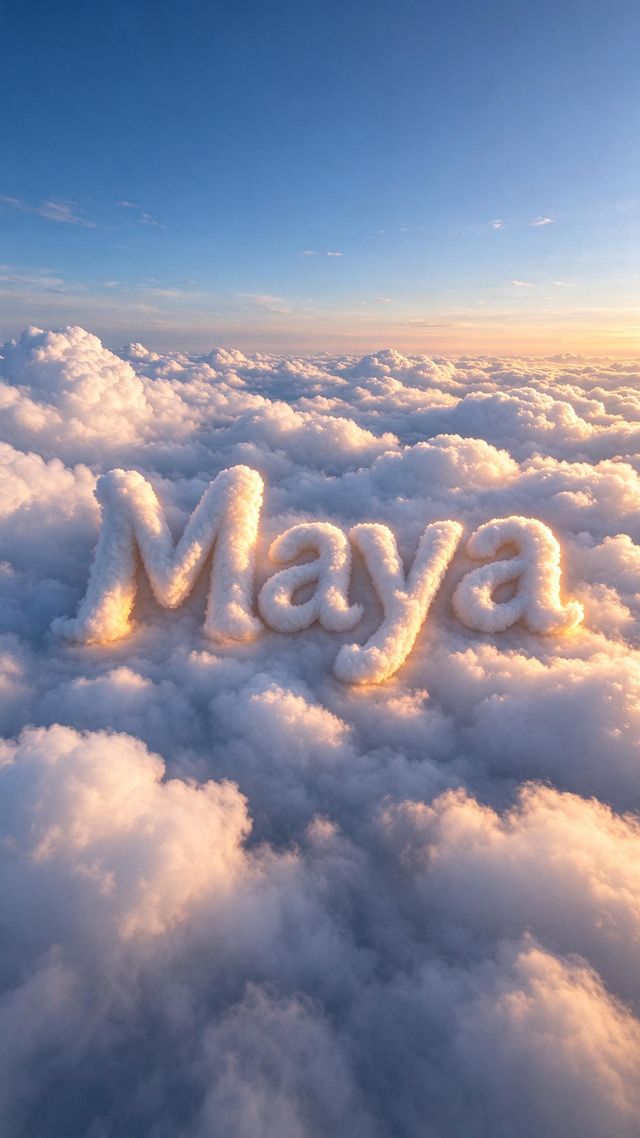
- Name in the Clouds
- What happens:A drone flies over clouds at sunrise as the mist forms giant letters
- Good for:Dreamy intros, wedding and travel posts
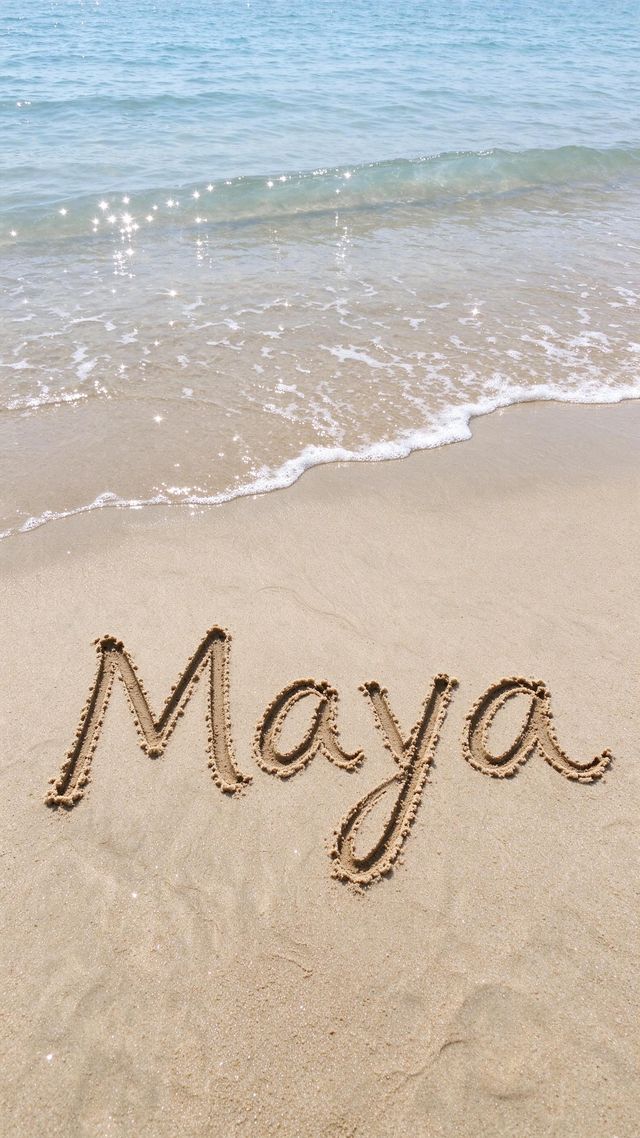
- Written in the Sand
- What happens:The name is finger-drawn in wet sand while gentle waves roll around it
- Good for:Summer, holiday and couple posts
| Style | What happens | Good for |
|---|---|---|
| Neon Sign | Pink cursive neon tubing on a dark brick wall flickers on letter by letter, then glows | Channel intros, night-life and gaming posts |
| Gold 3D Letters | Shiny gold 3D letters fly in one by one and land on a black reflective floor | Birthday, anniversary and celebration posts |
| Chalk Lettering | White chalk writes the name stroke by stroke on a green blackboard | Teachers, back-to-school and kids content |
| Name in the Clouds | A drone flies over clouds at sunrise as the mist forms giant letters | Dreamy intros, wedding and travel posts |
| Written in the Sand | The name is finger-drawn in wet sand while gentle waves roll around it | Summer, holiday and couple posts |
What a name animation video costs
Credits per clip on Seedance 2 Mini, the tab default. The exact price is on the Create button before you generate. The Lite pack is 300 credits for $19.50 one-time (the credits never expire) or $15 a month.
- 5 seconds (default)
- 480p:8
- 720p:17
- 10 seconds
- 480p:16
- 720p:33
- 15 seconds
- 480p:24
- 720p:50
| Clip | 480p | 720p |
|---|---|---|
| 5 seconds (default) | 8 | 17 |
| 10 seconds | 16 | 33 |
| 15 seconds | 24 | 50 |
Read more: Seedance 2 Mini
Where name animations get used
- A YouTube or Twitch channel intro with your channel name (switch to 16:9).
- A birthday or anniversary post with the person’s name in gold or neon.
- A profile or bio video for Reels, Shorts and TikTok.
- A name reveal for a baby, a pet or a new shop.
- A class or classroom welcome in chalk.
- A short opener before a wedding or travel video.
Tips for clean spelling
Text is the hardest thing for a video model. These help most:
- Keep it short: one name or two short words.
- Use normal capitals. All-caps or mixed symbols are more likely to come out wrong.
- Avoid rare letters and accents if a first try misspells them.
- Cloud and sand letters are soft by nature; neon and gold 3D letters have sharper edges.
- If a letter is off, run it again before changing the style.
Frequently asked questions
What is a name animation video generator?
A tool that turns a typed name into a short video where the letters appear and move on screen. On VdoBloom an AI video model films the name as a neon sign, gold 3D letters, chalk, clouds or sand.
Is the name animation video generator free?
You can make one free. New accounts get 10 free credits, and the default clip (Seedance 2 Mini, 5 seconds, 480p) costs 8. Free-tier downloads carry a watermark; any paid plan or credit pack removes it.
How long can the name be?
Up to 16 characters. One or two short words give the cleanest spelling; accuracy drops as the text gets longer.
Can I animate a longer phrase or a slogan?
Up to 16 characters, yes, but accuracy drops with length. For a full logo with your brand mark, use the AI Logo Animation tool instead.
Can I choose the font?
Not directly. Each style sets the lettering (cursive neon, bold 3D, hand-written chalk, soft cloud letters, finger-drawn sand). You can describe a different lettering style in the prompt, but results vary.
What if a letter comes out wrong?
Run it again or try another style. Short names in normal capitals spell best. Failed generations refund their credits automatically.
Can I make a name animation for a YouTube intro?
Yes. Switch the aspect ratio to 16:9 before you generate, and use 720p for a sharper file (17 credits for 5 seconds).
Does the video have a transparent background?
No. Each style is a full scene with its own background (brick wall, black floor, blackboard, sky or beach), delivered as an MP4.
Do I need to upload a photo?
No. You only type the name. This tab is text to video.