Future Baby Video
Two photos, one video of you both with your future baby
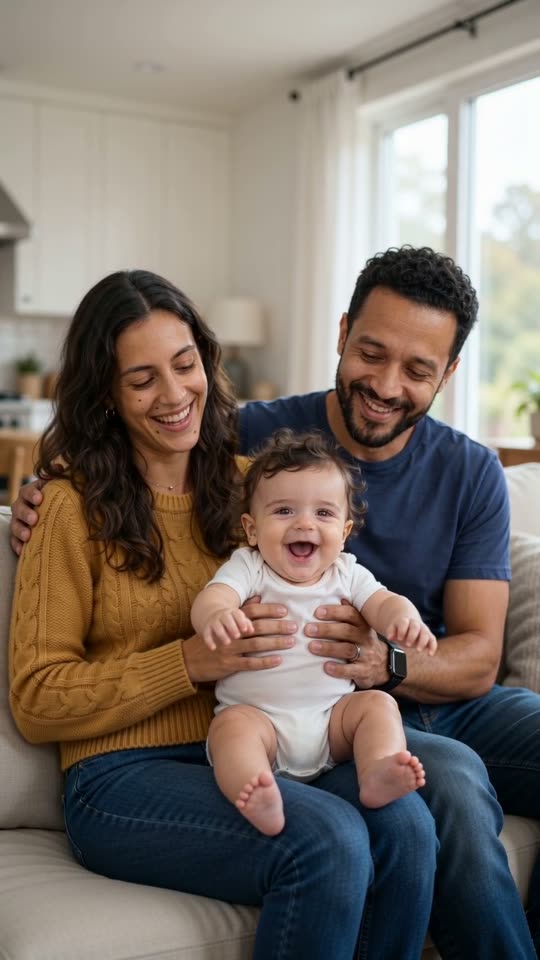
Family Sofa
Both parents and the baby
One clear face photo of each partner. Just for fun, not a prediction.
Full-screen on phones: Instagram Reels, YouTube Shorts, WhatsApp Status.
Advanced options
Motion or style reference. MP4 or MOV, 480p to 720p, up to 15s total.
MP3 or WAV, up to 15 MB and 30s total.
Example
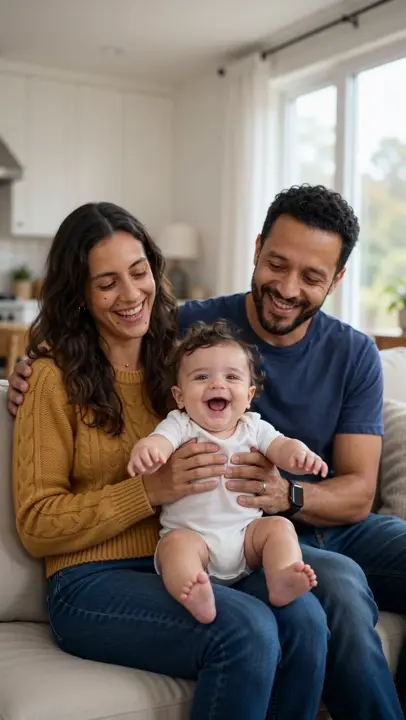
Future Baby Video
Both parents and the baby
- Output
- 5s · 720p
Future Baby Video: You Two and Your Future Baby
Updated
Upload one photo of each partner and you both appear on a sofa holding a laughing baby that mixes your features.
It is for fun, not a prediction: genetics do not work like a prompt.
Examples
Family Sofa
Make thisHow it works
- 1
Upload two clear photos
One well-lit, front-facing photo of each partner, faces sharp and nothing covering them. Both photos are needed.
- 2
Generate
The effect is already written: one camera move and one action, tuned so your face stays yours. Edit the prompt if you want a variation.
- 3
Share
A vertical clip lands in your Creations, ready for Reels, Shorts and TikTok.
Why use this tool
Your face stays yours
Every prompt ends with a rule to keep the face, hair and outfit from your photo, and the camera does one thing only, so nothing drifts.
The model that worked
Each effect opens on the model that held identity best in our tests: Kling 3.0 for the orbit and the full-body transformation, Seedance 2 Fast for the rest.
Two photos, no editing
No green screen, no masking, no keyframes: upload one photo of each partner and the effect does the rest.
Frequently asked questions
What if my face changes?
Use a sharp, front-facing photo with even light, and re-run once if a clip drifts. Very small or side-on faces drift more.
How much does one clip cost?
Each clip is priced by the video model and settings you pick — the exact credit cost is shown on the Create button before you generate, and that is the amount charged. The preset opens on the cheapest model and resolution that gave good results in our tests, and you can switch to a higher-quality model from the same picker. If a render fails, the credits go back to your balance automatically.