AI Sexy Dance Video Generator: Stylish Dance Clips from One Photo
The VdoBloom AI Sexy Dance Video Generator turns a single photo into a short, stylish dance clip. Upload a picture, choose a movement style, and the AI animates the person in it with flowing choreography and lighting to match — same face, same outfit, same hair, now moving. There is no filming, no choreography to learn and no second take, which is the whole point for people who want dance content without being dancers.
Four presets set the mood before you type anything. Sensual produces elegant, unhurried movement under soft light. Energetic is faster and brighter, closer to a club-floor tempo. Smooth trades intensity for graceful flow and warm tones. Powerful is the most forceful of the four, with strong movement and a dramatic grade. What is unusual about this tab is how short the underlying prompts are — each preset is a handful of descriptive words rather than a long structured instruction, which leaves an unusual amount of room for you to extend it. Add a venue, a wardrobe note or a camera move to the end of the preset text and it is respected rather than fighting a wall of pre-written constraints.
This is a tasteful-dance tool and the copy should be read that way. It is built for dance creators, fitness and fashion accounts, and anyone making the sort of confident, well-lit performance clip that mainstream feeds are already full of. Uploads must be of adults who have agreed to appear, and photos of minors must never be used with this tool. Nudity and sexually explicit content are not permitted: generations are moderated and anything breaching VdoBloom's content policies can be blocked or removed. Moderation strictness also varies by engine — Runway and Kling are flagged as strict in the model picker.
On price, here is the arithmetic rather than an adjective. This is one of the keyframe effect tabs, so the picker holds 16 model variants across four families — Runway, Kling, PixVerse and Vidu. The cheapest of them, and the tab's default, is Runway Gen-3 at 10 credits for five seconds at 720p. A new account gets exactly 10 free credits, so that is one complete clip and no second attempt. Free-tier playback carries a watermark and the download stays locked until you are on a paid plan, but you can watch the render in full and decide whether the motion held before spending anything.
Examples
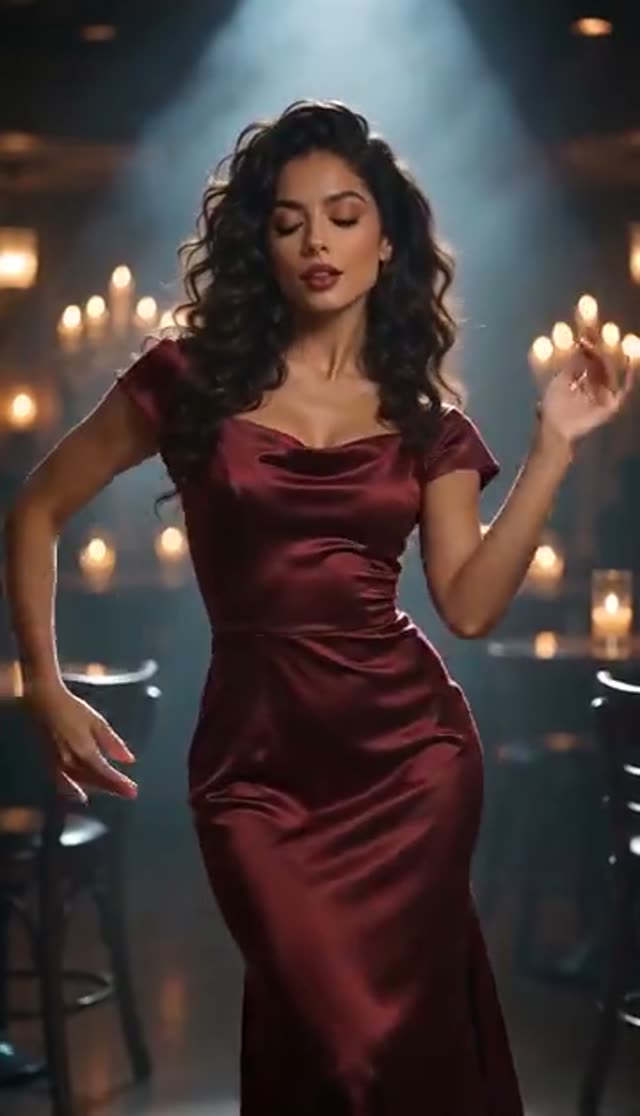
Sensual
Make this with my photo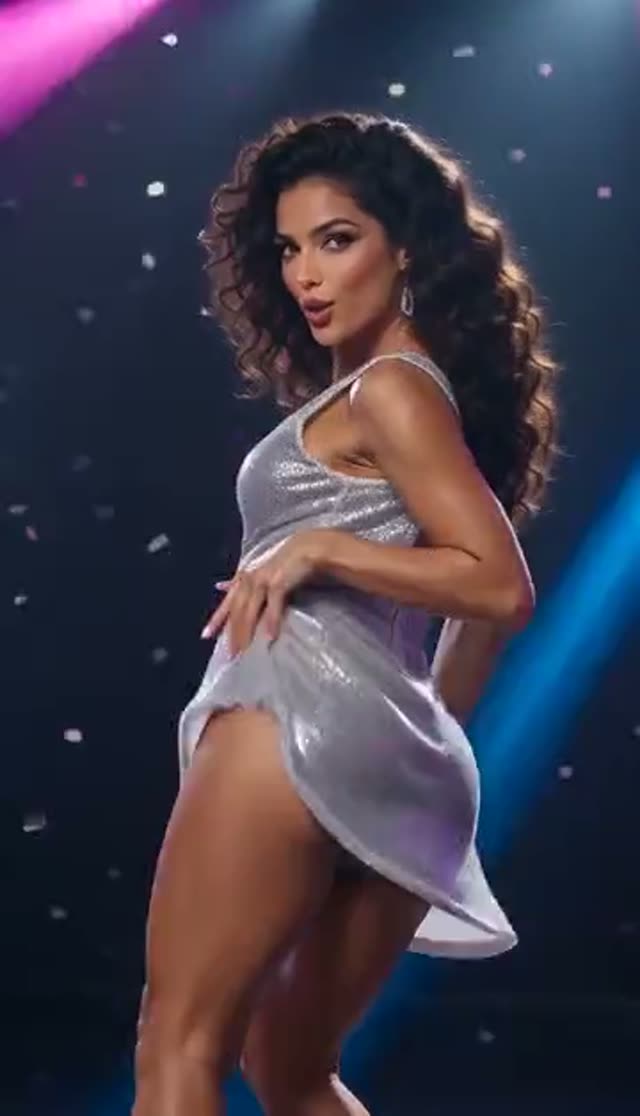
Energetic
Make this with my photo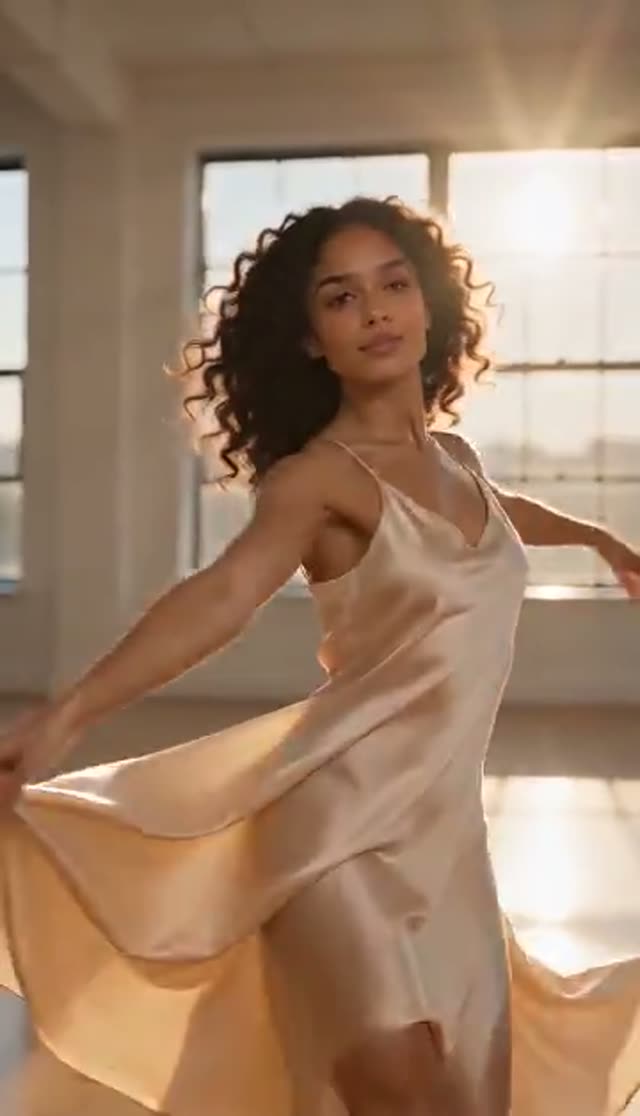
Smooth
Make this with my photo
Powerful
Make this with my photo
How it works
- 1
Upload one clear photo
Full-body or three-quarter framing animates far better than a tight headshot, because the model can read how the body is proportioned before it starts moving it.
- 2
Choose a movement style
Sensual, Energetic, Smooth or Powerful. Each preset loads a different prompt and a different lighting treatment — soft, bright, warm or dramatic in that order.
- 3
Extend the prompt if you want more control
The preset text is short and fully editable. Append the setting, the outfit, the tempo or the camera and it carries real weight — a studio with one hard light reads nothing like a neon-lit street.
- 4
Pick a model from the effect roster
Runway Gen-3 at 10 credits is the cheapest starting point. PixVerse v3.5 and Vidu Q2 Turbo at 18 are the natural second attempts if a limb misbehaves.
- 5
Set duration, quality and aspect ratio
Go 9:16 vertical for Reels, TikTok and Shorts. Square or 16:9 make more sense if the clip is heading to a website or a lookbook page.
- 6
Generate, then add your audio
The render appears in your dashboard when it finishes. On a paid plan you download the MP4 and cut it to a track in your editing app before posting.
Why use this tool
Four moods from one upload
Sensual, Energetic, Smooth and Powerful each rewrite both the motion and the lighting, so a single photo can produce four genuinely different clips rather than four near-identical ones.
Short prompts you can build on
The presets on this tab are brief keyword prompts, not long locked templates. Whatever you append — a venue, a fabric, a lens — competes with far less pre-written instruction than on the more heavily scripted effect tabs.
The person stays the person
Facial features, clothing, body proportions and identity are carried through from your photo. The result looks like that person dancing, not a generic avatar wearing their face.
Built for vertical feeds
Aspect ratio is a setting, not an afterthought, so you can generate 9:16 natively instead of cropping a landscape clip and losing the head and feet.
Sixteen engines, four families
Runway, Kling, PixVerse and Vidu variants sit side by side in the picker from 10 credits to 48 for the same five-second clip, so you decide where this particular render sits on the price ladder.
A first render you can judge for free
The 10 signup credits cover one five-second Runway Gen-3 clip at 720p. It plays back watermarked on the free tier, which is enough to see whether the motion works before you commit to a plan.
Frequently asked questions
Can I make a dance video for free?
One, yes. Every new VdoBloom account is given 10 credits at signup, and the cheapest render available on this tab — Runway Gen-3, five seconds, 720p — costs exactly 10. It plays in your dashboard with a free-tier watermark over it and the download stays locked until you take a plan, so treat it as a test drive rather than a finished asset. We will not call it unlimited, because it is one clip.
Will there be a watermark on my dance video?
While your account is on the free tier, yes — the player draws a watermark over the video and download, right-click saving and picture-in-picture are disabled. Any paid plan clears the watermark and gives you the MP4. That is a real distinction worth checking on other tools too: plenty of sites advertise free video and only reveal the watermark once your render finishes.
Do I need an account, or can I just upload and go?
An account is needed — free, email or Google, no card. It is worth being straight about this because several competing sites advertise "no sign up" and then ask for one at the download step. Here you register first, the 10 free credits land immediately, and your generated clips stay in your dashboard where you can play them back later.
What do the four dance styles actually change?
Sensual creates seductive, elegant movement with soft lighting. Energetic delivers high-tempo dancing with bright, vibrant tones. Smooth focuses on fluid, graceful flow under warm light. Powerful renders strong, intense performance with a dramatic grade. The choreography, the pace and the colour treatment all move together, which is why the same photo can look like four separate shoots. If you already know the track you are cutting to, pick the preset by tempo first and worry about the lighting second — matching the motion to the beat is much harder to fix in an editor afterwards.
What kind of photo gives the most natural motion?
A sharp, evenly lit image with most of the body visible. The model infers limb length, posture and how clothing hangs from what it can see, so a full-body shot against a plain wall usually outperforms a dramatic half-lit portrait. Because this effect drives whole-body choreography rather than one isolated movement, feet matter more here than on most tabs: a photo cut off at the shin tends to produce a clip where the lower half drifts. Avoid heavy motion blur and extreme wide-angle distortion.
How long does it take to generate?
A few minutes for a short clip on a fast model, longer for higher resolutions and longer durations. Queue load moves the number around too. You do not need to keep the tab open — generation runs on our side and the finished video shows up in your dashboard, so you can start one, go do something else, and come back to it.
Can I post these clips on TikTok, Reels or YouTube Shorts?
Yes, on a paid plan where the download is unlocked, and that is what the tool is tuned for. Generate 9:16, keep it short, and add your own audio in the platform's editor so the track is native and eligible for the algorithm's music surfaces. Each platform still applies its own community guidelines to what you upload, so keep the clip in the tasteful, fully-clothed register the presets are designed around.
Is the content allowed, and whose photo can I upload?
Stylish, confident dance content is allowed. Nudity and sexually explicit content are not permitted, and every generation is subject to VdoBloom's content policies — output is moderated and can be blocked or removed. Upload only photos of adults who have consented to be animated; using someone else's picture without their agreement is not permitted, and photos of minors must never be used with this tool. The Runway and Kling families also carry a strict moderation badge in the picker, so borderline prompts are more likely to be refused there.
Which model should I pick for dance motion?
Runway Gen-3 at 720p is the cheapest option in this tab's picker at 10 credits for five seconds, and it is what the tab loads by default. If the motion comes out stiff, PixVerse v3.5 and Vidu Q2 Turbo are both 18 credits and handle whole-body choreography differently enough to be worth a second pass. Runway Gen-4 Turbo, Vidu Q1 and Vidu Q3 Turbo sit at 20, PixVerse v5 and Vidu 2.0 at 25, PixVerse v5.5 at 35, Kling V2.5 Turbo and Vidu Q3 at 40, PixVerse v6 at 45 and Runway Gen-4.5 at 48. Because even the cheapest render consumes the whole signup grant, prove the framing on one Gen-3 clip before climbing the ladder — running all four presets is 40 credits, not something the free balance stretches to.
What if the result is stiff or the limbs distort?
Regenerate before you change anything — the same inputs often produce a much better second take. If it repeats, the fix is almost always the source photo: try one with the full body in frame, better light, and arms away from the torso so the model can separate them. Switching preset or model family is the next lever, and support can help if credits were taken for a clip that never arrived.