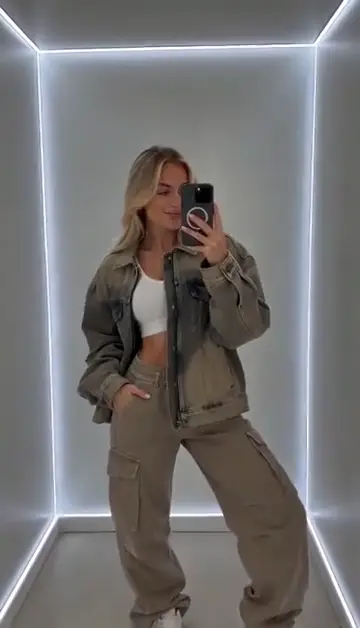
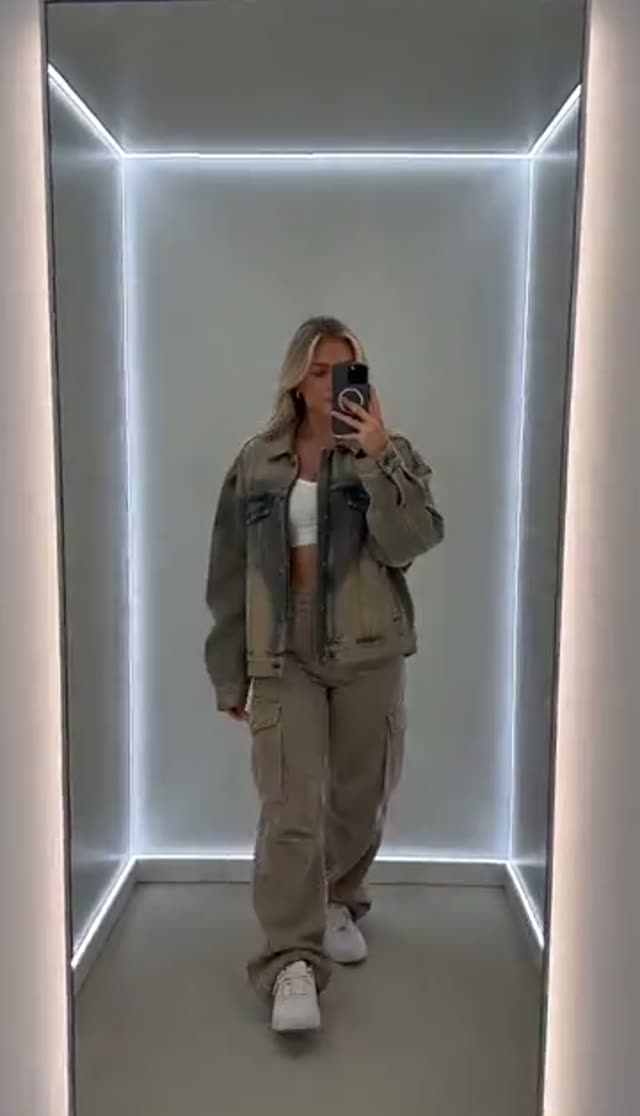
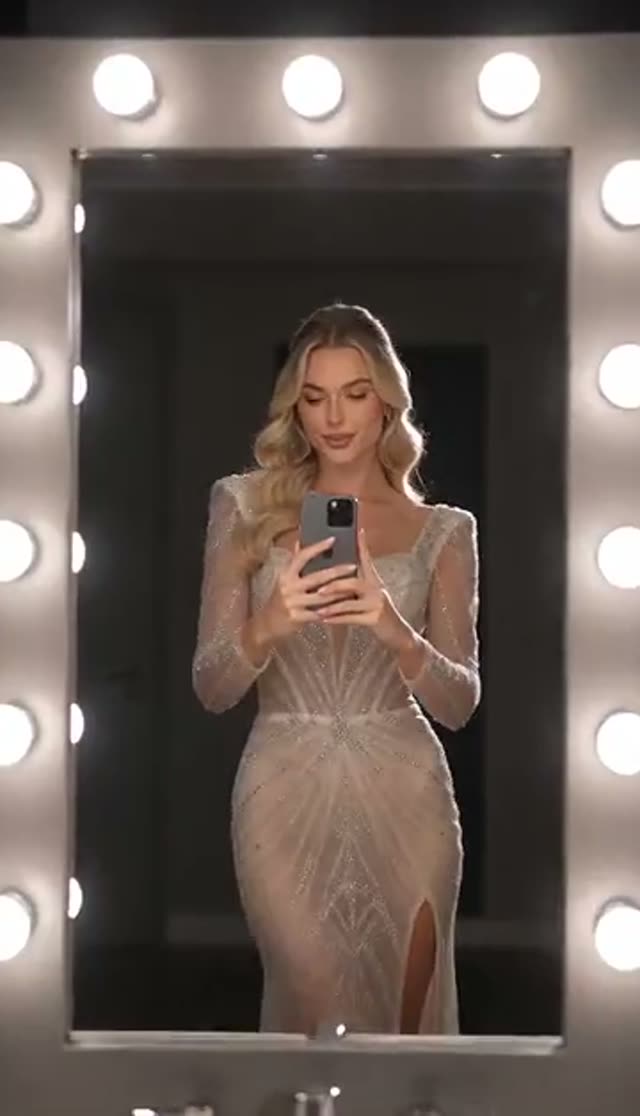
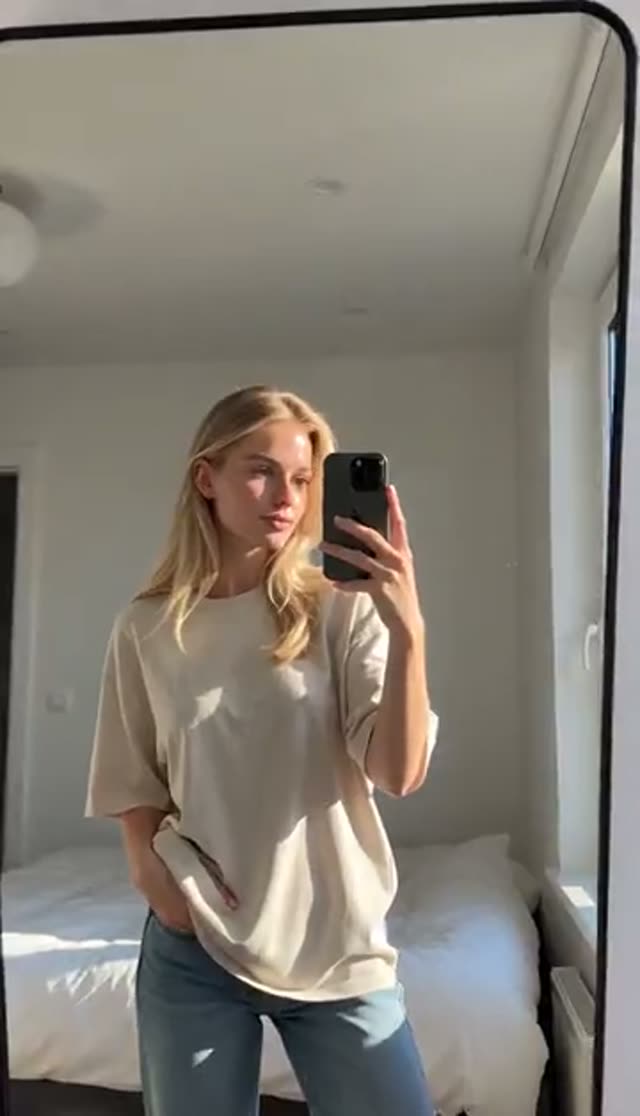
Upload a photo or drop it hereJPG, PNG, WebP or HEIC · 10 MB
A half or full-body photo works best.
Model
Duration
5s
Min 4sMax 15s
Resolution
Aspect ratio
Wide screen: YouTube videos, TVs, laptops and website headers.
Advanced options
Motion or style reference. MP4 or MOV, 480p to 720p, up to 15s total.
MP3 or WAV, up to 15 MB and 30s total.
Example
Mirror Selfie
Trendy fashion selfie
Output
5s · 480p
AI Mirror Selfie Video Generator: A Fit-Check Clip from Any Photo
Updated
Quick answer: VdoBloom turns one ordinary photo into a 5-second mirror-selfie fit-check clip in Trendy, Glam or Casual style, with the mirror and phone generated; the tab opens on Seedance 2 Mini at 5 seconds and 480p for 8 credits, which the 10 free signup credits cover. A daily check-in adds 2–5 free credits a day, free-tier downloads carry a VdoBloom watermark that any credit pack removes, and one-time pack credits never expire.
An AI mirror selfie video turns a photo of a person into a short fit-check clip: phone in hand, a reflection in the mirror, a small shift of weight and natural movement. On VdoBloom you upload one photo, choose Trendy, Glam or Casual, and the AI builds the mirror scene and animates it. Your photo does not need to be a mirror shot; a regular portrait or full-body picture works, because the mirror, reflection and phone pose are generated. Is it free? New accounts get 10 credits and the default model, Seedance 2 Mini, costs 8 credits for 5 seconds at 480p, so your first clip is free. ByteDance V1 Pro Fast (7 credits) costs less. It is for fashion and lifestyle creators, outfit-of-the-day posts, clothing brands and stylists.
This is an animation of your own photo, not a face swap onto someone else's template video. The person, outfit and styling come from the image you upload. The three templates set the look: Trendy is a fashion-led fit check with natural movement; Glam is a styled version with softer light and a more posed feel; Casual is the everyday hallway-mirror clip in bright light. Every template prompt can be edited, so you can name the room, the light and the outfit piece you want in focus.
Mirror Selfie is a direct effect, so the full image-to-video model roster is available, from low-cost drafting models to premium ones. Credits are charged only when the provider accepts the job and refunded automatically if a render fails.
How to Make an AI Mirror Selfie Video from 1 Photo (Step by Step) | VdoBloom Tutorial
Turn one photo into an AI mirror selfie video with VdoBloom. Pick a template (Trendy, Glam or Casual), confirm the photo shows an adult and you have consent, and upload one photo (a half or full-body photo works best).…
A portrait, three-quarter or full-body photo works. It does not need a mirror or a phone in it. Make sure the face and outfit are sharp, because the AI has to render them twice: once directly and once in the reflection.
2
Choose Trendy, Glam or Casual
Trendy for a fashion fit check, Glam for a styled look under softer light, Casual for an everyday mirror clip. Each template plays a preview.
3
Describe the room (optional)
Add the setting and the light, for example "bedroom mirror, warm lamp behind, showing the denim jacket". Naming a light source keeps the reflection consistent with the room.
4
Pick model, length and ratio
Seedance 2 Mini loads by default at 8 credits for 5 seconds at 480p. Choose 9:16 for Stories, Reels, TikTok and Shorts before you generate.
5
Generate and check the reflection
Most clips are ready in a few minutes. Check the mirror and the hand holding the phone first; those are where weak renders show.
6
Download on a paid plan
Free clips play in your library with a watermark and cannot be downloaded. A paid plan removes the watermark and unlocks the MP4.
Why use this tool
No mirror photo required
The mirror, reflection and phone pose are generated from any clear photo of the person.
Your photo, not a template face swap
The person and outfit in the clip come from your image, so it shows your real look.
Three looks
Trendy, Glam and Casual are separate prompt recipes with different light and energy.
You control the room
Edit the prompt to set the room, light source and how much the subject moves.
Full model roster
From ByteDance V1 Pro Fast at 7 credits to Runway Gen-4.5 at 48 for a 5-second 720p clip.
Refunds on failure
Credits are charged after the provider accepts the job and returned automatically if it fails.
Quick facts
The short version, before you upload:
Input: one portrait or full-body photo (it does not need to be a mirror shot).
Styles: Trendy, Glam, Casual.
Default: Seedance 2 Mini, 5 s, 480p, 8 credits. Every model in the picker is still selectable.
Length: 5 seconds by default; 10 seconds on Runway Gen-3 is 20 credits, and Seedance 2 Mini runs up to 15 seconds.
Free: 10 credits on signup plus a daily check-in of 2–5 credits (25 over a 7-day streak).
Watermark: free-tier clips are watermarked; any paid plan or credit pack gives the clean MP4.
Paying: one-time packs start at 200 credits for $10.39 and never expire; no subscription needed.
Is the AI mirror selfie generator free?
Your first clip is free: 10 credits on sign-up, no card, and the default clip costs 8. Free output is watermarked and cannot be downloaded; any paid plan removes both. The Lite pack is 300 credits for $19.50 one-time (credits never expire) or $15 a month (credits reset each cycle).
Reflections are a demanding scene. Draft on a cheap model to pick the template, then re-run on a stronger model if the reflection or hand needs more detail. Credits for a 5-second clip:
The three templates are separate prompts with different light and energy. One upload can run all three so you can compare before paying for a longer or higher-resolution render.
Trendy
Feel:Fashion-led fit check, natural movement
Lighting:Cinematic
Good for:OOTD posts, brand Reels
Glam
Feel:Styled, posed reflection
Lighting:Soft light
Good for:Evening looks, beauty and styling content
Casual
Feel:Everyday mirror clip
Lighting:Bright light
Good for:Stories, relaxed outfit posts
Template
Feel
Lighting
Good for
Trendy
Fashion-led fit check, natural movement
Cinematic
OOTD posts, brand Reels
Glam
Styled, posed reflection
Soft light
Evening looks, beauty and styling content
Casual
Everyday mirror clip
Bright light
Stories, relaxed outfit posts
Use cases
Mirror selfie clips are a native format on short-video apps. Common uses:
Outfit-of-the-day and fit-check posts from photos you already have
Clothing brand and boutique Reels showing a look the way customers film it
Stylist and personal-shopper content showing looks in motion
Gym-mirror and activewear clips (name the setting in the prompt)
Stories and short teasers for a new drop
Tips for a believable mirror selfie
The reflection is only as good as the source photo:
Use a photo where the person fills a good share of the frame so detail survives the reflection
Name the light source in the prompt ("overhead strip light", "window light from the left")
Ask for small movements; big gestures make the phone hand harder to render
Pick 9:16 for a phone-native look
Avoid heavy filters and strong backlight in the source photo
Limits
Before you spend credits:
Reflections and phone hands are the hardest parts; some renders need a second try or a stronger model
It animates your outfit; it does not change clothes (use AI Fashion Try-On first for that)
One person per photo works best
Some platforms, including many dating apps, restrict AI-generated images and video; check their rules before posting
Only upload photos of yourself or of adults who gave consent
How do I make an AI fit check video from one photo?
Upload a full-body photo of the outfit, choose Trendy, and add the piece you want in focus to the prompt. The default clip is 5 seconds and 8 credits; render 9:16 for TikTok and Reels.
Can I make a mirror selfie video for free?
Yes, once: the 10 signup credits cover the default clip, and a daily check-in adds 2 to 5 credits. Free-tier downloads are watermarked.
How do I make an AI mirror selfie video?
Open the Mirror Selfie tab, upload one clear photo, choose Trendy, Glam or Casual, pick a model and 9:16 ratio, and generate. The AI builds the mirror scene and animates it, usually within a few minutes.
Does my photo need to be a mirror selfie?
No. Any clear portrait or full-body photo works. The mirror, the reflection and the phone pose are generated by the AI.
Is the mirror selfie video generator free?
Your first clip is. New accounts get 10 free credits and the default Seedance 2 Mini clip costs 8. ByteDance V1 Pro Fast (7) costs less. Free clips are watermarked and cannot be downloaded.
How much does a mirror selfie video cost?
From 7 credits for a 5-second 720p clip up to 48 on Runway Gen-4.5, with 8 on the default model at 480p. The Lite pack of 300 credits is $19.50 one-time or $15 a month.
Is this a face swap?
No. It animates the person in your photo into a mirror-selfie scene. Your face, hair and outfit come from your upload rather than being pasted onto someone else's video.
Can I change the room or background?
Yes. Edit the prompt to describe the room, the mirror and the lighting, such as a bedroom with warm lamps, a gym mirror or a hotel corridor.
What photo gives the best result?
A sharp, evenly lit photo where the face and outfit are clearly visible and the person fills a good part of the frame. Full-body and three-quarter shots work best.
The reflection or phone hand looks wrong. What should I do?
Name a light source in the prompt, ask for less movement, and use a photo where the person is larger in frame. If it persists, try Kling or Runway Gen-4.5. Failed renders are refunded automatically.
How long does it take to generate?
Usually a few minutes for a 5-second clip. Reflections make it a heavier scene, so 10-second clips and premium models take longer. Rendering continues on the server if you close the tab, and the clip appears in your library.
Can I post it on TikTok, Reels or Shorts?
Yes, once you download it on a paid plan. Generate at 9:16 and use the platform's AI-content label where one is offered.