AI Jiggle Video Generator: Realistic Motion from a Still Photo
The VdoBloom AI Jiggle Video Generator adds soft, physics-style motion to a still photo so the image looks briefly alive rather than frozen. The interesting part is everything it is told not to do. The instruction behind the render preserves each subject's exact identity — face, age, skin tone, hairstyle, body proportions — and forbids face swaps, added people, extra limbs or fingers, and any text or watermark inside the frame. What comes back is your photograph, moving.
The keyframe is composed for that: a medium waist-up frame with the shoulders and torso as the hero, a stable camera, soft flattering light, a plain background and a normal focal length, with headroom left for the movement to happen in. The video model then animates a portrait with subtle, natural upper-body motion. The pipeline is deliberately narrow, and narrowness is what makes it convincing — a model given room to reinterpret the person will, and then it stops being your photo.
You pick from four tiles — Natural, Subtle, Dynamic and Smooth — each with a preview clip, and there is no free-text prompt box on this tab. That is a design choice rather than an omission: the identity-locking instruction is what keeps the effect from drifting, and letting it be overwritten would undo the point. Your real controls are the model and the format. Sixteen variants are reachable — Runway Gen-3, Gen-4 Turbo, Gen-4.5, Kling V2.5 Turbo, PixVerse v3.5 to v6, and Vidu 2.0 to Q3 Turbo — and on PixVerse v3.5, v4, v4.5 and v5 the job carries PixVerse's own jiggle-jiggle effect template rather than a generic animation instruction.
The economics are easy to state. New accounts hold 10 credits, and the default here — Runway Gen-3 at 720p for 5 seconds — costs exactly 10, deliberately, so a new account can complete a render before meeting a paywall. Above that, PixVerse v3.5 and Vidu Q2 Turbo are 18 for the same length, Gen-4 Turbo and Vidu Q3 Turbo 20, PixVerse v4.5 22, Kling V2.5 Turbo 40 and Gen-4.5 48. Free-plan output is watermarked on the player and on the file the free download serves; a paid plan clears it. As on every VdoBloom effect tab, uploads must be photos of adults you have permission to use, with the effect scoped to playful, tasteful motion.
Examples
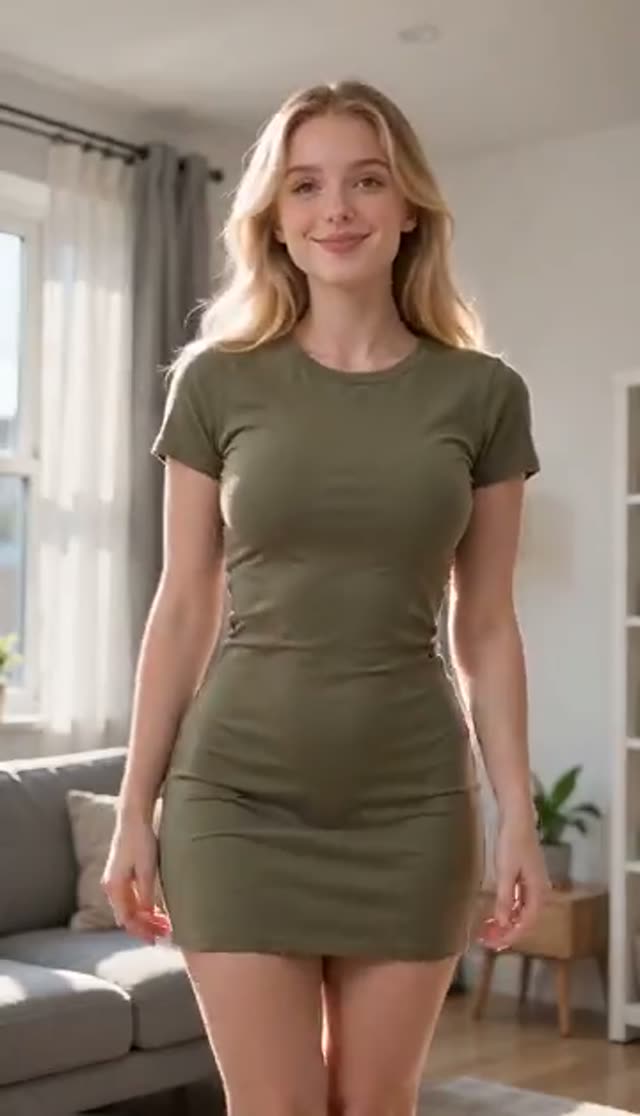
Natural
Make this with my photo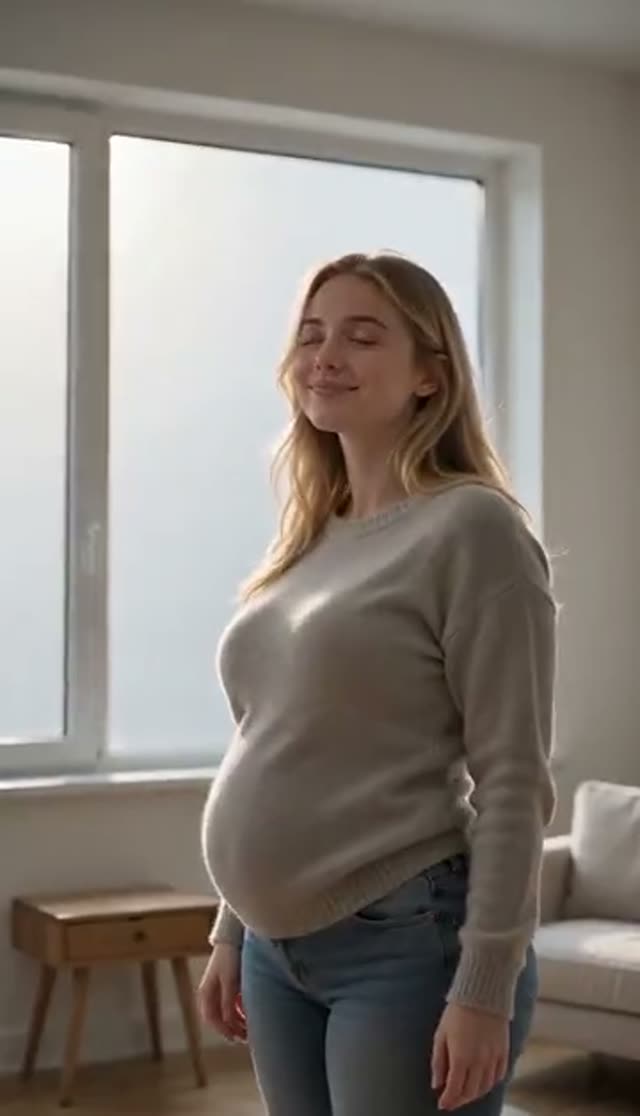
Subtle
Make this with my photo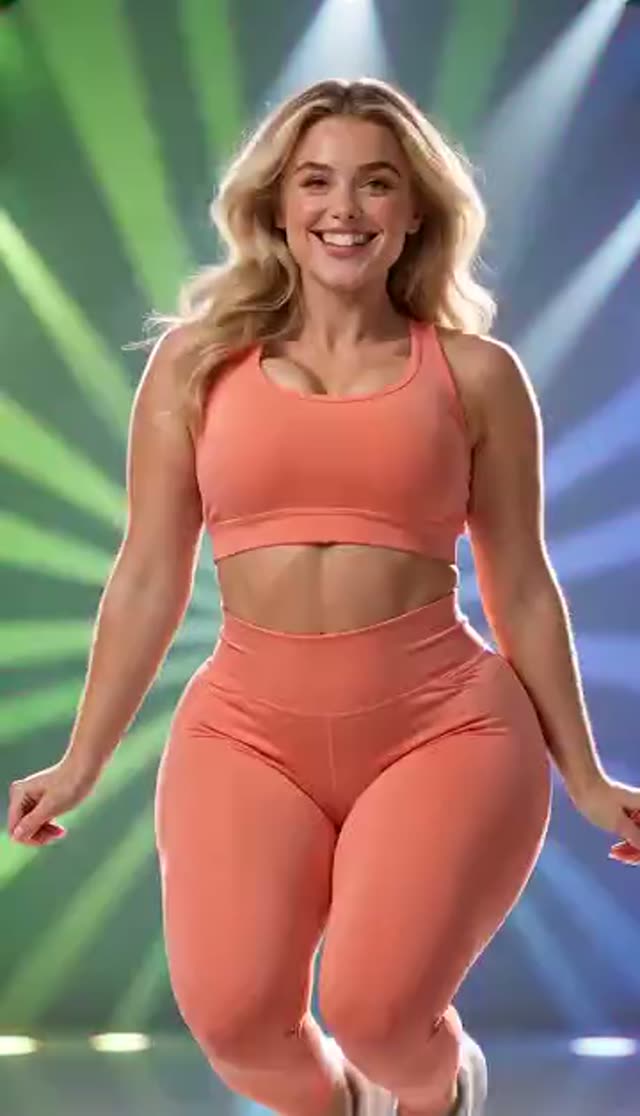
Dynamic
Make this with my photo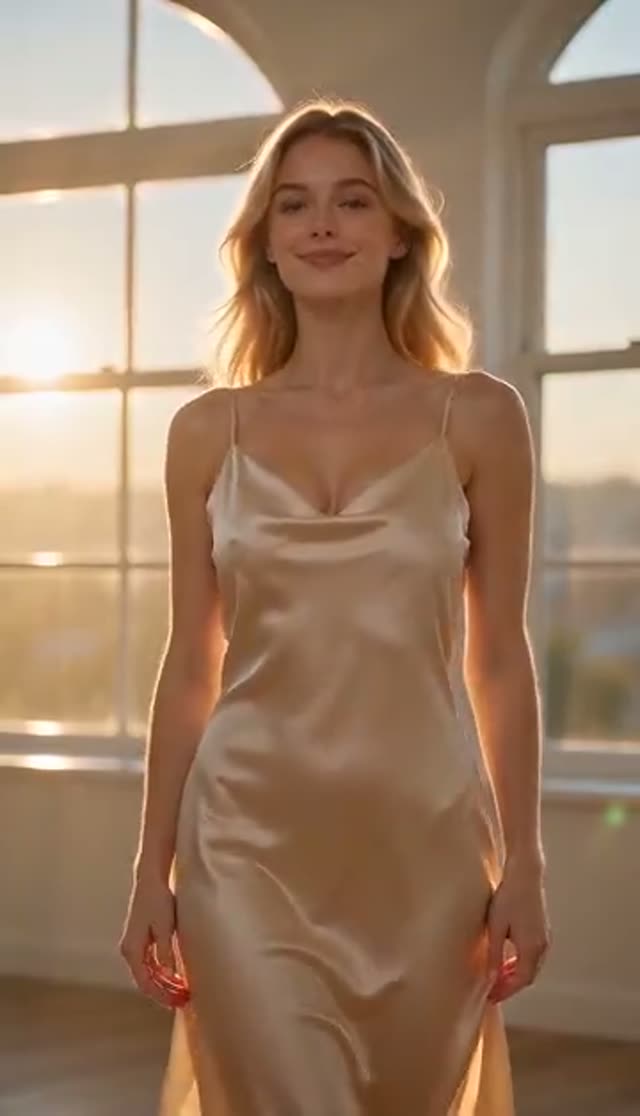
Smooth
Make this with my photo
How it works
- 1
Tick the consent confirmation
You confirm that the person in the photo is an adult and that you hold the rights and their consent to use the image. Generation is blocked until you do, and attempting it anyway scrolls the checkbox into view and highlights it. It applies to photos of yourself as much as anyone else's.
- 2
Upload your photo
Pick an image with a well-defined subject and clean edges against the background. The keyframe stage composes a waist-up frame from what you give it, so a sharp, evenly lit shot produces cleaner motion than a dim or heavily filtered one. Front-facing or three-quarter framing beats a steep angle.
- 3
Choose a tile
Natural, Subtle, Dynamic and Smooth each play a preview of the register on offer. Watch them and pick the one nearest your intent — they are there so you can judge the look before spending, and Natural is the sensible starting point if you have no strong preference.
- 4
Set model, length and frame
The tab lands on Runway Gen-3, 720p, 5 seconds — the cheapest run available, at 10 credits. Choose the aspect ratio here — 9:16, 1:1 or 16:9 — rather than cropping afterwards, since a vertical clip composed vertically keeps far more of the subject. Kling V2.5 Turbo takes its frame from your photo and Vidu 2.0 has no portrait option.
- 5
Generate and compare
The keyframe pass runs, then the model animates it, and a 5-second clip typically returns in a few minutes. Since model choice is the variable that moves the result most here, generating the same photo on two engines and picking between them is faster than trying to get it right first time.
- 6
Download and drop it in
Save the MP4 for a post, a meme, or as a moving element inside a longer edit. Most models return it silent, so add sound in whatever you are cutting in; Vidu Q3 and Q3 Turbo can generate audio in the same pass if that is easier.
Why use this tool
Motion is the only thing permitted to change
The instruction behind this tab names identity, age, skin tone, hairstyle and body proportions as fixed, and rules out face swaps, added people and extra limbs or fingers. It also forbids text and watermarks inside the generated frame. That narrow permission is why the output still reads as your photograph rather than as a lookalike.
A keyframe composed for subtle movement
Rather than animating your photo directly, a WAN 2.7 pass first builds a medium waist-up plate — shoulders and torso as the hero, stable camera, soft light, plain background, headroom left for motion. Giving the video model a purpose-built starting frame is why the movement has weight and follow-through instead of the rubbery drag an overlay effect produces.
PixVerse's own jiggle template
On PixVerse v3.5, v4, v4.5 and v5 the job carries PixVerse's jiggle-jiggle effect template, so the motion comes from a model-side effect rather than prompt wording alone. PixVerse v5.5 and v6 do not take that template and animate the plate straight, which reads calmer — a genuine alternative rather than a downgrade.
Sixteen engines, one photo
Runway, Kling, PixVerse and Vidu variants share a single picker at 10 to 48 credits for a 5-second 720p render, and each interprets the same plate a little differently. Re-running one image across two of them is the quickest route to the look you want, and you see both prices before committing to either.
Nothing burned into the render
No model stamps the video during generation — the identity instruction explicitly forbids text and watermarks in the frame. On a free account VdoBloom overlays its own mark at playback and download and switches off right-click saving and picture-in-picture; a paid plan serves the same render clean, so the file you made on day one is the file you keep when you upgrade.
Failed jobs cost nothing
Credits are deducted only once the provider has accepted the request, and a generation that dies partway restores them automatically. There is nothing to report and nothing to chase, which takes the risk out of trying an unfamiliar model on a photo you are not sure will hold up.
Frequently asked questions
What is a jiggle effect video?
A still photo animated with soft, physics-like body motion so the image looks briefly alive instead of frozen. VdoBloom builds a waist-up keyframe from your upload, then animates it under an instruction that holds the face, proportions, lighting and background in place. The result still reads as your photograph — one that happens to move for a few seconds.
Does the effect change how the person looks?
It is not allowed to. The instruction names facial features, age, skin tone, hairstyle and body proportions as things that must be preserved, and forbids face swaps and added people. When identity does drift, the source photo is almost always why: low resolution, blur, heavy filtering or a steep angle leaves the model guessing. A better copy of the same picture fixes it more reliably than changing the tile.
Is it free to make a jiggle video?
The first one is covered by the credits you get for signing up. A new account holds 10, and the default render — Runway Gen-3, 720p, 5 seconds — costs exactly 10, no card requested. That render is watermarked: the free plan marks the player and the downloadable file, and clearing it needs a paid plan.
Do I need an account?
Yes, a free one — email or Google, under a minute, no card details. It carries the 10 starting credits, keeps your finished videos in a library you can return to, and holds the consent confirmation recorded against each generation. Sites promising 'no sign up' for AI video generally still gate the download behind registration once you get there.
Will there be a watermark on the clip?
Not from the AI — the generation instruction actively forbids text and watermarks inside the frame. VdoBloom adds its own overlay for free accounts at playback and download time, and free accounts also lose picture-in-picture and right-click saving. Any paid plan serves the identical render with nothing on it, and because the overlay is applied at serve time it does not alter the file you generated.
Can I control how strong the motion is?
Up to a point, and it helps to know where. The four tiles preview the register rather than driving four independent engines, so the biggest lever is which model you send the job to — Runway, Kling, PixVerse and Vidu each read the same plate differently. On Vidu 2.0, Q1, Q2 Turbo and Q2 Pro there is also a movement-amplitude setting from small to large, the one explicit intensity control on the roster.
What photo works best?
A sharp, well-lit image where the subject separates cleanly from the background, framed front-on or three-quarter. Because the keyframe is a waist-up composition, a photo already in that range needs the least reinterpretation. Avoid heavy filters, screenshots and very dark shots — the model animates the detail it can resolve, and softness in the source turns into smearing in the output.
How long does it take to generate?
A few minutes for a 5-second clip in most cases. This tab runs the WAN 2.7 keyframe pass before the video model, so it is slightly slower than a straight image-to-video job, and longer clips and premium models add to that. You can leave the page — the finished video shows up in your library regardless.
Can I post the clip on TikTok, Instagram or elsewhere?
Yes. Generate at 9:16 for Reels, TikTok and Shorts, or 1:1 for a feed post. The output is a plain MP4, usually silent, so add your own track when you post; Vidu Q3 and Q3 Turbo can generate audio in the same pass. Platforms increasingly expect AI-generated video of real people to be labelled, so use the disclosure toggle where one is offered.
Are there limits on what I can generate here?
Yes. Every upload requires you to confirm the subject is an adult and that you have their permission, and each job is screened against VdoBloom's content policy before it reaches a model — a request can be rejected at that stage. This tab is built for playful, tasteful motion effects; explicit material is not permitted, and content involving minors is prohibited outright.