AI Body Shake Video Generator for High-Energy Motion
The VdoBloom AI Body Shake Video Generator animates one still photo into a short clip with broad, rhythmic movement. The tab describes its own behaviour plainly: the person turns around to show their back, then their hips and body begin shaking with a smooth natural jiggle. That turn is what makes it read — the movement starts from a change of orientation rather than from a static front-on figure vibrating in place.
It is the loud sibling of the Jiggle tab, and the difference starts in how the keyframe is composed. Jiggle sets up a waist-up frame with the shoulders and torso as the hero. Body shake builds a three-quarter frame where hips and shoulders are both clearly readable, in an upright neutral posture on a clean backdrop under production lighting, with no motion blur baked into the plate. That last detail matters more than it sounds: a blurred starting frame gives the video model nothing crisp to move.
This is one of VdoBloom's keyframe effect tabs, so a WAN 2.7 image pass builds that plate before the video model animates it. The picker holds 16 variants — Runway Gen-3, Gen-4 Turbo and Gen-4.5, Kling V2.5 Turbo, PixVerse v3.5 through v6, and Vidu 2.0, Q1, Q2 Turbo, Q2 Pro, Q3 and Q3 Turbo. On PixVerse v3.5, v4, v4.5 and v5 the job runs PixVerse's own boom-drop effect template, the closest thing here to a purpose-built body-shake engine; v5.5 and v6 do not take that template and animate the plate plainly. The four tiles — Smooth, Dynamic, Natural and Rhythmic — preview the register to expect, and the model you pick is what actually changes the motion.
On cost: a new account holds 10 credits and the default, Runway Gen-3 at 720p for 5 seconds, costs exactly 10, so the first clip comes out of the free balance with no card asked for. From there a 5-second 720p render is 18 credits on PixVerse v3.5 or Vidu Q2 Turbo, 20 on Gen-4 Turbo or Vidu Q3 Turbo, 40 on Kling V2.5 Turbo and 48 on Gen-4.5. Free renders arrive watermarked, over the player and on the free download, and a paid plan clears it. One condition runs through all of it: uploads must be photos of adults you have permission to use, and this tab is scoped to dance and fitness-style movement.
Examples
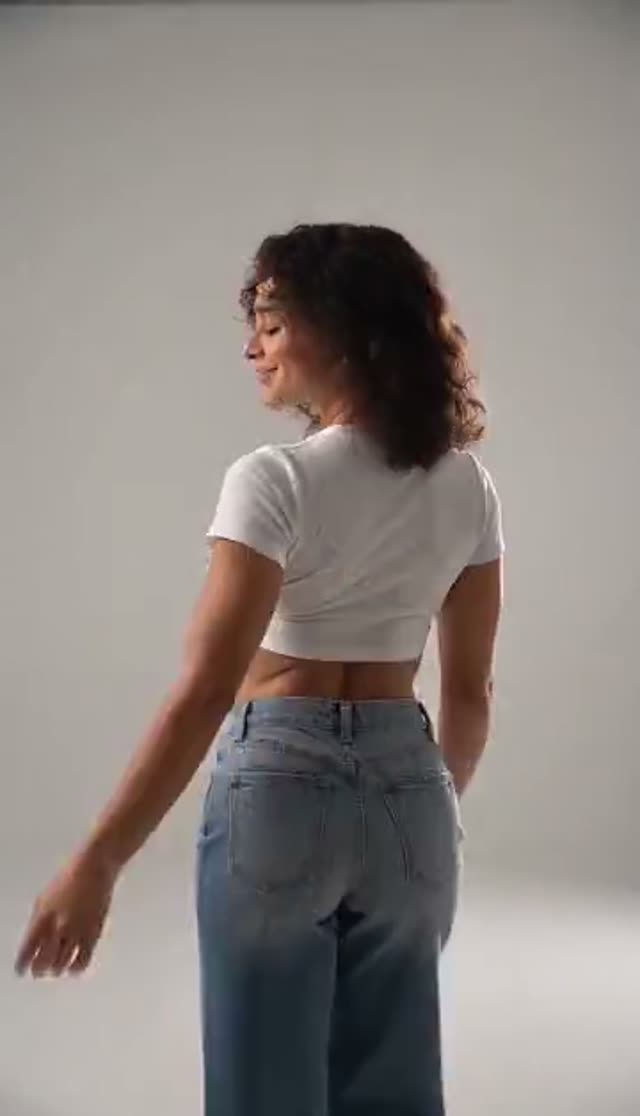
Smooth
Make this with my photo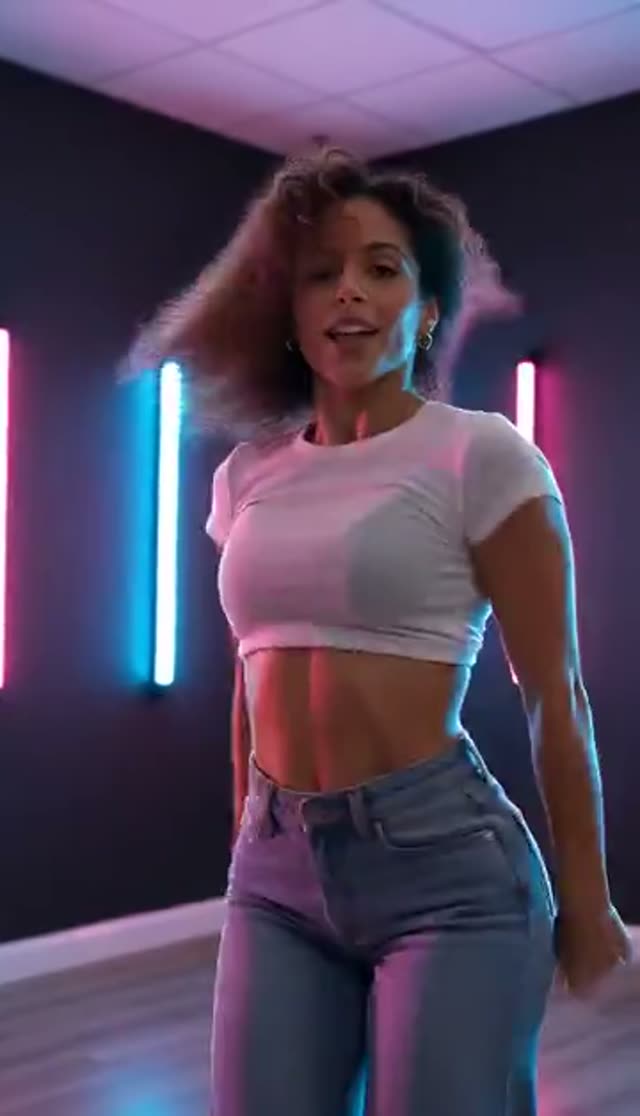
Dynamic
Make this with my photo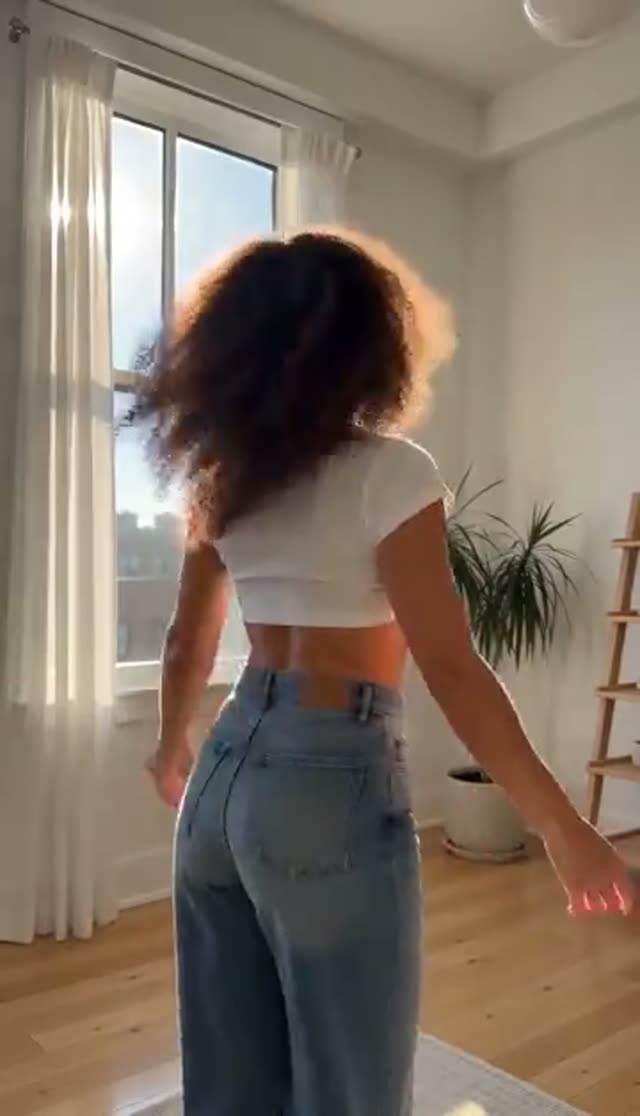
Natural
Make this with my photo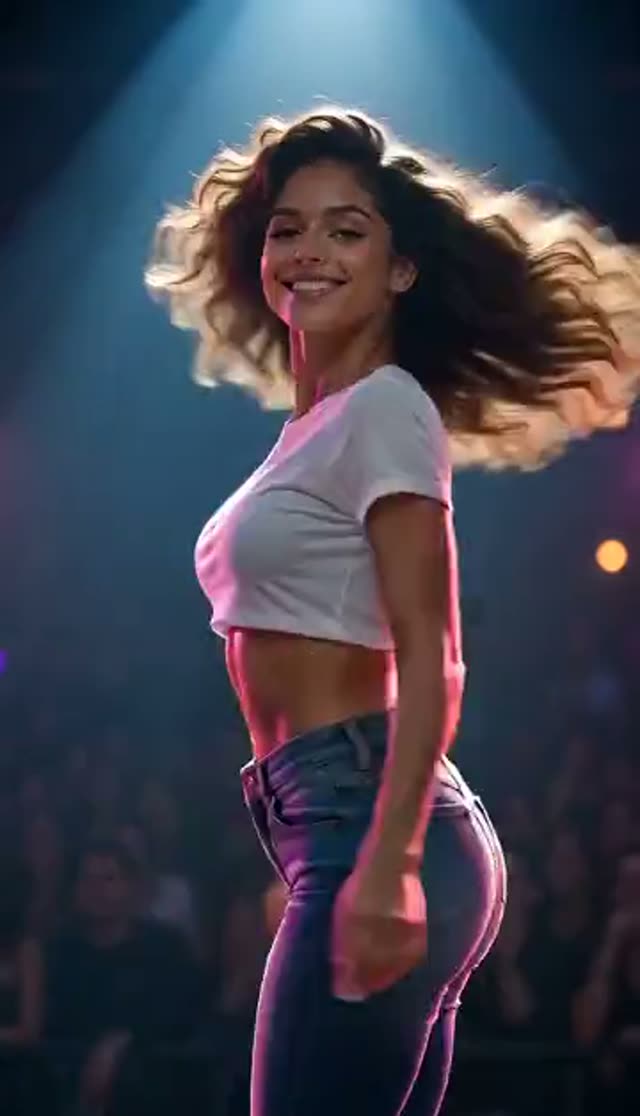
Rhythmic
Make this with my photo
How it works
- 1
Confirm consent before you upload
The upload panel requires you to confirm the person in the photo is an adult (18+) and that you hold the rights and their consent to use the image. Generation will not start until it is ticked, and pressing generate without it scrolls the box into view and flashes it. This is a record, not a formality, and it applies to photos of yourself as well.
- 2
Upload a photo with body in it
More visible body means more movement to work with, so a full or three-quarter frame beats a headshot by a wide margin. Even lighting and an uncrowded background help the keyframe stage separate the subject from the scene, and a sharp original matters more than usual here because the plate is explicitly built without motion blur.
- 3
Pick the preview you want
Smooth, Dynamic, Natural and Rhythmic each play a sample clip. Watch them rather than reading the names — they show the register the tab produces, and choosing the closest one saves you a render. If you already know the track, Rhythmic is the sample to compare against.
- 4
Choose a model, and a Vidu dial if you want one
The tab opens on Runway Gen-3, 720p, 5 seconds, at 10 credits. Pick Vidu 2.0, Q1, Q2 Turbo or Q2 Pro and you also get a movement-amplitude control — auto, small, medium or large — the one genuine intensity dial on this tab. Vidu Q3 and Q3 Turbo drop that control and offer generated audio instead.
- 5
Generate
The keyframe is built first, then the model animates it. A 5-second render usually comes back within a few minutes, and credits are only taken once the provider accepts the job. Because model choice changes the motion character noticeably, running the same photo on two engines and comparing beats tuning one.
- 6
Lay a track under it and post
Most models hand back a silent MP4, which is what you want here since you will be cutting to music anyway. Vidu Q3 and Q3 Turbo can generate audio in the same pass if you would rather not open an editor. Render at 9:16 and the file drops straight into Reels, TikTok or Shorts.
Why use this tool
A turn, then the motion
The effect is not a vibrating still. The subject turns to show their back and the movement builds from there, which is why it reads as choreography rather than a warp applied to pixels. The keyframe is composed for exactly that — hips and shoulders both legible, upright neutral posture, clean backdrop, nothing blurred in the plate.
PixVerse's boom-drop template
On PixVerse v3.5, v4, v4.5 and v5 the job carries PixVerse's own boom-drop effect template rather than a generic animation instruction. PixVerse v5.5 and v6 do not accept that template and animate the keyframe straight, which is a calmer result worth comparing on the same photo.
An amplitude dial on four Vidu variants
Vidu 2.0, Q1, Q2 Turbo and Q2 Pro expose a movement-amplitude setting — auto, small, medium or large — plus a background-music toggle. Drop the amplitude if the first take is too much, raise it if the clip reads flat. Vidu Q3 and Q3 Turbo do not carry that dial; they carry an audio toggle instead, so pick according to which control you want.
Built to survive a small screen
The movement here is broad enough to register in the first half-second of a scroll, which is the difference between a viewer stopping and a viewer not. That is the brief this tab is written to, and the reason to choose it over Jiggle when the clip has to work at thumbnail size.
Sixteen models with visible prices
Runway, Kling, PixVerse and Vidu variants share one picker: 10 credits for a 5-second 720p Gen-3 run, up to 48 for Gen-4.5, with PixVerse v3.5 and Vidu Q2 Turbo at 18 and Kling V2.5 Turbo at 40 in between. Vidu 2.0 accepts 4-second jobs only and Vidu Q1 renders at 1080p only.
Consent gated, jobs screened
Every generation requires the ticked confirmation that the subject is an adult and that you have their permission, and each job is screened against VdoBloom's content policy before it reaches a model — a request can be rejected there. This tab is scoped to dance and fitness-style movement; explicit content is not permitted and anything involving minors is prohibited outright.
Frequently asked questions
What does the body shake effect actually do?
It animates one still photo into a clip where the subject turns around to show their back and their hips and body then move with a smooth, rhythmic shake. Face, outfit and setting come from your photograph — the keyframe stage builds a clean upright plate first, and the video model animates that. Choreographed movement, not a wobble applied over the image.
How is this different from the Jiggle tab?
Jiggle is contained: a waist-up keyframe, shoulders and torso as the subject, subtle motion you notice on second viewing. Body shake is broad: a three-quarter keyframe with hips and shoulders readable, a turn, and movement built to be seen immediately. They also run different PixVerse templates — jiggle-jiggle against boom-drop. Pick jiggle for realism and this one for a scroll-stopper.
Is it free to make one?
Your first is covered. New accounts hold 10 credits and the default setup — Runway Gen-3, 720p, 5 seconds — costs exactly 10, with no card taken at signup. Free renders carry a VdoBloom watermark on the player and on the download; a paid plan removes it. After the starting balance, 10 credits stays the cheapest 5-second render here.
Do I have to create an account?
Yes, a free one. Email or Google, about half a minute, no payment details. The account holds the starting credits, keeps your finished clips retrievable, and records the consent confirmation for each generation. Tools advertising 'no sign up required' generally still put a registration wall in front of the download.
Is the output watermarked?
On the free plan it is. The mark is an overlay VdoBloom adds when the clip is played or served — the models stamp nothing into the frame — and free accounts also have right-click saving and picture-in-picture switched off. Paid plans download the identical render clean, and because the mark is applied at serve time, upgrading gives you an unmarked copy of a clip you already made.
Can I control how strong the movement is?
Partly, and it is worth knowing where. The four tiles preview the register rather than driving four separate engines, so the lever that changes the motion most is which model you send the job to. Beyond that, Vidu 2.0, Q1, Q2 Turbo and Q2 Pro carry a movement-amplitude setting from small to large, which is the one explicit intensity dial available.
What kind of photo gives the best motion?
A sharp, well-lit full or three-quarter body shot with the subject clearly separated from the background. Motion is generated from what the keyframe stage can resolve, so a tight headshot leaves almost nothing to animate. Avoid heavy filters and low-resolution screenshots especially — this pipeline builds a plate with no motion blur, and softness you supply becomes smearing in the result.
How long does a clip take to generate?
A few minutes for 5 seconds, usually. There are two calls behind the button — the WAN 2.7 keyframe, then the animation — so it runs a little longer than a plain image-to-video job, and 10-second clips take proportionally more. You do not need to keep the page open; finished clips appear in your library.
Can I post the result to TikTok, Reels or Shorts?
Yes. Render at 9:16 and the MP4 fits all three without re-cropping. Most models return it silent so you add your own track when you post; Vidu Q3 and Q3 Turbo can generate audio instead. Platforms are tightening rules on AI-generated video of real people and most now offer a synthetic-media label — use it, and only post clips of people who agreed to appear.
The render failed or the motion is wrong — what now?
A failed job has already refunded itself; credits go back automatically, and nothing is charged until the provider accepts the request. If the clip completed but the movement is off, change one thing at a time: model first, then Vidu amplitude if you are on one of the four variants that offer it. Re-uploading a fuller-body photo still fixes more than any setting.