AI Lift and Carry Video Generator: One Person Lifts the Other
The VdoBloom AI lift and carry video generator animates one person lifting and carrying another, generated from photos rather than filmed. Upload one photo that shows both people, or a separate photo of each, pick Playful, Dramatic or Sweet and the AI creates a short clip of the lift. You decide who lifts whom in the editable prompt.
Is it free? Your first clip can be. New accounts get 10 free credits and the tab opens on Runway Gen-3 at 5 seconds and 720p, which costs 10 credits. Free-tier results carry a VdoBloom watermark; any paid plan or credit pack removes it. The Lite pack is 300 credits for $19.50 one-time (never expires) or $15 a month, enough for 30 Gen-3 lift clips.
It suits couple posts (the spin-and-lift, the run-and-jump into someone's arms), reunion clips, friend and sibling jokes, and film-style romantic moments. Use photos of adults who have agreed to be in the video; prompts are screened before a job runs.
Examples
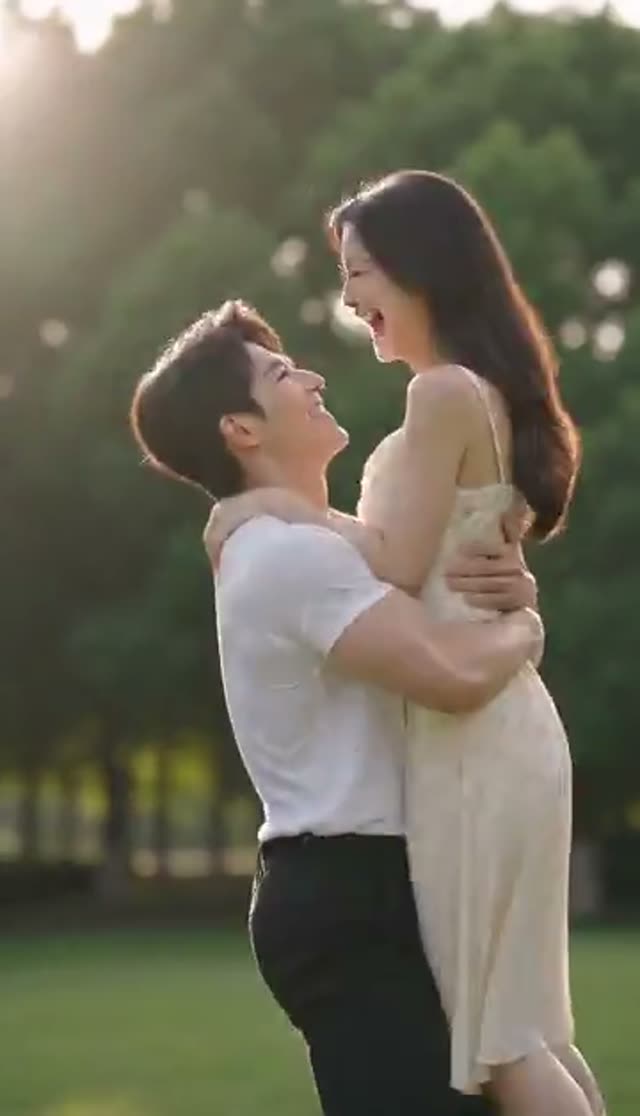
Playful
Make this with my photo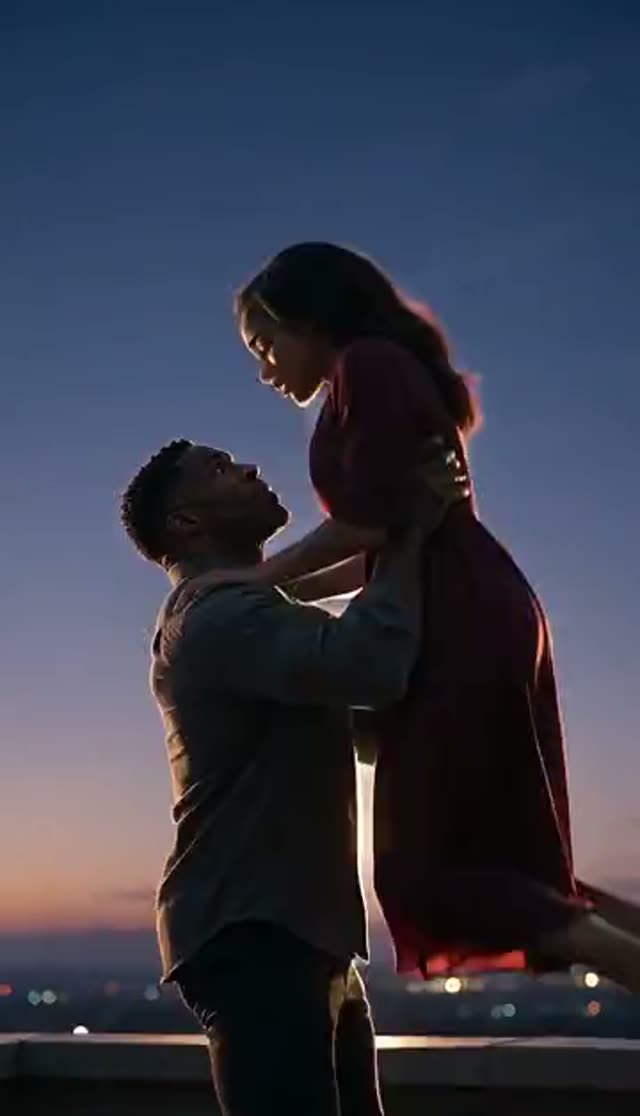
Dramatic
Make this with my photo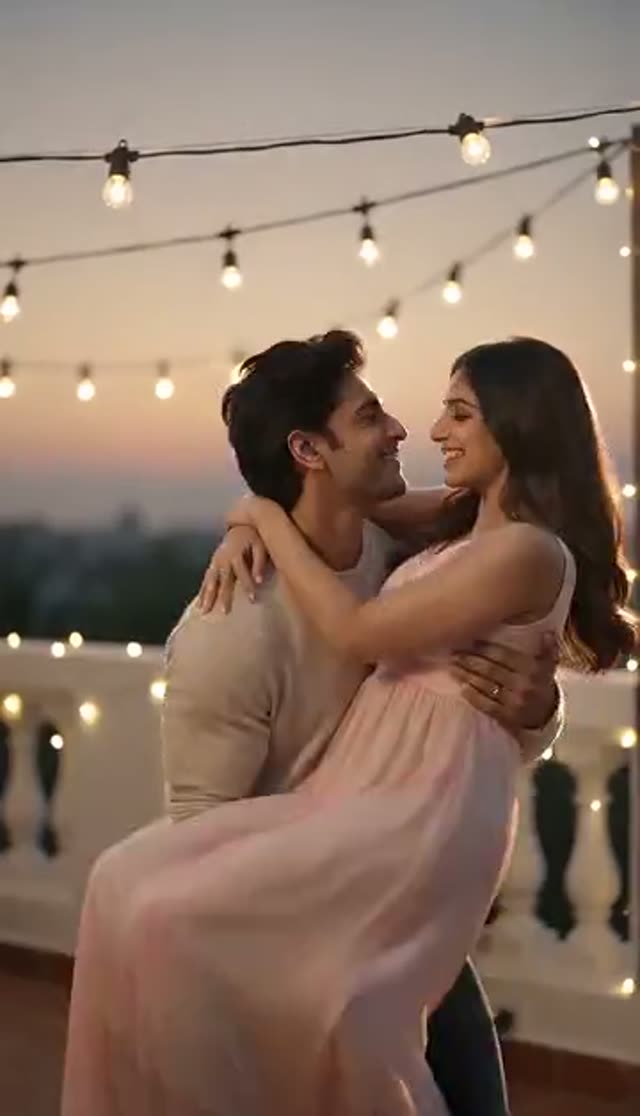
Sweet
Make this with my photo
How it works
- 1
Choose one photo or two
One photo containing both people keeps likeness tightest. Two photos lets you pair people who have no picture together.
- 2
Upload full-body or three-quarter photos
A lift depends on height, posture and where limbs start. Tight headshots give the model too little to work with.
- 3
Pick the mood
Playful (joyful, romantic), Dramatic (intense, cinematic lighting) or Sweet (gentle, soft light).
- 4
Say who lifts whom
Add a line like "the person in the first photo lifts the person in the second". It removes the guesswork the model would otherwise resolve at random.
- 5
Set model, length and ratio
Runway Gen-3 at 5 seconds and 720p is the 10-credit default. The tab opens on 16:9; switch to 9:16 for Reels and TikTok.
- 6
Generate and review
The clip lands in My Creations in a few minutes. Check faces and arms first; regenerate if a limb looks wrong.
Why use this tool
Two photos, one believable scene
In two-photo mode both people are first placed side by side in one full-body frame with room above them, then the lift is animated.
You control the roles
The editable prompt sets who lifts and who is carried, plus the setting and camera move.
Three moods
Playful, Dramatic and Sweet are separate prompts with different lighting and energy.
Models that use both photos
Two-photo mode offers Runway, Kling, PixVerse, Vidu and LTX-2 Fast, plus Seedance 2, Gemini Omni and Veo 3 Fast, which read both photos as references.
Budget models in one-photo mode
With a single photo the full image-to-video roster opens, including ByteDance V1 Pro Fast at 7 credits for 5 seconds at 720p.
No charge for the second photo
Price follows model, length and resolution. Combining two photos is included.
Which model should I use for a lift and carry video?
Credits per clip. Two-photo mode lists models that can use both photos; one-photo mode opens the full image-to-video list.
| Model | Clip | Credits | Photo mode |
|---|---|---|---|
| ByteDance V1 Pro Fast | 5 s at 720p | 7 | One photo only |
| Runway Gen-3 (default) | 5 s / 10 s at 720p | 10 / 20 | One or two photos |
| PixVerse v3.5 / Vidu Q2 Turbo | 5 s at 720p | 18 | One or two photos |
| LTX-2 Fast | 6 s at 1080p | 20 | One or two photos |
| Runway Gen-4 Turbo / PixVerse v4 / Vidu Q3 Turbo | 5 s at 720p | 20 | One or two photos |
| Seedance 2 Fast | 5 s at 480p / 720p | 24 / 50 | Reads both photos as references |
| Kling V2.5 Turbo | 5 s | 40 | One or two photos |
| Runway Gen-4.5 | 5 s | 48 | One or two photos |
| Seedance 2 | 5 s at 720p | 82 | Reads both photos as references |
What a lift video costs
Worked examples with the Lite pack (300 credits):
| Clip | Credits each | Clips from 300 credits |
|---|---|---|
| ByteDance V1 Pro Fast, 5 s, 720p (one photo) | 7 | 42 |
| Runway Gen-3, 5 s, 720p | 10 | 30 |
| PixVerse v3.5, 5 s, 720p | 18 | 16 |
| Kling V2.5 Turbo, 5 s | 40 | 7 |
| Runway Gen-4.5, 5 s | 48 | 6 |
Is the AI lift and carry generator free?
One clip is. The 10 free signup credits cover a 5-second 720p Runway Gen-3 lift, the entry price in two-photo mode; in one-photo mode, ByteDance V1 Pro Fast at 7 credits also fits. Free-tier results carry a VdoBloom watermark that any paid plan or credit pack removes. There are no daily free credits; one-time pack credits never expire.
One photo vs two photos
One photo: use a picture that already contains both people. There is one camera and one light source, so likeness is usually best, and every image-to-video model is available.
Two photos: for most models, WAN 2.7 first places both people side by side in one full-body frame with the floor visible and headroom for the lift, then the video model animates it. Seedance 2, Gemini Omni and Veo 3 Fast instead read both photos directly. A failed fusion step stops the job before any charge.
The three lift moods
Each loads its own prompt:
| Mood | Feel | Good for |
|---|---|---|
| Playful | Romantic, joyful expressions, strong arms | Couple posts, reunions |
| Dramatic | Intense emotion, dramatic lighting, cinematic beat | Film-style edits, trailers |
| Sweet | Gentle, tender carry, soft lighting | Anniversaries, quiet moments |
Prompt ideas to try
Add or swap in lines like these:
- She runs and jumps into his arms at the airport, he spins her around, slow motion.
- He lifts her by the waist in a field of sunflowers, camera circles them.
- Two friends on a football pitch, one hoists the other onto his shoulders after a win.
- Lift at the top of a staircase in a grand hall, dramatic spotlight, film grain.
- Gentle lift in a rainy street at night, neon reflections, umbrella dropping.
Tips for better lift videos
What helps most:
- Name the roles explicitly in the prompt.
- Use photos where height difference and posture are visible.
- In two-photo mode, choose pictures with similar light and framing.
- Describe the type of lift (spin, waist lift, carried in arms, on shoulders).
- Draft on a low-cost model in your photo mode, then re-run on Kling or Runway Gen-4.5.
Limits and content rules
Clips are short (mostly 4 to 10 seconds), and arms passing through bodies is the classic failure in two-person scenes, so regenerate or name the roles more clearly when it happens. For the classic wedding pose use the bridal carry tab; for piggybacks and fireman carries use Carry Me.
Use photos of adults who have agreed to be in the video. Uploads stay in your private library; prompts are screened and generations follow VdoBloom's content policies.
What people make with it
Common uses:
- Couple "run into my arms" and spin-lift trend clips.
- Reunion videos for partners or family living apart.
- Friends celebrating a win or a birthday.
- Romantic film-style moments for anniversaries.
- Short teasers for engagement or wedding announcements.
Frequently asked questions
How do I make an AI lift and carry video?
Upload one photo of both people or two separate photos, pick Playful, Dramatic or Sweet, say who lifts whom in the prompt, choose a model and generate. A 5-second Runway Gen-3 clip at 720p costs 10 credits.
Who does the lifting?
You decide in the prompt. Writing "the person in the first photo lifts the person in the second" gives far more consistent results than leaving it to the model.
Is the AI lift and carry generator free?
New accounts get 10 free credits, enough for one 5-second 720p Runway Gen-3 clip. Free-tier results carry a watermark; any paid plan or credit pack removes it.
Can I combine two separate photos?
Yes. Both people are placed into one full-body frame, then animated. Seedance 2, Gemini Omni and Veo 3 Fast read both photos directly as references.
Does two-photo mode cost more?
No surcharge. Price depends on model, length and resolution. Two-photo mode just has a higher floor, because budget one-photo models such as ByteDance V1 Pro Fast cannot use a second image.
What photos work best?
Sharp full-body or three-quarter shots with faces clearly visible. Sunglasses, heavy shadow and very small faces are the common causes of poor likeness.
Can I make a spin or jump-into-arms lift?
Yes. Describe it in the prompt, for example "she runs and jumps into his arms and he spins her". The presets are a starting point, not a limit.
How is lift and carry different from bridal carry and carry me?
Lift and Carry covers general lifts in three moods. Bridal Carry is tuned for the wedding pose, with a sunset variant. Carry Me covers piggybacks and fireman carries.
How long does it take?
Usually a few minutes. Rendering runs server-side, so you can close the tab and collect the clip from My Creations.
Can I use a photo of someone else?
Only if they are an adult and have agreed to it. Uploads stay private in your library, and generations follow VdoBloom's content policies.