AI Outfit Change and Outfit Reveal Video Maker
An AI outfit reveal video turns one photo of a person in an outfit into a short clip where the look is shown off: a turn into frame, a shift of light, the moment the outfit lands. On VdoBloom you upload a photo, pick Fashion, Dramatic or Elegant, and the AI animates the reveal while keeping the clothes from your photo. Is it free? New accounts get 10 credits, and the default model, Runway Gen-3, costs 10 credits for 5 seconds at 720p, so the first reveal is free. Seedance 1.5 Pro (8 credits) and ByteDance V1 Pro Fast (7) cost less. It suits clothing sellers, stylists, fashion creators and anyone posting outfit content.
Searching for an AI outfit change video? Be clear on what each tool does. This tab reveals the outfit that is already in your photo; it does not swap clothes. To show a person in a different outfit, dress the photo first with AI Fashion Try-On (upload the person and a garment image), then animate the result here. Run the original photo and the try-on photo through this tab and you have a before-and-after pair to cut together into an outfit-change clip. To change clothing inside a video you already filmed, use Genjutsu, which swaps an item in an existing clip using a reference image.
The three reveal templates set the mood. Fashion is an editorial reveal with confident posing under professional light, close to a lookbook clip. Dramatic adds bold, high-contrast light and a stronger moment, good for launches. Elegant is soft and graceful, suited to bridal, occasion wear and premium fabrics. Outfit Reveal is a direct effect, so the full image-to-video model roster is available, and credits are only charged once the provider accepts the job, with automatic refunds if a render fails.
Examples
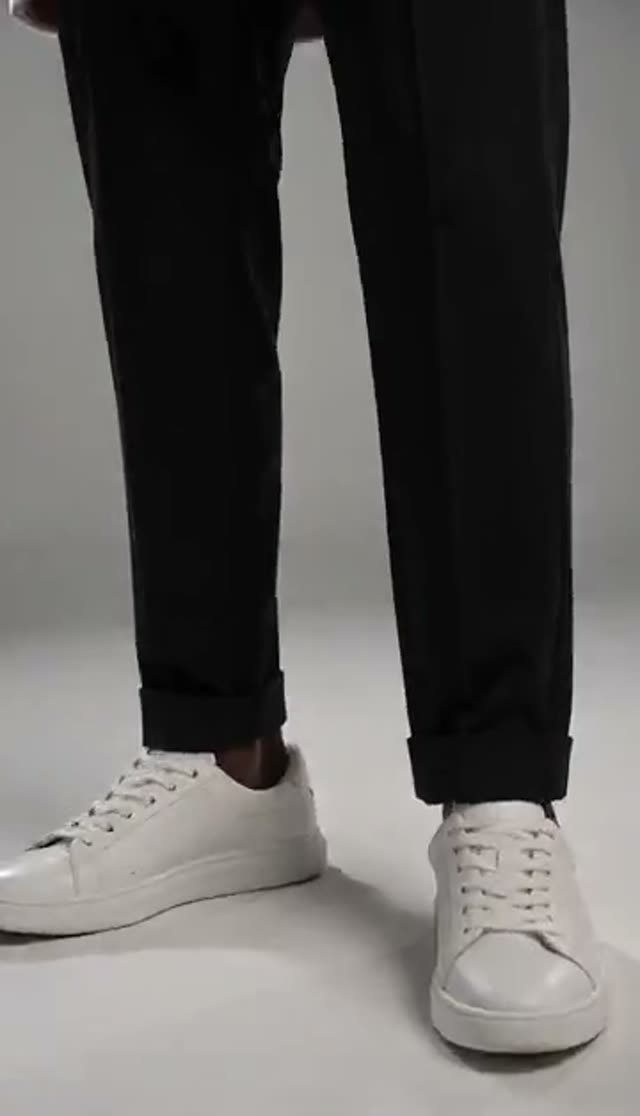
Fashion
Make this with my photo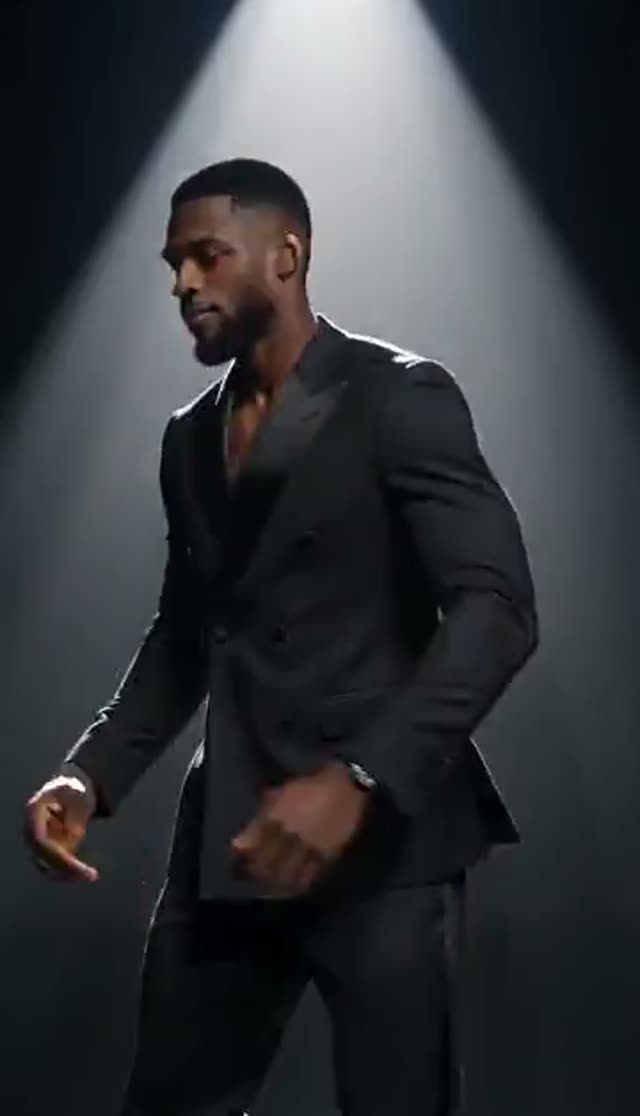
Dramatic
Make this with my photo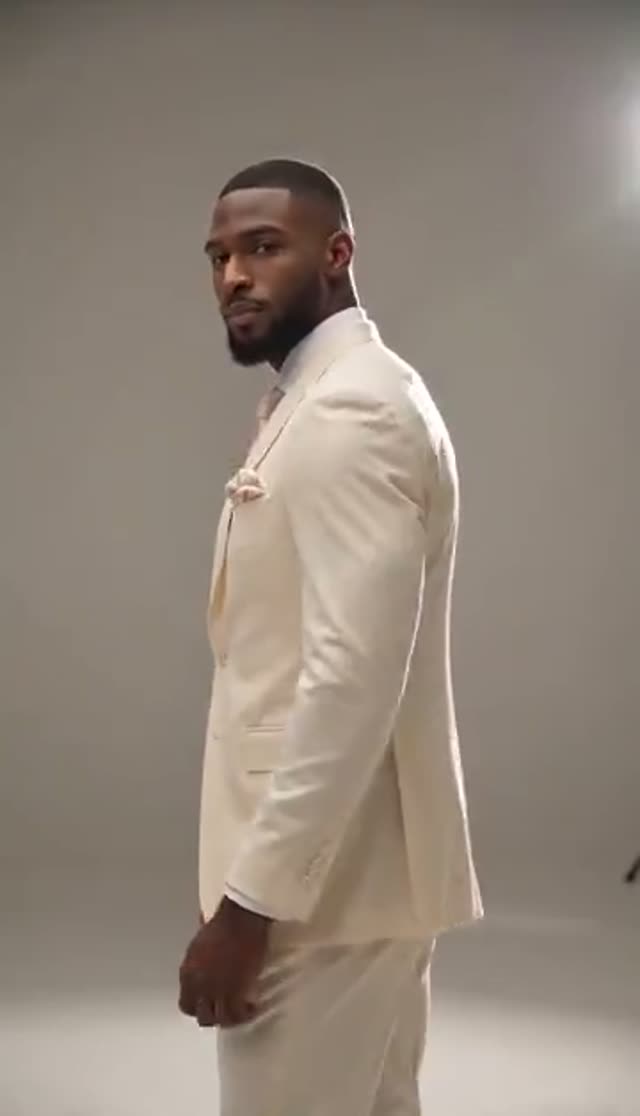
Elegant
Make this with my photo
How it works
- 1
Get the outfit photo ready
Use a photo with the full look visible and well lit. For an outfit change, first create the new look with AI Fashion Try-On, then download that image to use here.
- 2
Upload it and choose a reveal style
Fashion for an editorial reveal, Dramatic for bold contrast, Elegant for a soft, graceful showcase. Each template plays a preview.
- 3
Describe the scene (optional)
Edit the prompt to name the setting and the detail to feature, for example "studio with warm light, camera rises to show the embroidered sleeve". Naming the garment colour and fabric helps keep it accurate.
- 4
Pick model, duration and ratio
Runway Gen-3 loads at 10 credits for 5 seconds at 720p. Choose 9:16 for Reels, TikTok and Shorts or 1:1 and 3:4 for product listings. The cost shows before you confirm.
- 5
Generate and check the garment
Most clips finish in a few minutes. Check colour, print and hem first; those are the details a shopper notices.
- 6
Edit the change together
For an outfit-change clip, reveal the original photo and the try-on photo, then join the two clips in any editor. Downloads need a paid plan; free clips are watermarked.
Why use this tool
Reveal the outfit you photographed
The AI animates around your image instead of inventing clothing, so colour, cut and print come from your photo.
Three reveal moods
Fashion, Dramatic and Elegant are separate prompt recipes with different light, camera and pacing.
Outfit change workflow
Pair this tab with AI Fashion Try-On to show a person in new clothes, or use Genjutsu to swap clothing in an existing video.
Full model roster
From ByteDance V1 Pro Fast at 7 credits to Runway Gen-4.5 at 48 for a 5-second 720p clip, with the cost shown before you generate.
Use photos you already have
Lookbook shots, product photos on a model and good phone photos all work, so there is no reshoot.
Refunds on failure
Credits are deducted after the provider accepts the job and returned automatically if the render fails.
How to make an AI outfit change video on VdoBloom
There are two routes, depending on whether you start from a photo or from a video you already have:
| You have | Tool | What you get |
|---|---|---|
| A photo, and want to show the same outfit | Outfit Reveal (this tab) | A short reveal clip of the outfit in the photo |
| A photo, and want a different outfit | AI Fashion Try-On, then Outfit Reveal | The person in the new garment, animated |
| Before and after photos | Outfit Reveal on each, then join the clips | An outfit-change transition clip |
| A video, and want to swap the clothes in it | Genjutsu | Your clip with the clothing replaced from a reference image |
Read more: AI Fashion Try-On · Genjutsu: swap anything in a video · How to change an outfit in a video with AI · AI virtual try-on guide
Is it free, and what does a reveal cost?
The first reveal is free: 10 credits on sign-up, no card, and the default Runway Gen-3 clip costs 10. Free clips are watermarked and cannot be downloaded; a paid plan removes both limits. The Lite pack is 300 credits for $19.50 one-time (never expire) or $15 a month (reset each cycle).
| Reveal clip | Credits per clip | Clips from 300 credits |
|---|---|---|
| ByteDance V1 Pro Fast, 5 s, 720p | 7 | 42 |
| Seedance 1.5 Pro, 5 s, 720p | 8 | 37 |
| Runway Gen-3, 5 s, 720p (default) | 10 | 30 |
| Runway Gen-3, 5 s, 1080p | 20 | 15 |
| Kling V3 Turbo, 5 s, 720p | 36 | 8 |
| Runway Gen-4.5, 5 s, 720p | 48 | 6 |
Read more: See all credit packs
Which model to use for an outfit reveal
Draft cheaply to choose the template and framing, then re-run your best version on a stronger model. Credits for a 5-second clip:
| Model | 720p | 1080p | Good for |
|---|---|---|---|
| ByteDance V1 Pro Fast | 7 | 15 | Lowest-cost drafts |
| Seedance 1.5 Pro | 8 | 15 | Value pick for fabric and posing |
| Runway Gen-3 (default) | 10 | 20 | Reliable default |
| Vidu Q2 Turbo | 18 | 22 | Low-cost 1080p |
| Runway Gen-4 Turbo | 20 | 20 | Sharper 1080p |
| Kling 2.6 | 22 | 22 | Natural motion |
| Kling V3 Turbo | 36 | 45 | Detailed product clips |
| Runway Gen-4.5 | 48 | 48 | Hero creative and ads |
Read more: Seedance 1.5 Pro model page · Runway Gen-3 model page · Kling V3 Turbo model page
Fashion, Dramatic or Elegant: the reveal templates compared
Each template is a separate prompt. Running two from the same photo gives you an A/B pair for a listing or an ad.
| Template | Feel | Lighting | Best for |
|---|---|---|---|
| Fashion | Editorial showcase, confident pose | Professional light | Lookbooks, product pages |
| Dramatic | Bold reveal moment | High-contrast light | Launches, hero products, ads |
| Elegant | Graceful, unhurried showcase | Soft light | Bridal, occasion wear, premium fabrics |
Use cases
Reveal clips work wherever a flat product photo has to compete with motion:
- Product page and marketplace videos made from existing catalogue photos
- New-drop and launch teasers with the Dramatic template
- Bridal, occasion and eveningwear showcases with the Elegant template
- Outfit-change and before-and-after posts using Try-On plus Reveal
- A/B ad creative: the same garment in two reveal styles
Tips and limits
A few things that save credits:
- Use a high-resolution photo where the garment fills much of the frame; tiny garments lose detail
- State the colour, fabric and pattern in the prompt so the model does not guess
- Ask for less camera movement if a print smears
- This tab does not change the outfit; use Try-On or Genjutsu for that
- Clips are short (5 or 10 seconds on most models)
- Only upload photos you own or have licensed, of adults who agreed to appear
Read more: How to make an AI outfit reveal video
Frequently asked questions
Can AI change the outfit in a video?
Yes, with the right tool. To show a person from a photo in different clothes, dress them with AI Fashion Try-On and animate the result on this Outfit Reveal tab. To change the clothing in a video you already have, use Genjutsu, which replaces an item in an existing clip from a reference image.
Does the outfit reveal tool change my clothes?
No. It animates a reveal of the outfit already in your photo and keeps colour, cut and print from the image. Use AI Fashion Try-On first if you want a different outfit.
How do I make an outfit change transition video?
Reveal your original photo here, create the new look with AI Fashion Try-On, reveal that image too, then join the two clips in your editor with a cut on a turn or a flash. Both clips come from the same face and pose, so the transition reads cleanly.
Is the AI outfit reveal generator free?
Your first clip is. New accounts get 10 credits and the default Runway Gen-3 clip costs 10. Seedance 1.5 Pro (8) and ByteDance V1 Pro Fast (7) cost less. Free clips are watermarked and cannot be downloaded.
How much does it cost?
From 7 credits for a 5-second 720p clip up to 48 on Runway Gen-4.5, with 10 on the default model. The Lite pack is 300 credits for $19.50 one-time or $15 a month.
What photo works best?
A sharp, evenly lit shot showing the full outfit against a background that does not compete with it. Straight-on or slight-angle framing beats extreme angles. Avoid heavy filters and very low resolution.
Which aspect ratio should I pick?
9:16 for TikTok, Reels and Shorts, 1:1 or 3:4 for listings and feed posts, 16:9 for a website hero. Set it before generating so the reveal is composed for that frame.
The reveal changed my product colour. How do I fix it?
Use a higher-resolution photo with the garment larger in frame, write the exact colour and fabric in the prompt, and ask for less camera movement. If it persists, try another model family. Failed renders are refunded automatically.
How long does it take?
A 5-second clip usually takes a few minutes. Longer clips, 1080p and premium models take longer. The job runs on the server, so you can queue several reveals and collect them from your library.
Can brands use outfit reveal videos in ads?
Yes, on a paid plan that allows downloads. Use photos you own or have licensed, with consent from anyone shown, and follow the ad and AI-disclosure rules of the platform.