AI Pool Jump Video Generator: Dive and Splash From One Photo
The VdoBloom AI pool jump video generator turns one still photo into a jump, a dive and a splash: the arc off the edge, the break through the surface, the spray coming back into the light. The person in your picture does the jumping and nobody gets wet. The photo does not need water in it either. The pool, the deck and the light on the surface are generated around the person, so summer footage can come out of an indoor phone photo taken in February.
Is it free? New accounts get 10 free credits with no card. The tab opens on Runway Gen-3 at 5 seconds and 720p, which costs exactly 10 credits, so one full clip is free. ByteDance V1 Pro Fast (7 credits) and Seedance 1.5 Pro (8 credits) are cheaper for the same 5-second 720p clip. Free-tier results play and download with a VdoBloom watermark; any paid plan unlocks the clean MP4. It suits creators making summer and travel content, hotels and resorts, and anyone who wants a fun splash clip for Reels, TikTok or Shorts.
Three templates set the energy. Summer Dive is the bright holiday version. Dramatic slows everything down for a cinematic descent with a slow-motion splash. Playful goes for the cannonball, knees up, maximum spray. The prompt under each is editable, so a rooftop infinity pool, a lake at dusk or an underwater camera are one sentence away.
Examples
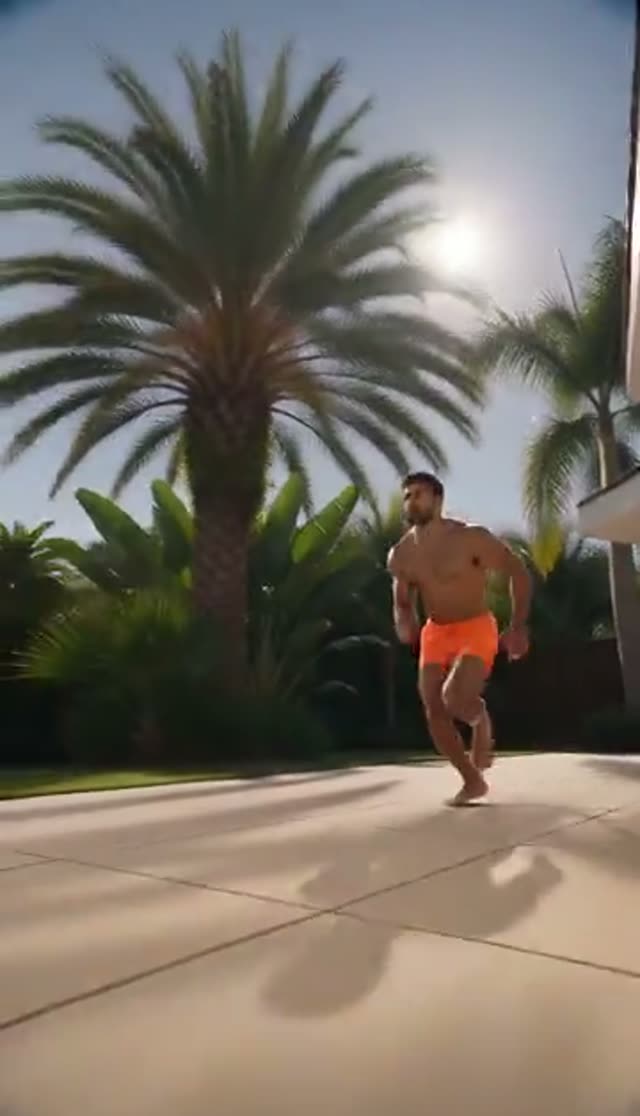
Summer Dive
Make this with my photo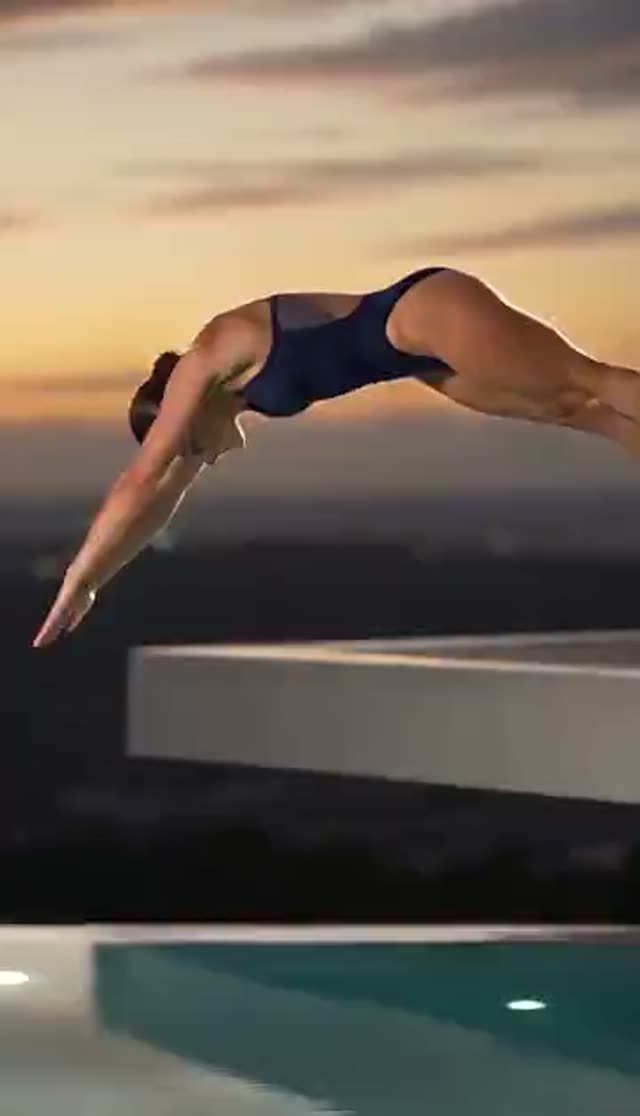
Dramatic
Make this with my photo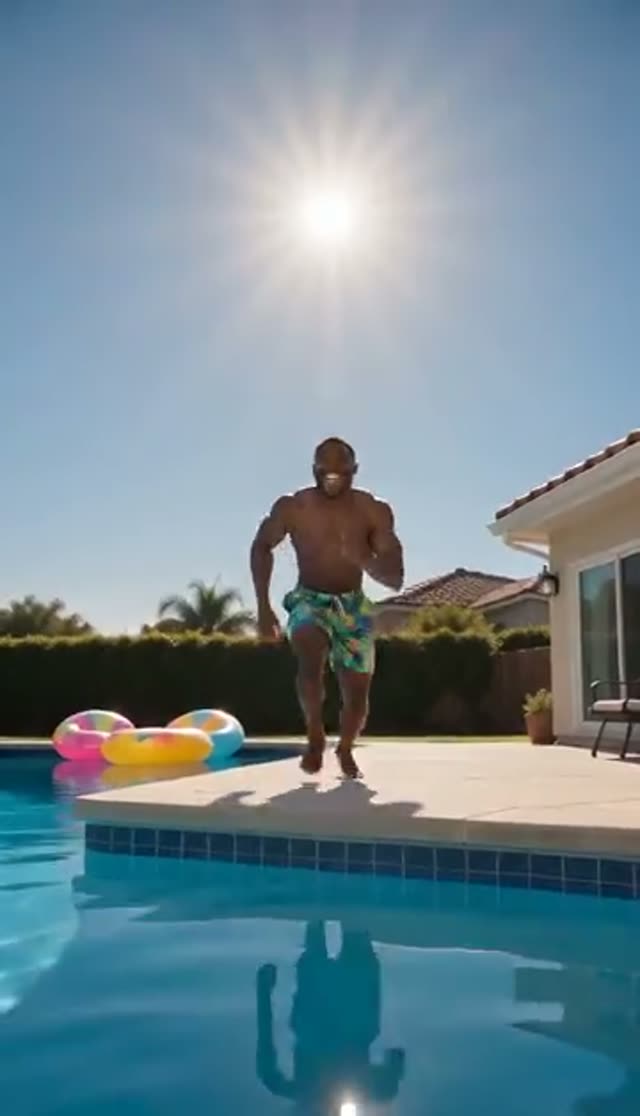
Playful
Make this with my photo
How it works
- 1
Upload one photo
A clear, full-body or three-quarter photo of the person. It does not need to be taken near water; indoors is fine. This effect takes a single image.
- 2
Confirm consent
Tick the box confirming the subject is an adult (18+) whose rights and consent you hold. Generation stays locked until it is checked.
- 3
Pick a jump style
Summer Dive for a bright holiday feel, Dramatic for a slow-motion descent, Playful for a cannonball with the biggest spray. They differ in pacing and physics, not just colour.
- 4
Describe the water and camera
Edit the prompt to set the pool (infinity edge, ocean-blue tiles, evening light) and where the camera sits, underwater included. One clear camera instruction does more than three mood adjectives.
- 5
Choose model, length and frame
The tab defaults to Runway Gen-3, 5 seconds, 720p, 16:9. Switch to 9:16 for TikTok, Reels and Shorts, where a jump's top-to-bottom movement fills the frame. Shorter clips keep the splash tighter.
- 6
Generate and post
The render finishes in the background within a few minutes and lands in your library. Add an upbeat track in your editor and download the clean file on a paid plan.
Why use this tool
No pool, no location, no shoot
The water, deck, light and splash are generated from the prompt. An ordinary portrait becomes summer footage, which makes seasonal content possible out of season.
Three jumps that behave differently
Summer Dive is quick and bright, Dramatic is a slowed descent, Playful is a cannonball built around the splash. Rendering more than one gives real choice, not duplicates.
Slow motion on request
The Dramatic template asks for a slow-motion splash with dynamic lighting, and the open prompt lets you push the ramp further or name the exact moment the body meets the water.
First clip inside the free credits
Runway Gen-3 at 5 seconds and 720p costs exactly the 10 free signup credits. ByteDance V1 Pro Fast (7) and Seedance 1.5 Pro (8) leave a little over.
Compare models on one balance
Water and spray are among the hardest things for a video model, so trying two engines is worth it. Every image-to-video model in the picker draws on the same credits.
Failed renders refund themselves
A generation that fails outright returns its credits automatically, so comparing models costs less than it sounds.
Which model to use for a pool jump
Water physics is where models differ most visibly: spray, surface break and a body hitting water. Run a cheap model first to check that the pose and framing hold, then spend more on the take you keep. Prices are per clip, from VdoBloom's credit table.
| Model | Clip | Credits | Use it for |
|---|---|---|---|
| Runway Gen-3 (tab default) | 5 s, 720p | 10 | First clip on the free credits |
| ByteDance V1 Pro Fast | 5 s, 720p | 7 | Cheapest pose and framing test |
| Seedance 1.5 Pro | 5 s, 720p | 8 | Clean, believable spray at low cost |
| Runway Gen-3 | 5 s, 1080p | 20 | Sharper final clip |
| PixVerse v4.5 | 5 s, 720p | 22 | Stylised, energetic splash |
| Kling V3 Turbo image-to-video | 5 s, 720p | 36 | Weightier slow-motion water |
| Seedance 2 Fast | 5 s, 720p | 50 | Strong identity hold through the jump |
Read more: ByteDance V1 Pro Fast · Seedance 1.5 Pro · Runway Gen-3
What a pool jump clip costs
Credits come from the 10 free signup credits, one-time packs that never expire, or a subscription that resets each cycle. The Lite pack is 300 credits for $19.50 one-time, or $15 a month.
| Plan | Credits | Runway Gen-3 5 s 720p (10) | Seedance 1.5 Pro 5 s 720p (8) | ByteDance V1 Pro Fast 5 s 720p (7) |
|---|---|---|---|---|
| Free signup | 10 | 1 | 1 | 1 |
| Lite, one-time $19.50 | 300 | 30 | 37 | 42 |
| Lite, $15 per month | 300 per month | 30 | 37 | 42 |
Where pool jump clips work
- Summer and holiday Reels, TikToks and Shorts, especially the 'jump into the weekend' format.
- Hotels, resorts and villa rentals showing the pool mood without a shoot.
- Travel creators filling a gap in a trip edit.
- Swimwear and summer fashion teasers, kept tasteful and with consenting adults only.
- Birthday and party clips: put a friend (with their permission) into a cannonball.
- Seasonal ads produced in winter for a summer launch.
Tips for a better splash
- Use a full-body or three-quarter photo. The model invents the jumping pose, so it needs limbs and posture; a tight headshot tends to deform mid-air.
- Bright, even light in the source translates into sunlit water more convincingly than dim indoor light.
- Write one action, a single dive or a single cannonball, rather than a sequence.
- Keep it short. 5 seconds holds the body together better than long clips.
- For loops, let the splash land near the end so the clip restarts on impact.
- If the water looks flat, name the camera position: deck level, poolside low angle or underwater.
Limits and responsible use
The tab takes one photo, so it does not combine two separate portraits; if your photo already shows two people, the model can jump them together, with less predictable results as limbs overlap. There is no swimwear-change toggle: outfit changes only happen if you describe them in the prompt, and prompts must stay within VdoBloom's content policies. Generations are moderated and can be rejected. Upload only photos of adults who have agreed, never of children, and label the clip as AI-generated where a platform asks.
Frequently asked questions
Is the AI pool jump video generator free?
The first clip is. New accounts get 10 free credits with no card, and the tab's default, Runway Gen-3 at 5 seconds and 720p, costs exactly 10. ByteDance V1 Pro Fast (7) and Seedance 1.5 Pro (8) are cheaper. Free-tier results are watermarked and downloads carry the watermark until you are on a paid plan.
Does my photo need a pool in it?
No. The effect builds the pool, the water and the splash around the person, so any clear photo works, including one taken indoors.
How do I make a pool jump video from a photo?
Upload one full-body photo, confirm consent, pick Summer Dive, Dramatic or Playful, adjust the prompt if you want a specific pool or camera angle, choose a model and aspect ratio, and generate. The clip lands in your library in a few minutes.
Can I get a slow-motion dive?
Yes. The Dramatic template asks for a slow-motion splash with cinematic water effects. For more control, describe where the slow motion starts, where the camera sits and which moment should be slowest.
What photo gives the best result?
A full-body or three-quarter shot with the whole figure visible and even light. The model needs limbs and posture to build the jump; tight headshots often distort mid-air.
Which model handles water best?
ByteDance V1 Pro Fast (7 credits) is the cheapest test; Seedance 1.5 Pro (8) gives clean spray at low cost; PixVerse v4.5 (22) leans stylised; Kling V3 Turbo image-to-video (36) gives slow-motion water more weight. Run your prompt on two and keep the better take.
Will my video have a watermark?
On the free tier, yes: the player shows a VdoBloom mark and downloads carry the watermark. A paid plan removes the watermark and unlocks the clean MP4.
Can two people jump together?
Only if both are already in the one photo you upload; this tab has a single upload slot. Results get less predictable as the group grows, so use a photo where both figures are fully visible.
How long does it take?
Usually a few minutes. Longer clips, higher resolutions and heavier models take more. The job runs on the server, so you can close the tab and collect the clip later.
Can I post it on TikTok, Reels or Shorts?
Yes. Render at 9:16, keep it under about 8 seconds, and add music in your editor. Download from a paid plan for the clean version, and use the platform's AI-content label.