Muscle Video
Turn a photo into a muscle flex clip
A clear upper-body photo works best.
Wide screen: YouTube videos, TVs, laptops and website headers.
Advanced options
Motion or style reference. MP4 or MOV, 480p to 720p, up to 15s total.
MP3 or WAV, up to 15 MB and 30s total.
Example
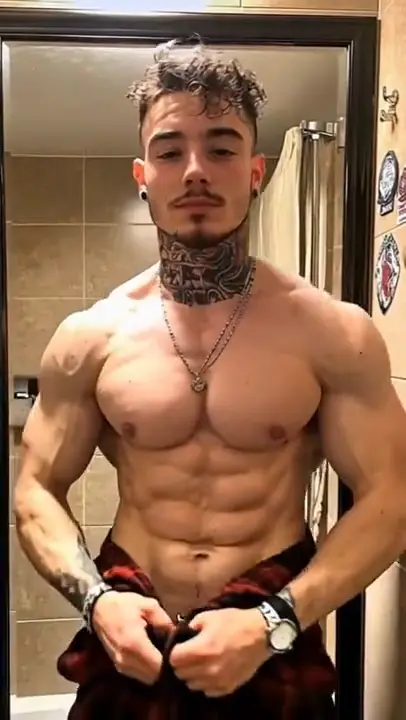
Muscle Video
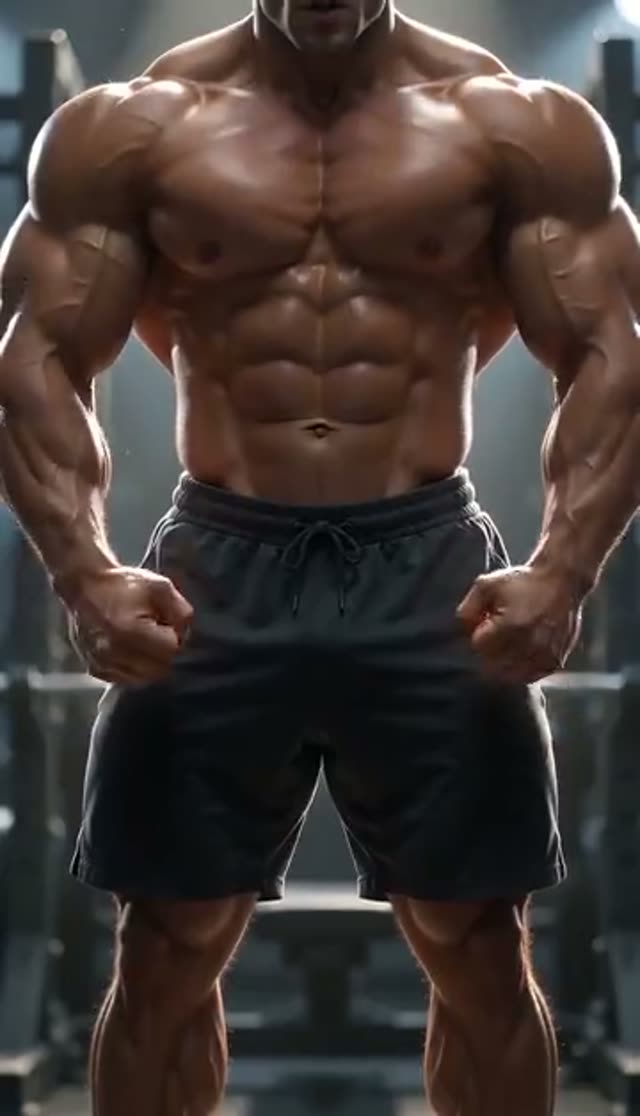
A selfie becomes a sculpted, muscular version of the same man
- Output
- 5s · 480p
AI Muscle Video Generator: Turn One Photo into a Muscle Transformation Clip
Updated
Quick answer: a good AI muscle transformation video keeps the same face, pose and room while only the build changes, and moves naturally for 5 to 10 seconds. VdoBloom does this from one clothed photo with four physiques (Defined, Athletic, Ripped, Bulky): a 5-second 720p clip costs 10 credits on Runway Gen-3 and up to 48 credits on Runway Gen-4.5, and new accounts get 10 free credits.
The VdoBloom AI Muscle Video Generator turns one photo of a clothed adult into a short video in which that same person appears noticeably more muscular. You pick one of four physiques (Defined, Athletic, Ripped or Bulky), choose a video model, and get back an MP4 sized for TikTok, Reels, Shorts or YouTube. Face, hairstyle, pose, background and lighting are held from your original photo.
Is it free? Your first clip can be. New accounts get 10 free credits, and the tab defaults to Seedance 2 Mini at 480p for 5 seconds, which costs 8 credits, so no card is needed for the first render. Free-plan clips are watermarked; a paid plan gives you the clean file. After that, clips cost from 10 to 48 credits for 5 seconds at 720p depending on the model. The Lite pack is 300 credits for $19.50 one-time (credits never expire) or $15 a month.
Be clear about one thing before you upload: this effect changes what the subject is wearing so the muscle definition shows, so the output can be bare-torsoed or in minimal gym wear. If the photo is of someone else, the consent you need covers that depiction, not just use of the picture. It suits fitness creators, coaches making motivation content, friends sharing a joke transformation with permission, and anyone curious how a stronger build would look on video.
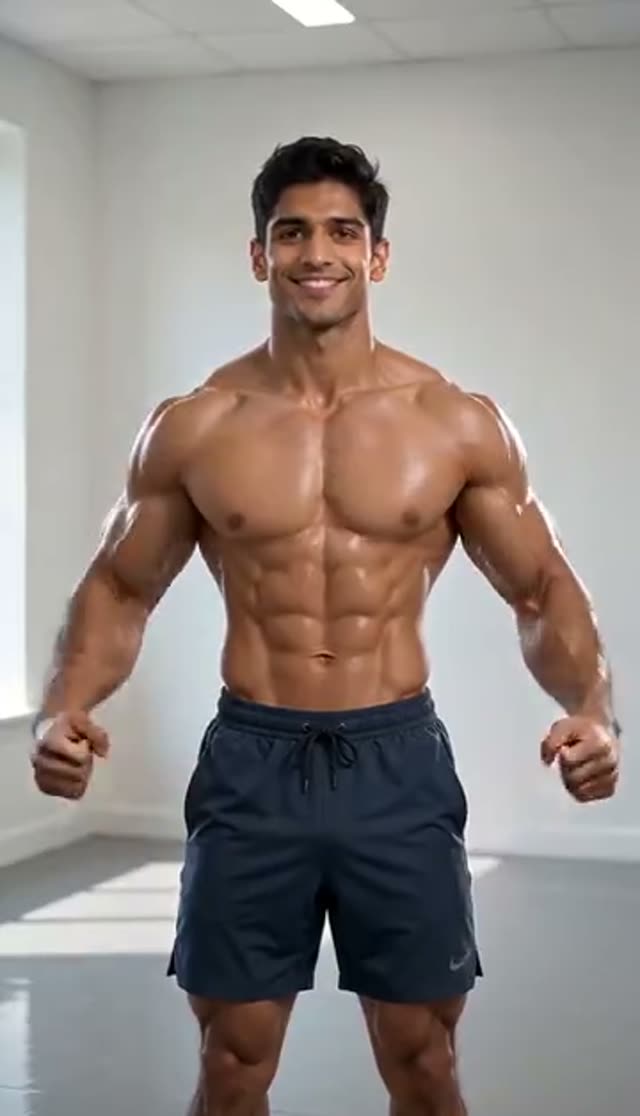
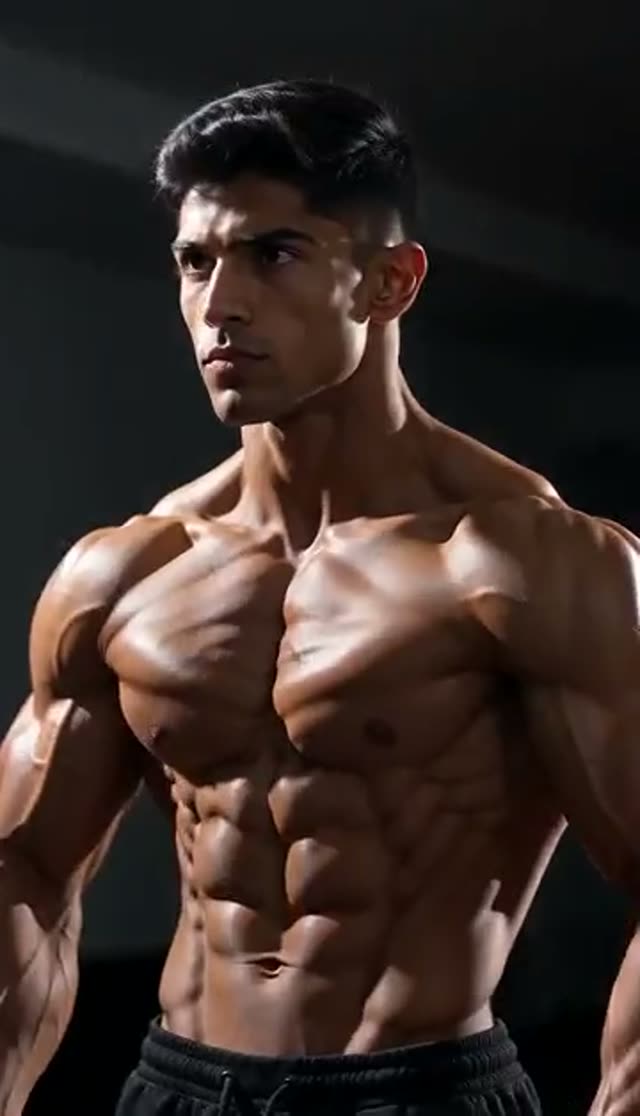
How it works
- 1
Confirm the adult and consent checkbox
Nothing generates until you confirm every uploaded image shows an adult (18+) and that you hold the rights and the person's consent. On this tab, make sure that consent covers a bare-torso result, because that is what the output can be.
- 2
Upload one clothed photo
Use a sharp, evenly lit shot of one person in ordinary clothing, framed upper body or three-quarter body, taken roughly straight on. The transformation is built from a clothed input, so you do not need a shirtless photo.
- 3
Pick a physique
Defined, Athletic, Ripped or Bulky. Each tile plays a preview clip, so you can judge the look before spending a credit.
- 4
Choose model, length, resolution and frame
Seedance 2 Mini at 480p for 5 seconds is the default at 8 credits. Pick 9:16 for Reels and Shorts, 1:1 for a feed post or 16:9 for YouTube. Kling V2.5 Turbo follows your photo's own frame, and Vidu 2.0 offers 16:9 and 1:1 only.
- 5
Generate
A WAN 2.7 image pass builds one transformed keyframe first, then your chosen model animates it. Most 5-second jobs return within a few minutes, and you can close the tab: the clip lands in your library.
- 6
Review and download
Watch it full size. If the definition reads too strong or too flat, switching model moves the result more than anything else. Most models return a silent MP4 so you can add your own track; Vidu Q3 and Q3 Turbo can generate audio in the same pass.
Why use this tool
Identity held at the keyframe stage
The keyframe instruction names what must survive (face, age, skin tone, hairstyle, body proportions, pose, background and lighting) and rules out face swaps, added people and extra limbs, so the clip reads as the same person in the same room.
Natural definition, not CGI bulk
The instruction asks for realistic muscle tone that matches the scene's light and perspective, with no distorted anatomy. Bulky is the heaviest preset and still stays within a believable build.
Sixteen video models in one picker
Runway Gen-3, Gen-4 Turbo and Gen-4.5, Kling V2.5 Turbo, PixVerse v3.5 to v6, and Vidu 2.0, Q1, Q2 Turbo, Q2 Pro, Q3 and Q3 Turbo, each with its credit cost shown before you generate.
PixVerse muscle template
PixVerse v3.5, v4, v4.5 and v5 run PixVerse's own muscle-surge effect template on the keyframe instead of a plain animation. v5.5 and v6 animate the frame without that template, which gives a different look worth comparing.
Charged on acceptance, refunded on failure
Credits leave your balance only after the provider accepts the job, and a generation that fails is refunded automatically. The keyframe step is not billed separately.
Watermark removed by upgrading
The free-plan watermark is applied when the video is served, not burned in during generation, so upgrading later gives you a clean copy of a clip you already made.
Quick facts
The short version, before you upload:
- Input: one photo of a clothed adult.
- Styles: Defined, Athletic, Ripped, Bulky.
- Default: Seedance 2 Mini, 5 s, 480p, 8 credits. Every model in the picker is still selectable.
- Length: 5 seconds by default; 10 seconds on Runway Gen-3 is 20 credits, and Seedance 2 Mini runs up to 15 seconds.
- Free: 10 credits on signup plus a daily check-in of 2–5 credits (25 over a 7-day streak).
- Watermark: free-tier clips are watermarked; any paid plan or credit pack gives the clean MP4.
- Paying: one-time packs start at 200 credits for $10.39 and never expire; no subscription needed.
What makes a good muscle transformation video?
Three things decide whether a muscle clip looks believable: the identity holds (same face, hair and skin tone), the new build matches the scene's light and perspective, and the motion stays gentle enough that the body does not warp. VdoBloom builds one transformed keyframe first and then animates it, which is why the face and background stay close to your photo.
- Input: one clothed photo of one adult, upper or three-quarter body.
- Physiques: Defined, Athletic, Ripped, Bulky.
- Length: 5 seconds by default; 10 seconds on Runway Gen-3 at 720p (20 credits).
- Models: 16 video models, from 10 to 48 credits for 5 seconds at 720p.
- Free: 10 signup credits cover one default clip, watermarked on the free plan.
- Paying: one-time credit packs never expire; no subscription needed.
Which model should I use for an AI muscle video?
The muscle tab runs a two-stage pipeline, and any model in the picker can animate the keyframe. Costs below are for a 5-second clip at 720p unless noted. Start on the default, then re-render a take you like on a heavier model.
- Seedance 2 Mini (default)
- Credits (5 s, 720p):17 (8 at 480p)
- Good for:The model the tab opens on; 4 to 15 seconds
- Runway Gen-3
- Credits (5 s, 720p):10
- Good for:First drafts; fits the 10 free credits. 1080p 5 s or 720p 10 s = 20
- PixVerse v3.5
- Credits (5 s, 720p):18
- Good for:PixVerse muscle-surge template at low cost
- Vidu Q2 Turbo
- Credits (5 s, 720p):18
- Good for:Quick alternative motion style
- Runway Gen-4 Turbo
- Credits (5 s, 720p):20
- Good for:Smoother motion than Gen-3
- PixVerse v4 / Vidu Q3 Turbo
- Credits (5 s, 720p):20
- Good for:Template look (v4); optional generated audio (Q3 Turbo)
- PixVerse v4.5
- Credits (5 s, 720p):22
- Good for:More detail with the muscle-surge template
- PixVerse v5
- Credits (5 s, 720p):25
- Good for:Last PixVerse version that runs the template
- PixVerse v5.5
- Credits (5 s, 720p):35
- Good for:Plain animation of the keyframe, premium quality
- Kling V2.5 Turbo / Vidu Q2 Pro / Vidu Q3
- Credits (5 s, 720p):40
- Good for:Alternative motion character; Kling keeps your photo's frame
- PixVerse v6
- Credits (5 s, 720p):45
- Good for:Newest PixVerse, plain animation
- Runway Gen-4.5
- Credits (5 s, 720p):48
- Good for:Most detail; for clips going out publicly
- Vidu 2.0
- Credits (5 s, 720p):15 (4 s only)
- Good for:Short 4-second loops; 16:9 or 1:1
- Vidu Q1
- Credits (5 s, 720p):25 (1080p only)
- Good for:Full-HD output
| Model | Credits (5 s, 720p) | Good for |
|---|---|---|
| Seedance 2 Mini (default) | 17 (8 at 480p) | The model the tab opens on; 4 to 15 seconds |
| Runway Gen-3 | 10 | First drafts; fits the 10 free credits. 1080p 5 s or 720p 10 s = 20 |
| PixVerse v3.5 | 18 | PixVerse muscle-surge template at low cost |
| Vidu Q2 Turbo | 18 | Quick alternative motion style |
| Runway Gen-4 Turbo | 20 | Smoother motion than Gen-3 |
| PixVerse v4 / Vidu Q3 Turbo | 20 | Template look (v4); optional generated audio (Q3 Turbo) |
| PixVerse v4.5 | 22 | More detail with the muscle-surge template |
| PixVerse v5 | 25 | Last PixVerse version that runs the template |
| PixVerse v5.5 | 35 | Plain animation of the keyframe, premium quality |
| Kling V2.5 Turbo / Vidu Q2 Pro / Vidu Q3 | 40 | Alternative motion character; Kling keeps your photo's frame |
| PixVerse v6 | 45 | Newest PixVerse, plain animation |
| Runway Gen-4.5 | 48 | Most detail; for clips going out publicly |
| Vidu 2.0 | 15 (4 s only) | Short 4-second loops; 16:9 or 1:1 |
| Vidu Q1 | 25 (1080p only) | Full-HD output |
Read more: Runway Gen-3 model page · Runway Gen-4.5 model page · PixVerse v4.5 model page · Kling V2.5 Turbo model page
How much does an AI muscle video cost?
You pay in credits, per clip, with no subscription required. One-time pack credits never expire; subscription credits reset each billing cycle. A few worked examples:
- 10 free signup credits
- 1 default clip (Seedance 2 Mini, 480p, 5 s), watermarked
- Lite pack: 300 credits, $19.50 one-time
- 37 default clips, or 13 PixVerse v4.5 clips, or 6 Gen-4.5 clips
- Lite monthly: 300 credits, $15/month
- 300 credits each billing cycle (they reset, not roll over)
- One 10-second Gen-3 clip
- 20 credits (10 s is 720p only on Gen-3)
| What you have | What it buys on this tab |
|---|---|
| 10 free signup credits | 1 default clip (Seedance 2 Mini, 480p, 5 s), watermarked |
| Lite pack: 300 credits, $19.50 one-time | 37 default clips, or 13 PixVerse v4.5 clips, or 6 Gen-4.5 clips |
| Lite monthly: 300 credits, $15/month | 300 credits each billing cycle (they reset, not roll over) |
| One 10-second Gen-3 clip | 20 credits (10 s is 720p only on Gen-3) |
Read more: See all credit packs
Tips for a realistic muscle transformation
The video model can only animate what the keyframe gives it, and the keyframe can only hold what your photo shows. Most bad results trace back to the source image.
- Use one person per photo. Group shots confuse which body to transform.
- Frame from the waist or mid-thigh up so there is a torso and arms to work with. A tight headshot leaves almost nothing to transform.
- Even, front-facing light works better than hard side light or dim indoor shots.
- Plain, ordinary clothing gives cleaner results than bulky jackets or heavy layering.
- Skip beauty filters and re-saved screenshots; their softness carries into the video.
- Draft on Runway Gen-3, then re-render only the take you like on PixVerse v4.5 or Gen-4.5.
What the muscle effect can and cannot do
It produces a short generated clip, typically 5 or 10 seconds, of a more muscular version of the person in your photo. It is a visual effect for entertainment and content, not a prediction of how training would change anyone's body.
- No free-text prompt on this tab: the four physique tiles and the model choice are the controls.
- No camera-movement control on effect tabs.
- One photo in, one subject out. There is no two-person mode here.
- Explicit content is not permitted, and photos of minors are prohibited. Every prompt is screened against VdoBloom's content policy before it reaches a model.
- Most models return silent video; only Vidu Q3 and Q3 Turbo can generate sound.
Popular uses for AI muscle videos
Fitness creators use the clip as a hook for transformation and motivation posts. Coaches and gyms use it in light-hearted promos (with clear AI labeling). Friends trade joke transformations with each other's consent, and plenty of people simply want to see themselves with a stronger build before starting a program. If you want a training scene rather than a physique change, the AI Gym Video Generator places your photo in a generated gym.
Read more: How to make an AI muscle video (guide) · AI video for gyms and personal trainers
Frequently asked questions
Can I make a muscle transformation video for free?
Your first clip, yes: the 10 signup credits cover the default 5-second Seedance 2 Mini render, and the daily check-in adds 2 to 5 credits a day. Free clips carry a VdoBloom watermark.
Do the credits expire?
One-time pack credits never expire, and no subscription is needed; packs start at 200 credits for $10.39.
What is the best AI muscle or body transformation video generator?
The best one keeps the person recognizable while only the physique changes. VdoBloom builds a transformed keyframe from your photo, then animates it with the model you pick: start on Runway Gen-3 (10 credits, covered by the free signup credits), and re-render on PixVerse v4.5 (22) or Runway Gen-4.5 (48) for more detail.
Is the AI muscle video generator free?
Your first clip is. New accounts get 10 free credits and the default run (Seedance 2 Mini, 480p, 5 seconds) costs 8, with no card required. Free-plan clips carry a watermark on the player and the download; a paid plan gives you the clean file.
How do I make an AI muscle video from a photo?
Tick the adult and consent box, upload one clear photo of a clothed person, pick Defined, Athletic, Ripped or Bulky, choose a model and aspect ratio, then press generate. A keyframe is built first and then animated, and the MP4 appears in your library within a few minutes.
Does the finished video show the person shirtless?
It can, so assume it will. The effect changes the subject's clothing so the muscle definition is visible, which usually means a bare or minimally covered torso. If you use someone else's photo, get their agreement to that specific depiction first.
How much does each AI muscle video cost?
A 5-second 720p clip costs 10 credits on Runway Gen-3, 18 on PixVerse v3.5 or Vidu Q2 Turbo, 22 on PixVerse v4.5, 40 on Kling V2.5 Turbo and 48 on Runway Gen-4.5. The Lite pack gives 300 credits for $19.50 one-time, which is 37 default clips.
Will the face still look like the person in the photo?
That is the main job of the keyframe instruction, which fixes face, age, skin tone, hairstyle and body proportions and rules out face swaps. When a face drifts, the source photo is usually small, blurry, filtered or shot from a steep angle; a sharper upload fixes it more often than a model change.
What is the difference between Defined, Athletic, Ripped and Bulky?
Defined adds natural muscle tone, Athletic gives a balanced, toned build, Ripped goes for low body fat and sharp definition, and Bulky adds the most mass. Each tile plays a preview so you can compare them before you spend credits.
Which model gives the most realistic muscle video?
Runway Gen-4.5 at 48 credits holds the most detail. PixVerse v4.5 at 22 runs PixVerse's muscle-surge template and is a good middle option. Draft on Runway Gen-3 at 10 credits, then re-render the take you like on a heavier model.
How long does it take to generate?
Usually a few minutes for a 5-second clip. It takes a little longer than plain image-to-video because the transformed keyframe is built first. You do not need to keep the page open; the finished clip is saved to your library.
Can I post AI muscle videos on TikTok, Instagram Reels or YouTube Shorts?
Yes. Generate at 9:16 for a vertical MP4 that fits all three. Most models return silent video, so add music in the app you post from. Major platforms ask you to label realistic AI-generated video of real people, so use their AI or synthetic-media label.
Can I use someone else's photo?
Only if they are an adult, you hold the rights to the image and they consent to this kind of depiction. You confirm all three before generating, and every prompt is screened against VdoBloom's content policy. Explicit content is not permitted and images of minors are prohibited.