Creative Content AI Templates
Creative content templates produce idea-driven images you would actually share: things built around a joke, a concept, or a piece of text rather than a restyled photo. The category currently holds two templates — the Fake Tweet Screenshot, which fabricates a pixel-convincing parody social media post (the example puts words in Einstein’s mouth), and Integrating Word Meaning into Letters, a typography exercise where the meaning of a word is drawn into the shapes of its own letterforms.
Both are text-first templates: you do not need to upload anything, just edit the variable parts of the prompt — the name, handle, and quote for the tweet, or the word you want illustrated — and generate. That makes them the quickest templates in the gallery to try, and a good first test of how well a given model renders text.
One honest note on the parody tweet: it is meant for memes, illustrations, and fiction. Do not pass off a fabricated quote as something a real person actually said. As with the rest of the gallery, full prompts are shown on each page, the original authors are credited, and everything is CC-BY-4.0 via the awesome-nano-banana collection.
All creative content templates (2)
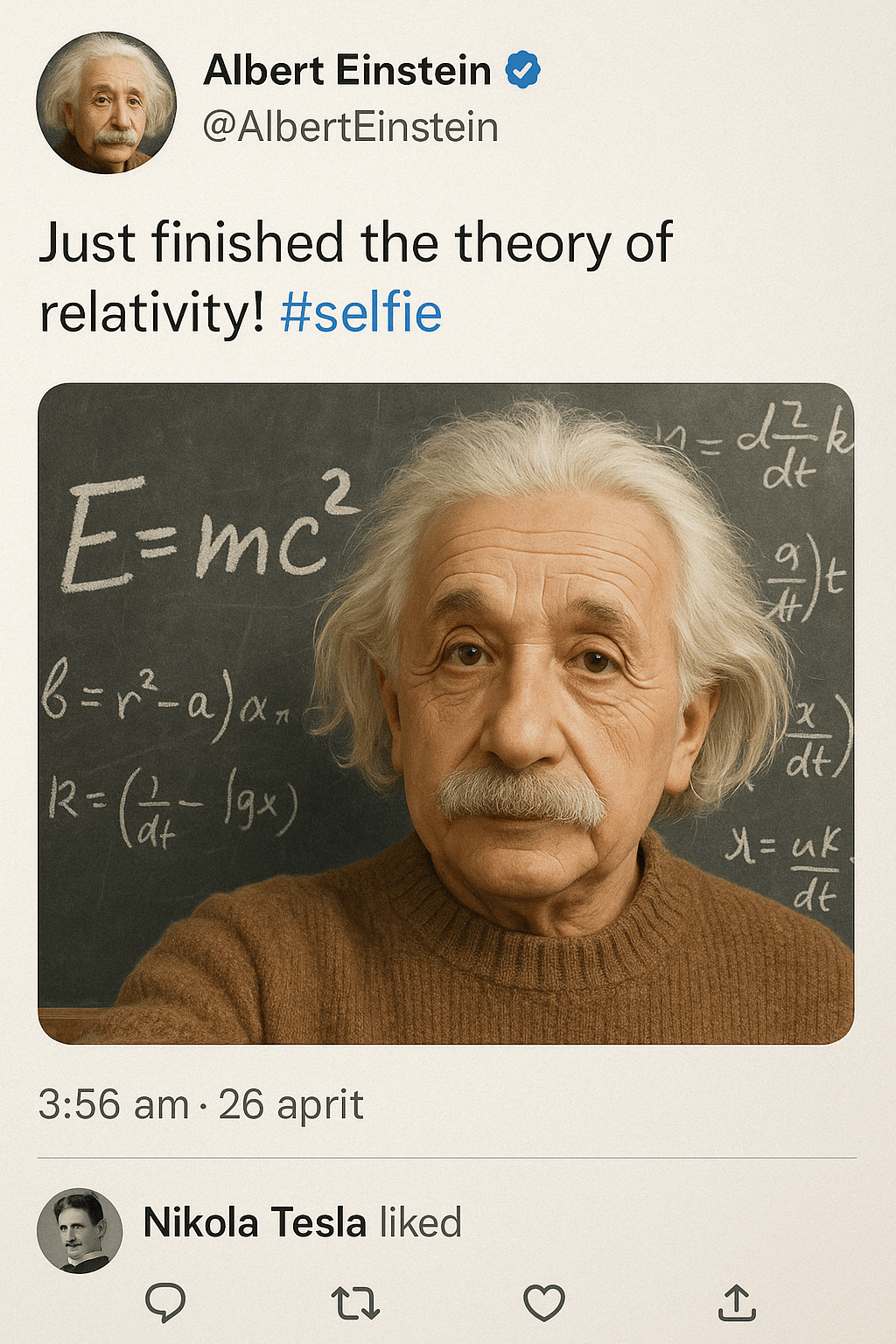
Fake Tweet Screenshot (Einstein)
Fabricate a hyper-realistic social media post from history — Albert Einstein celebrating the theory of relativity, selfie and chalkboard equations included.
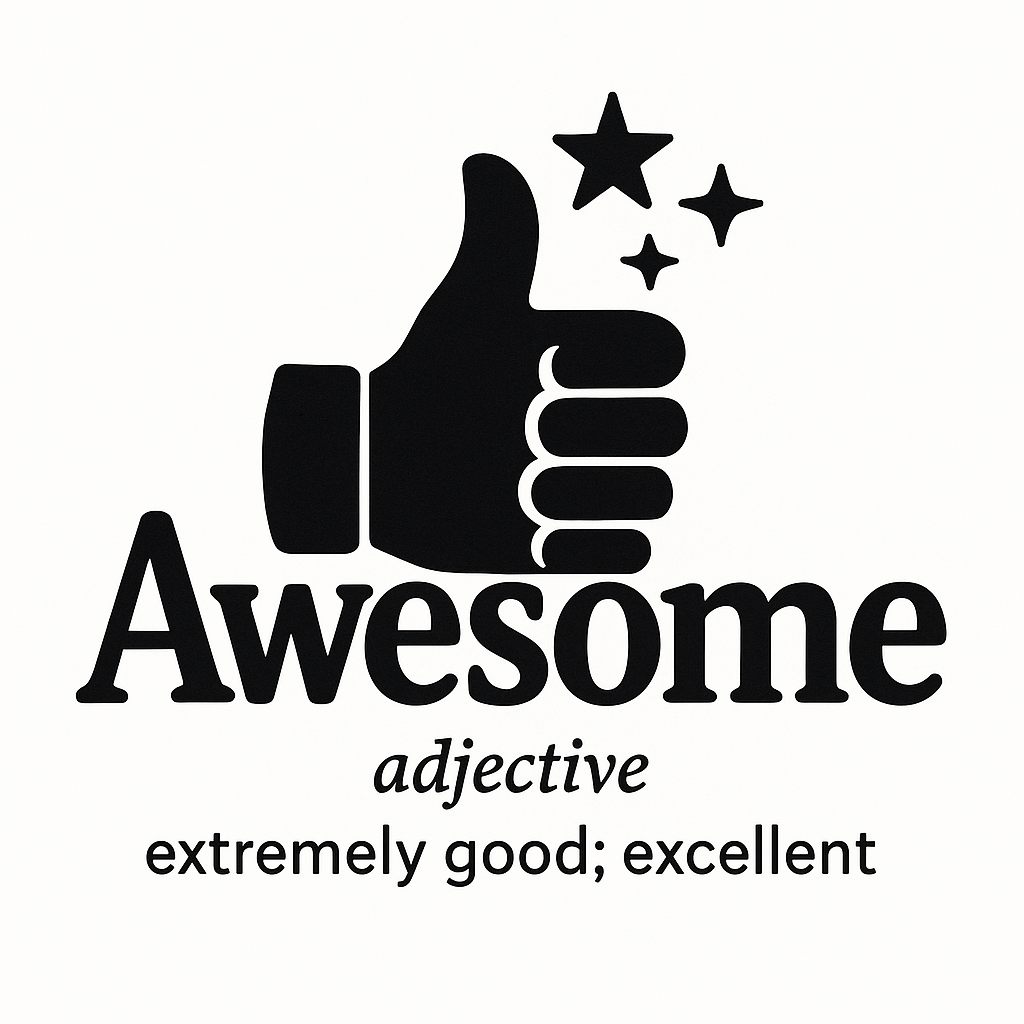
Integrating Word Meaning into Letters
Morph a word's letterforms so they visually act out the word's own definition, with a brief explanation printed underneath.
Frequently asked questions
What is in the creative content category?
Templates that produce shareable, idea-driven images rather than photo restyles. Right now that includes a parody tweet screenshot generator and a typography template that draws a word’s meaning into its letterforms. The category mirrors the community collection it comes from and grows as new prompts are added there.
Is it OK to generate fake tweet screenshots?
As parody, illustration, or meme material — yes, that is what the template is for. What is not OK is presenting a fabricated quote as something a real person actually said. Label parody clearly, especially when using a real name, and remember that social platforms have their own rules about manipulated media.
Can I change the text these templates generate?
Yes. The full prompt is shown on every template page with the variable parts visible — the name, handle, and quote text, or the word being illustrated. Copy the prompt, swap in your own text, and run it. Short text usually renders accurately; if a word comes out misspelled, just regenerate.
Do I need to upload anything for these templates?
Generally no — both current creative content templates work from text alone, which makes them the fastest templates in the gallery to try. Check the "What you need" note on each template page; if there is none, you can open the template in Art Studio and generate immediately.
More template categories
Try a creative content template now
Pick any template above, or open Art Studio and start from a blank prompt.
Open Art Studio