Special Effects AI Templates
Special effects templates keep your subject recognizable while changing what it is made of or how it was photographed. The current set includes the 3D Translucent Glass Transformation, which re-renders an object as luminous blown glass; the Cute and Cozy Knitted Doll, which re-knits a person or character entirely in yarn; the Extremely Ordinary iPhone Selfie, which produces a deliberately mundane, flash-lit phone snapshot; and the Signature City Weather Forecast, which composites a stylized weather graphic over a city portrait.
Effects like these are harder than they look to prompt from scratch — the glass and yarn transformations in particular depend on precise wording about texture, light, and translucency that the community has already refined and tested. Using a template means you start from wording that is known to work. Your input photo matters too: a sharp image with one clear subject and a clean silhouette gives the model the best chance at a convincing transformation.
Like everything in this gallery, each effect ships with its full prompt, opens in VdoBloom Art Studio with one click, and runs on Nano Banana, Seedream, or Flux. All of these prompts are CC-BY-4.0 from the awesome-nano-banana collection, with the original authors credited and linked on every template page.
All special effects templates (4)
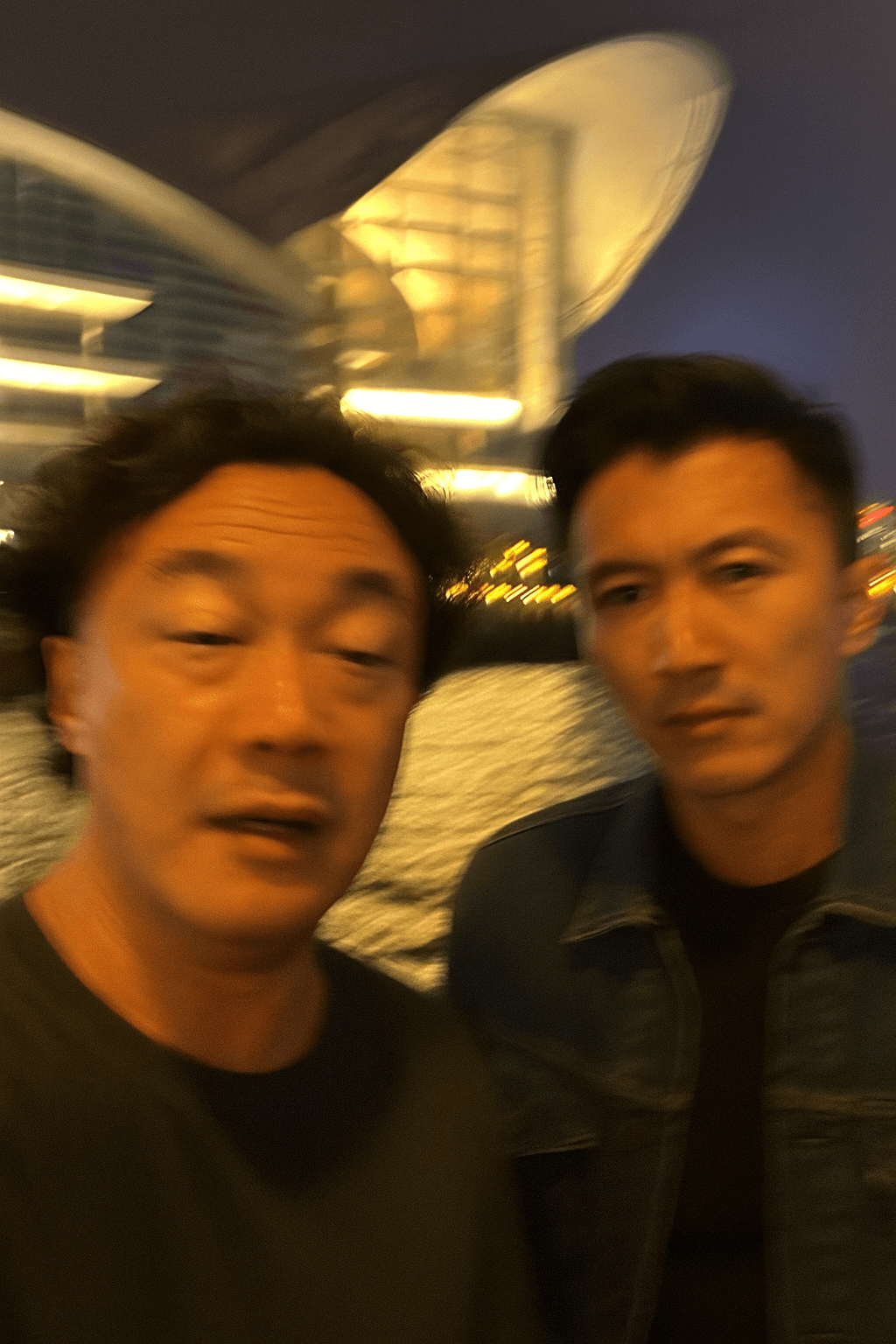
Extremely Ordinary iPhone Selfie
Deliberately unremarkable phone snapshots are the goal here — awkward angle, messy composition, motion blur, and mild overexposure included.
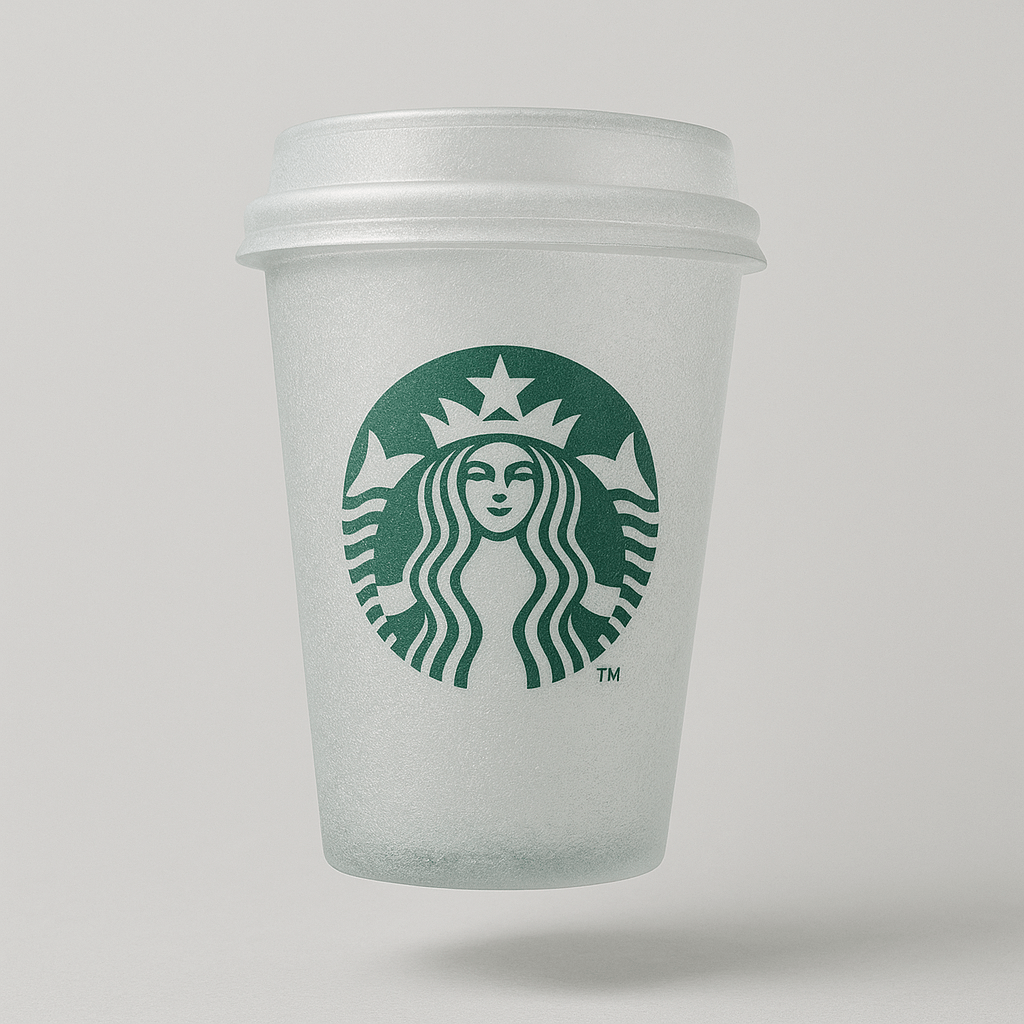
3D Translucent Glass Transformation
Reimagine an uploaded object as a soft glass sculpture with a frosty matte finish, floating gently against a light gray backdrop.
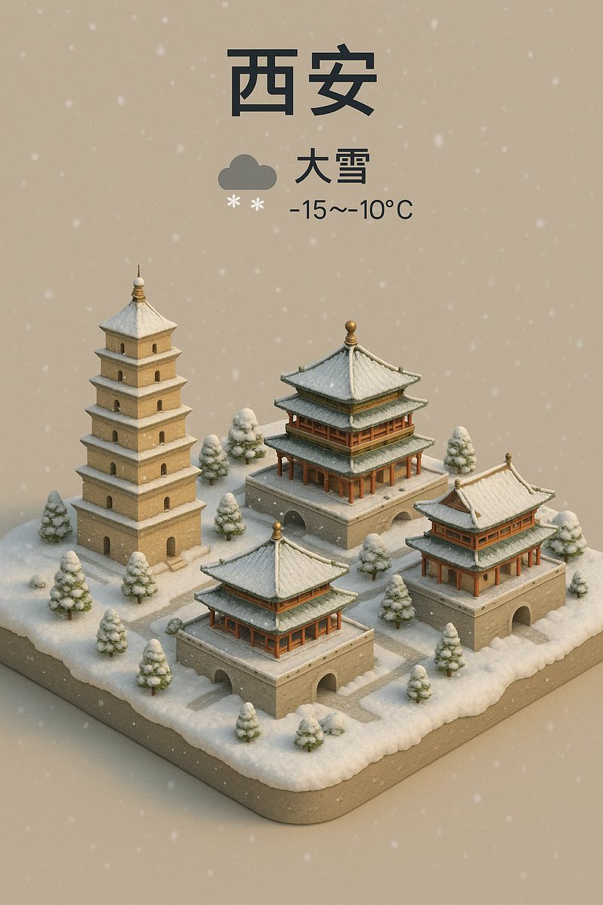
Signature City Weather Forecast
Condense a city's landmarks into an isometric miniature seen from a crisp 45-degree bird's-eye view, topped with a forecast caption like "Shanghai Cloudy 20°C" and a matching weather icon.
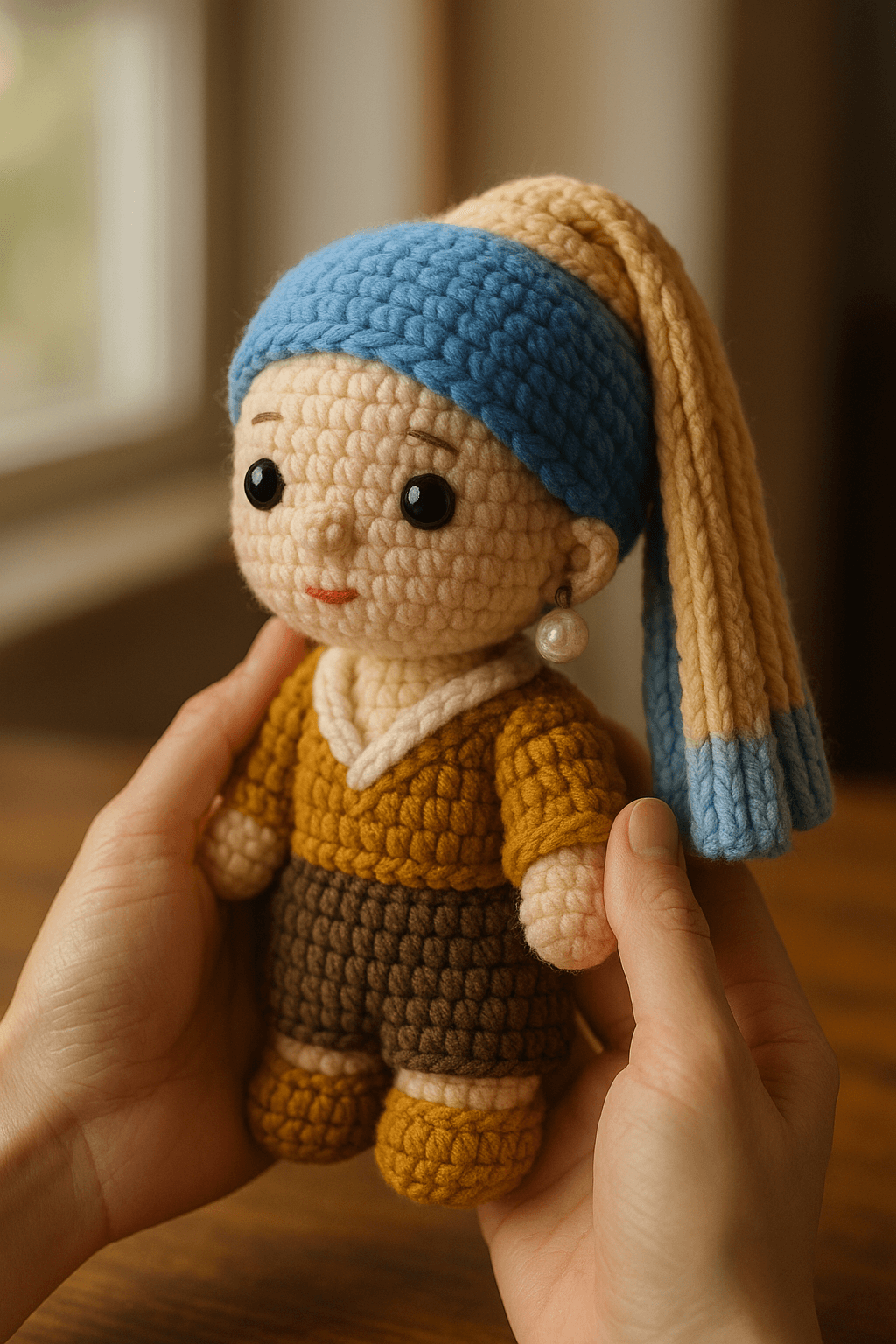
Cute and Cozy Knitted Doll
Recast a character from your photo as a hand-crocheted chibi yarn doll, cradled gently in two hands above a warm wooden tabletop.
Frequently asked questions
What do special effects templates actually change?
They keep your subject recognizable while transforming material, lighting, or context: re-rendering a subject as translucent glass, re-knitting a character into a cozy yarn doll, flattening a polished portrait into a deliberately ordinary flash selfie, or compositing a weather-forecast graphic over a city portrait. The effect is the star; your photo is the input.
Why would anyone want an "extremely ordinary" selfie effect?
Because perfectly lit AI portraits look obviously artificial. The Extremely Ordinary iPhone Selfie template goes the other way — slight blur, harsh flash, uneven framing — producing images that feel like a casual, believable phone snapshot. It is popular for memes, fictional social accounts, and any project that needs authentic-looking candid photos.
What kind of photo works best as input?
A sharp, well-lit photo with one clear subject. Effects that re-texture the subject — glass or knitted yarn — work best when the silhouette is distinct from the background. Each template page lists what to upload under "What you need", and a quick crop before uploading often improves results noticeably.
Can I combine two effects on the same image?
Not in one click, but you can chain them: generate with one template, download the result, then upload that image as the reference for a second template. You can also merge ideas by copying both prompts and editing them into a single instruction in Art Studio.
Do effects templates work with Nano Banana, Seedream, and Flux?
Yes — every template in this gallery runs on any of the image models available in Art Studio. Material transformations like glass and yarn are demanding, so if one model struggles with fine texture, rerunning the same prompt on another model is often the fastest fix.
More template categories
Try a special effects template now
Pick any template above, or open Art Studio and start from a blank prompt.
Open Art Studio