Product Design AI Templates
Product design templates turn a small input — an emoji, a logo, a word, a favorite photo — into a polished concept image of a physical product: branded mechanical keycaps, kawaii enamel pins, chrome badge pins, a gold pendant necklace, capsule-machine toys, an inflatable emoji cushion, even a surreal popsicle with an underwater scene frozen inside. The output looks like a professional product shot, so an idea can feel real long before anything is manufactured.
That makes these templates practical, not just fun. Designers use them to fill moodboards and pitch decks, merch sellers test reactions to a design on social media before committing to a production run, and brands mock up swag concepts in minutes instead of days. Be clear about what you are getting, though: these are concept renders with no dimensions or material specifications behind them — actual production still needs a real product designer.
Each template page shows the full prompt with its placeholders visible, so you can swap in your own brand name, colors, and materials. Open a template in Art Studio with one click, run it on Nano Banana, Seedream, or Flux, and download the result. Every prompt is CC-BY-4.0 from the awesome-nano-banana collection, with the original author credited on the page.
All product design templates (9)
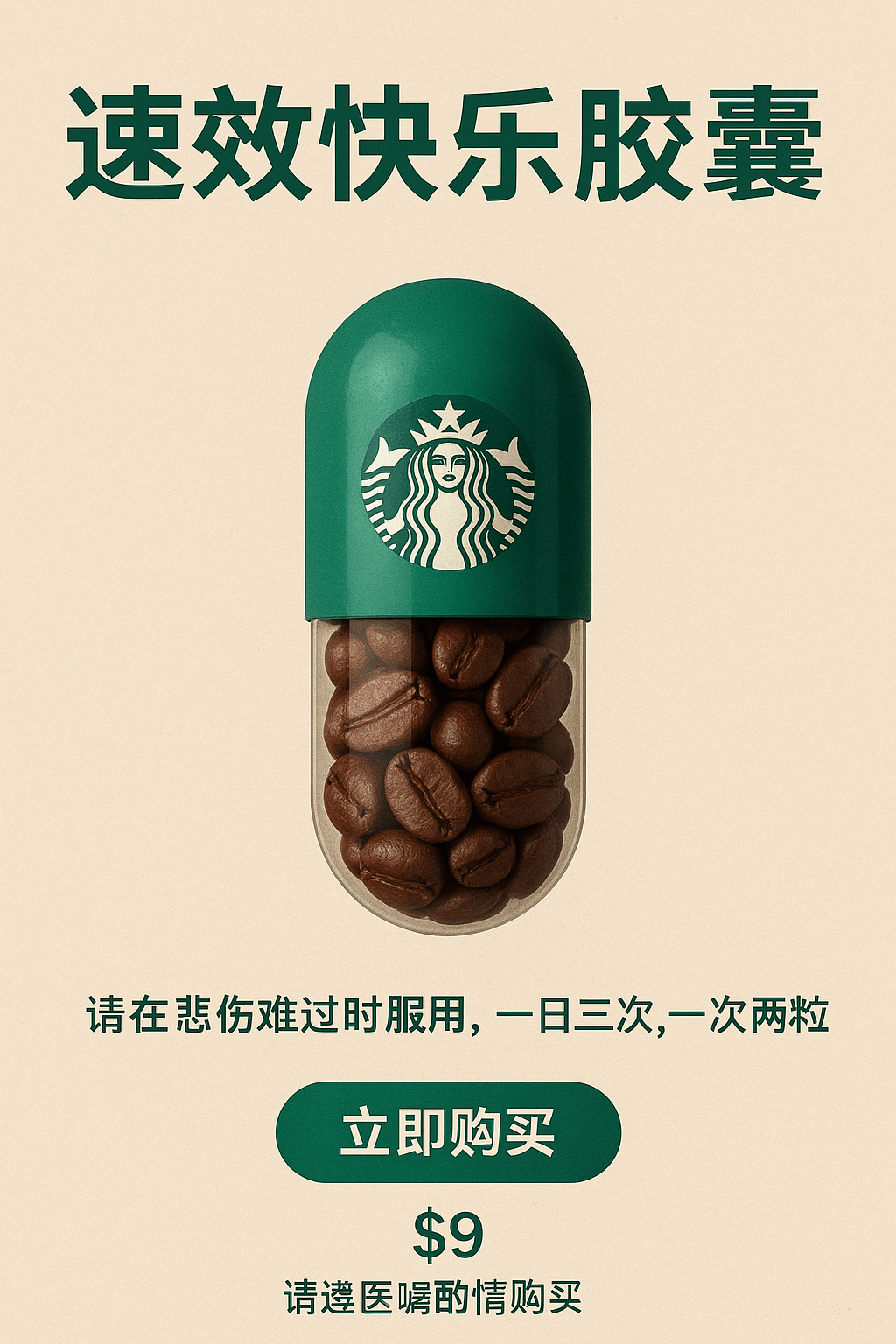
Happy Capsule Creation
A whimsical product idea becomes a finished pharmacy-style ad: a "Fast-Acting Happiness Capsule" with a Starbucks-green cap and a transparent half filled with coffee beans.
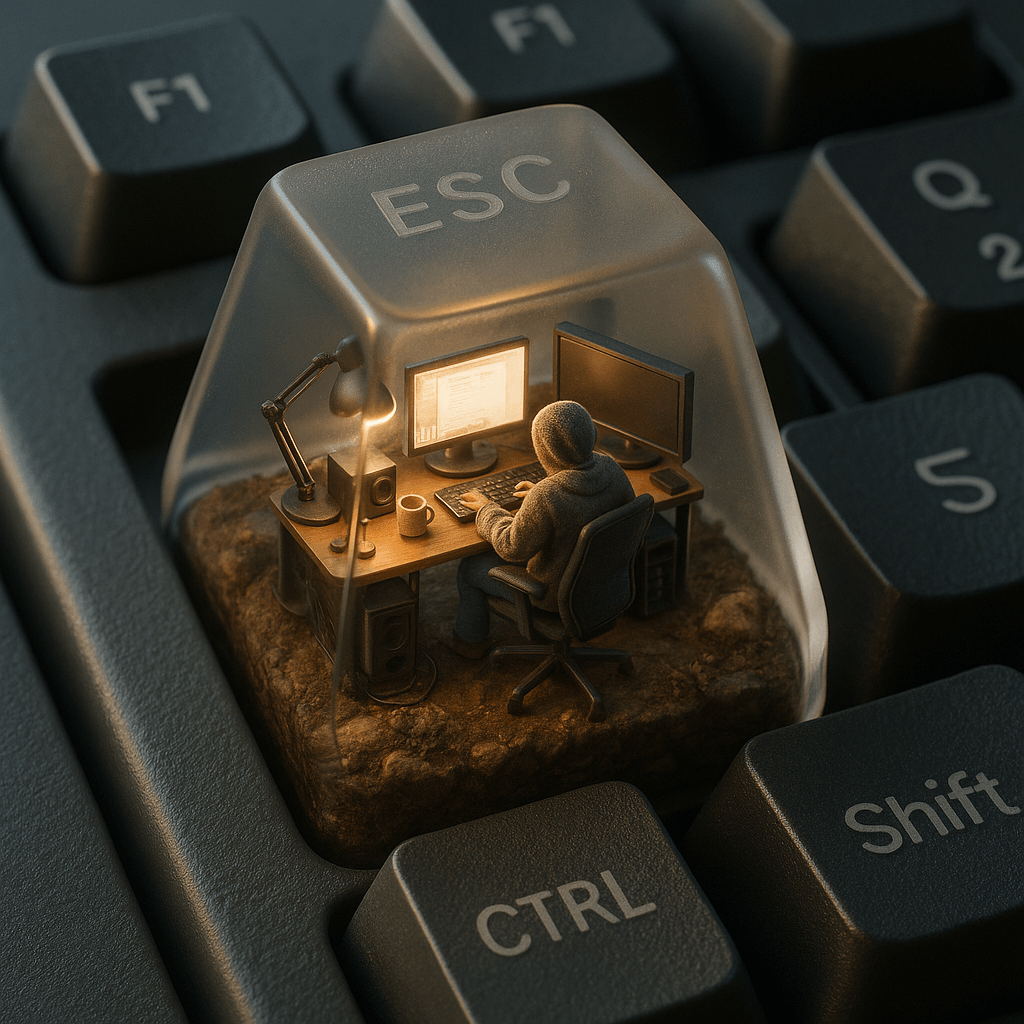
ESC Keycap Miniature Diorama
Inside a mechanical keyboard's ESC key, this template builds a translucent micro-world: a tiny hoodie-clad figure working at a glowing desk setup amid moss, soil, and tangled cables.
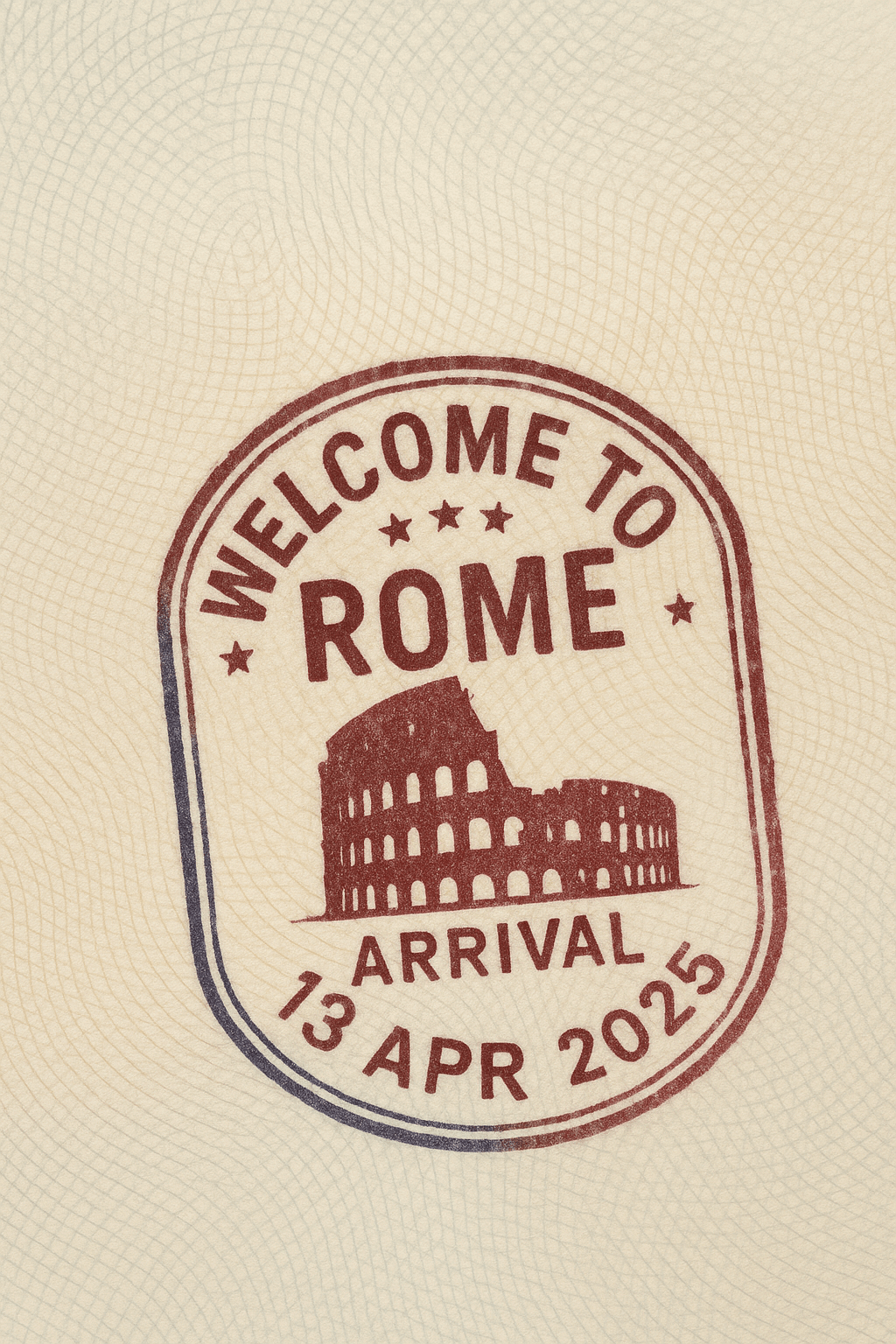
Passport Entry Stamp
Stamp any city and country onto a realistic passport page complete with a hand-pressed arrival stamp.
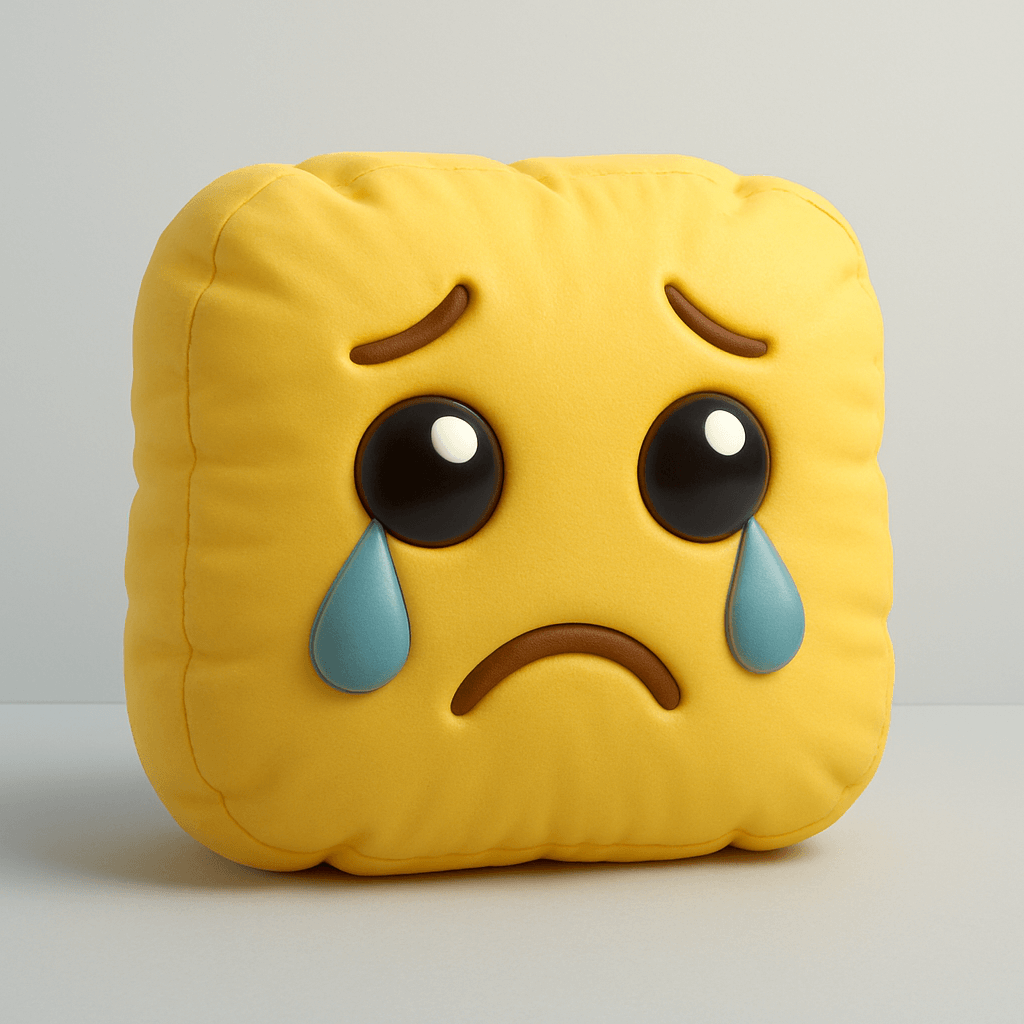
Emoji Inflatable Cushion
Any emoji becomes a puffy, air-filled 3D object that looks like a plush balloon toy.
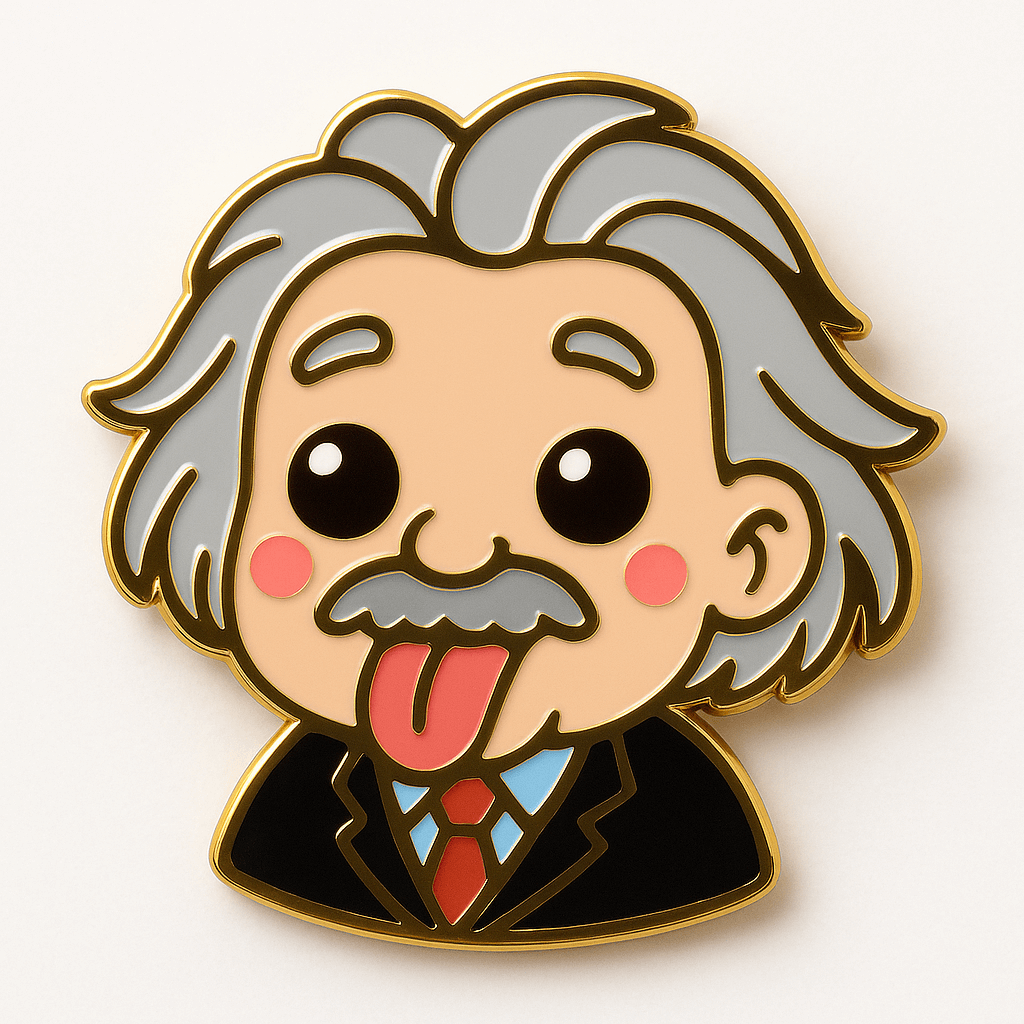
Kawaii Enamel Pin
The Kawaii Enamel Pin template transforms the subject of your uploaded photo into a cute collectible pin with glossy metal outlines and vibrant enamel fill.
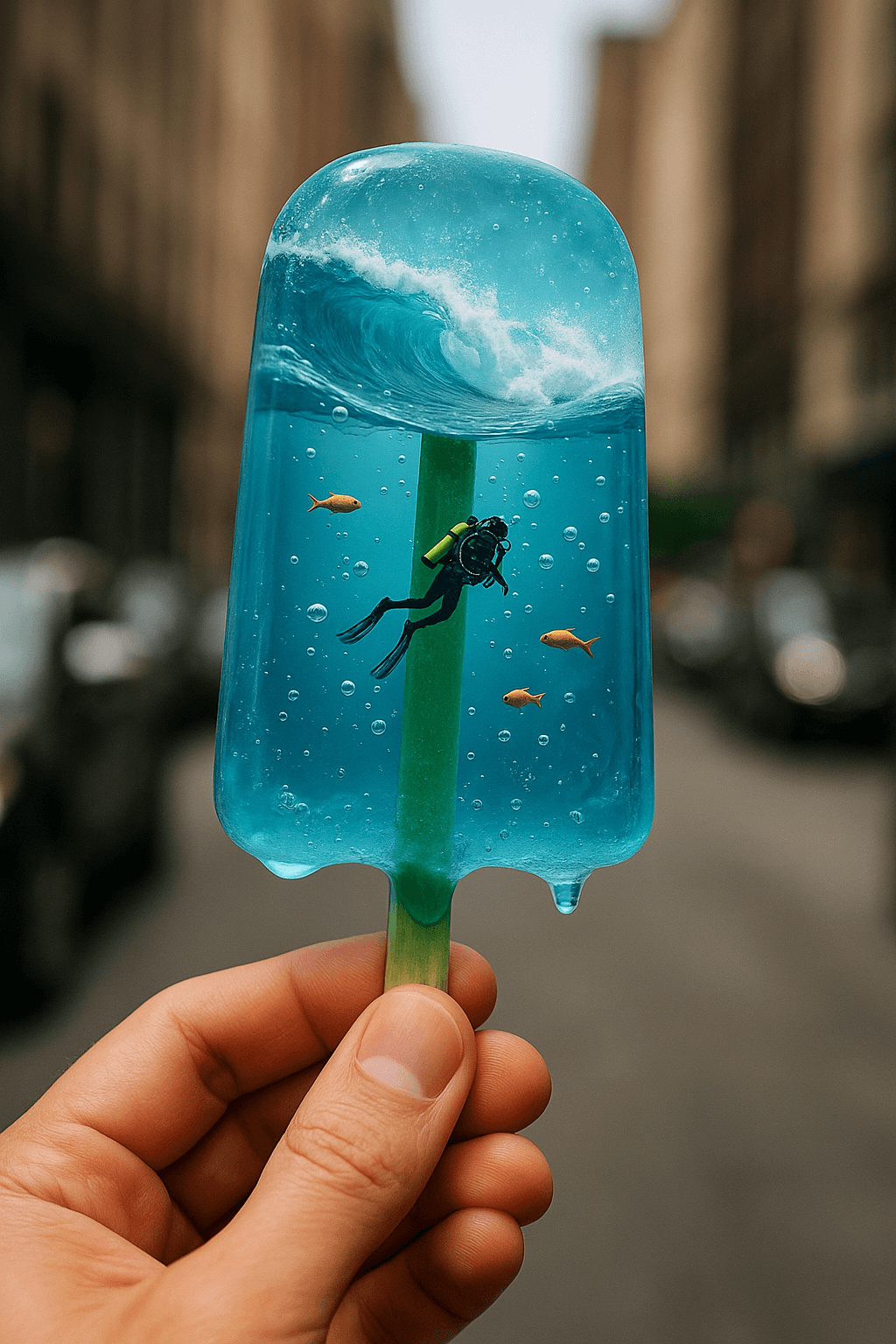
Surreal Underwater Scene Popsicle
Stage a premium product shot of a transparent blue popsicle hiding an entire ocean inside — a tiny scuba diver, drifting fish, bubbles, and crashing waves.
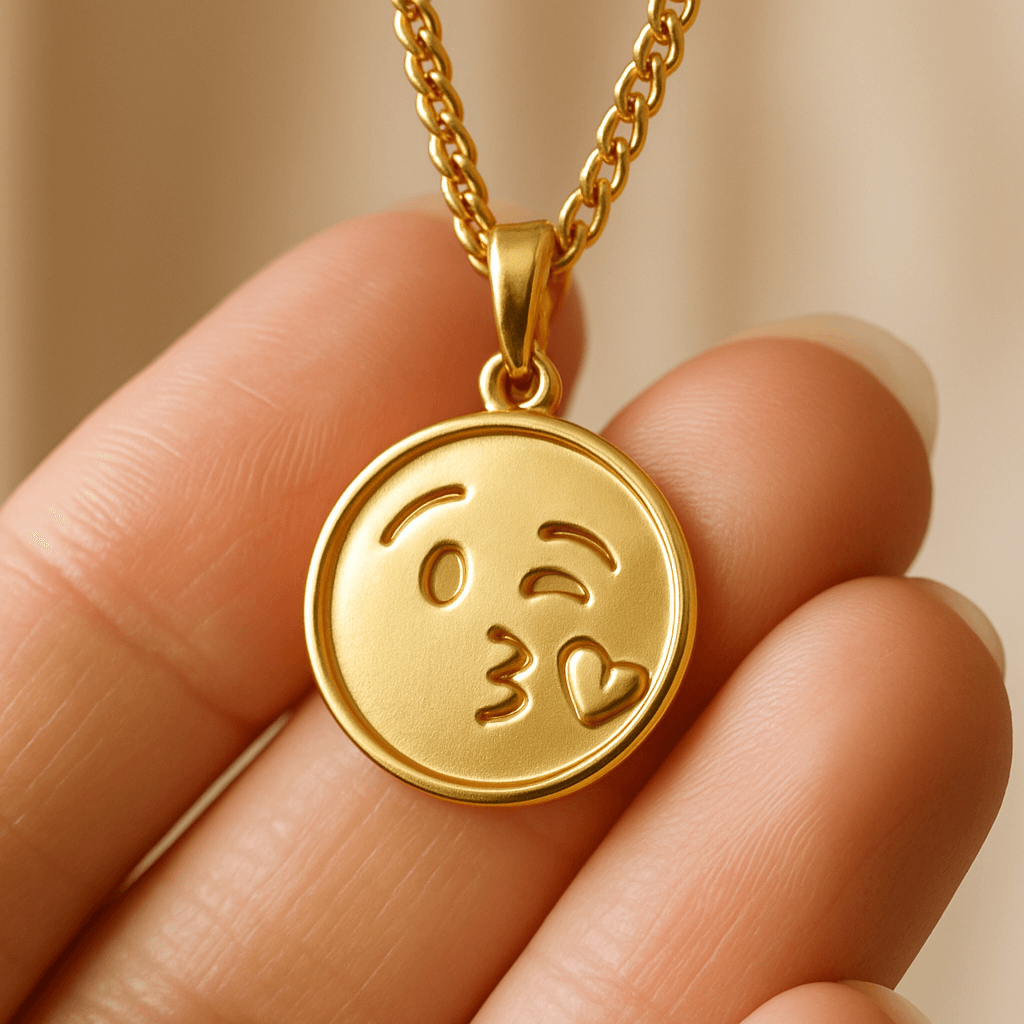
Gold Pendant Necklace
Engrave any image or emoji as a bas-relief on a photorealistic gold pendant, held up to the camera by hand.
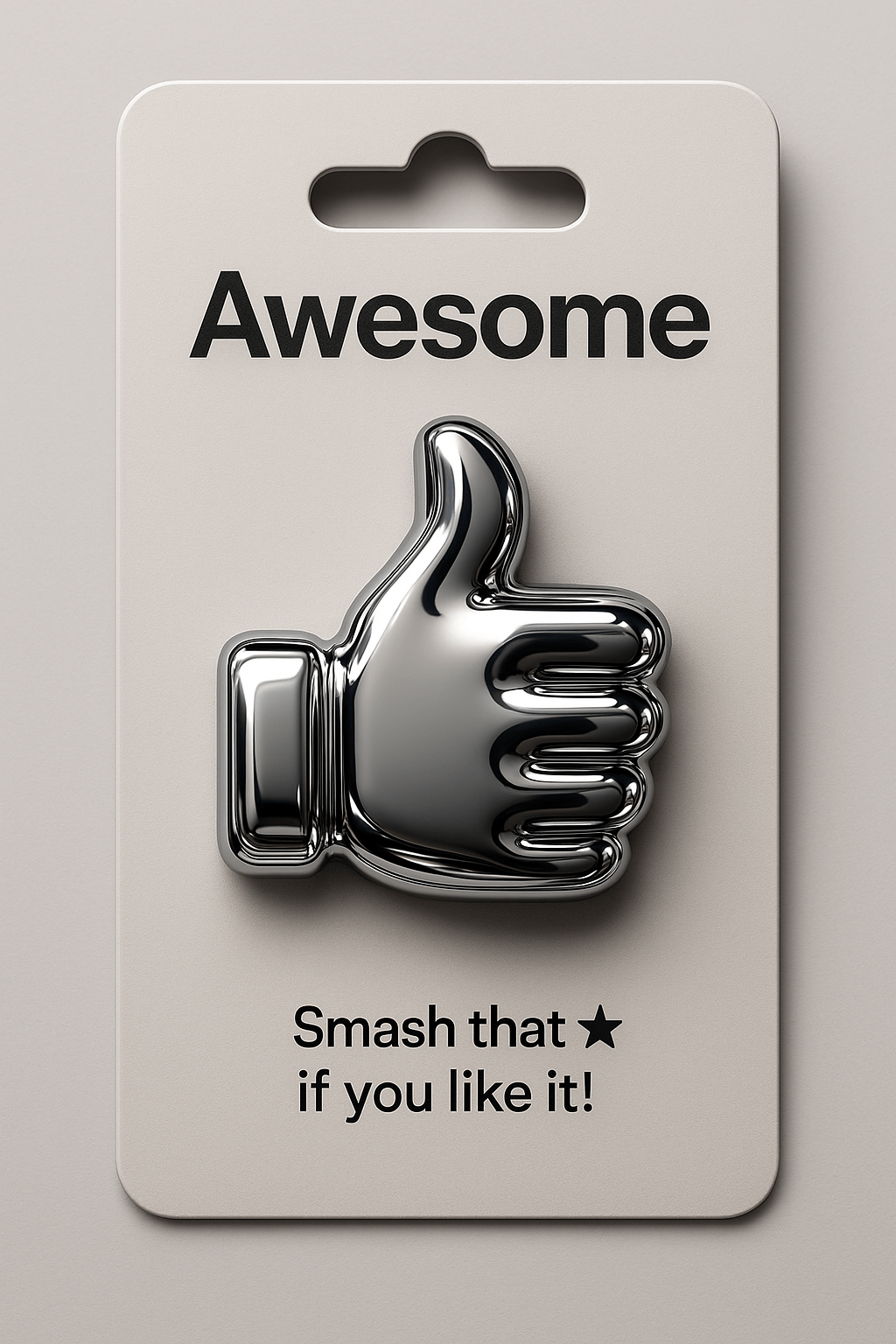
Chrome Emoji Pin
Any emoji turns into an ultra-glossy metallic pin mounted on a die-cut product card, rendered as a detailed 3D mockup.
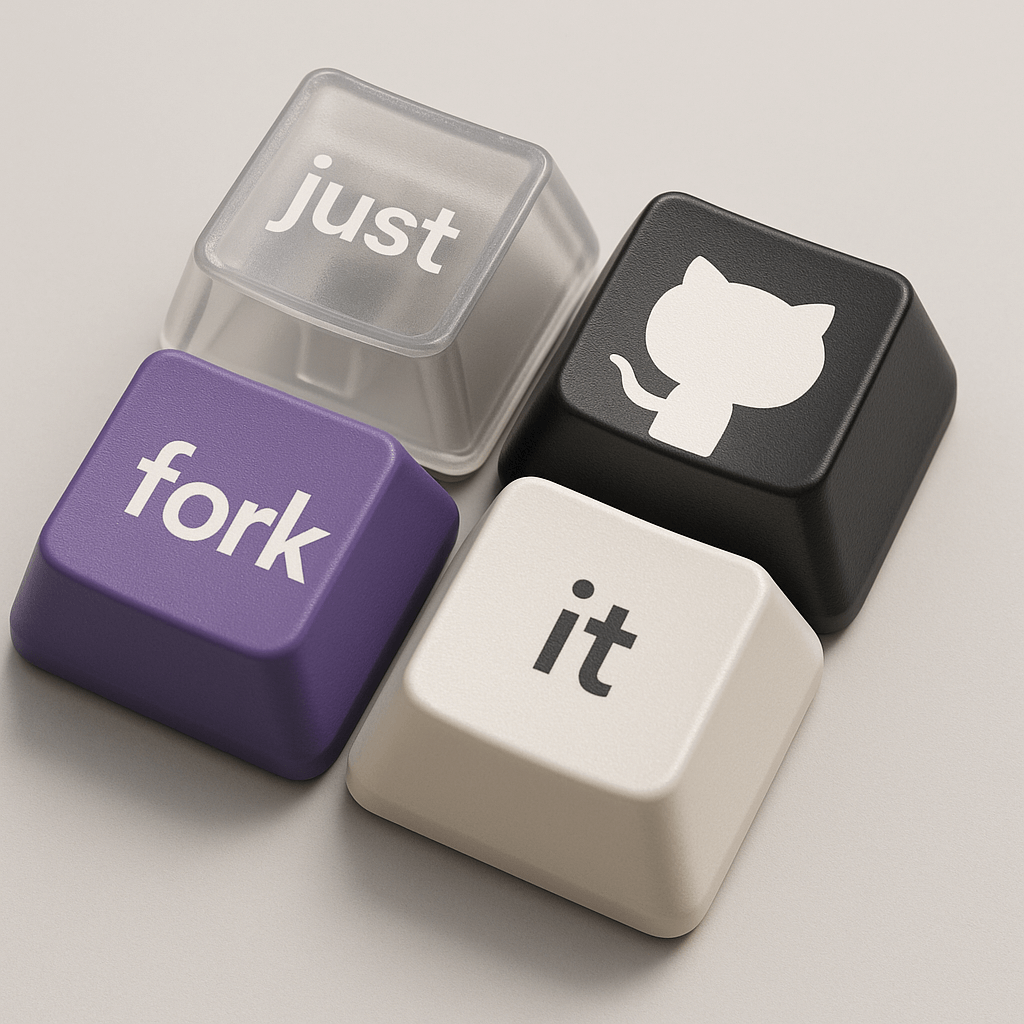
Branded Mechanical Keycaps
Arrange four sculpted keycaps in a tight 2x2 grid, one transparent with printed text, one carrying a logo, and two spelling out your message.
Frequently asked questions
What can I make with product design templates?
Concept images of physical products: branded mechanical keycaps, enamel and chrome pins, gold pendant necklaces, capsule-machine toys, inflatable emoji cushions, passport-style stamps, and more. You supply a small input — a logo, an emoji, a word, or a photo — and the template renders it as a finished-looking product shot.
Can I manufacture the products these templates show?
These are concept renders, not production files — there are no dimensions, material specs, or CAD data behind them. They are great for pitching an idea, testing reactions on social media, or briefing a real product designer, but manufacturing still needs proper design work. Also check trademark rights before producing anything based on a brand’s assets.
Do product templates need a reference image?
It varies. Keycap and pendant templates usually want a logo, emoji, or subject image to feature on the product, while others generate purely from the text prompt. Each template page lists requirements under "What you need", and the prompt itself shows placeholders you can fill with your own brand name or motif.
Which model gives the cleanest product mockups?
Nano Banana is a strong default for product shots because it handles fine detail and short text — like a brand name on a keycap — well; Seedream and Flux are worth trying for alternative lighting and material looks. Generating a few variants across models and picking the best one is the usual workflow.
Are these mockups free to use?
The prompts are free and CC-BY-4.0 licensed, with the original authors credited on every page. Browsing and copying prompts costs nothing; generating images in VdoBloom Art Studio uses credits from your account. What you do with a generated image is governed by VdoBloom’s terms and any third-party rights in your inputs.
More template categories
Try a product design template now
Pick any template above, or open Art Studio and start from a blank prompt.
Open Art Studio