AI Video & Image Models
VdoBloom runs 168 AI models in one place: 91 video models and 77 image models from 19 model families, including Kling, Google Veo, ByteDance Seedance, Alibaba Wan, MiniMax and Black Forest Labs. Pick a model by the job, see its real output, and run it with one account and one credit balance.
Each card shows a real example output, and every model page lists exact durations, resolutions, content-filter level and how to run it with free signup credits. No API keys, no per-vendor subscriptions. Of the video models, 45 take a text prompt, 66 animate a photo, 11 transform an existing video and 12 offer a 4K option.
- AI models
- 168
- Model families
- 19
- Video models
- 91
- Image models
- 77
- Animate a photo
- 66
- Offer 4K video
- 12
Which AI model to use: quick picks by job
A starting point for common jobs, with the credit cost of a typical first generation. Prices scale with duration and resolution, and the exact cost is always shown before you confirm.
Video
| If you need | Try | Why | From |
|---|---|---|---|
| One long take instead of stitched clips | Wan AI 3.0 Video | 2–30 s per clip at 480p, 720p or 1080p, text or photo input | 32 credits for 5 s at 720p |
| Long clips with sound generated in the same pass | Seedance 2.5 | 4–30 s per clip, 480p to 1080p, text or photo input | 126 credits for 5 s at 720p |
| Low-cost drafts before a final render | Seedance 2 Mini | 4–15 s at 480p or 720p with native audio; test prompts cheaply at 480p | 7 credits for 4 s at 480p |
| 4K video output | Kling V3.0 | Standard, Pro and 4K modes, 3–15 s per clip | 28 credits for 5 s (Standard), 134 in 4K |
| One fixed price per clip, no per-second meter | Veo 3.1 Fast | Google Veo 3.1 at a flat rate per generation, with a separate High Quality tier | 40 credits per clip (High Quality: 160) |
| Copy the motion of a reference video | Kling 3.0 Motion Control | Upload a character image and a motion clip; the character performs the moves | 40 credits for 5 s at 720p |
| Swap a character inside existing footage | Wan AI 2.2 Animate Replace | Video-to-video: keeps the scene and camera, replaces the person | 63 credits for 5 s at 720p |
Images
| If you need | Try | Why | From |
|---|---|---|---|
| Fast, low-cost text-to-image | Seedream 5 Flash | Quick drafts and volume work from a text prompt | 2 credits per image |
| Readable text on posters and signs | Seedream 4.5 Text-to-Image | Strong at lettering placed inside the scene | 7 credits per image |
| Edit a photo by typing what to change | Nano Banana Edit | Upload a photo, describe the change, keep the rest | 5 credits per edit |
| Transparent-background PNGs | Qwen Image 2.1 Edit | Returns a real alpha channel, plus mask-based inpainting | 3 credits at 1K |
| Remove an object from a photo | FLUX Erase | Paint over the object; the area is rebuilt from its surroundings | 10 credits per image |
| Extend a photo beyond its edges | FLUX Outpainting | Adds canvas without cropping or reshooting | 12 credits per image |
| Logos and vector-style artwork | Recraft V4 Vector | Converts an image into an SVG vector file for logos and flat graphics | 14 credits per image |
| 4K still images | Nano Banana Pro | 1K, 2K or 4K output with text-to-image and editing | 18 credits at 1K/2K, 24 at 4K |
Video models (91)
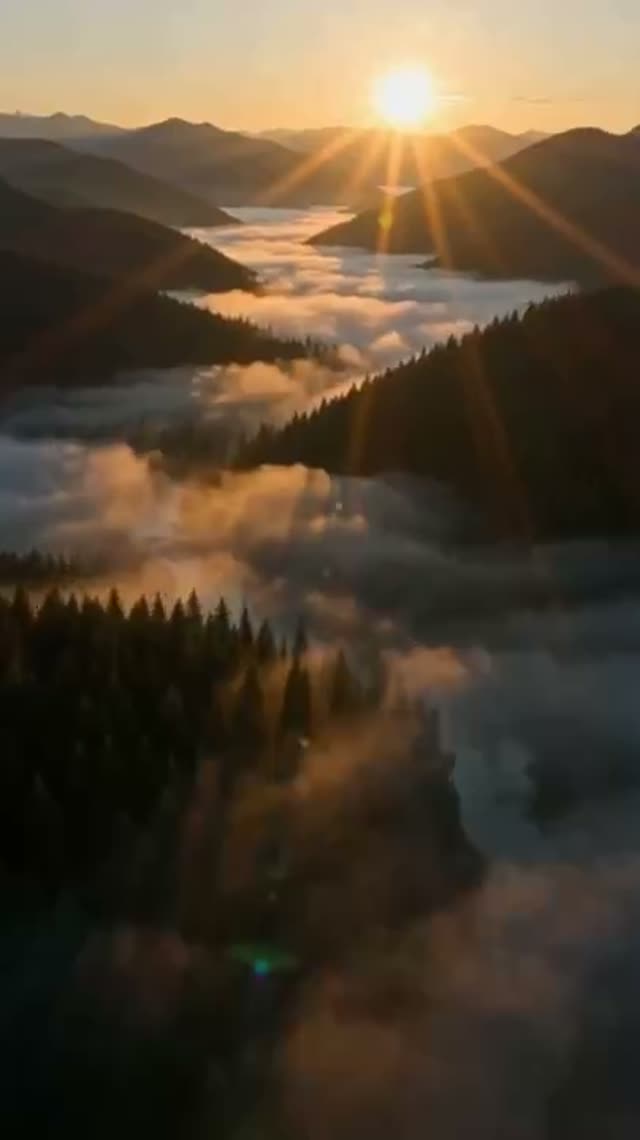 Strict
Runway Gen-3
Text & Image to Video
★ 4.2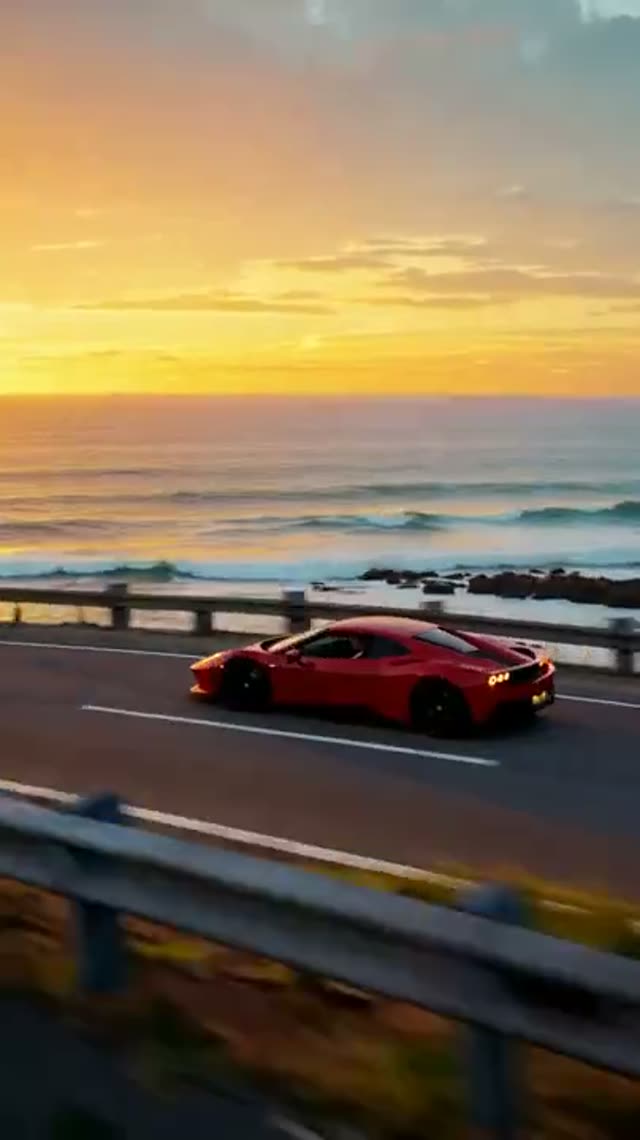 Strict
Runway Gen-4.5
Text & Image to Video
★ 4.2Runway Gen-4 Turbo
Image to Video
★ 4.2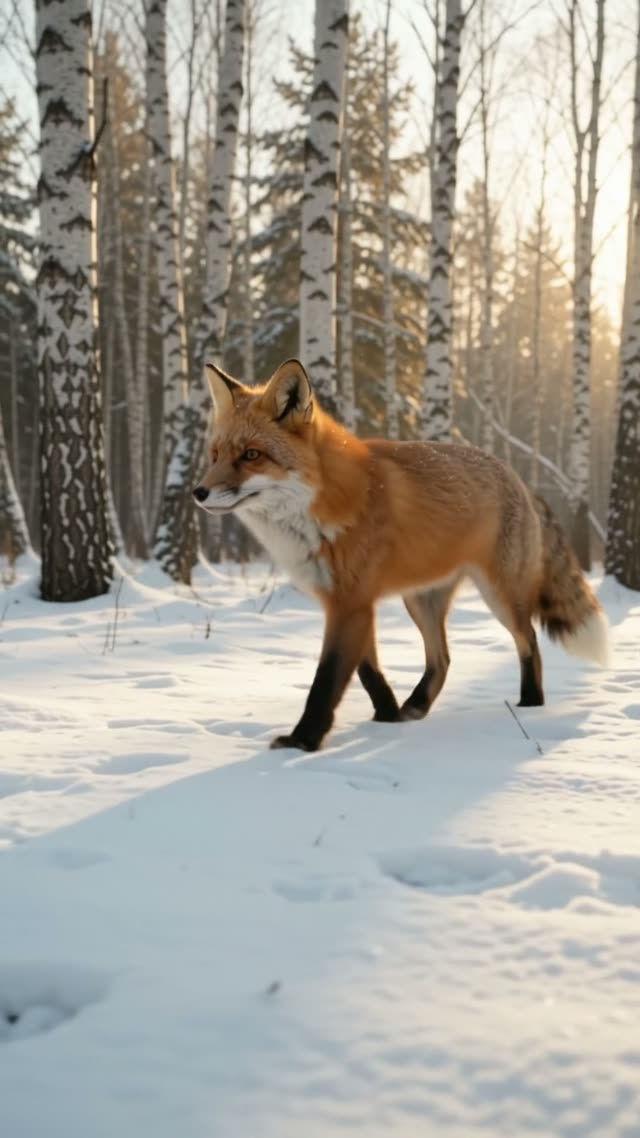 Strict
Gemini Omni 1.2 Flash
Text & Image to Video
★ 4.7 Strict
Gemini Omni 1.2 Flash Reference-to-Video
Image to Video
★ 4.7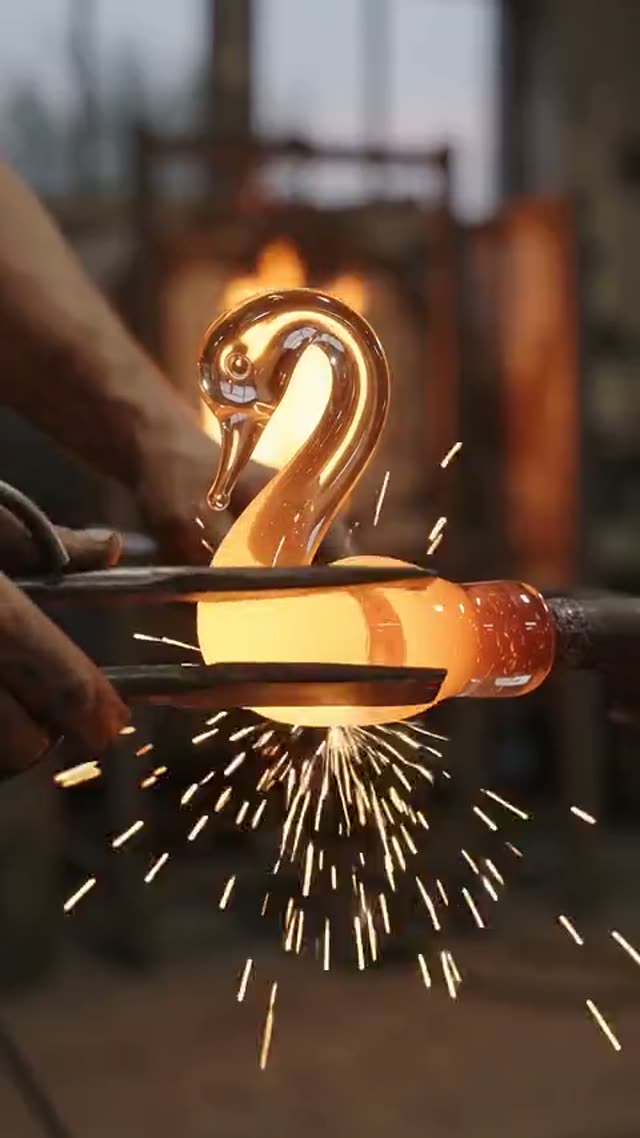 Strict
Gemini Omni Flash 1.1
Text & Image to Video
★ 4.7 Strict
Gemini Omni Text-to-Video
Text to Video
★ 4.7 Strict
Gemini Omni Image-to-Video
Image to Video
★ 4.7 Flexible
Wan AI 3.0 Video
Text & Image to Video
★ 4.3Wan AI 3.0 Video Prime
Text & Image to Video
★ 4.3Wan AI 3.0 Reference-to-Video
Image to Video
★ 4.3Wan AI 3.0 Prime Reference-to-Video
Image to Video
★ 4.3 Flexible
Wan AI 2.7 Text-to-Video
Text to Video
★ 4.3Wan AI 2.7 Image-to-Video
Image to Video
★ 4.3Wan AI 2.7 Reference-to-Video
Image to Video
★ 4.3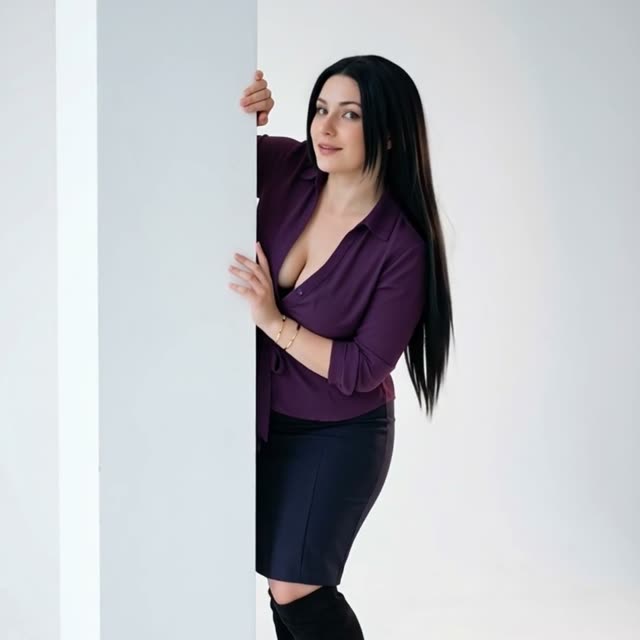 Flexible
Wan AI 2.6 Text-to-Video
Text to Video
★ 4.3Wan AI 2.6 Image-to-Video
Image to Video
★ 4.3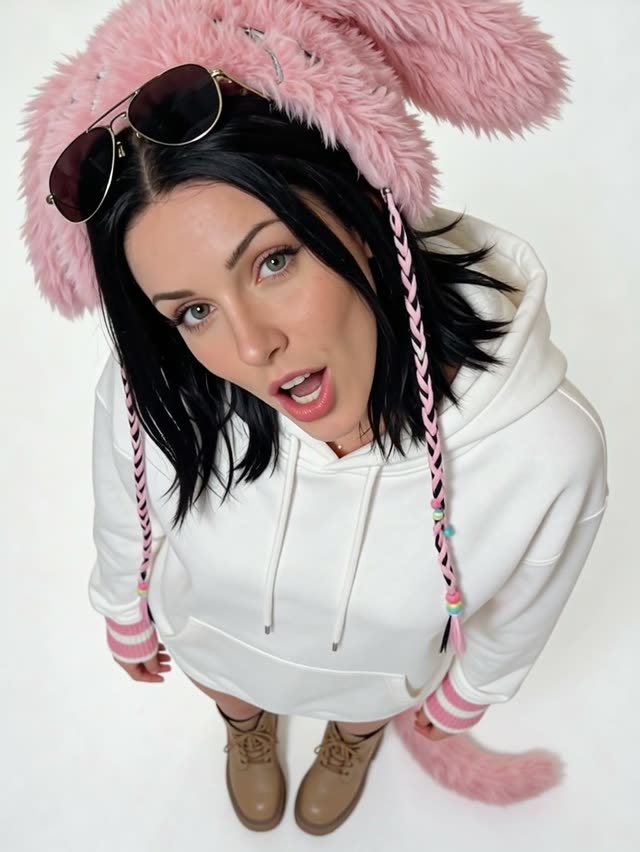 Flexible
Wan AI 2.6 Flash
Image to Video
★ 4.3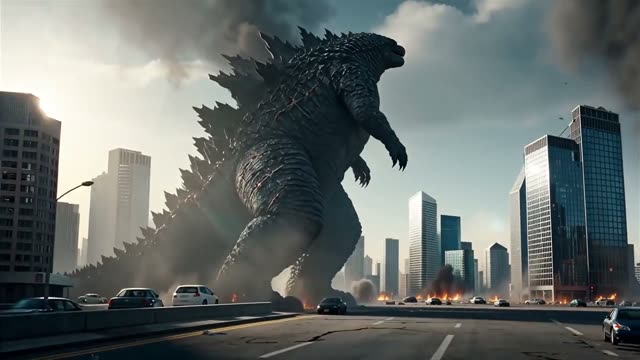 Flexible
Wan AI 2.5 Image-to-Video
Image to Video
★ 4.3 Flexible
Wan AI 2.2 A14B
Text & Image to Video
★ 4.3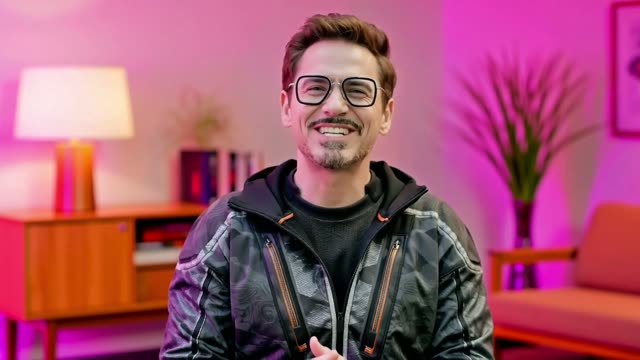 Flexible
Wan AI 2.2 Animate Replace
Video Character Replacement
★ 4.3 Moderate
SkyReels V4 Text-to-Video
Text to Video
★ 4.4 Moderate
SkyReels V4 Image-to-Video
Image to Video
★ 4.4 Flexible
Seedance 2.5
Text & Image to Video
★ 4.9Seedance 2.5 Flash
Text & Image to Video
★ 4.9 Moderate
Seedance 2
Text & Image to Video
★ 4.9 Moderate
Seedance 2 Fast
Text & Image to Video
★ 4.9 Moderate
Seedance 2 Mini
Text & Image to Video
★ 4.9 Flexible
Seedance V1 Pro Fast I2V
Image to Video
★ 4.9 Moderate
MiniMax H3 Text-to-Video
Text to Video
★ 4.9MiniMax H3 Image-to-Video
Image to Video
★ 4.9MiniMax H3 Reference-to-Video
Image to Video
★ 4.9 Flexible
Grok Imagine Video 1.5 Preview
Image to Video
★ 5.0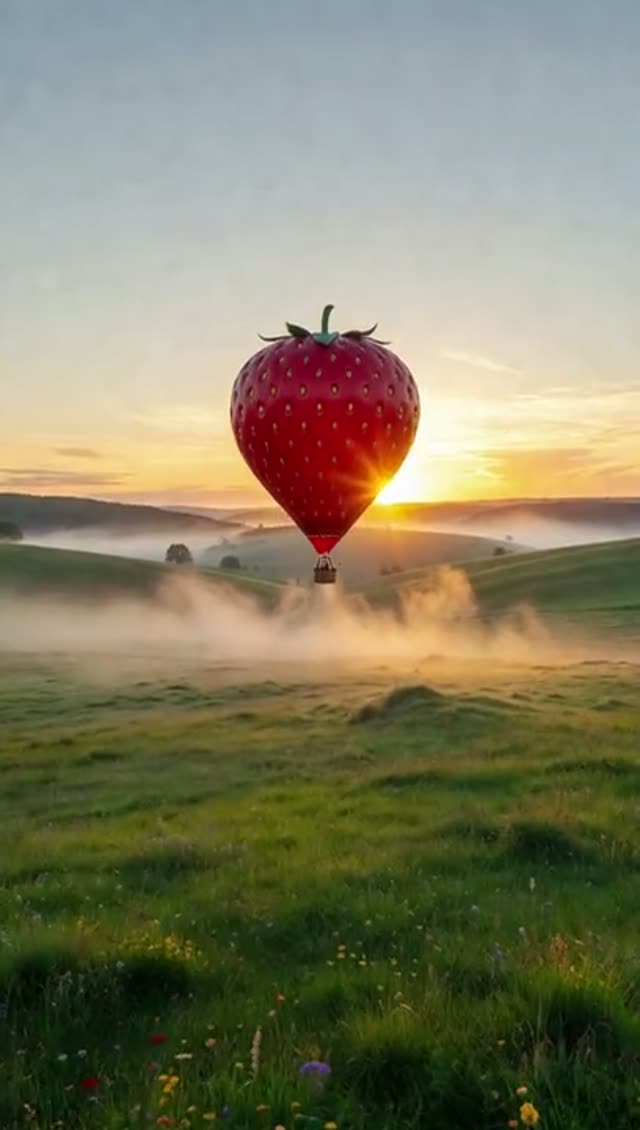 Moderate
Grok Imagine Video 1.5 Lite
Text & Image to Video
★ 5.0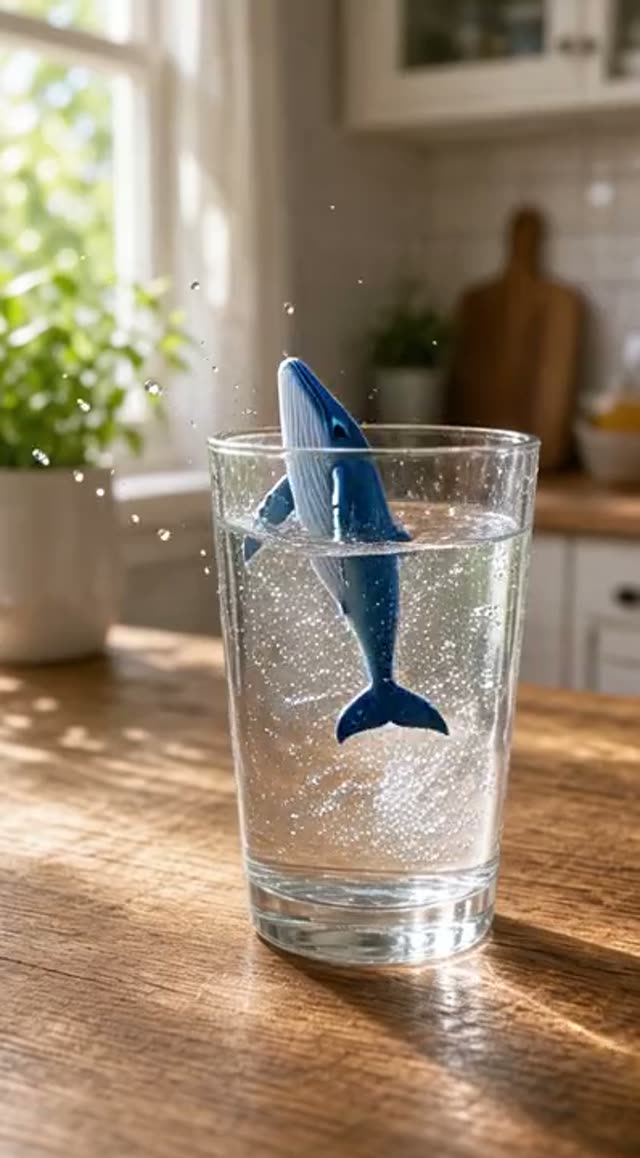 Moderate
Grok Imagine Video Imagine (text)
Text to Video
★ 5.0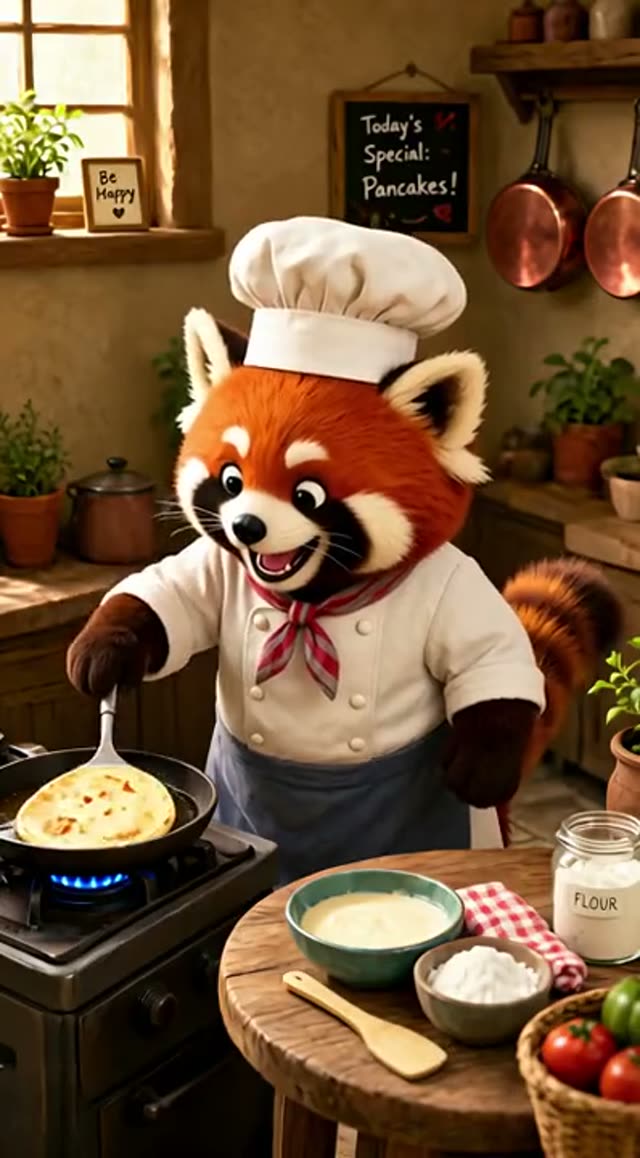 Moderate
Grok Imagine Video Imagine (images)
Image to Video
★ 5.0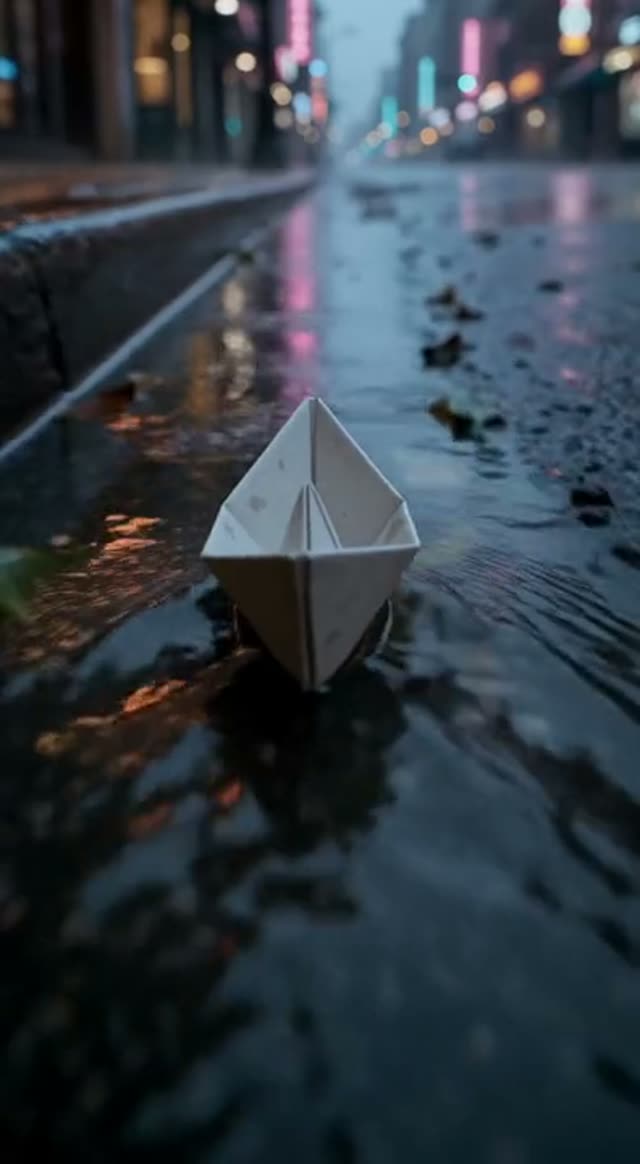 Moderate
FLUX 3 Max
Text & Image to Video
★ 4.7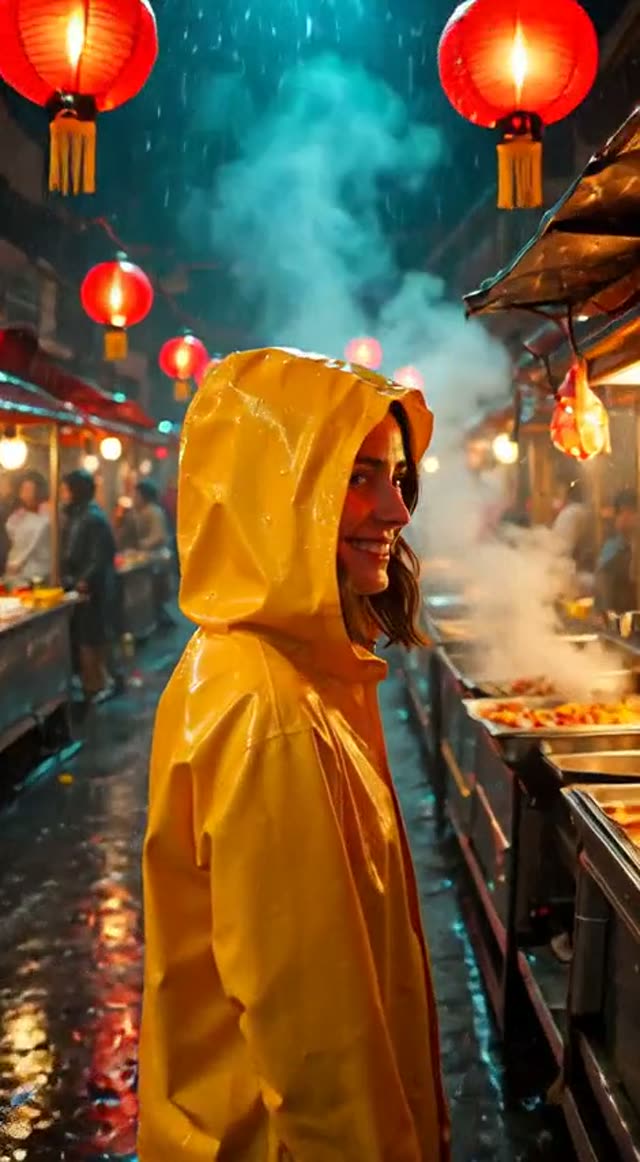 Moderate
P-Video 2
Text & Image to Video
★ 4.6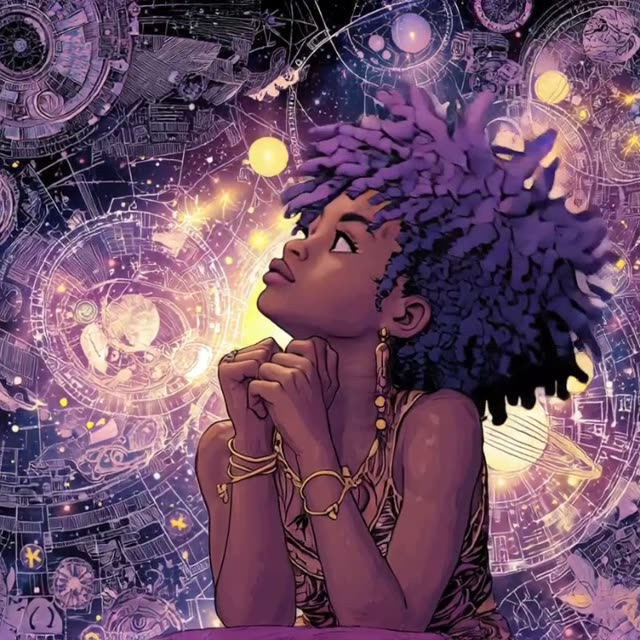 Flexible
P-Video
Text & Image to Video
★ 4.6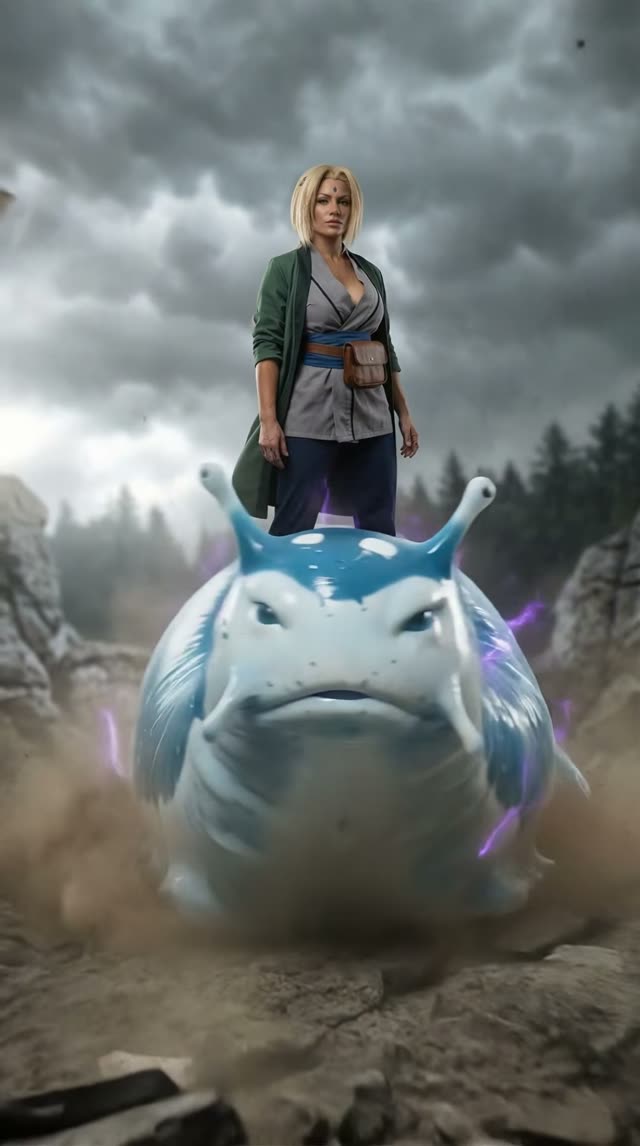 Moderate
HappyHorse Text-to-Video 1.1
Text to Video
★ 4.8HappyHorse Image-to-Video 1.1
Image to Video
★ 4.8HappyHorse Reference-to-Video 1.1
Image to Video
★ 4.8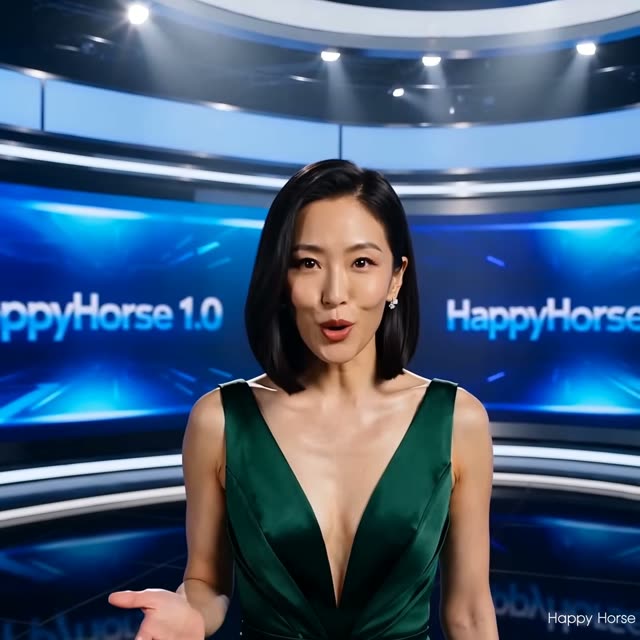 Moderate
HappyHorse Text-to-Video 1.0
Text to Video
★ 4.8HappyHorse Image-to-Video 1.0
Image to Video
★ 4.8HappyHorse Reference-to-Video 1.0
Image to Video
★ 4.8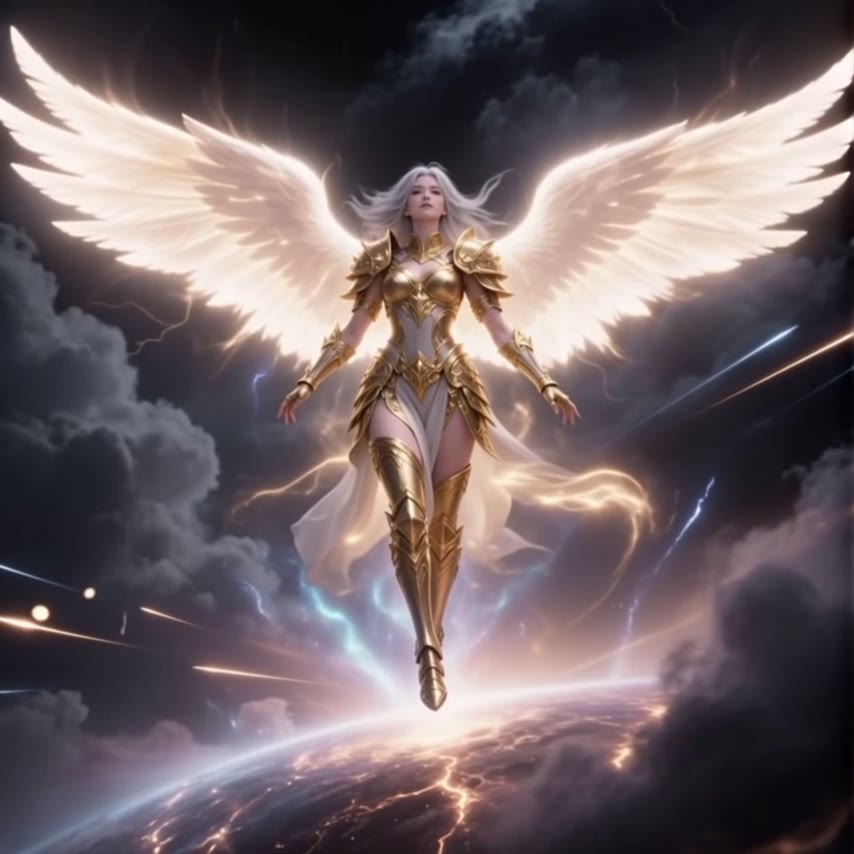 Moderate
Vidu Q4
Image to Video
★ 4.8Vidu Q4 (Reference)
Image to Video
★ 4.8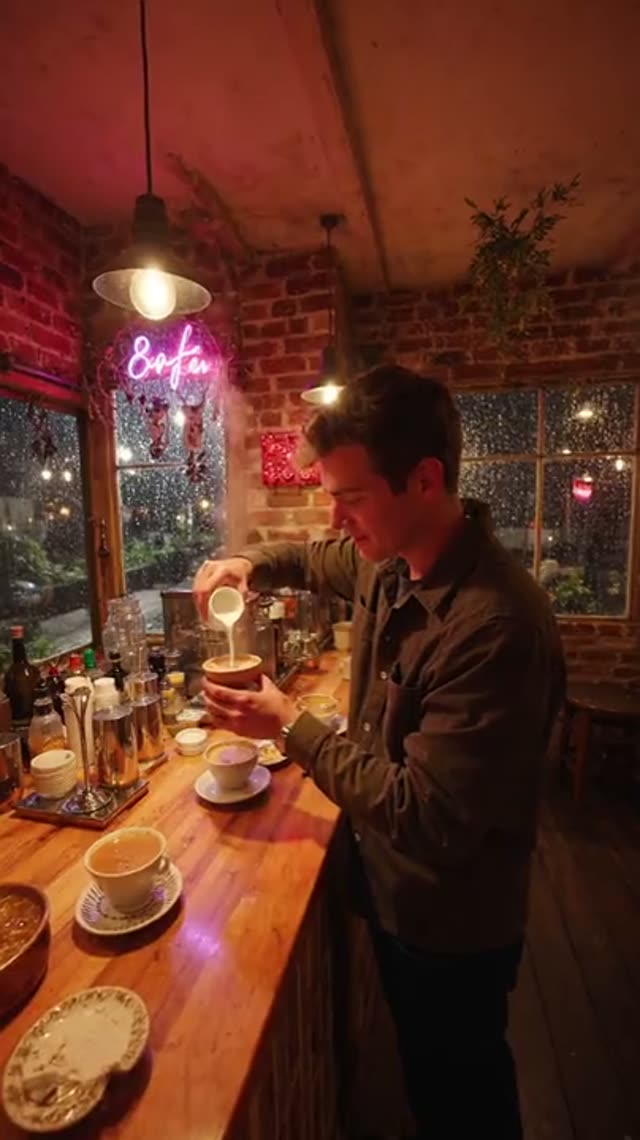 Moderate
LTX 2.5 Fast Text-to-Video
Text to Video
★ 4.3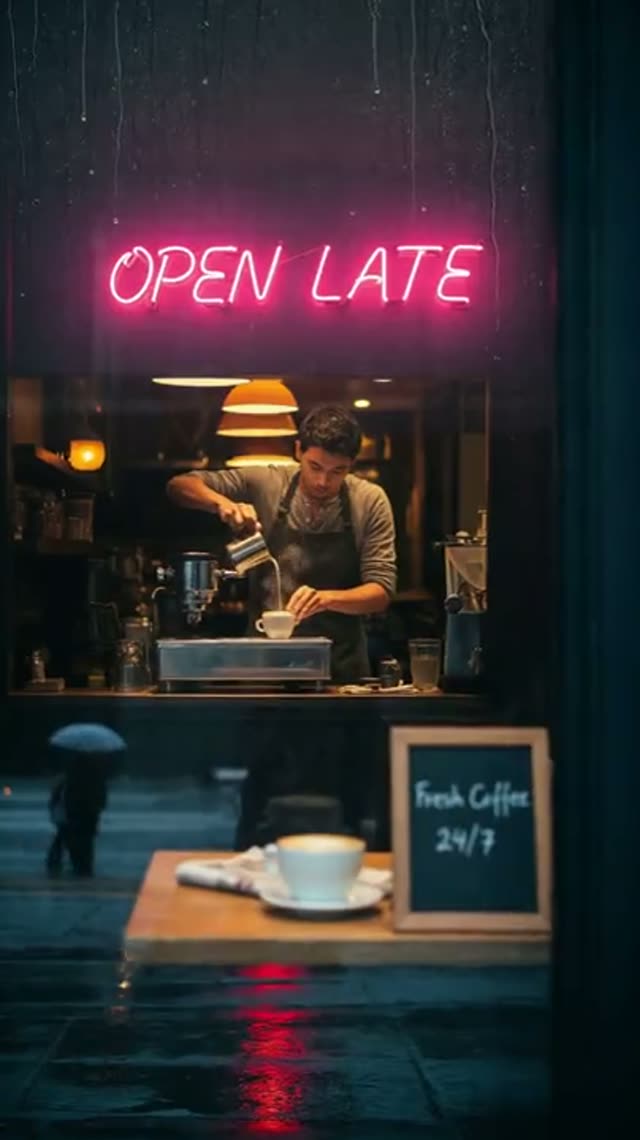 Moderate
LTX 2.5 Fast Image-to-Video
Image to Video
★ 4.3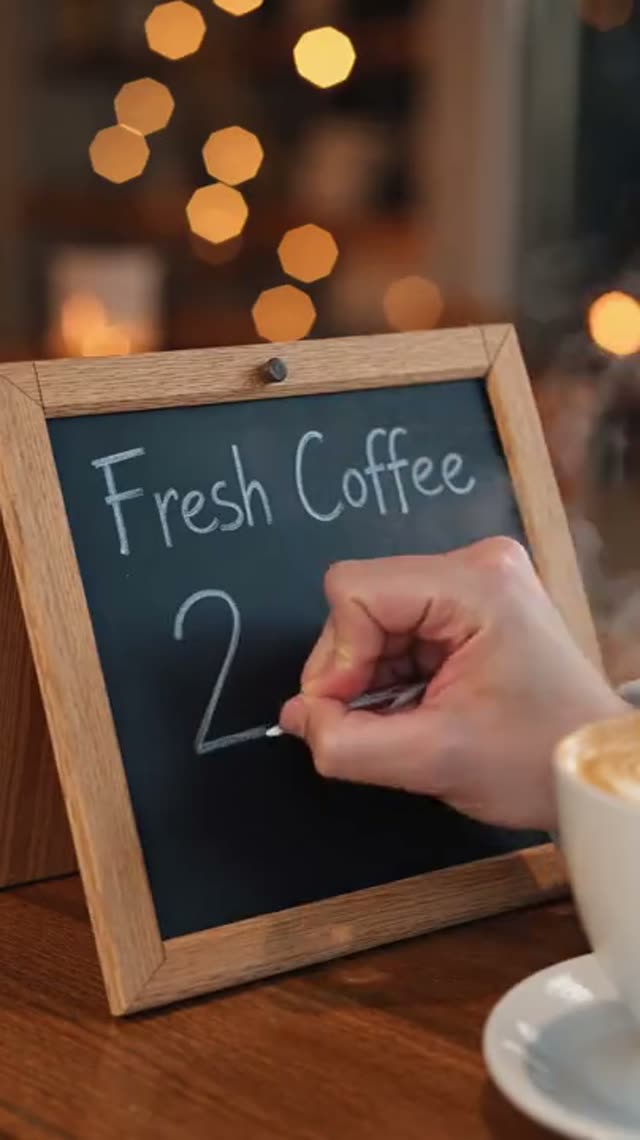 Moderate
LTX 2.5 Pro Text-to-Video
Text to Video
★ 4.3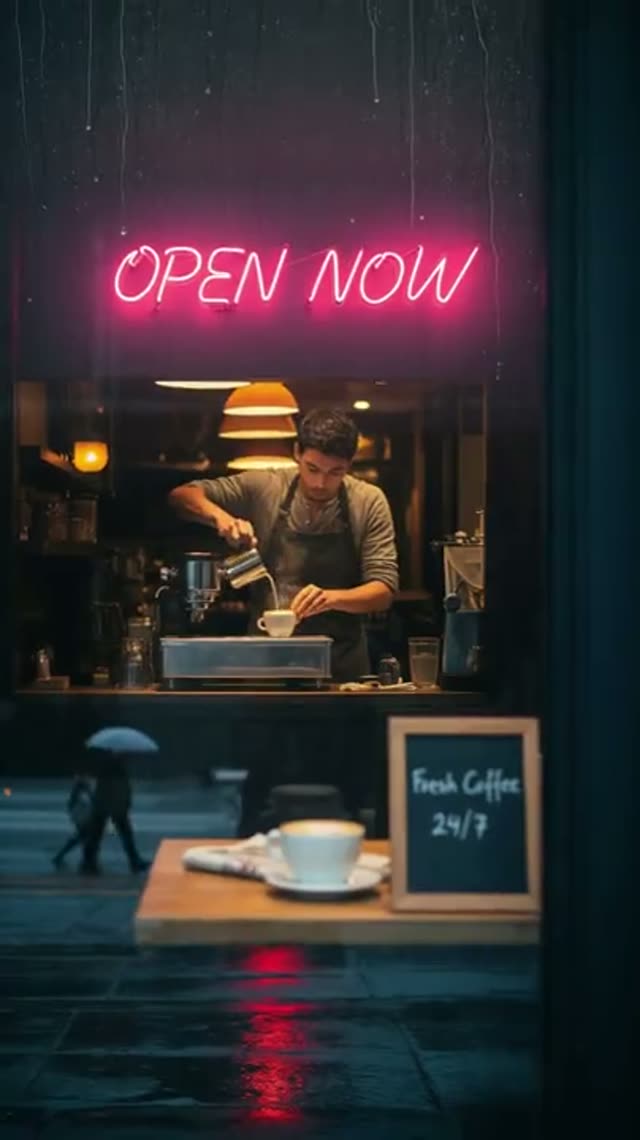 Moderate
LTX 2.5 Pro Image-to-Video
Image to Video
★ 4.3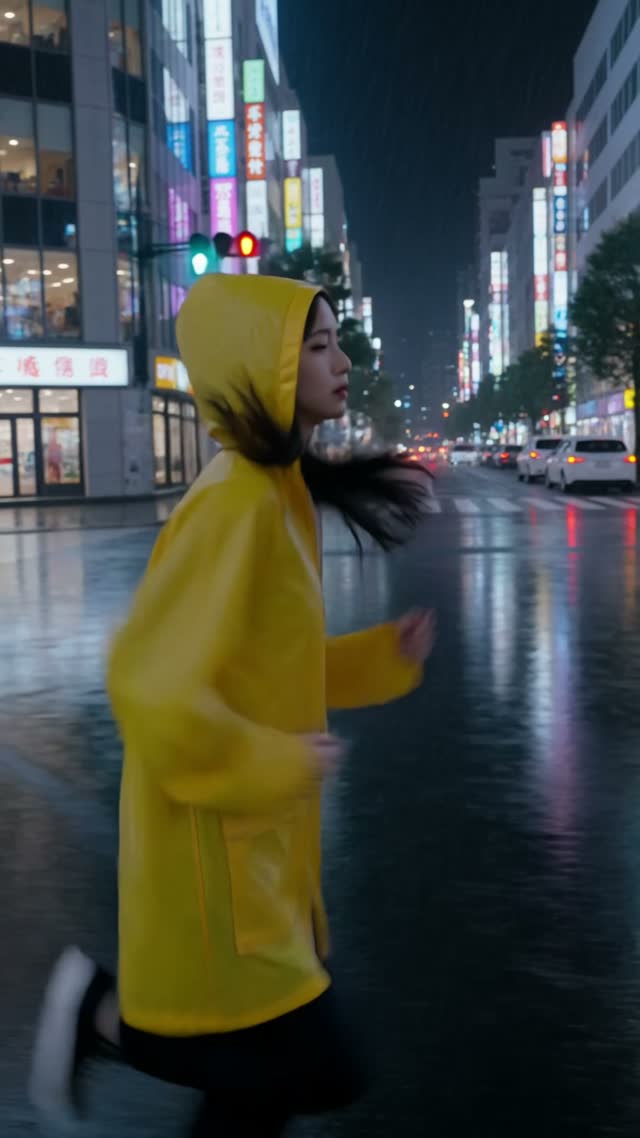 Strict
Kling V4.0 Text-to-Video
Text to Video
★ 4.4Kling V4.0 Image-to-Video
Image to Video
★ 4.4Kling V4.0 Reference-to-Video
Image to Video
★ 4.4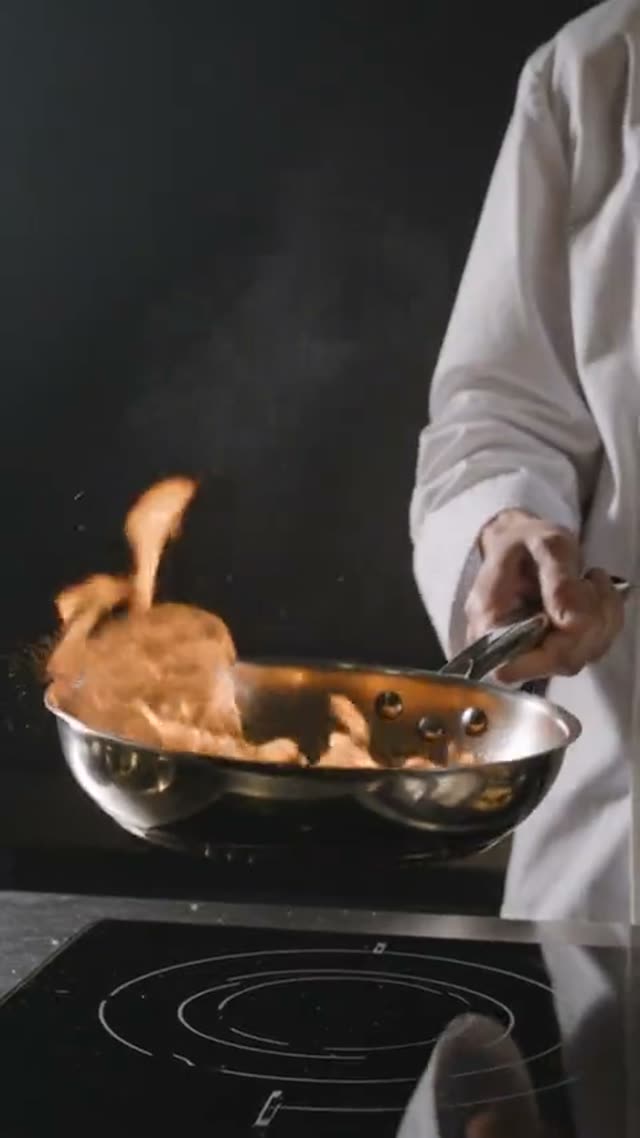 Strict
Kling V3.0 Omni Text-to-Video
Text to Video
★ 4.4Kling V3.0 Omni Image-to-Video
Image to Video
★ 4.4Kling V3.0 Omni Reference-to-Video
Image to Video
★ 4.4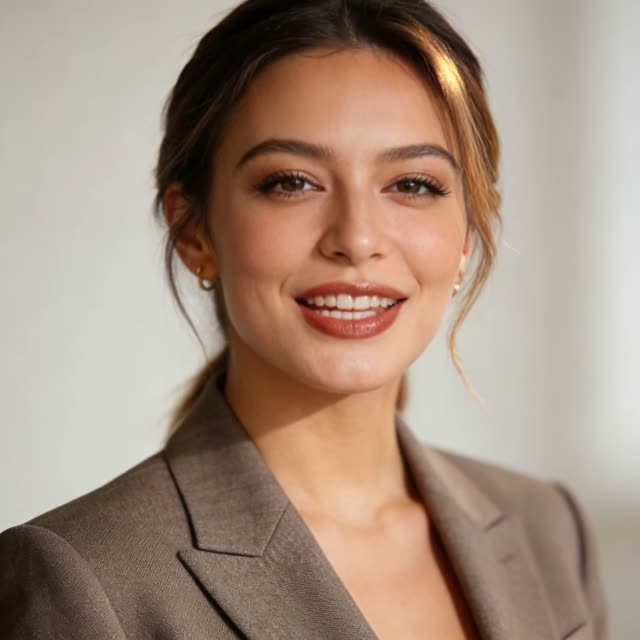 Strict
Kling V3 Turbo Text-to-Video
Text to Video
★ 4.4Kling V3 Turbo Image-to-Video
Image to Video
★ 4.4 Strict
Kling V3.0
Text & Image to Video
★ 4.4 Strict
Kling V2.6 Image-to-Video
Image to Video
★ 4.4Kling V2.5 Turbo
Image to Video
★ 4.4 Strict
Hailuo 2.3 Image-to-Video Pro
Image to Video
★ 4.0Hailuo 2.3 Image-to-Video Standard
Image to Video
★ 4.0 Flexible
Hailuo 02
Text & Image to Video
★ 4.0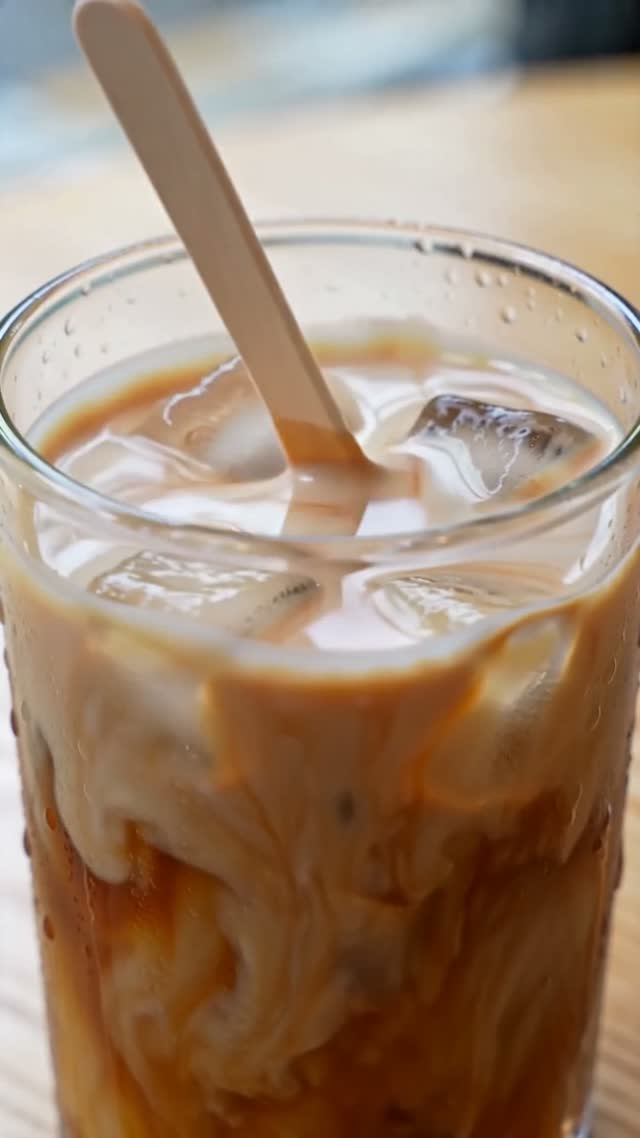 Moderate
PixVerse V6 Max Text-to-Video
Text to Video
★ 3.8PixVerse V6 Max Image-to-Video
Image to Video
★ 3.8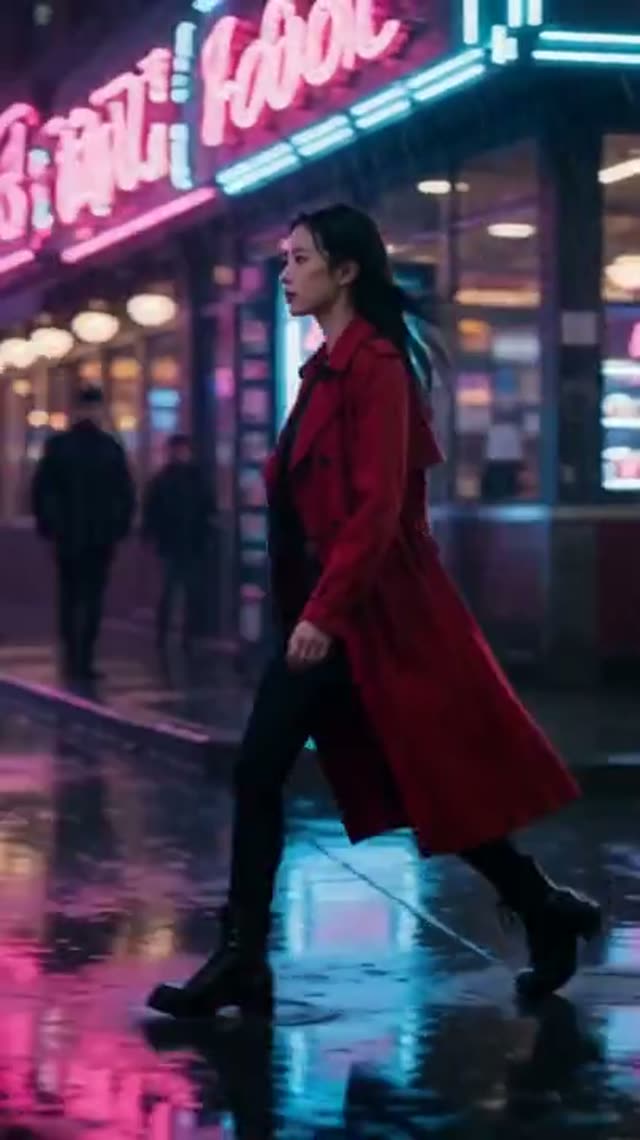 Moderate
PixVerse V6
Text & Image to Video
★ 3.8 Moderate
PixVerse v5.5
Text & Image to Video
★ 3.8 Moderate
PixVerse v5
Text & Image to Video
★ 3.8PixVerse v4.5
Text & Image to Video
★ 3.8PixVerse v4
Text & Image to Video
★ 3.8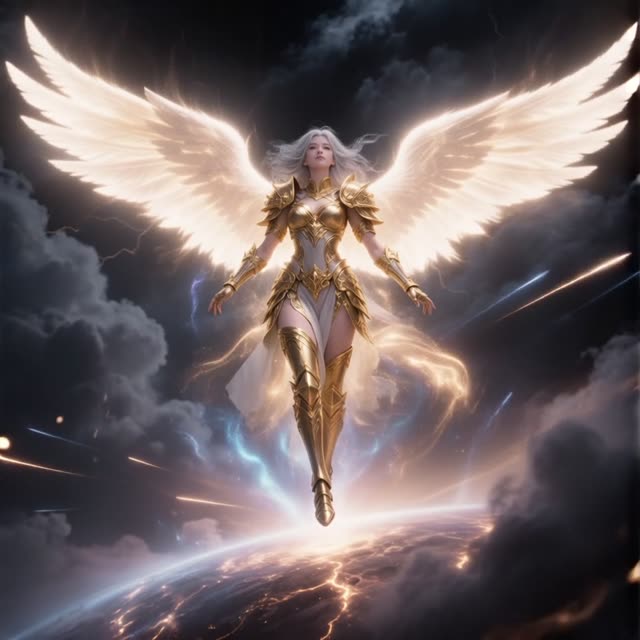 Moderate
Vidu Q3
Text & Image to Video
★ 3.9Vidu Q3 Turbo
Text & Image to Video
★ 3.9Vidu Q2 Pro
Text & Image to Video
★ 3.9Vidu Q2 Turbo
Text & Image to Video
★ 3.9Vidu Q1
Text & Image to Video
★ 3.9Vidu 2.0
Image to Video
★ 3.9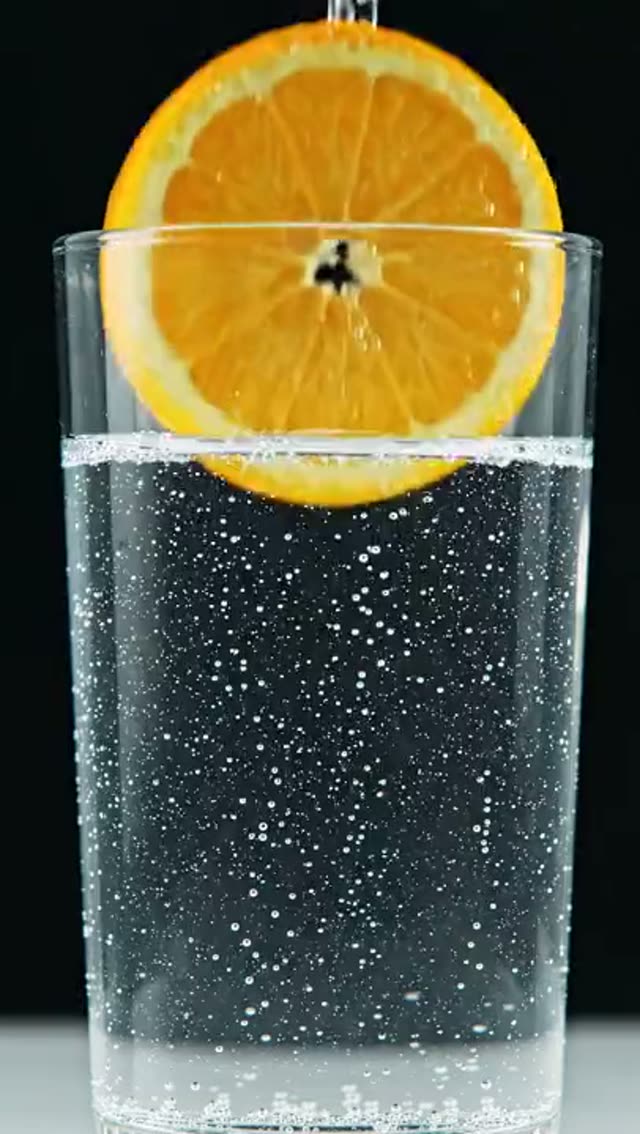 Strict
Veo 3.1 Lite
Text & Image to Video
★ 4.6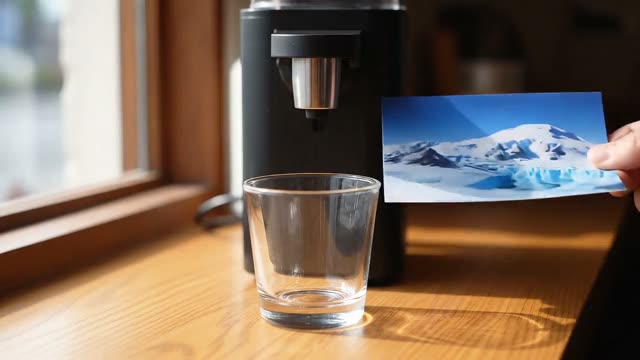 Strict
Veo 3.1 Fast
Text & Image to Video
★ 4.6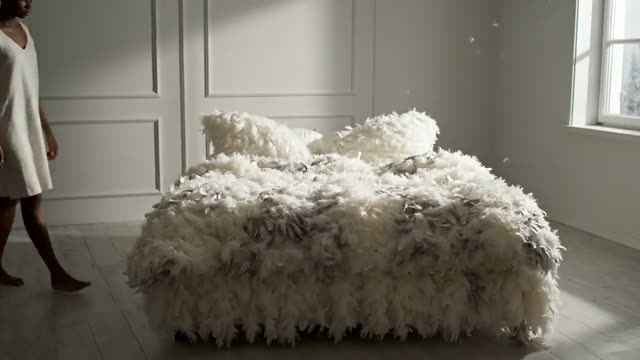 Strict
Veo 3.1 High Quality
Text & Image to Video
★ 4.6 Strict
Kling 3.0 Motion Control
Video Character Replacement
★ 4.4 Moderate
P-Video Replace
Video Character Replacement
★ 4.6 Moderate
FLUX Video Edit [fast]
AI Video Editor
★ 4.7P-Video-Edit
AI Video Editor
★ 4.6PixVerse Modify
AI Video Editor
★ 3.8 Moderate
SkyReels V4 Video-to-Video
AI Video Editor
★ 4.4 Moderate
HappyHorse Video Edit
AI Video Editor
★ 4.8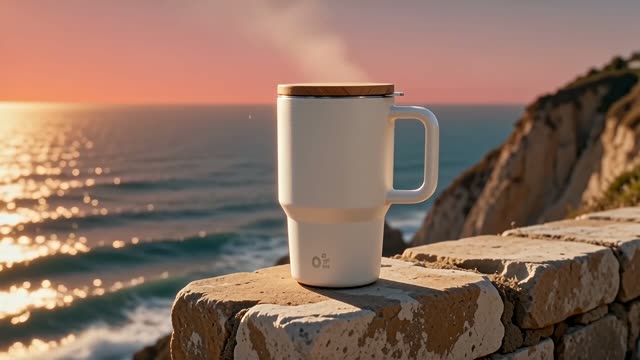 Flexible
WAN 2.6 Video-to-Video
AI Video Editor
★ 4.3 Flexible
WAN 2.7 Video Edit
AI Video Editor
★ 4.3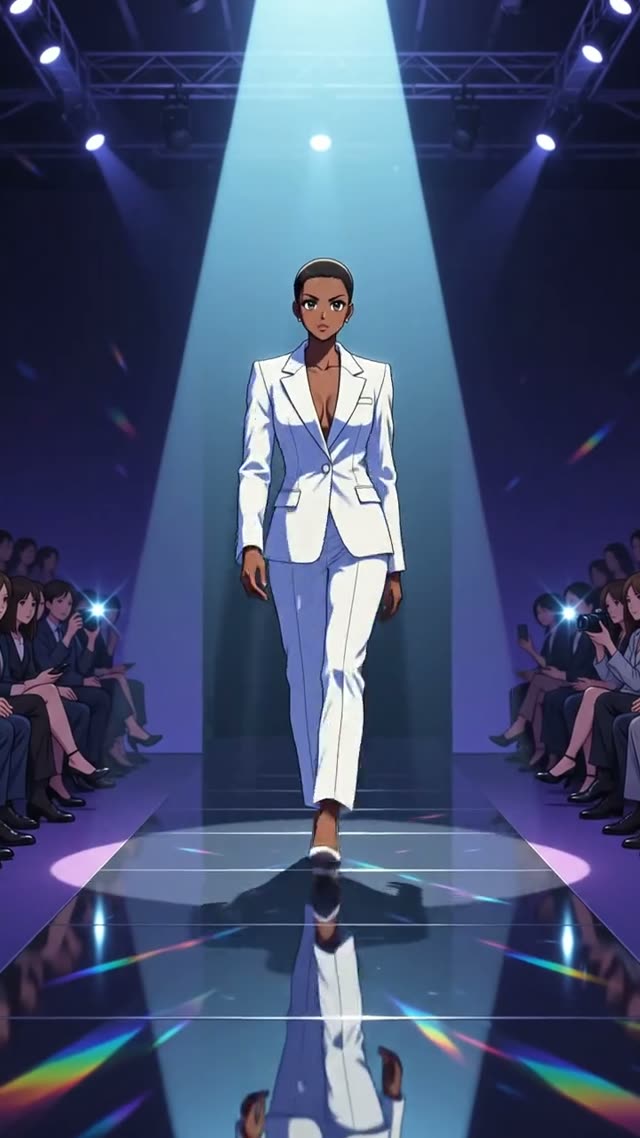 Strict
Gemini Omni Video-to-Video
AI Video Editor
★ 4.7Image models (77)
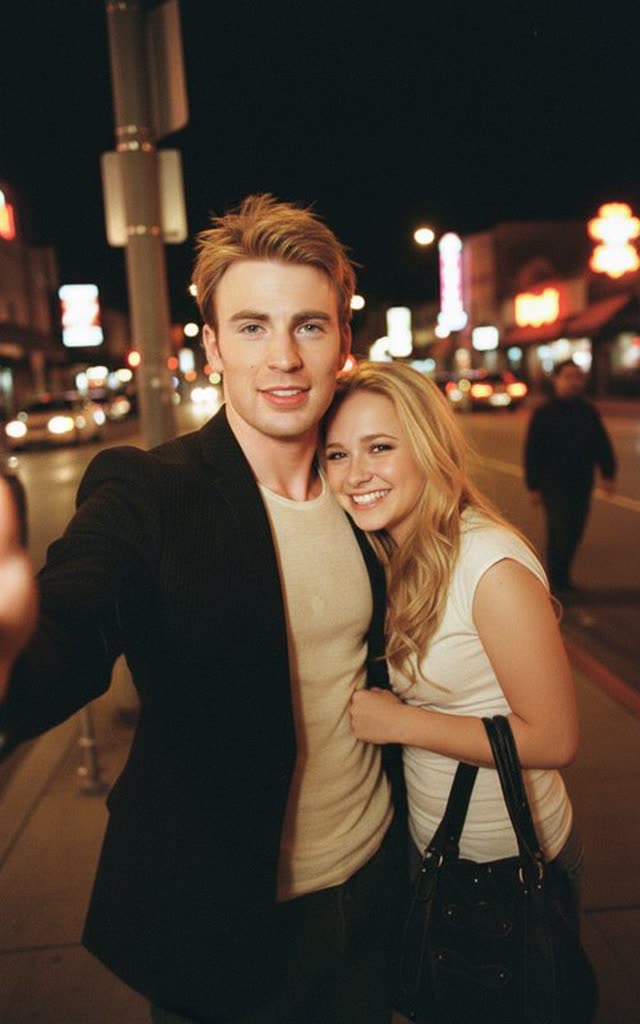 Strict
Nano Banana
AI Image Generator
★ 4.2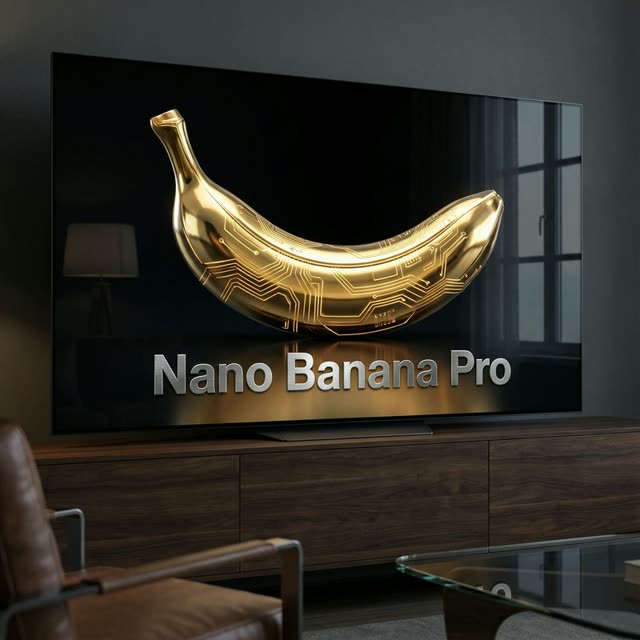 Strict
Nano Banana Pro
AI Image Generator & Editor
★ 4.4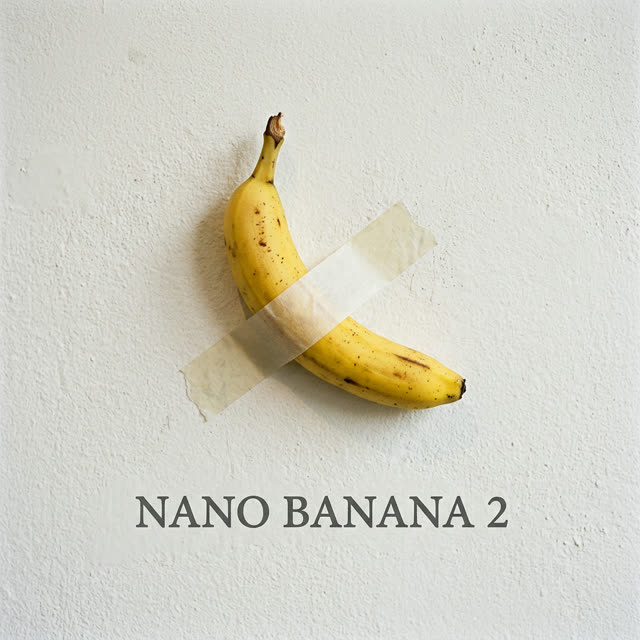 Strict
Nano Banana 2
AI Image Generator & Editor
★ 4.3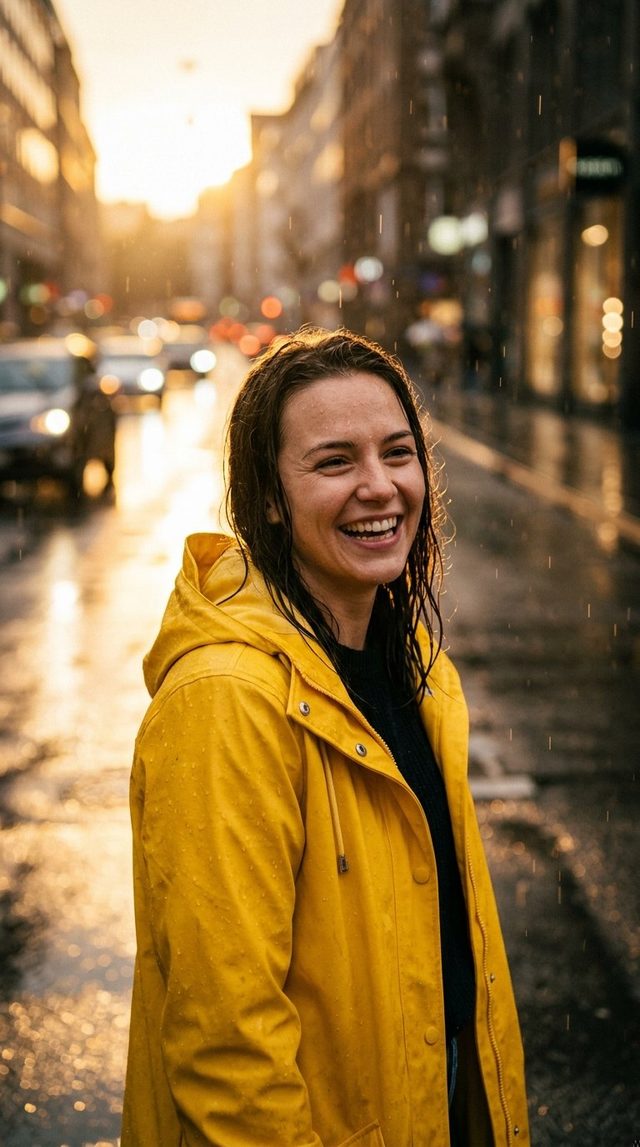 Strict
Nano Banana 2.1
AI Image Generator & Editor
★ 4.3 Strict
Nano Banana 2 Lite
AI Image Generator & Editor
★ 4.2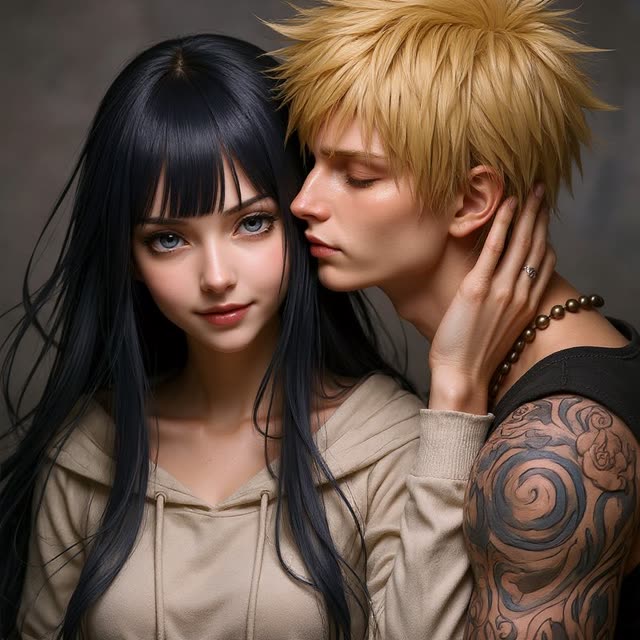 Moderate
Flux Kontext Pro
AI Image Generator & Editor
★ 4.3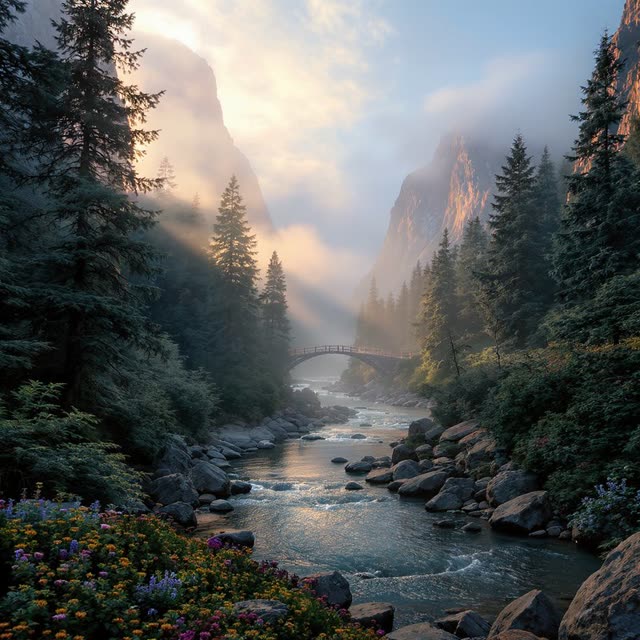 Moderate
Flux Kontext Max
AI Image Generator & Editor
★ 4.5 Flexible
Seedream 4.5 Text-to-Image
AI Image Generator
★ 4.5 Flexible
Seedream 5 Lite Text-to-Image
AI Image Generator
★ 4.6Seedream 5 Flash
AI Image Generator
★ 4.4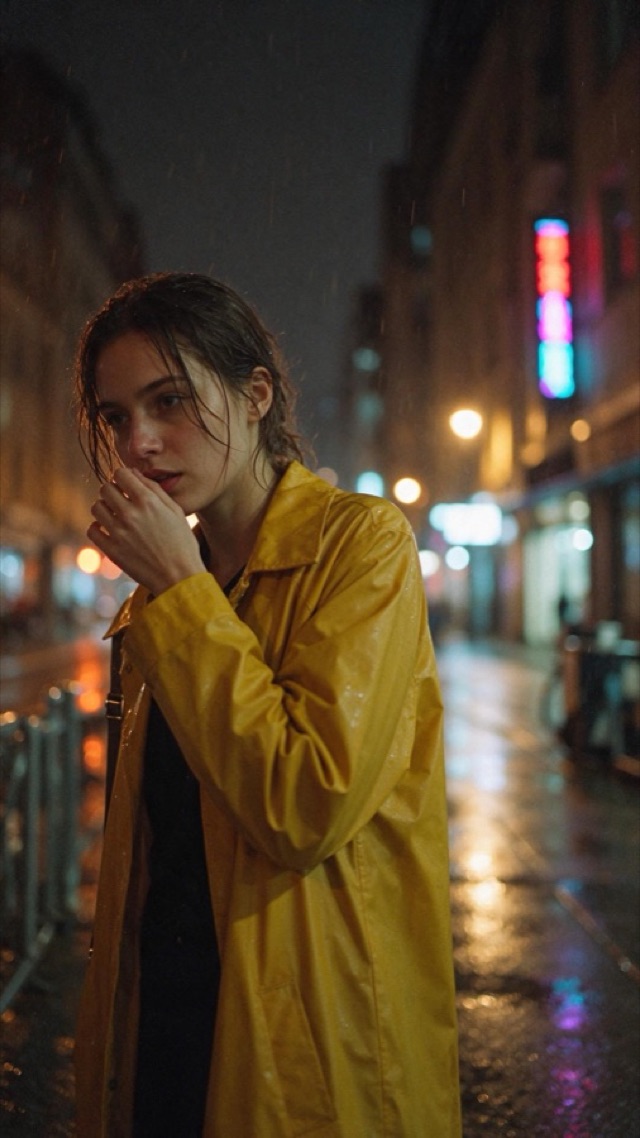 Moderate
Seedream 5.5
AI Image Generator
★ 4.6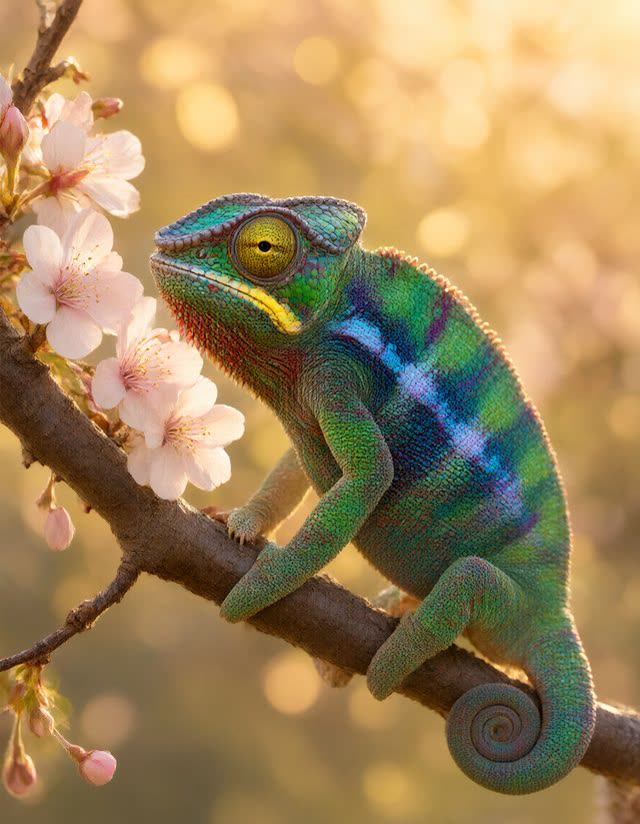 Flexible
Qwen Image 3.0
AI Image Generator
★ 4.6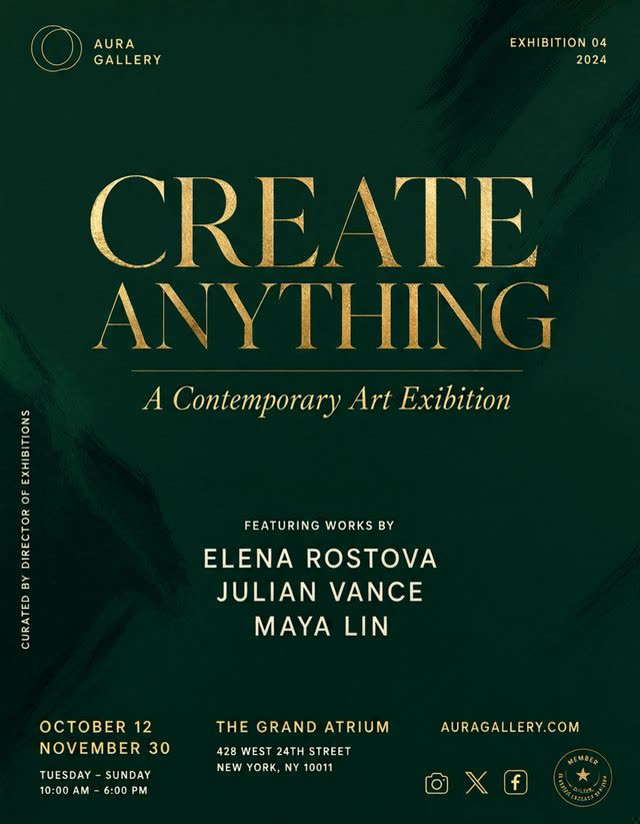 Moderate
Qwen Image 3.0 Pro
AI Image Generator
★ 4.8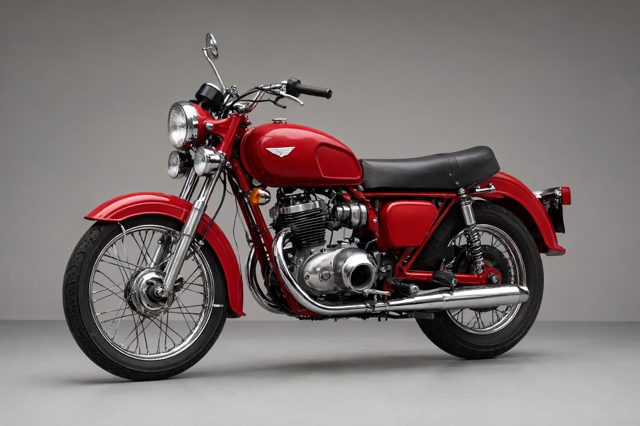 Flexible
Qwen Image 2.1
AI Image Generator
★ 4.6 Moderate
FLUX 3 Klein
AI Image Generator
★ 4.3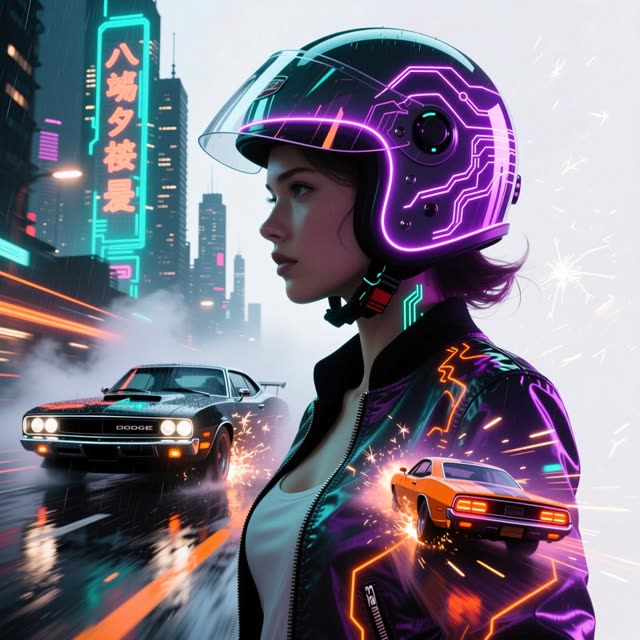 Flexible
Qwen2 Text-to-Image
AI Image Generator
★ 4.1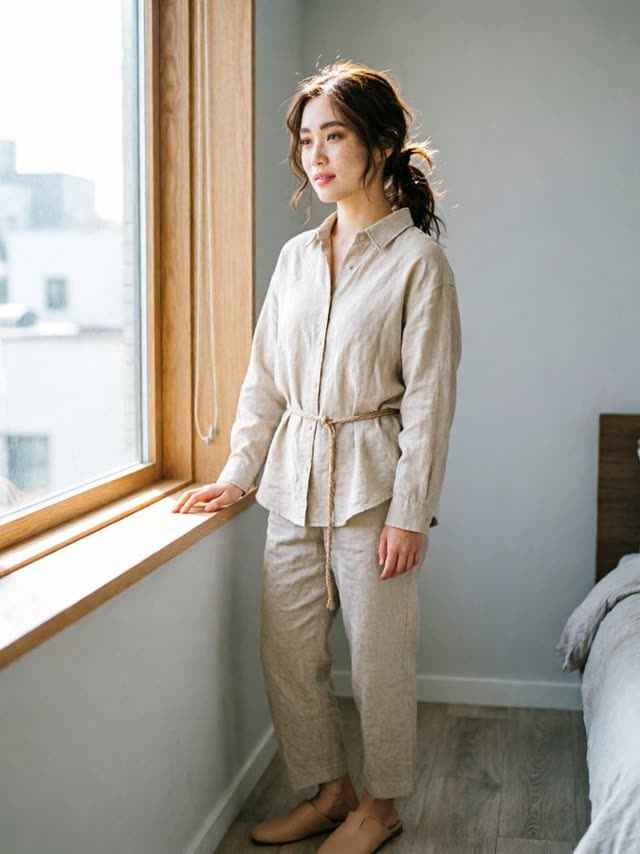 Flexible
Qwen Image 2.0
AI Image Generator & Editor
★ 4.1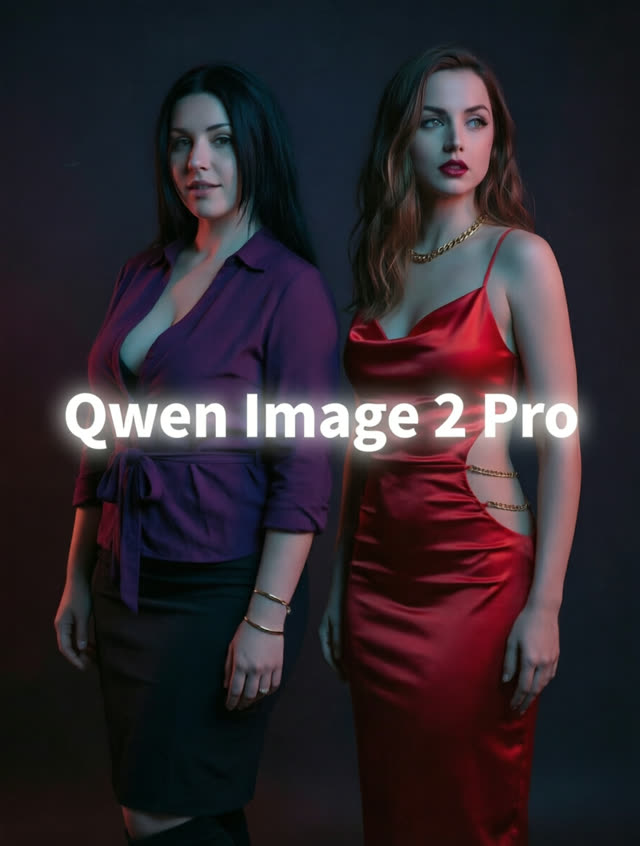 Flexible
Qwen Image 2.0 Pro
AI Image Generator & Editor
★ 4.2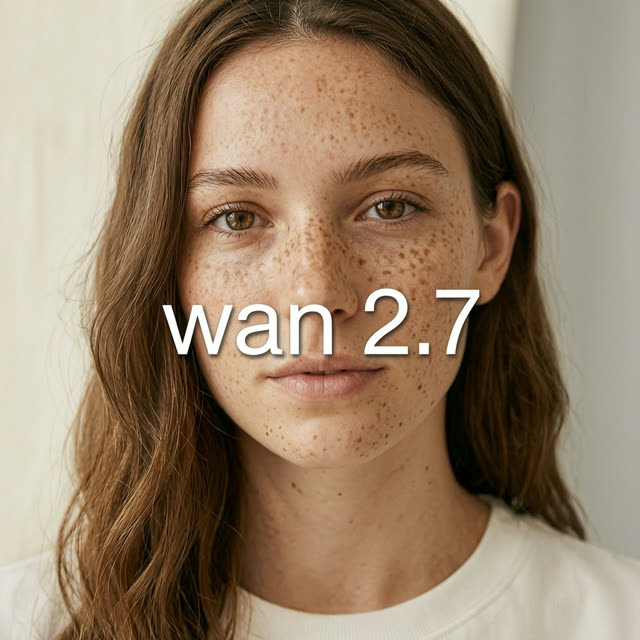 Flexible
WAN 2.7 Image
AI Image Generator & Editor
★ 4.3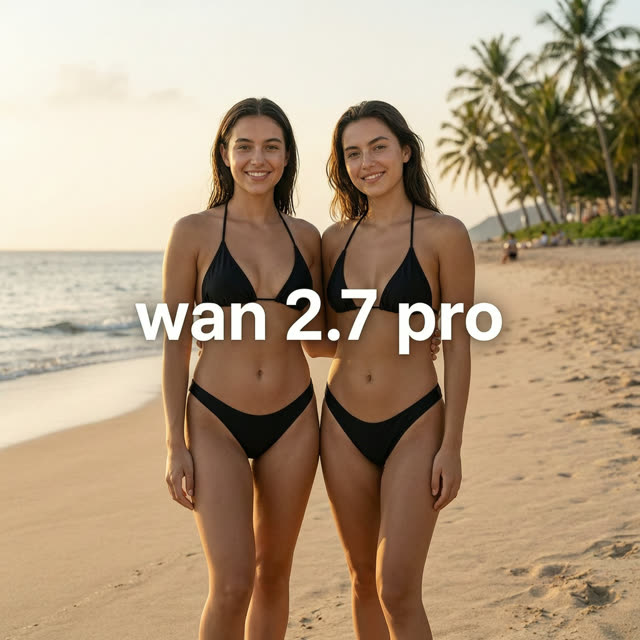 Flexible
WAN 2.7 Image Pro
AI Image Generator & Editor
★ 4.4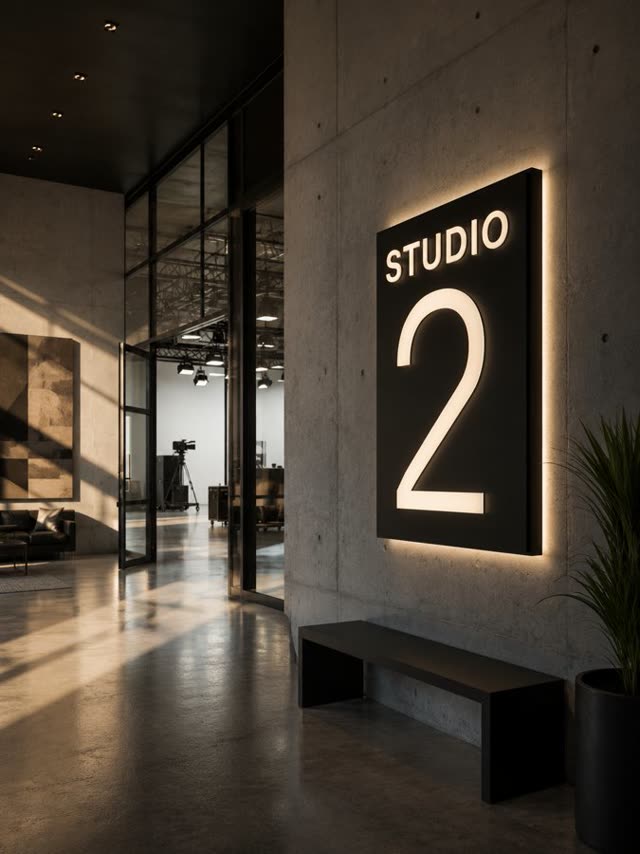 Strict
GPT Image 2
AI Image Generator
★ 4.6 Strict
GPT Image 2.5 Flare
AI Image Generator
★ 4.7GPT Image 2.5 Sunburst
AI Image Generator
★ 4.8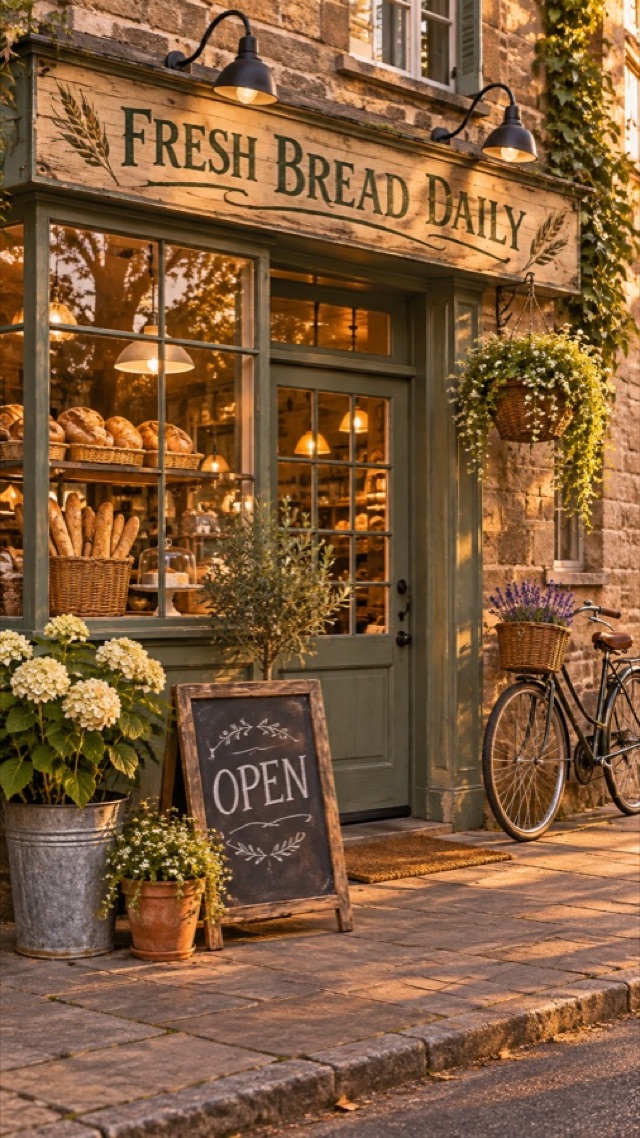 Strict
GPT Image 2.6 Flare
AI Image Generator
★ 4.8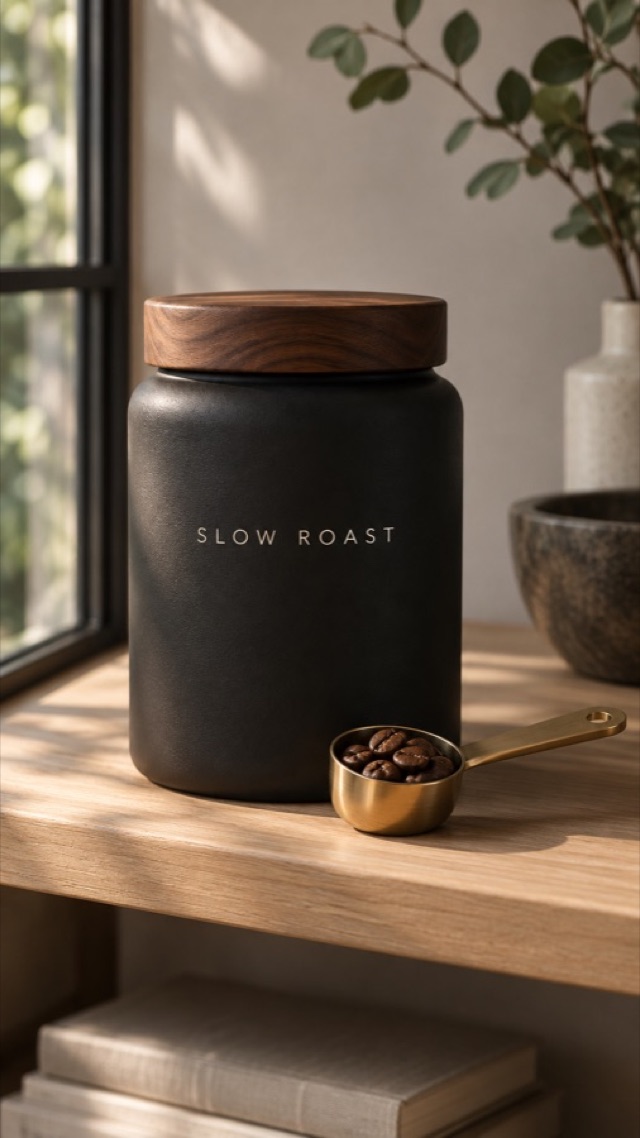 Strict
GPT Image 2.6 Sunburst
AI Image Generator
★ 4.9 Strict
GPT Image 2.6 Economy
AI Image Generator
★ 4.5 Flexible
Recraft V4
AI Image Generator
★ 4.2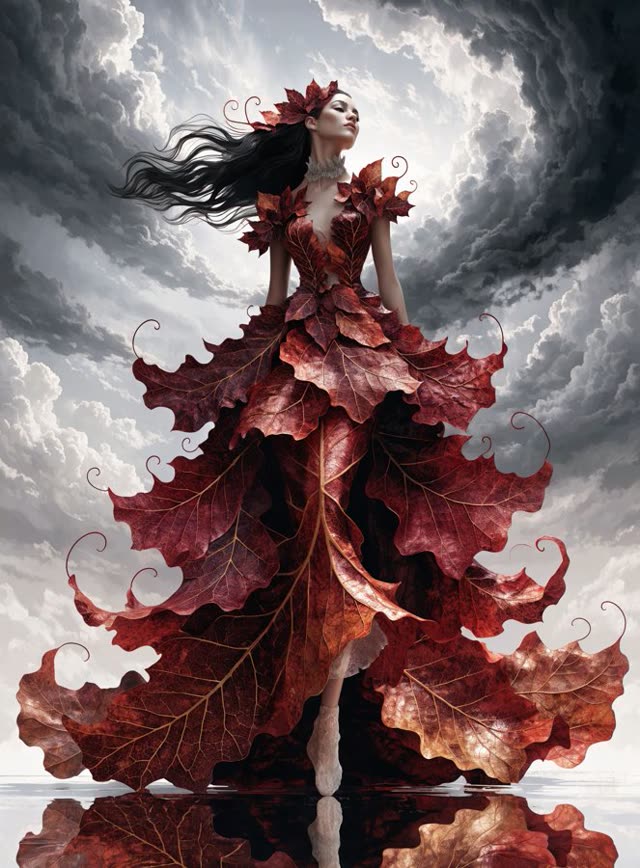 Flexible
Recraft V4 Pro
AI Image Generator
★ 4.3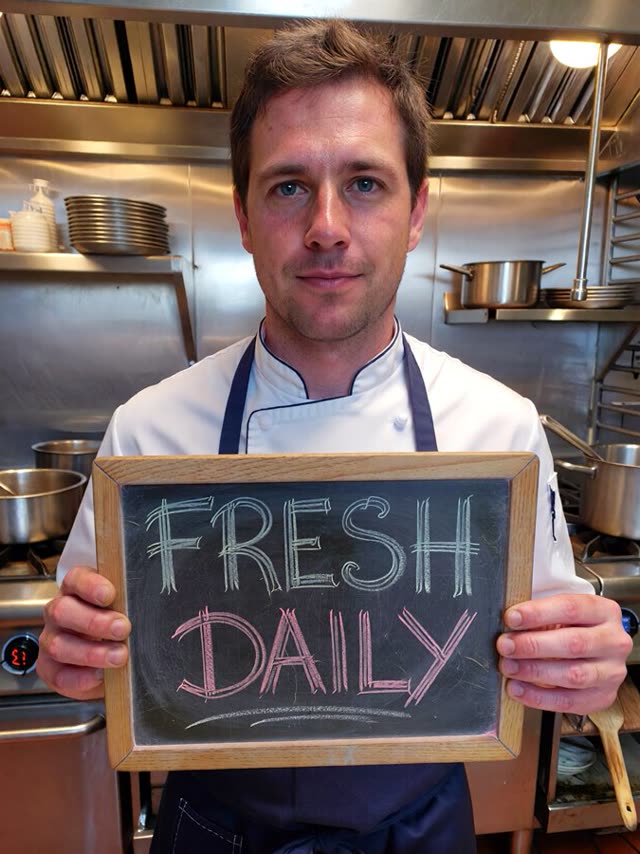 Flexible
ImagineArt 1.5
AI Image Generator
★ 3.7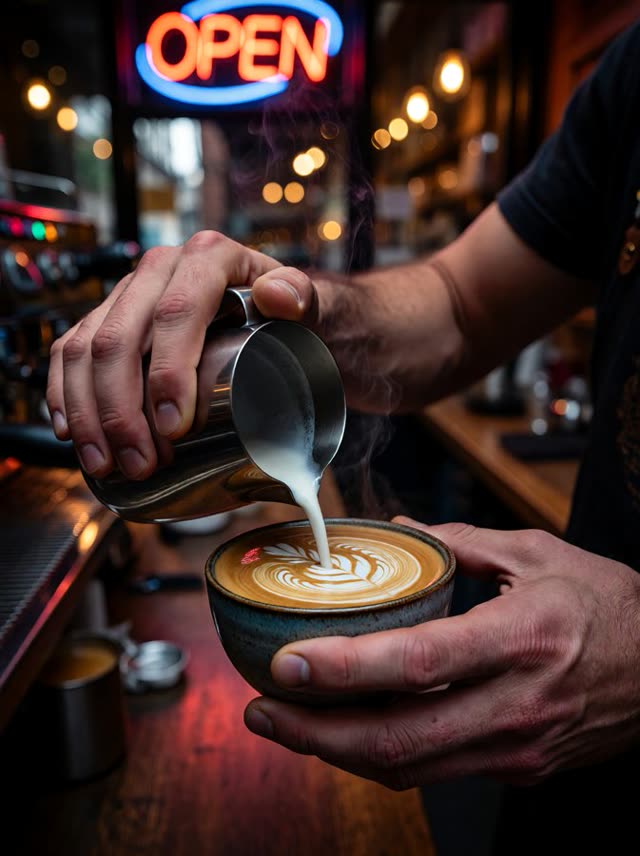 Flexible
ImagineArt 1.5 Pro
AI Image Generator
★ 3.8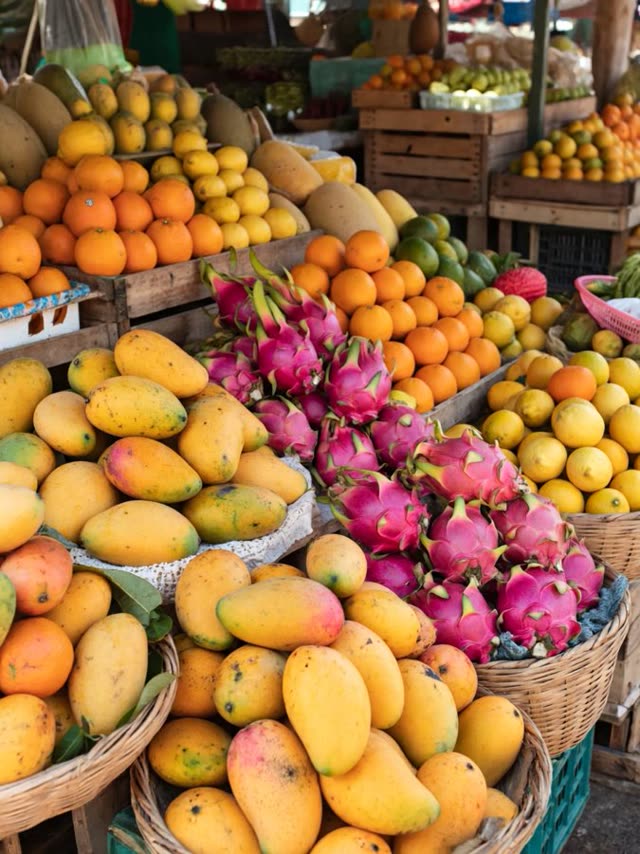 Flexible
ImagineArt 2.0
AI Image Generator
★ 3.9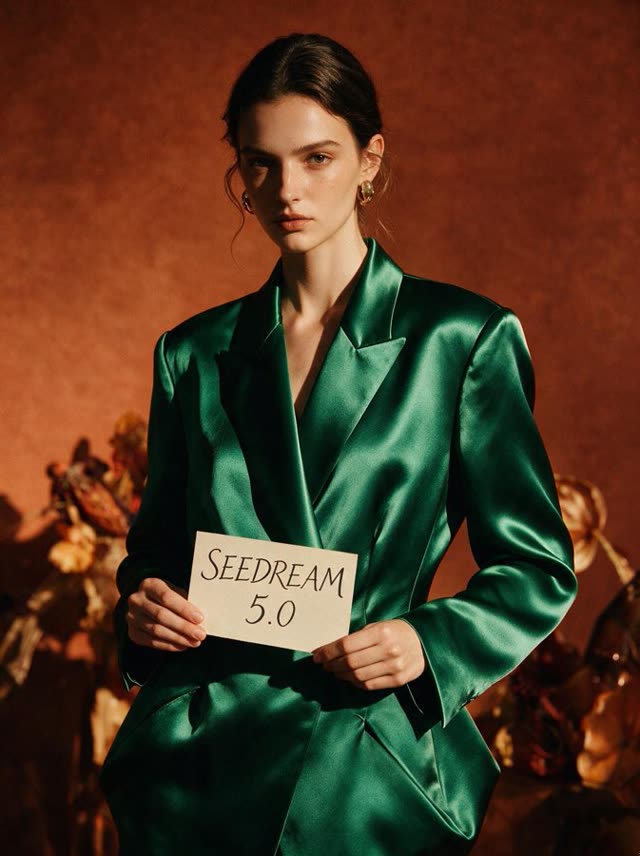 Flexible
Seedream 5.0 Pro
AI Image Generator & Editor
★ 4.8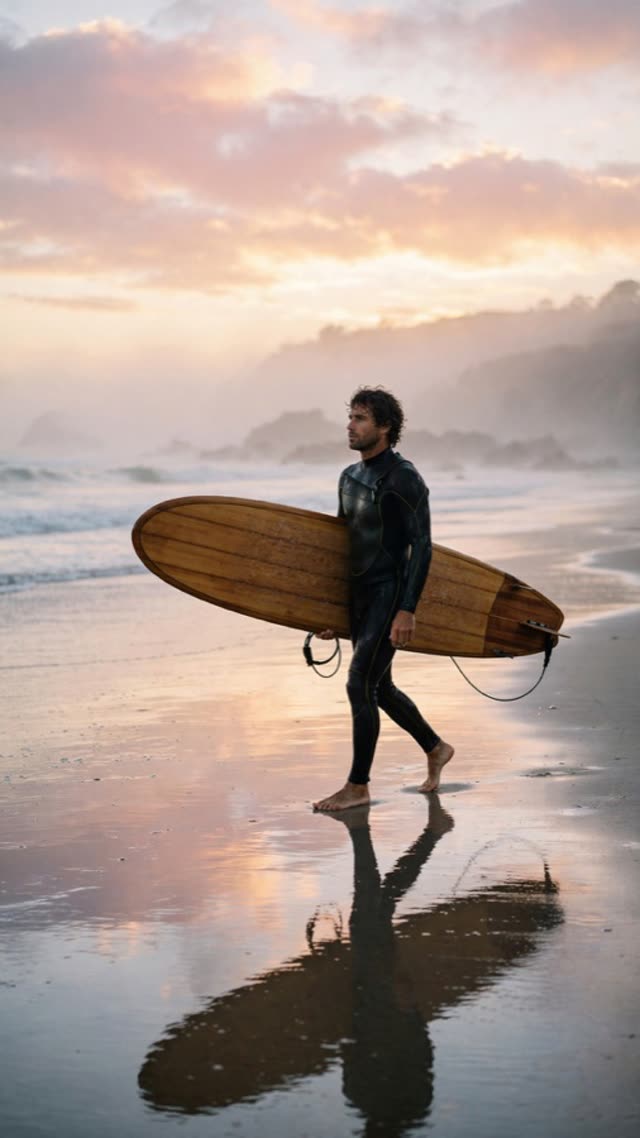 Strict
Muse Image
AI Image Generator & Editor
★ 4.3 Moderate
Ideogram 4.5
AI Image Generator & Editor
★ 4.4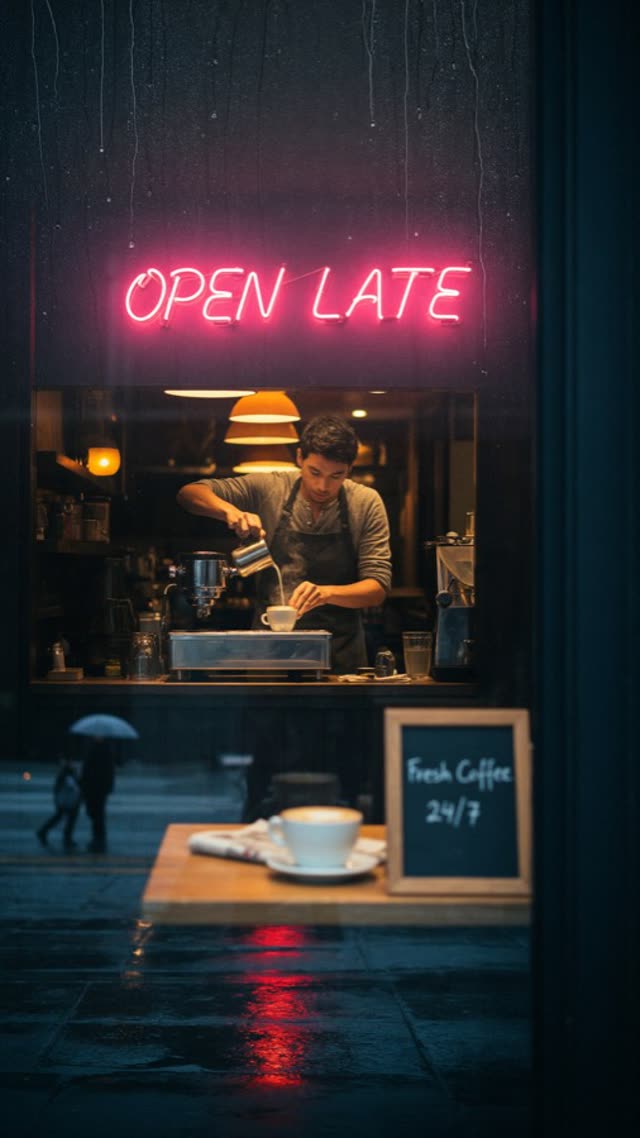 Moderate
Ideogram 4.6
AI Image Generator & Editor
★ 4.4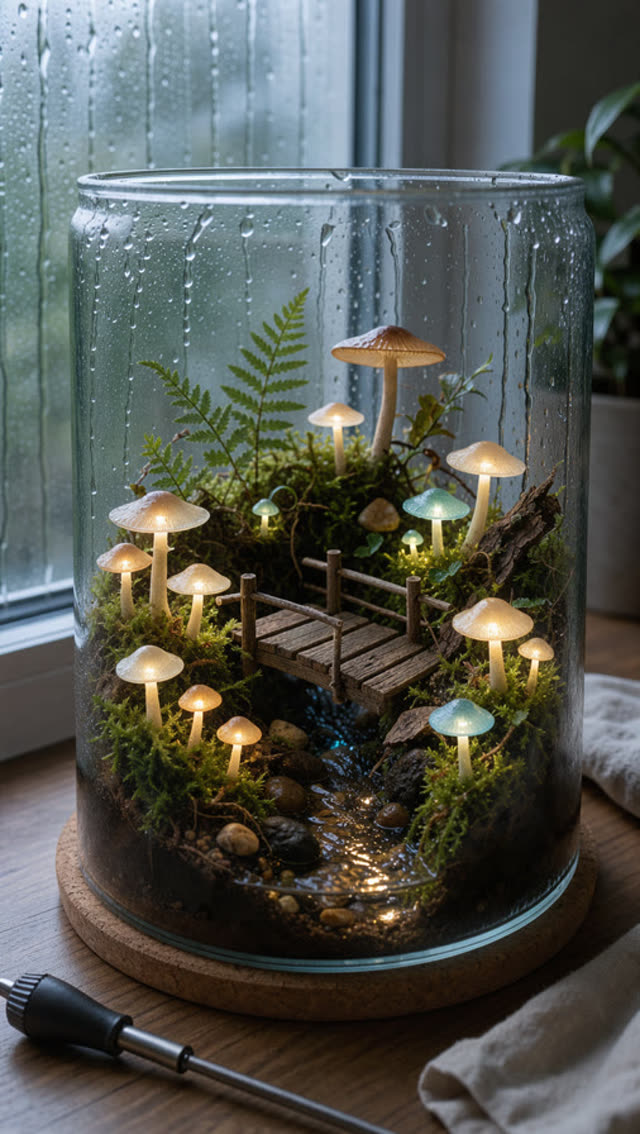 Moderate
FLUX 3
AI Image Generator & Editor
★ 4.5 Flexible
Qwen Image 2.1 Turbo
AI Image Generator & Editor
★ 4.0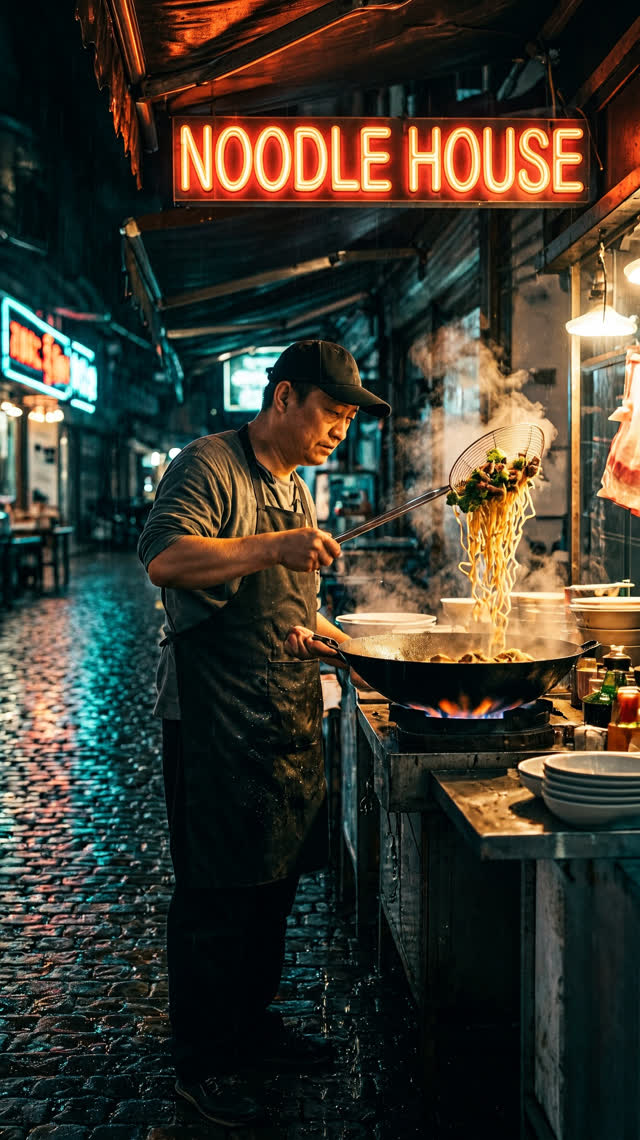 Flexible
MiniMax H3 Image
AI Image Generator & Editor
★ 4.4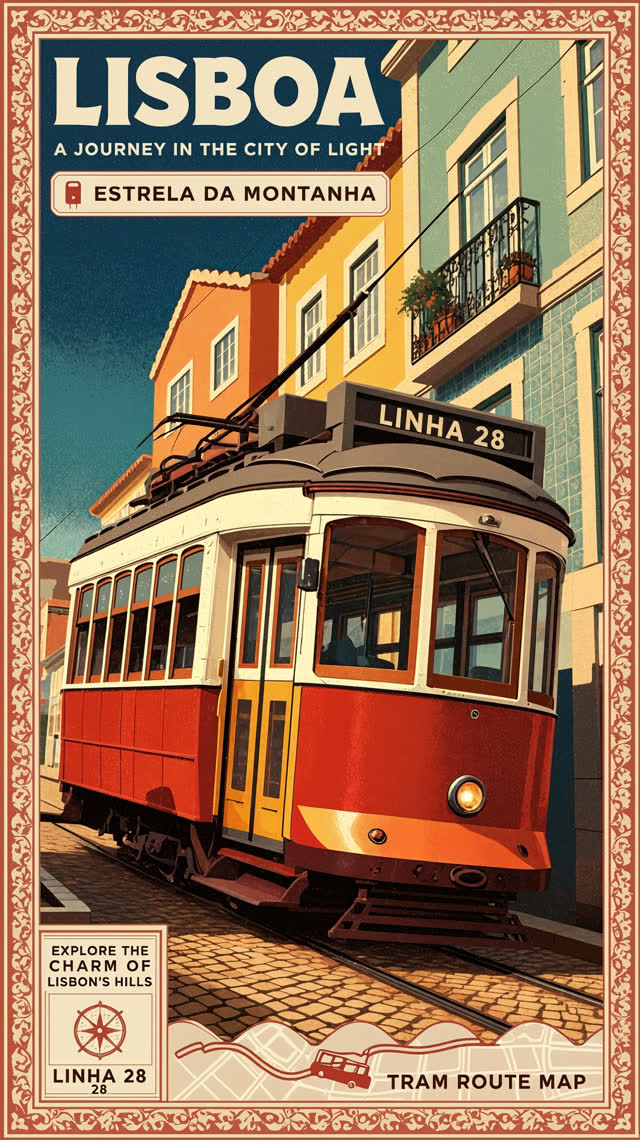 Flexible
MiniMax H3 Image Highspeed
AI Image Generator & Editor
★ 4.4Kling IMAGE 4.0
AI Image Generator & Editor
★ 4.4Kling IMAGE 4.0 Long
AI Image Generator
★ 4.4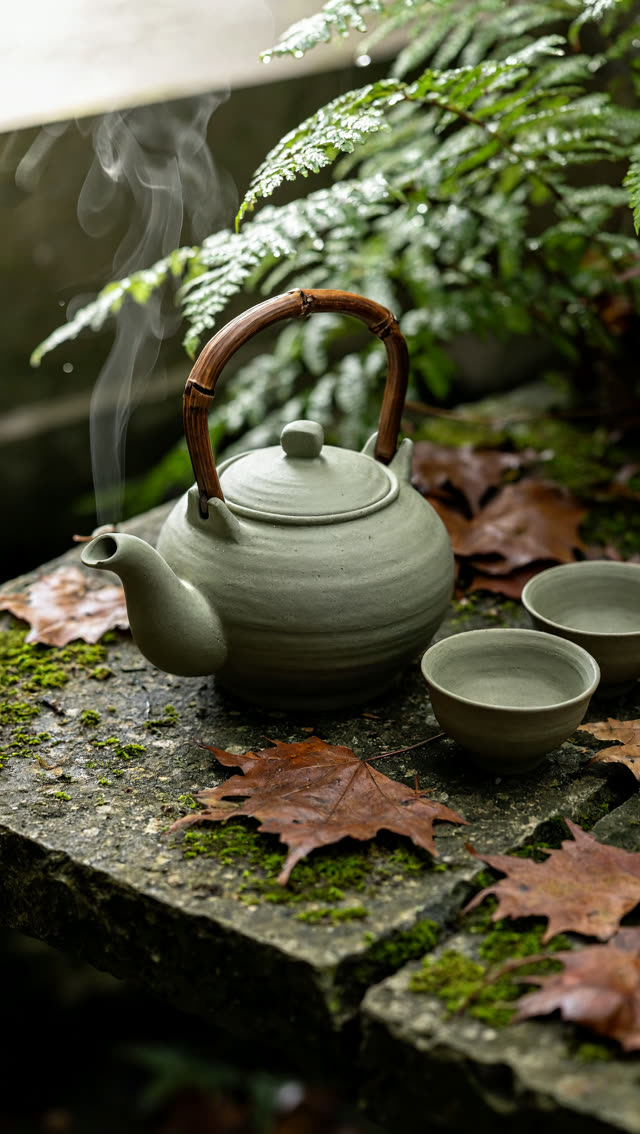 Moderate
MiniMax H3 Image 1K-4K
AI Image Generator
★ 4.4Auto — Smart Edit
AI Image Editor
★ 4.5Nano Banana Edit
AI Image Editor
★ 4.2Seedream 4.5 Edit
AI Image Editor
★ 4.5Seedream 5 Lite I2I
AI Image Editor
★ 4.6Seedream 5 Flash Edit
AI Image Editor
★ 4.4 Moderate
Seedream 5.5 Edit
AI Image Editor
★ 4.6 Strict
GPT Image 1.5 I2I
AI Image Editor
★ 4.4 Strict
GPT Image 2
AI Image Editor
★ 4.6GPT Image 2.5 Flare
AI Image Editor
★ 4.7GPT Image 2.5 Sunburst
AI Image Editor
★ 4.8 Strict
GPT Image 2.6 Flare
AI Image Editor
★ 4.8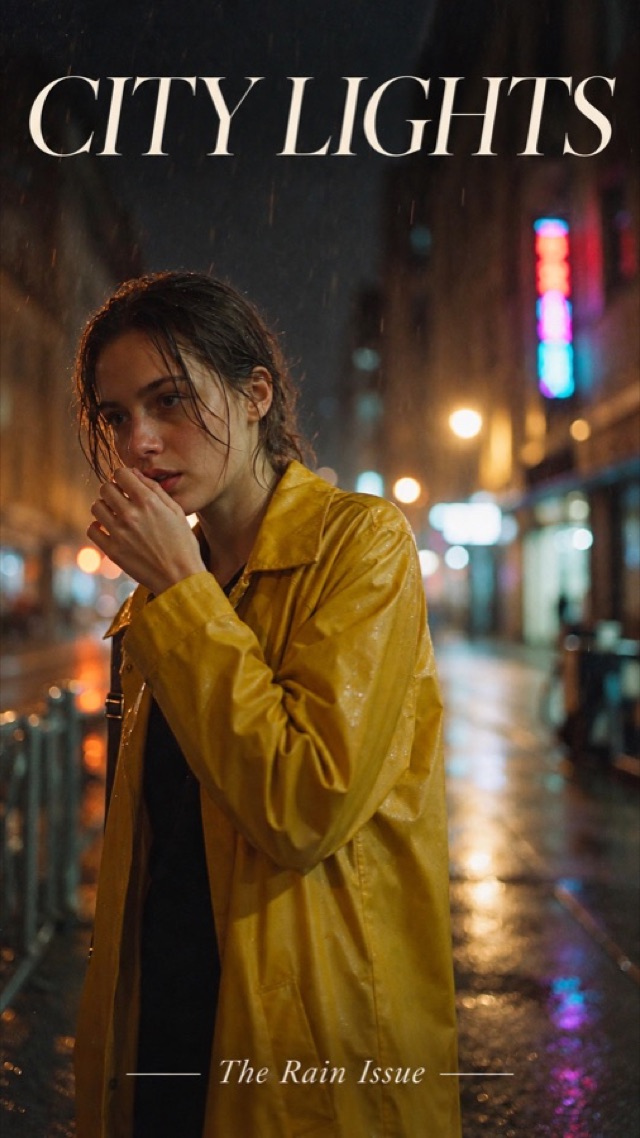 Strict
GPT Image 2.6 Sunburst
AI Image Editor
★ 4.9 Strict
GPT Image 2.6 Economy
AI Image Editor
★ 4.5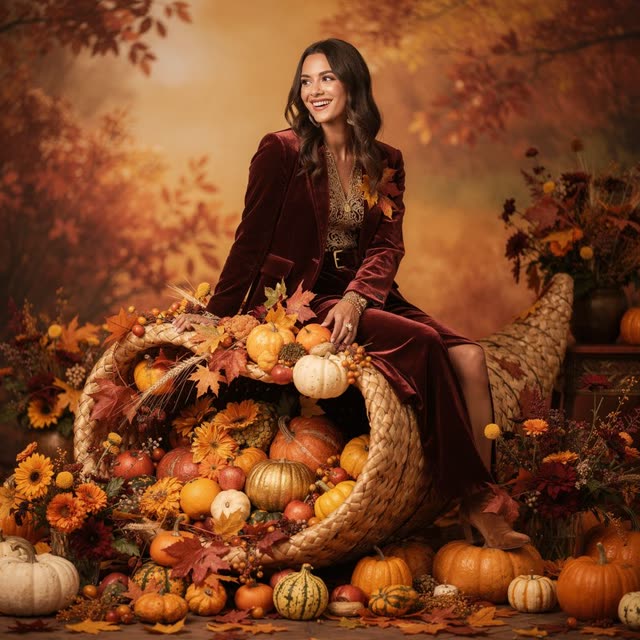 Moderate
Flux 2 Pro I2I
AI Image Editor
★ 4.1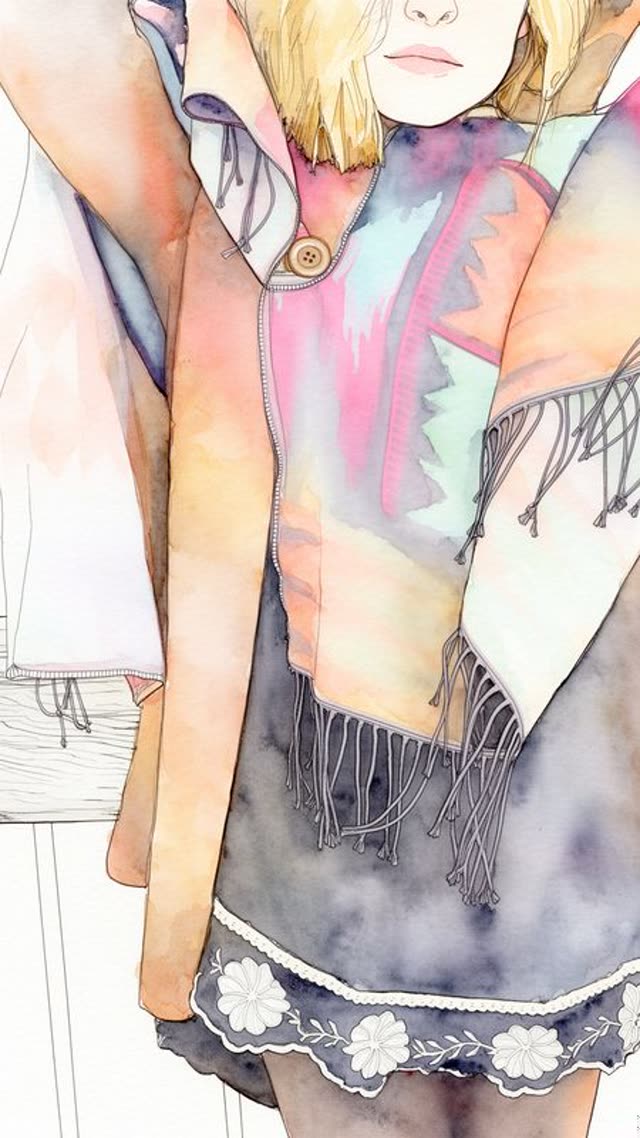 Moderate
FLUX.2 [dev]
AI Image Editor
★ 3.9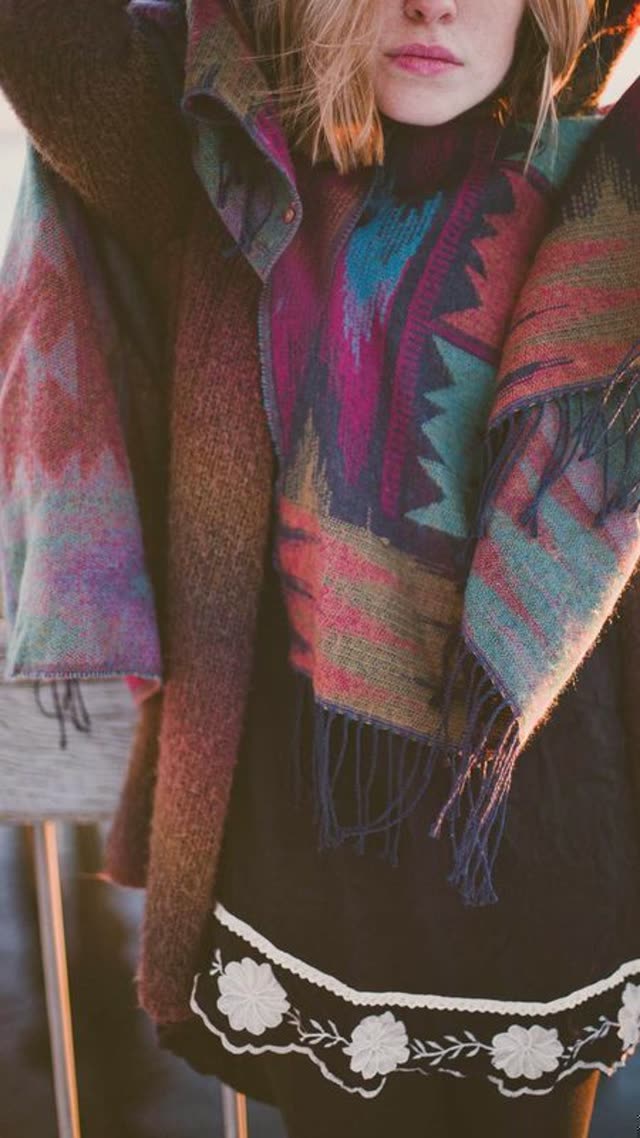 Moderate
FLUX Erase
AI Image Editor
★ 4.2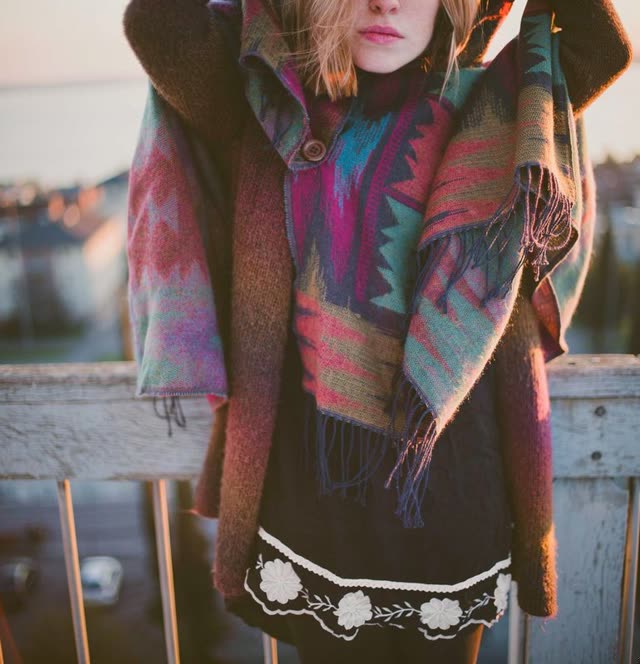 Moderate
FLUX Outpainting
AI Image Editor
★ 4.2Qwen Image 3.0 Edit
AI Image Editor
★ 4.6Qwen Image 3.0 Pro Edit
AI Image Editor
★ 4.8Qwen Image 2.1 Edit
AI Image Editor
★ 4.6FLUX 3 Klein Edit
AI Image Editor
★ 4.3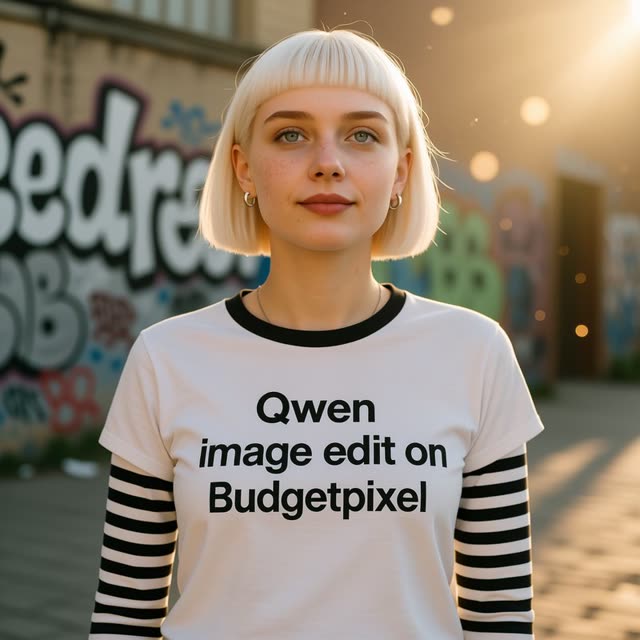 Flexible
Qwen2 Image Edit
AI Image Editor
★ 4.0 Moderate
Grok Imagine
AI Image Editor
★ 4.2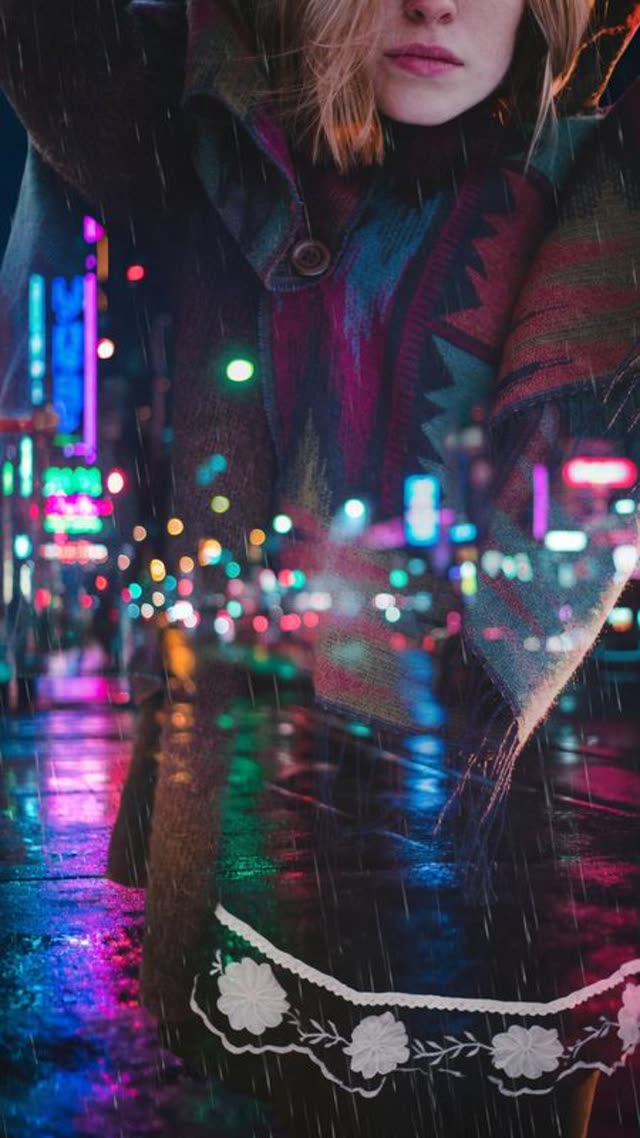 Moderate
Grok Imagine Pro
AI Image Editor
★ 4.3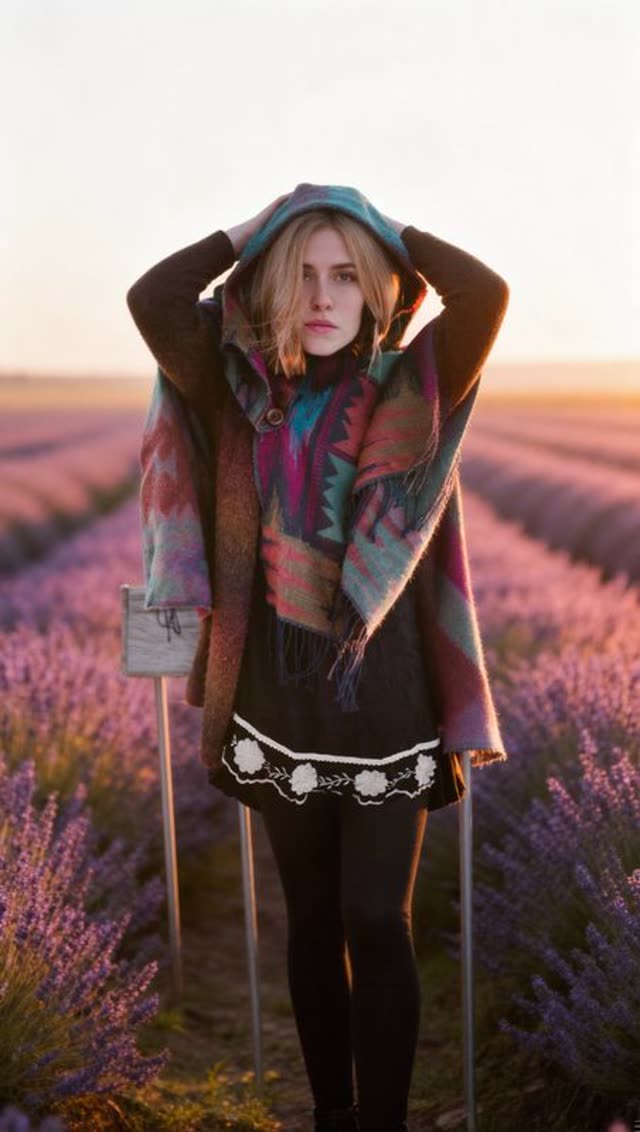 Moderate
Kling IMAGE O1
AI Image Editor
★ 4.0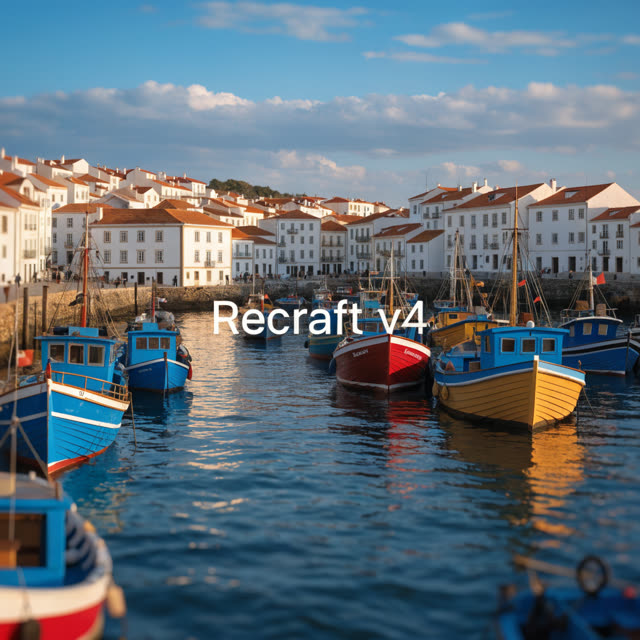 Flexible
Recraft V4 Vector
AI Image Editor
★ 4.1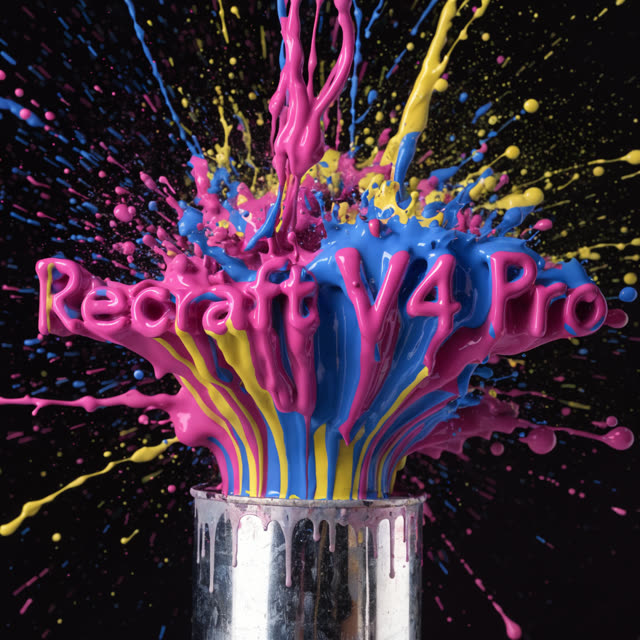 Flexible
Recraft V4 Pro Vector
AI Image Editor
★ 4.2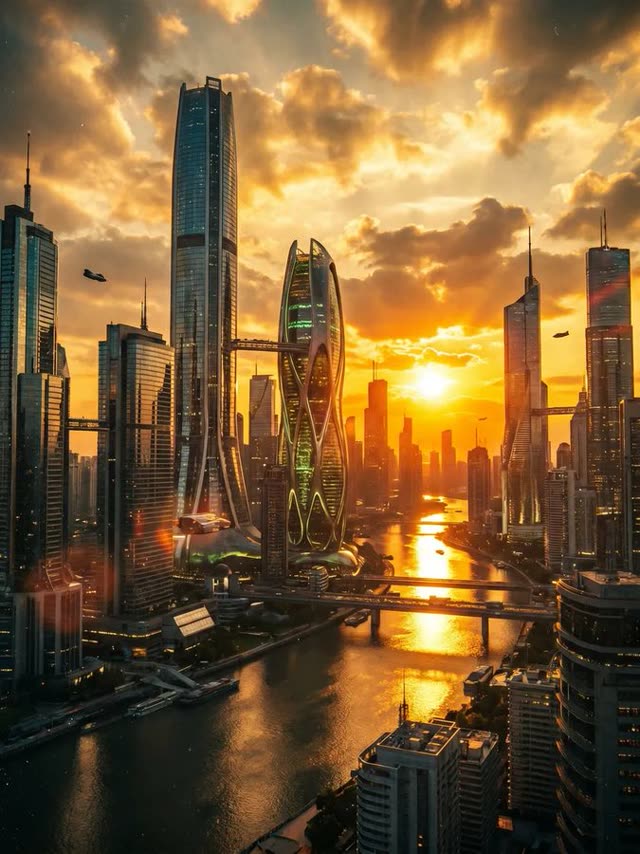 Moderate
Riverflow 2.0 Pro
AI Image Editor
★ 3.9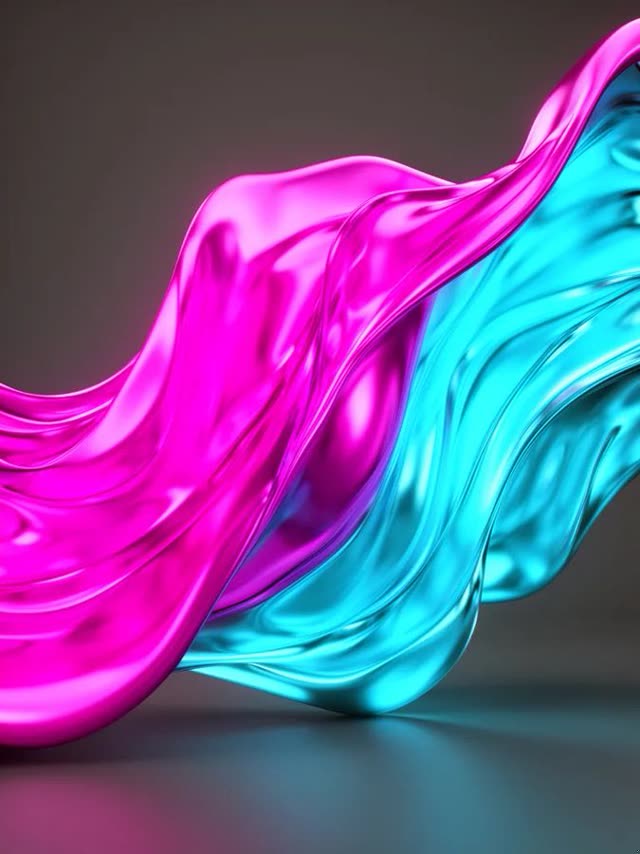 Moderate
Riverflow 2.0 Fast
AI Image Editor
★ 3.7 Moderate
P-Image-Edit
AI Image Editor
★ 3.7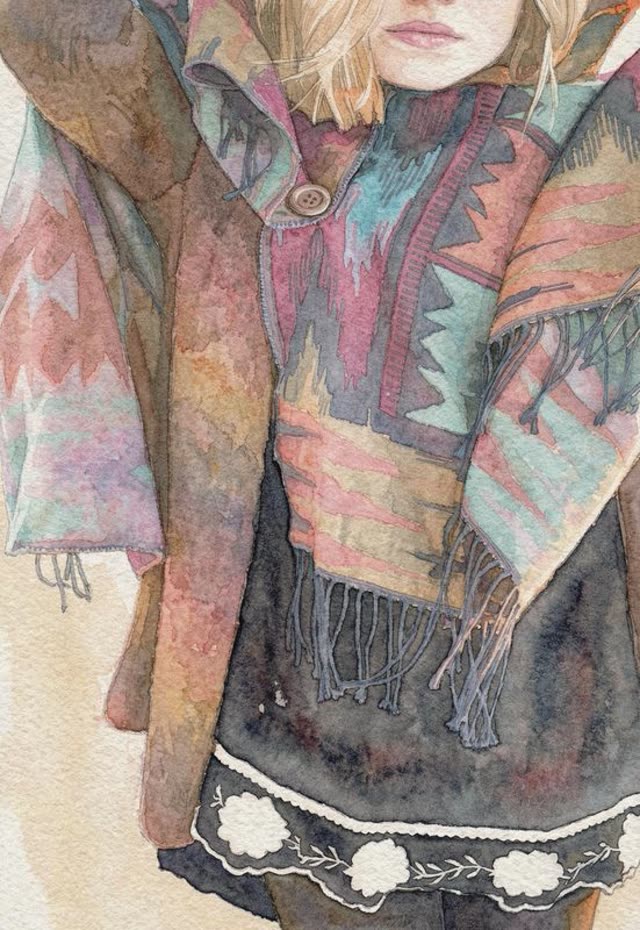 Moderate
Luma UNI-1 Max
AI Image Editor
★ 4.3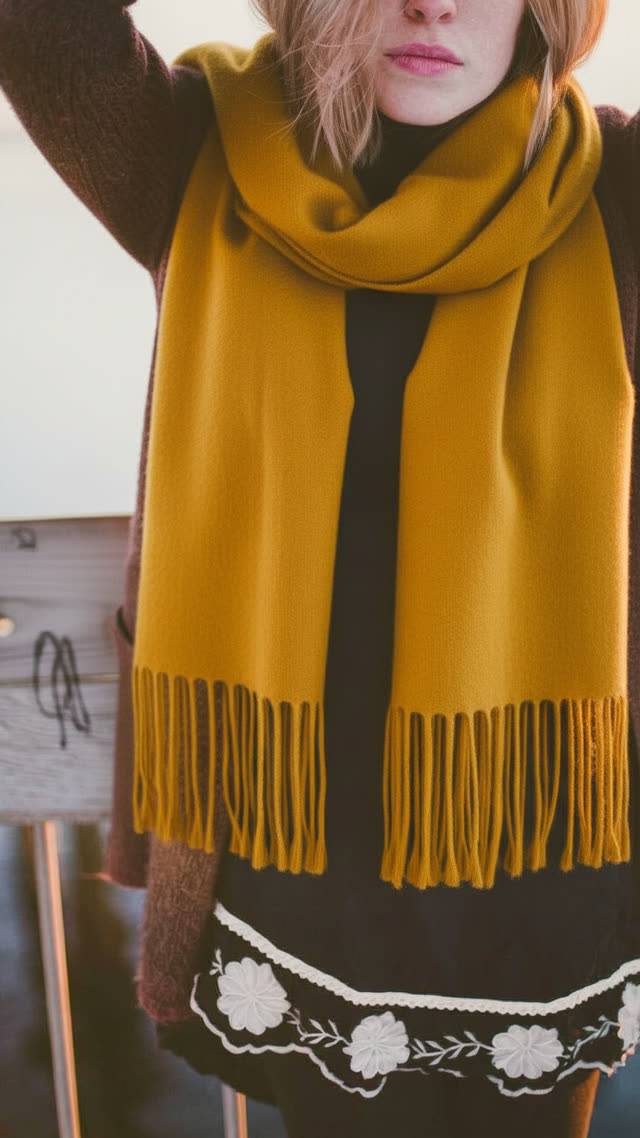 Moderate
Boogu Image Edit
AI Image Editor
★ 3.9 Moderate
Ideogram 4.5 Precise Edit
AI Image Editor
★ 4.3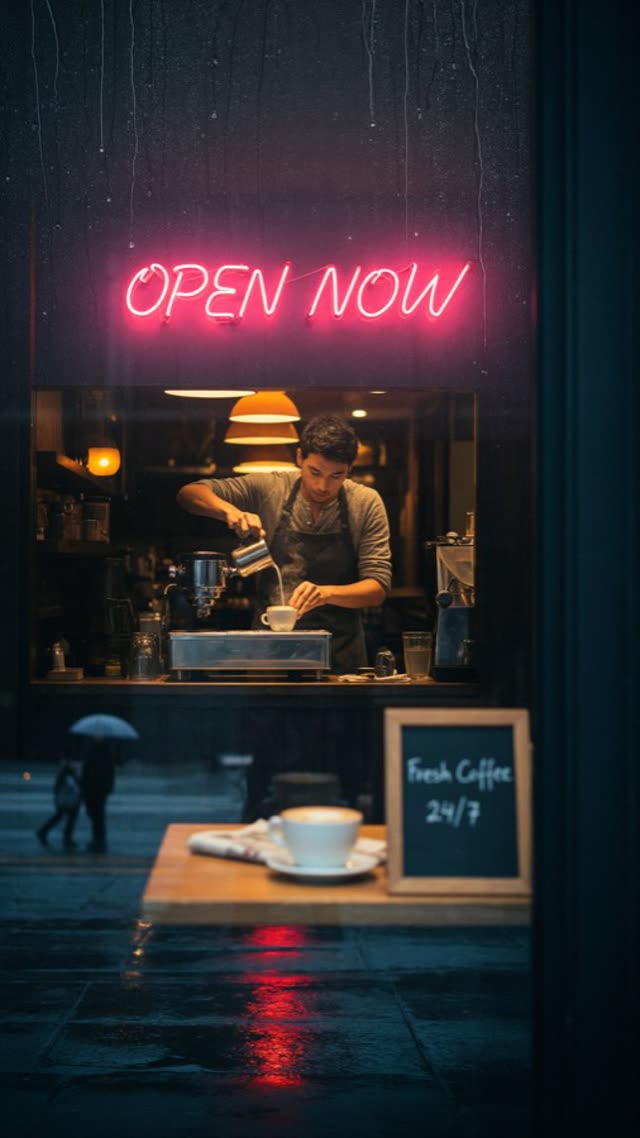 Moderate
Ideogram 4.6 Precise Edit
AI Image Editor
★ 4.3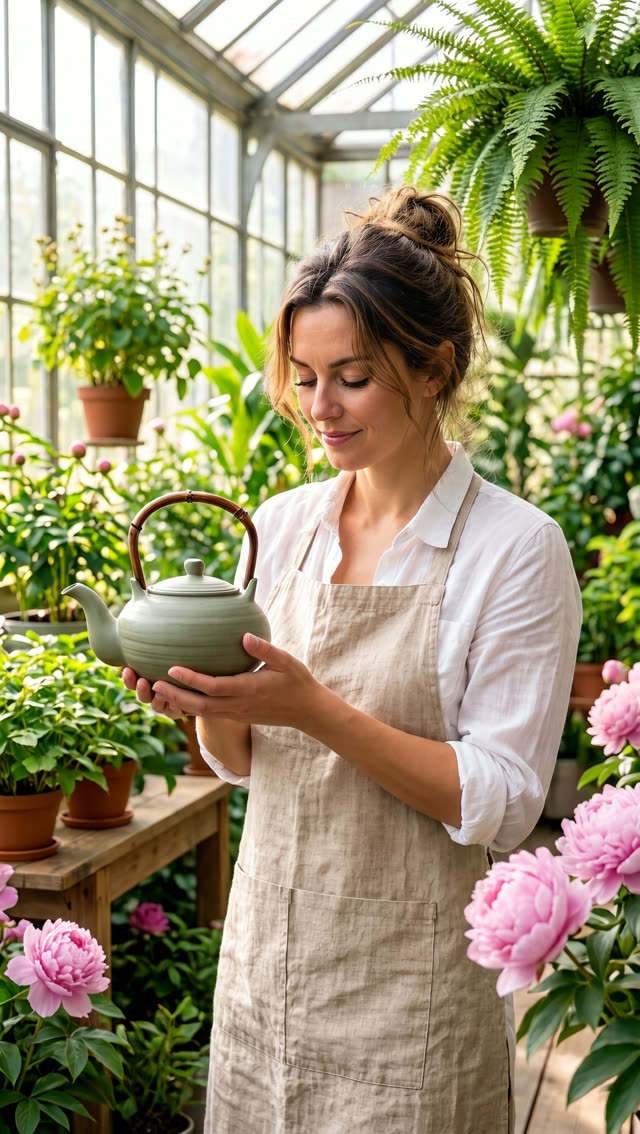 Moderate
MiniMax H3 Image 1K-4K
AI Image Editor
★ 4.4How to choose an AI video or image model
- Start from your input. Writing a scene from scratch narrows you to the 45 text-to-video models; animating a photo, to the 66 image-to-video models; changing footage you already have, to the 11 video-to-video models.
- Match the length you need. 64 of the 82 video models with a set duration list top out at 15 seconds or less per clip. If you need one continuous 30-second take, only Wan AI 3.0 Video, Wan AI 3.0 Video Prime, Wan AI 3.0 Reference-to-Video, Wan AI 3.0 Prime Reference-to-Video, Seedance 2.5, Seedance 2.5 Flash, Grok Imagine Video Imagine (text), Grok Imagine Video Imagine (images), Kling V4.0 Text-to-Video, Kling V4.0 Image-to-Video and Kling V4.0 Reference-to-Video go that far.
- Pick resolution last. Test the prompt at 480p or 720p, where credits go furthest, then re-run the version you like at 1080p or 4K.
- Check the content-filter label. Each card shows the provider’s filter level (Strict, Moderate or Flexible), so you know in advance how cautious a model is with prompts.
- Compare the real output. Every model page shows example clips or images, so you can judge motion, faces and text rendering before spending credits.
Frequently asked questions
What are AI video models?
AI video models are machine-learning systems that generate a moving clip from a text prompt, a still photo or an existing video. Each one is built by a different lab (Kling, Google Veo, ByteDance Seedance, Alibaba Wan, MiniMax and others), and they differ in clip length, resolution, motion style, audio support and price. This directory lists every one you can run on VdoBloom.
How many AI video and image models are on VdoBloom?
168 in total: 91 video models and 77 image models from 19 model families. On the video side, 45 accept a text prompt, 66 animate a photo and 11 transform an existing video. On the image side, 42 generate from text and 54 edit an uploaded image.
Which AI video model is best?
It depends on the job. For one long take, pick a model with a long duration range; for drafts, a model with a low 480p price; for 4K delivery, a model with a 4K mode; for a fixed price per clip, Veo 3.1 Fast. The quick-pick table on this page maps common jobs to a model with its starting credit cost, and every model page lists exact durations, resolutions and aspect ratios.
What is the difference between an AI video model and an AI video generator?
The model is the engine that turns your prompt or photo into frames. A generator is the app you use to run it. VdoBloom is a generator that runs many models behind one account and one credit balance, so you can switch from Kling to Seedance to Veo without separate subscriptions or API keys.
How much does it cost to use these models?
Each generation costs credits, and the exact number is shown before you confirm. Video is priced by model, duration and resolution: for example Seedance 2 Mini is 7 credits for 4 seconds at 480p, Wan AI 3.0 is 32 credits for 5 seconds at 720p, and Veo 3.1 Fast is 40 credits per clip. Images are priced per image: Seedream 5 Flash is 2 credits and Nano Banana Pro is 24 credits at 4K.
Can I try the models for free?
Yes. A new account gets 10 free credits, enough to test several image models or a few short low-resolution video clips before you buy anything. Downloads on the free plan carry a VdoBloom watermark; on a paid plan the same file downloads clean.
Which models make the longest single clip?
The longest single clip on VdoBloom is 30 seconds, available on Wan AI 3.0 Video, Wan AI 3.0 Video Prime, Wan AI 3.0 Reference-to-Video, Wan AI 3.0 Prime Reference-to-Video, Seedance 2.5, Seedance 2.5 Flash, Grok Imagine Video Imagine (text), Grok Imagine Video Imagine (images), Kling V4.0 Text-to-Video, Kling V4.0 Image-to-Video and Kling V4.0 Reference-to-Video. 64 of the 82 video models with a set duration list top out at 15 seconds or less.
Can I use the videos and images commercially?
Yes. VdoBloom’s terms state that you keep ownership of the content you upload or generate, and you are responsible for it. You must have the rights to anything you upload, including consent from any real person whose face you use, and ad platforms and marketplaces still review assets under their own rules.
Try any model with free credits
Create a free account, get 10 starter credits, and generate with any model above. The exact credit cost is always shown before you confirm.
Start for free