Product Design · Free template
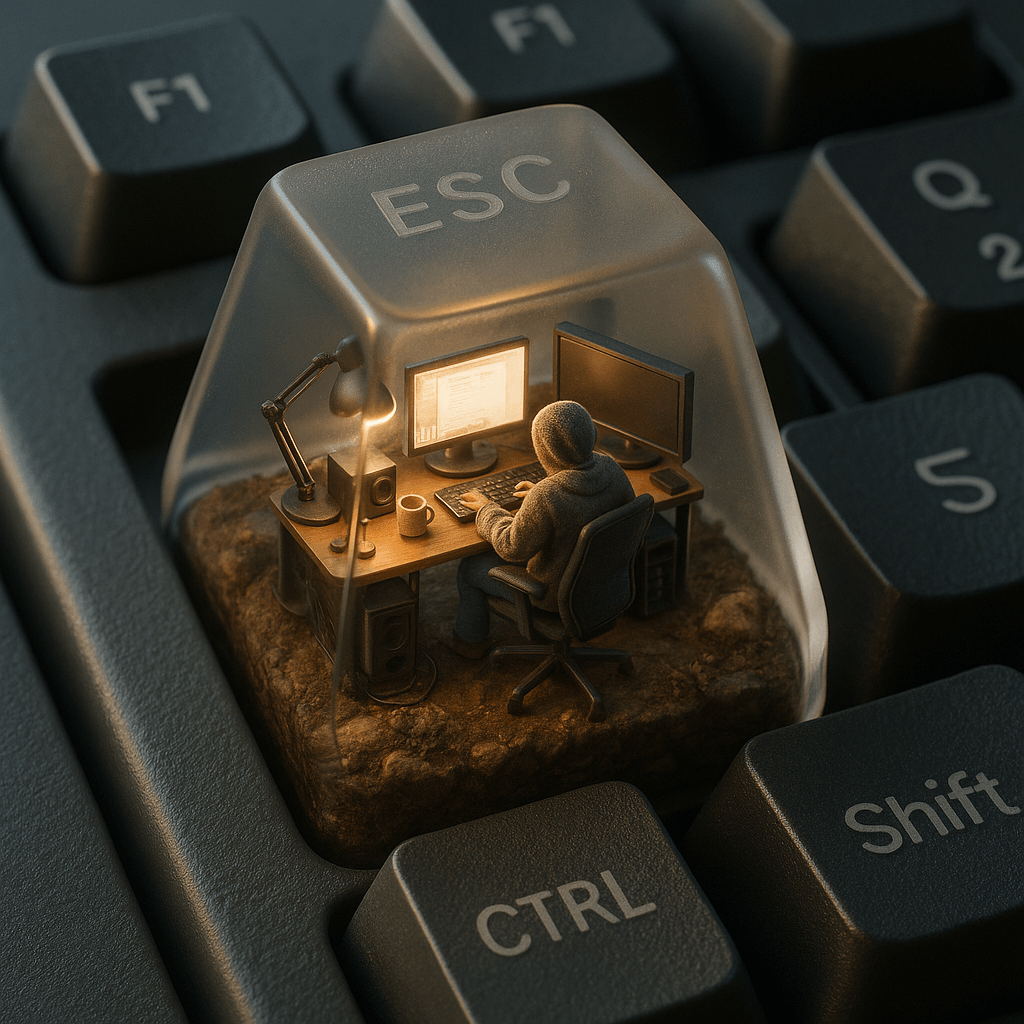
ESC Keycap Miniature Diorama AI Template
Inside a mechanical keyboard's ESC key, this template builds a translucent micro-world: a tiny hoodie-clad figure working at a glowing desk setup amid moss, soil, and tangled cables. Hyper-detailed touches from the prompt — frosted "ESC" etching, warm interior light against cold keyboard reflections, shallow phone-camera depth of field — sell the miniature realism. Desk-setup and tech-aesthetic feeds are its natural home.
Opens VdoBloom Art Studio with this prompt prefilled. Free account required; generation uses credits.
The prompt
The complete prompt, exactly as it runs in Art Studio. Copy it, edit it, or take it to any image tool you like — the CC-BY-4.0 license allows reuse and adaptation with credit to the original author below.
A hyper-realistic isometric 3D render of a miniature computer setup inside a translucent mechanical keyboard keycap, specifically placed on the ESC key of a real matte-finished mechanical keyboard. Inside the keycap, a tiny figure sits in a modern ergonomic chair, wearing a cozy textured hoodie, working at a glowing ultra-realistic computer screen. The environment is packed with lifelike miniature tech accessories: real-material desk lamps, monitors with reflections, tiny speaker grills, tangled cables, and ceramic mugs. The base of the scene is made of soil, rocks, and moss, with photorealistic textures and imperfections. The lighting inside the cap mimics natural morning sun, casting soft shadows and warm tones, while the outside has cold ambient reflections from the surrounding keyboard. The word “ESC” is subtly etched onto the top of the translucent keycap with a faint frosted glass effect — just barely visible depending on the angle. The surrounding keyboard keys like F1, Q, Shift, and CTRL are crisp, textured, and photorealistically lit. Shot as if taken with a high-end mobile phone camera, with shallow depth of field, perfect white balance, and cinematic detail.
How to use this template
- 1
Open the template in Art Studio
Click the button below and the template loads into VdoBloom Art Studio with this exact prompt prefilled. You will need a free VdoBloom account if you are not signed in yet.
- 2
Upload your photo(s)
If the template needs a reference image (see "What you need" above), attach it in Art Studio. Templates without a reference requirement skip straight to the next step.
- 3
Generate and download
Pick an image model — Nano Banana, Seedream, or Flux — and generate. Results vary run to run, so regenerate or tweak the prompt until you like the output, then download it.
Attribution & license
Prompt by @egeberkina · CC-BY-4.0 · via the awesome-nano-banana collection (original source).
Example image by @jamez-bondos, created with Sora.
Related templates
Happy Capsule Creation
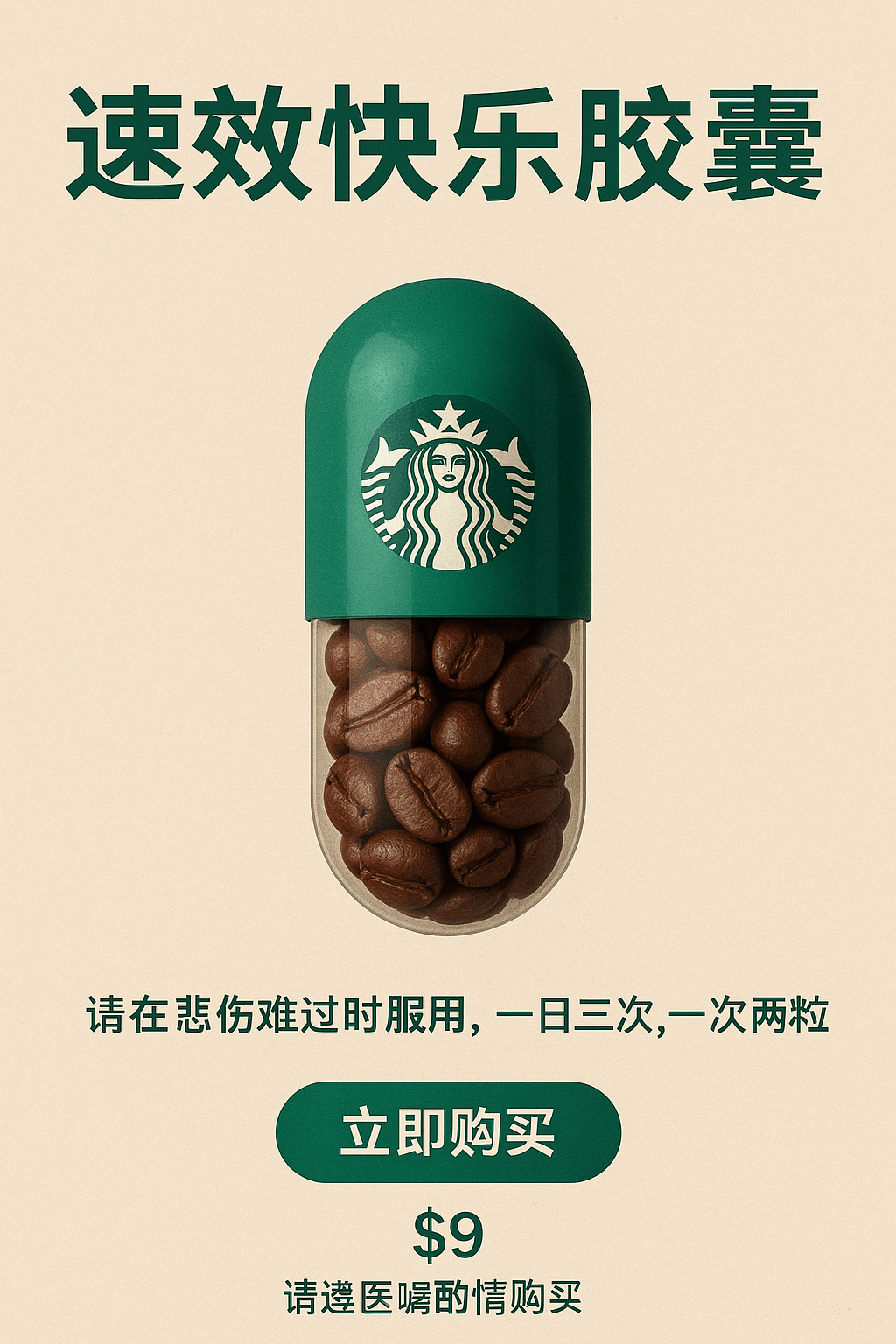
A whimsical product idea becomes a finished pharmacy-style ad: a "Fast-Acting Happiness Capsule" with a Starbucks-green cap and a transparent half filled with coffee beans.
Passport Entry Stamp
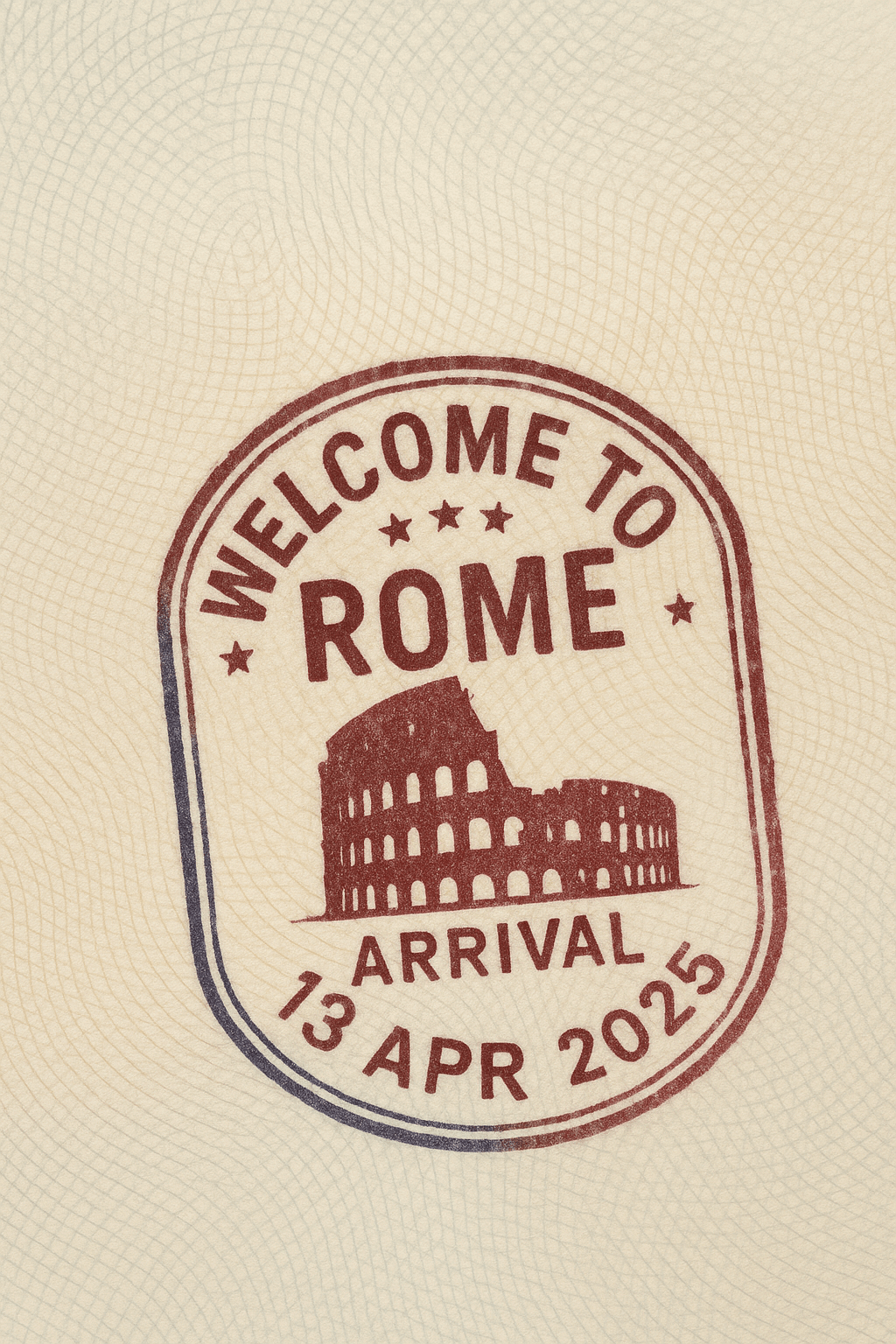
Stamp any city and country onto a realistic passport page complete with a hand-pressed arrival stamp.
Emoji Inflatable Cushion
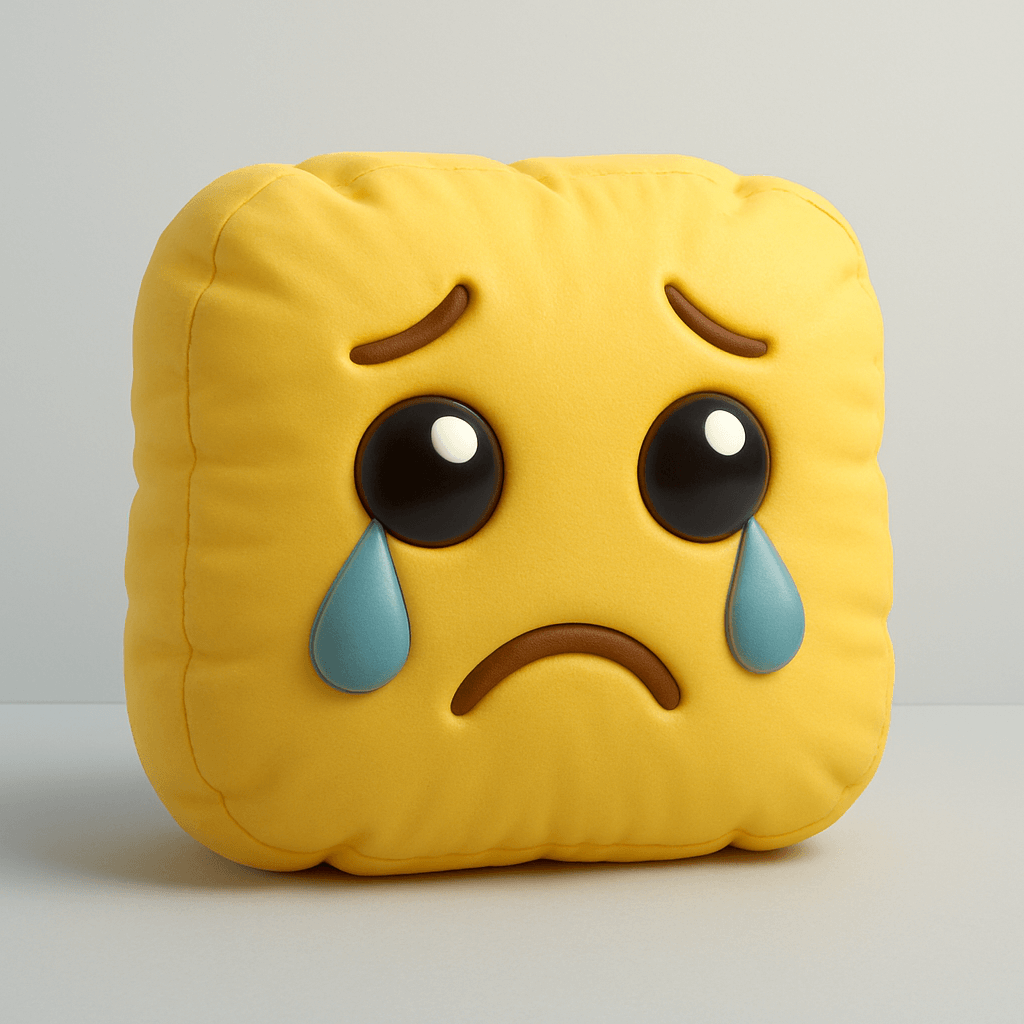
Any emoji becomes a puffy, air-filled 3D object that looks like a plush balloon toy.
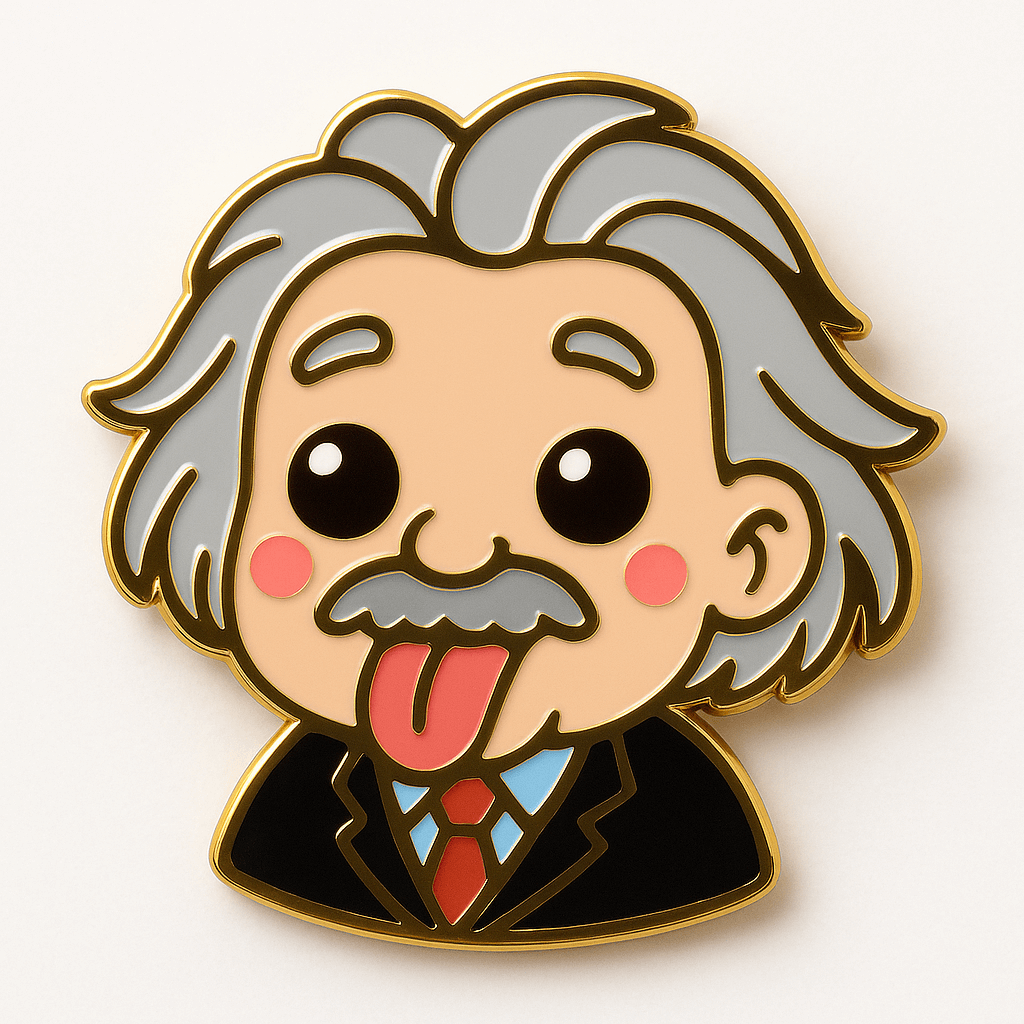
Kawaii Enamel Pin
The Kawaii Enamel Pin template transforms the subject of your uploaded photo into a cute collectible pin with glossy metal outlines and vibrant enamel fill.