Special Effects · Free template
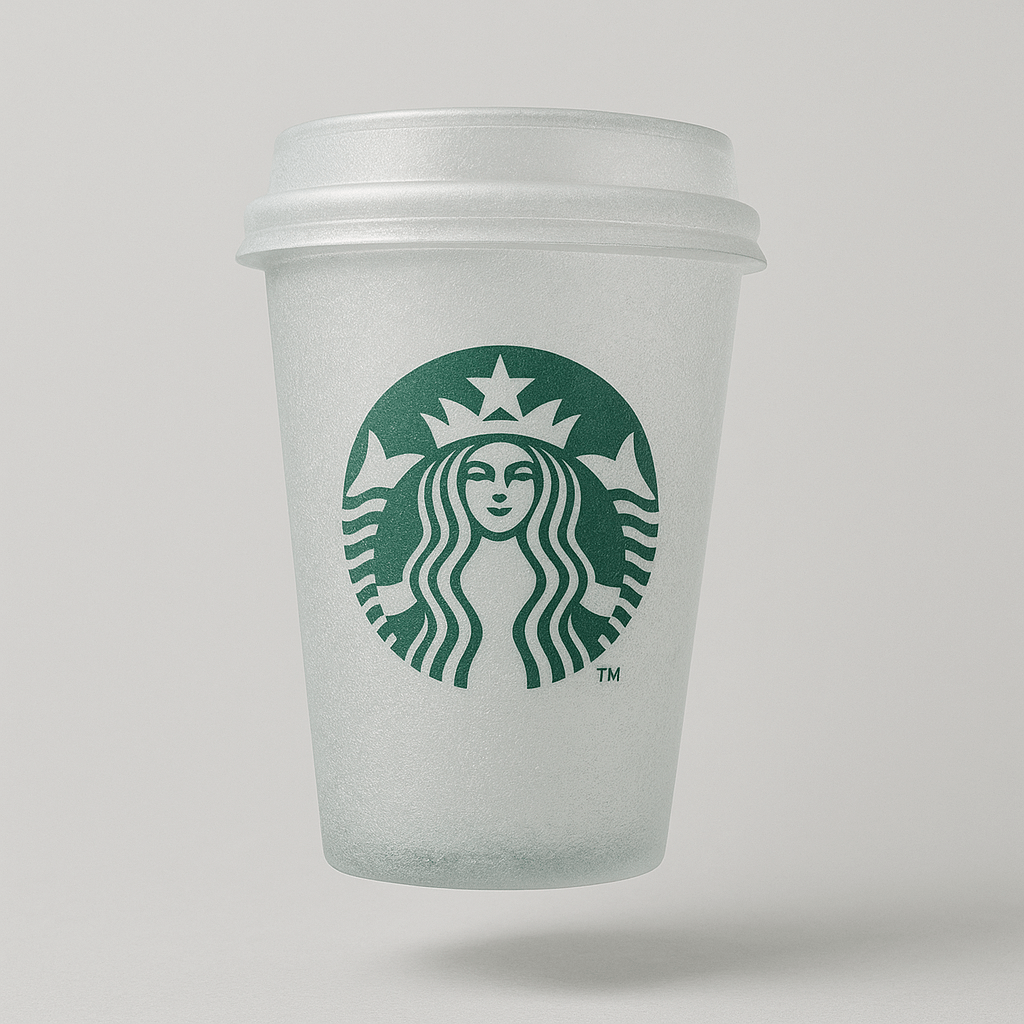
3D Translucent Glass Transformation AI Template
Reimagine an uploaded object as a soft glass sculpture with a frosty matte finish, floating gently against a light gray backdrop. The prompt preserves the original colors and fine texture while adding soft shadows and natural lighting. It works best with photos of physical objects that have a distinct, recognizable silhouette.
What you need
Need to upload a reference image of a physical object
Opens VdoBloom Art Studio with this prompt prefilled. Free account required; generation uses credits.
The prompt
The complete prompt, exactly as it runs in Art Studio. Copy it, edit it, or take it to any image tool you like — the CC-BY-4.0 license allows reuse and adaptation with credit to the original author below.
A soft, 3D translucent glass of the attached image with a frosty matte finish and detailed texture, original colors, centered on a light gray background, floats gently in space, soft shadows, natural lighting
How to use this template
- 1
Open the template in Art Studio
Click the button below and the template loads into VdoBloom Art Studio with this exact prompt prefilled. You will need a free VdoBloom account if you are not signed in yet.
- 2
Upload your photo(s)
If the template needs a reference image (see "What you need" above), attach it in Art Studio. Templates without a reference requirement skip straight to the next step.
- 3
Generate and download
Pick an image model — Nano Banana, Seedream, or Flux — and generate. Results vary run to run, so regenerate or tweak the prompt until you like the output, then download it.
Attribution & license
Prompt by @azed_ai · CC-BY-4.0 · via the awesome-nano-banana collection (original source).
Example image by @jamez-bondos, created with Sora.
Related templates
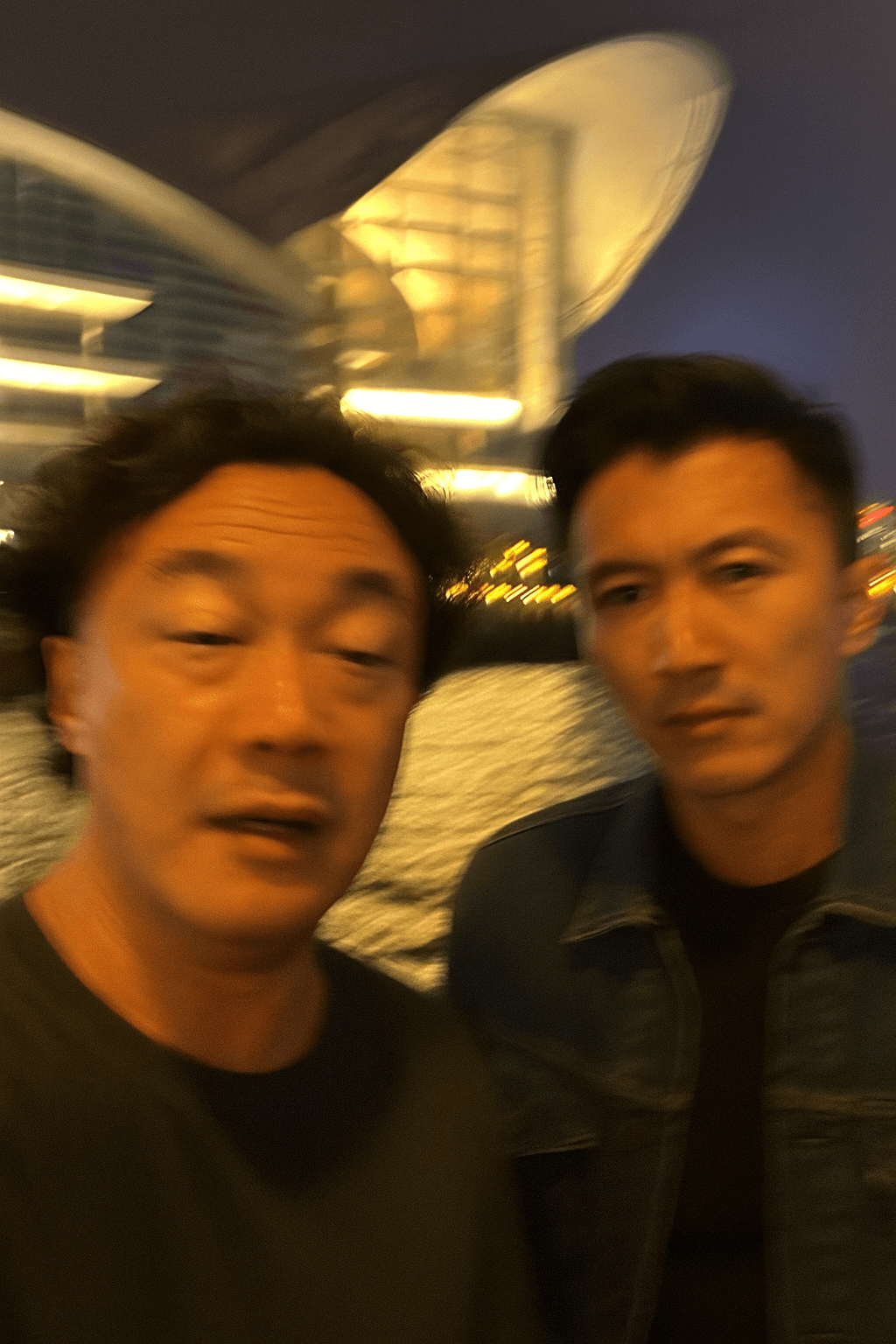
Extremely Ordinary iPhone Selfie
Deliberately unremarkable phone snapshots are the goal here — awkward angle, messy composition, motion blur, and mild overexposure included.
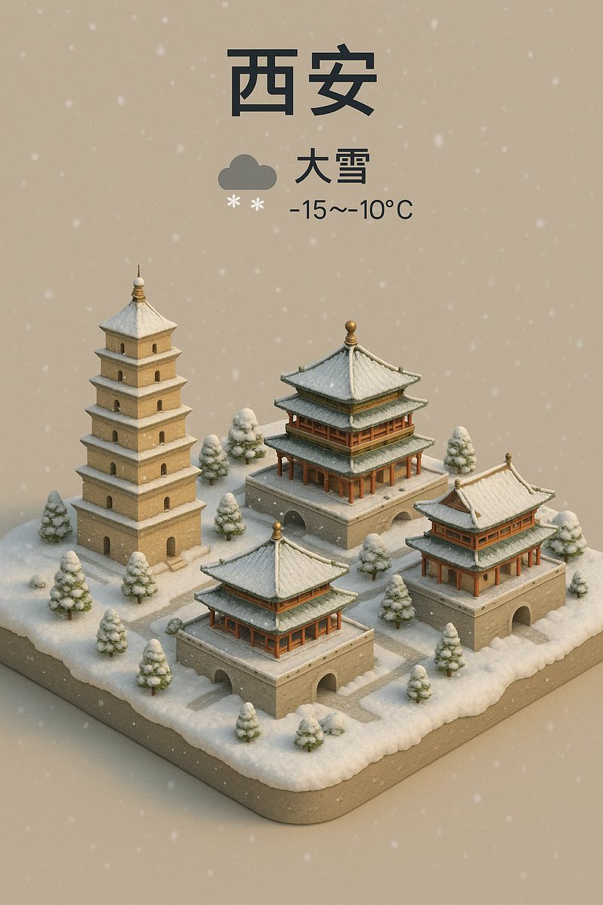
Signature City Weather Forecast
Condense a city's landmarks into an isometric miniature seen from a crisp 45-degree bird's-eye view, topped with a forecast caption like "Shanghai Cloudy 20°C" and a matching weather icon.
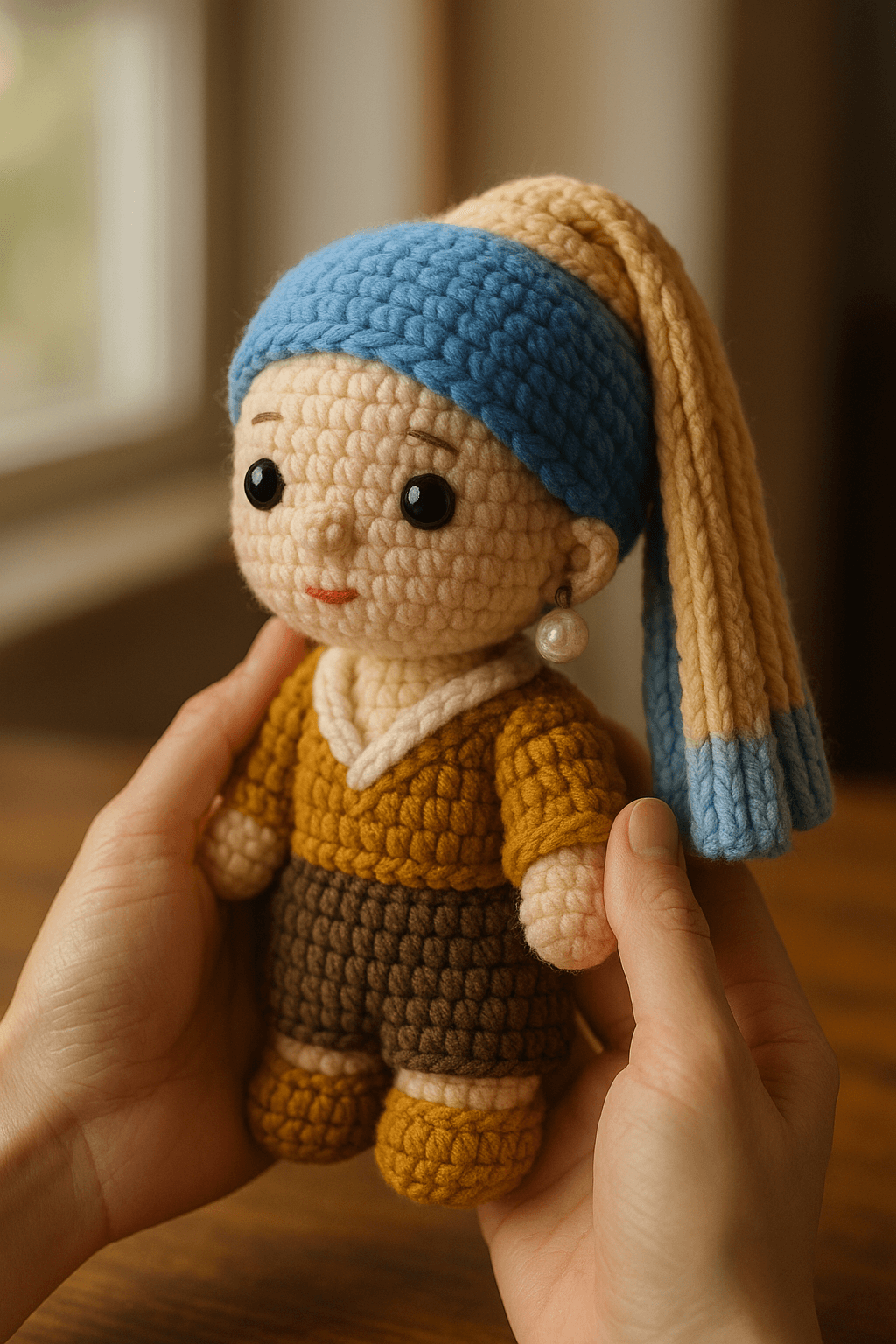
Cute and Cozy Knitted Doll
Recast a character from your photo as a hand-crocheted chibi yarn doll, cradled gently in two hands above a warm wooden tabletop.
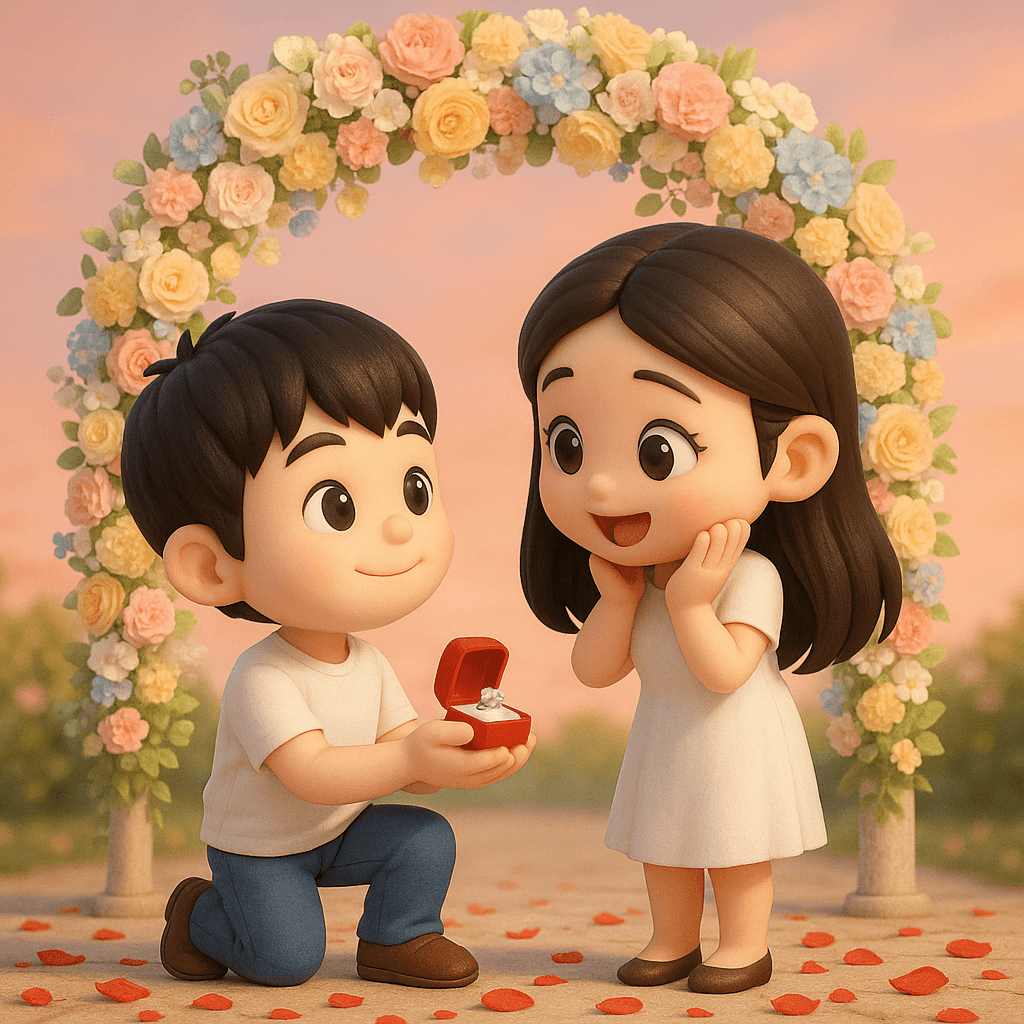
3D Chibi Proposal Scene
Turn a couple's photo into an adorable chibi 3D proposal beneath a pastel floral arch, with rose petals scattered across the ground.