Seedance 2.5: Text & Image to Video Online

Text & Image to Video★ 4.9 / 5Flexible content filter

Bottom line

Seedance 2.5: 4-30s clips up to 1080p, with a cheaper per-second rate when you attach a reference video. Start from a prompt or a still image in the Image to Video tool; VdoBloom shows the exact credit cost before each Seedance 2.5 run, with no separate Seedance account.
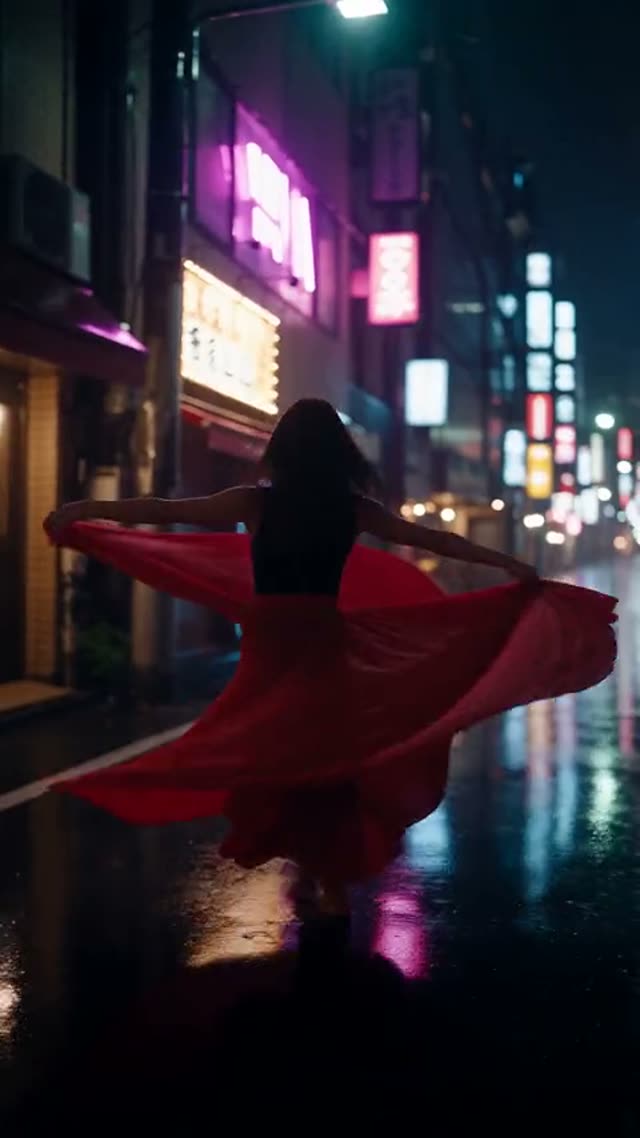
Example output generated with Seedance 2.5

Seedance 2.5 is ByteDance's newest Seedance release on VdoBloom, and the headline change from Seedance 2 is duration: clips now run from 4 up to 30 seconds in one-second steps, instead of capping at 15. Resolution runs 480p, 720p, or 1080p (KIE added 1080p with 10-bit colour in August 2026); there's no 4K tier on 2.5, which is the one thing the older Seedance 2 still has that this model doesn't. Six aspect ratios are available, including 21:9 cinema-wide, and you can generate from a text prompt, a starting image, or up to two reference images tagged @Image1/@Image2 in your prompt.

Seedance 2.5 also has an optional "with reference video" mode: upload a short motion-reference clip (480-720p, up to 200MB, up to 30 seconds) alongside your prompt, and VdoBloom bills that job at a lower per-second rate than plain text- or image-to-video. That lower rate comes with a catch worth understanding before you use it — covered in the pricing section below, since it's the single most common source of the "this burns credits" complaints people post about Seedance online.

Audio is generated by default at no extra charge. VdoBloom shows the exact credit cost before you generate, and failed jobs are refunded automatically.

What Seedance 2.5 costs on VdoBloom, with worked examples

Plain generation (text prompt, or a single starting image, no reference video): 480p runs about 11.2 credits per second, 720p about 25.2, and 1080p about 63.2. Concretely: a 4-second 480p clip is 45 credits; a 5-second 720p clip is 126 credits; a 10-second 1080p clip is 632 credits; a full 30-second 720p take is 756 credits.

Attach a reference video and the per-second rate drops (about 6.8/15.2/38 credits per second at 480p/720p/1080p), but you're billed for input-plus-output duration, capped at 30 input seconds. A 5-second 720p output built from a 10-second reference clip works out to roughly 228 credits — nearly double the 126-credit plain-generation price for the same 5-second result, because you're paying for 15 seconds of combined processing. Reference-video mode is worth it when the reference itself is short (a 2-3 second motion clip costs little extra), and worth skipping when it's long relative to your output.

Seedance 2.5 vs Seedance 2

Both are ByteDance models on VdoBloom with the same six aspect ratios (including 21:9) and the same reference-video billing mechanic. The split is duration versus resolution: Seedance 2.5 goes up to 30 seconds but stops at 1080p; Seedance 2 stops at 15 seconds but goes up to 4K (333 credits for a 4-second 4K clip with no reference video, versus about 83.2 credits/second at that resolution). Pick 2.5 for a longer single take or for reference-video jobs where its input cap (30s vs 15s on Seedance 2) matters. Pick Seedance 2 when 4K is the deliverable.

Getting good results without wasted credits

The most common regret people report with Seedance-family models is generating at full resolution and full duration before confirming the prompt works. Draft at 480p and a short duration first — a 4-second 480p test is 45 credits versus 253 for the same 4 seconds at 1080p — then re-run the winning prompt at your final settings. If you're using reference-video mode specifically to control motion, trim the reference clip to only the seconds of motion you actually need before uploading it; VdoBloom's cost preview reflects your reference video's real length, so a shorter upload is a lower bill, not just a formality.

What creators use Seedance 2.5 for

  • Longer single-take scenes (up to 30 seconds) that would otherwise need to be stitched from several Seedance 2 clips.
  • 1080p hero shots and landing-page loops in 21:9 cinema-wide framing.
  • Motion-guided generation where a short reference video sets the camera move or action, and you accept the input+output billing tradeoff.
  • Multi-subject scenes built from two reference photos tagged @Image1/@Image2 in the prompt.

How to use Seedance 2.5 on VdoBloom

  1. 1Open the Image to Video tool and select Seedance 2.5 from the model picker.
  2. 2Write your prompt — or upload a starting image for image-to-video.
  3. 3Choose your duration (4–30s), quality (480p/720p/1080p), aspect ratio, review the credit cost, and generate.

Frequently asked questions

What does Seedance 2.5 cost on VdoBloom?

It's billed per second by resolution. A plain (no reference video) generation costs roughly 11.2 credits/second at 480p, 25.2 credits/second at 720p, and 63.2 credits/second at 1080p. A 5-second 720p clip is 126 credits; a 10-second 720p clip is 252 credits; a 30-second 480p clip is 336 credits. The exact number for your settings is shown before you generate.

Is Seedance 2.5 free, or is there a free trial?

There's no dedicated free trial, but every new VdoBloom account starts with 10 free credits, which covers a short 480p Seedance 2.5 test clip (a 4-second 480p run costs 45 credits, so 10 credits alone won't cover even that — you'd need to top up first, or start with a cheaper model to get a feel for the workspace). Pricing in India runs through Razorpay in rupees rather than dollars, but the underlying credit cost per model is the same worldwide.

Why does using a reference video make Seedance 2.5 cost more, not less?

The per-second rate for "with reference video" jobs is genuinely lower than plain generation (about 6.8 cr/s at 480p, 15.2 cr/s at 720p, 38 cr/s at 1080p, versus 11.2/25.2/63.2 without one). But KIE, the provider VdoBloom uses, bills reference-video jobs by input-plus-output duration: the seconds in your uploaded reference clip get added to the seconds you're generating, and both are charged at that lower rate. So a 5-second 720p output with no reference video costs 126 credits, but the same 5-second output built from a 10-second reference video costs 228 credits — you're being billed for 15 seconds of processing (5 out + 10 in), not 5. VdoBloom automatically measures your uploaded reference video's real length (it doesn't ask you to type it in), and caps the billable input at 30 seconds so an oversized upload can't run away on you — but every second under that cap still counts. If you just want to animate a still photo, skip the reference-video upload entirely: plain image-to-video from one photo is priced the same as text-to-video, with no input-duration surcharge.

Is Seedance 2.5 censored or restricted?

VdoBloom rates Seedance 2.5's content filter HOT, the platform's most permissive tier, inherited from the wider Seedance family. That means fewer everyday creative prompts get declined than on strictly filtered models, but it isn't a guarantee of explicit output — platform content rules still apply, and prohibited categories are blocked.

What's the maximum length and resolution?

30 seconds is the ceiling, selectable at any whole second from 4, and 1080p is the top resolution (added with 10-bit colour in August 2026). There's no 4K tier on 2.5 — that's still exclusive to the older Seedance 2.

Is Seedance 2.5 available in India?

Yes. VdoBloom is a web app usable anywhere it operates, including India, where checkout runs through Razorpay in rupees instead of the dollar pricing used elsewhere.

Seedance 2.5 vs Seedance 2 — what's actually different?

2.5 doubles the maximum duration (30s vs 15s) and adds a cheaper reference-video billing tier, but drops the 4K resolution tier that Seedance 2 still has (2.5 tops out at 1080p). If you need 4K, use Seedance 2; if you need a clip longer than 15 seconds or plan to use reference-video mode, use 2.5.

Does Seedance 2.5 generate audio?

Yes, audio is generated by default and doesn't add to the credit cost shown — the price you see already includes it.

Is Seedance 2.5 open source?

No. Like the rest of the Seedance line, it's a proprietary ByteDance model accessed through VdoBloom's dashboard, not a downloadable or open-weights release.

How do I prompt Seedance 2.5 with two reference images?

Upload both images and tag them @Image1 and @Image2 directly in your prompt text (e.g. "@Image1 walks toward @Image2"). This works for effects and multi-subject scenes and is the same pattern used across the whole Seedance 2 family on VdoBloom.

Related models