Kling V3.0 Omni Image-to-Video: Image to Video Online
Bottom line
Kling 3.0 Omni Image-to-Video: animate a photo with native audio, 3–15s, up to 4K, from 40 credits. Upload a starting frame, choose Kling V3.0 Omni Image-to-Video in the Image to Video tool, and animate it on VdoBloom — the credit price appears before every generation.
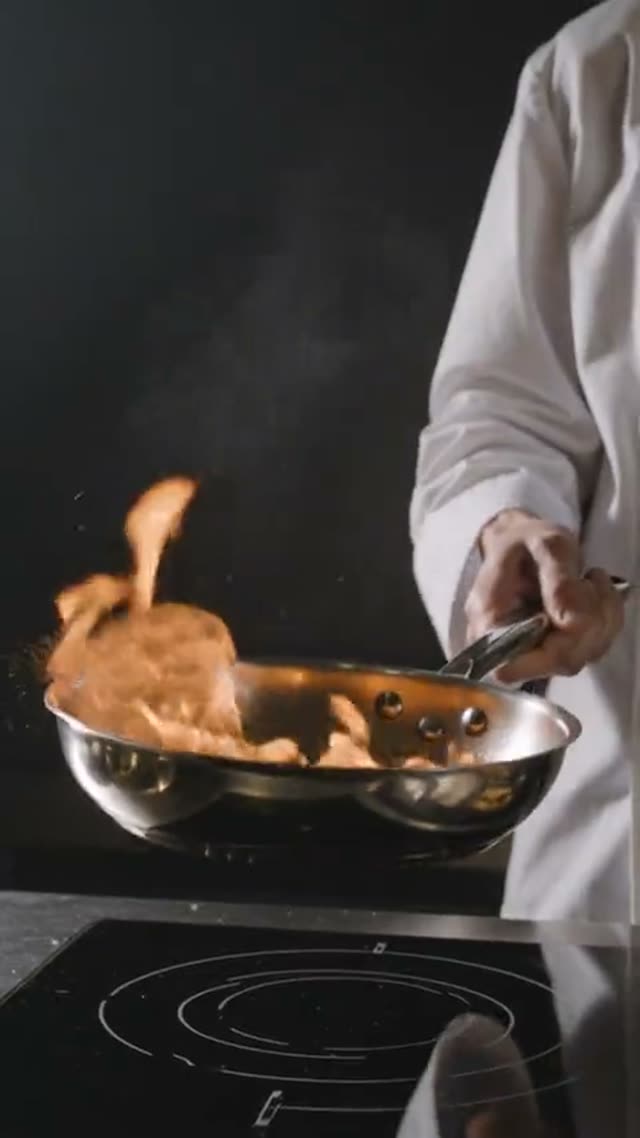
Kling 3.0 Omni Image-to-Video animates an uploaded photo and, like its text-to-video sibling, generates native audio on every clip with no way to turn it off. Duration runs 3 to 15 seconds and resolution is 720p, 1080p, or 4K — but there's no aspect-ratio selector here, since KIE requires the output to follow the input image's shape automatically for this single-shot model.
Pricing shares the same flat lookup table as the text-to-video variant: a 5-second clip costs 40 credits at 720p, 54 at 1080p, or 134 at 4K, scaling up to 120/162/402 credits at 15 seconds. VdoBloom shows the exact number for your chosen duration and resolution before you generate.
One detail worth knowing: in VdoBloom's two-photo effect tabs, uploading a second image to Kling 3.0 Omni is treated as the end frame the video morphs toward — not a second character reference — since the dispatcher excludes this model from its multi-character reference set for exactly that reason.
What it costs on VdoBloom
Kling 3.0 Omni Image-to-Video shares its pricing table with the text-to-video variant: 5 seconds costs 40/54/134 credits at 720p/1080p/4K; 10 seconds costs 80/108/268; 15 seconds costs 120/162/402. Audio is included at every tier since it can't be turned off. The cost is shown before you generate and refunded automatically if the job fails.
Kling 3.0 Omni Image-to-Video: inputs and limits
This model takes one uploaded photo as its starting point; there's no aspect-ratio picker because the output automatically matches the image's shape. Prompts can run up to 2,500 characters, VdoBloom's limit across the Kling family. In VdoBloom's two-photo effect tabs specifically, a second image is interpreted as an end frame rather than a second character — a distinction worth knowing if you're used to other models treating a second image as an additional reference.
What creators use Kling V3.0 Omni Image-to-Video for
- Animating a photo with synced audio in one pass, instead of adding a voiceover after the fact.
- Producing a first-frame-to-end-frame transition where a second image defines where the clip should end up.
- Rendering a 4K animated hero shot from a single high-resolution photo.
How to use Kling V3.0 Omni Image-to-Video on VdoBloom
- 1Open the Image to Video tool and select Kling V3.0 Omni Image-to-Video from the model picker.
- 2Upload your starting image and describe the motion you want in the prompt.
- 3Choose your duration (3–15s), quality (720p/1080p/4k), review the credit cost, and generate.
Frequently asked questions
How much does Kling 3.0 Omni Image-to-Video cost?
The same flat table as the text-to-video variant, by duration and resolution: 5 seconds is 40 credits at 720p, 54 at 1080p, 134 at 4K; 10 seconds is 80/108/268; 15 seconds is 120/162/402.
Is Kling 3.0 Omni Image-to-Video free?
New accounts get 10 free credits, which is short of the cheapest 3-second 720p Omni generation (24 credits) — a credit top-up is needed to complete one.
Does Kling 3.0 Omni Image-to-Video have audio?
Yes, on every clip, with no way to disable it — audio is included in the price shown for your chosen duration and resolution.
Can I set the aspect ratio for Kling 3.0 Omni Image-to-Video?
No — there's no aspect-ratio selector for this model. The output follows the shape of your uploaded image automatically, since KIE requires 'auto' aspect for this single-shot i2v model.
What does a second image do in Kling 3.0 Omni?
In VdoBloom's two-photo effect tabs, a second image passed to Kling 3.0 Omni is treated as the end frame the clip morphs toward, not a second character to combine — that's why this model is deliberately excluded from VdoBloom's multi-character reference roster.
What's the max resolution for Kling 3.0 Omni Image-to-Video?
4K, alongside 720p and 1080p, for durations up to 15 seconds.
Is Kling 3.0 Omni's content filter strict?
VdoBloom rates Kling's content filter STRICT: uploads and prompts that trip the provider's policy are rejected before the generation runs.
Is Kling AI open source?
No, Kling is proprietary to Kuaishou and API-only, on VdoBloom as elsewhere.
How is this different from Kling V2.5 Turbo or Kling 2.6 image-to-video?
Both older models are silent, flat-priced, and limited to fixed 5s/10s durations with no resolution choice. Kling 3.0 Omni Image-to-Video adds native audio, a 720p/1080p/4K resolution range, and any duration from 3 to 15 seconds — at a correspondingly higher price.