Kling V3.0 Omni Text-to-Video: Text to Video Online
Bottom line
Kling 3.0 Omni Text-to-Video: native audio on every clip, 3–15s, up to 4K, from 40 credits at 5s/720p. Type a prompt into the Text to Video tool and Kling V3.0 Omni Text-to-Video renders it on VdoBloom credits — the cost is shown before you commit, and no Kling API key is needed.
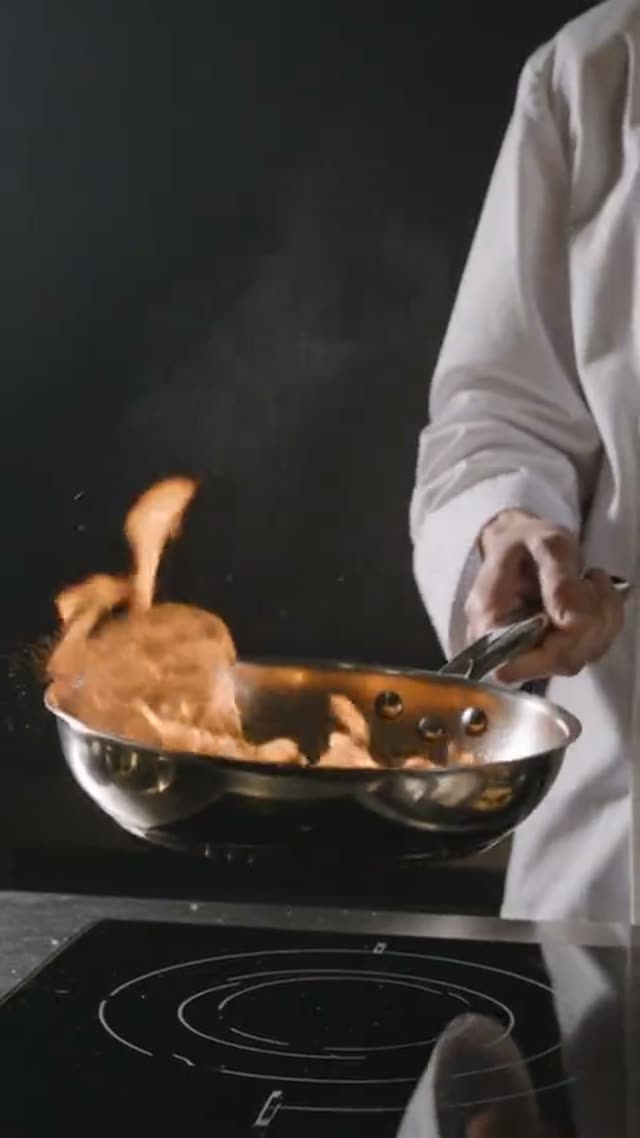
Kling 3.0 Omni Text-to-Video is Kuaishou's newest text-to-video model on VdoBloom, and the first Kling model here to generate native audio on every clip — there's no separate silent mode to switch off. Duration runs 3 to 15 seconds, resolution is 720p, 1080p, or 4K, and aspect ratio is 16:9, 9:16, or 1:1.
Pricing is a flat lookup by duration and resolution rather than a per-second formula: a 5-second clip costs 40 credits at 720p, 54 credits at 1080p, or 134 credits at 4K, and the number scales up smoothly to a 15-second clip at 120/162/402 credits. VdoBloom shows the exact figure for your chosen duration and resolution before you generate.
VdoBloom's own comparison copy describes Kling 3.0 Omni as a strong fit for multi-shot dialogue work, thanks to the built-in audio. Compared to plain Kling 3.0 (kling-3.0/video), which has no audio at all, Omni is the model to reach for whenever the clip needs sound synced to the visuals rather than a separately generated voiceover track.
What it costs on VdoBloom
Kling 3.0 Omni Text-to-Video uses a flat lookup table by duration and resolution. At 5 seconds: 40 credits (720p), 54 credits (1080p), 134 credits (4K). At 10 seconds: 80/108/268 credits. At 15 seconds: 120/162/402 credits. Native audio is included in every price — there's no extra charge to turn it on because it can't be turned off. Cost is shown before you generate and refunded automatically on failure.
Kling 3.0 Omni vs Kling 3.0 (plain)
Both are current-generation Kling models, but Omni always generates audio while plain Kling 3.0 (kling-3.0/video) never does on VdoBloom. That changes the economics: Kling 3.0's std tier (5.6 credits/s, silent) works out cheaper per second than Omni's 720p flat rate for most durations, while Omni bundles the audio in rather than requiring a separate voiceover pass. Plain Kling 3.0 also accepts an uploaded image as a starting frame; Omni's text-to-video variant is text-only (the separate Kling 3.0 Omni Image-to-Video model covers the image path).
Choose Omni when the clip needs synced audio out of the box. Choose plain Kling 3.0 when silent output is fine and you want the lower std-tier rate or an image starting point.
Common problems and how to avoid them
As with other Kling video models, dialogue timing and lip movement in Omni's generated audio can drift from what you intended, and character details can shift between separate generations of the same idea — this is a general behavior of prompt-driven audio-video generation rather than a VdoBloom-specific bug. Writing the exact line of dialogue into the prompt, keeping each generation to one shot, and re-running a shot that drifted rather than patching it with a longer prompt are the practical fixes.
VdoBloom shows the credit cost for your chosen duration and resolution before you generate, and refunds automatically on a technical failure — reviewing that cost preview and keeping prompts specific is the best way to avoid spending credits on a clip that misses what you wanted.
What creators use Kling V3.0 Omni Text-to-Video for
- Generating a short scene with dialogue or ambient sound baked into the video rather than added afterward.
- Producing multi-shot dialogue-driven content where native audio timing matters.
- Rendering a hero 4K clip with sound for a project where plain Kling 3.0's silent output isn't enough.
How to use Kling V3.0 Omni Text-to-Video on VdoBloom
- 1Open the Text to Video tool and select Kling V3.0 Omni Text-to-Video from the model picker.
- 2Write your prompt.
- 3Choose your duration (3–15s), quality (720p/1080p/4k), aspect ratio, review the credit cost, and generate.
Frequently asked questions
How much does Kling 3.0 Omni Text-to-Video cost?
It's a flat price by duration and resolution: a 5-second clip is 40 credits at 720p, 54 at 1080p, or 134 at 4K. A 10-second clip is 80/108/268 credits, and a 15-second clip is 120/162/402 credits. Cost is shown before you generate.
Is Kling 3.0 Omni free?
New accounts start with 10 free credits, which won't cover even the cheapest 3-second 720p Omni clip (24 credits) — a top-up is needed to complete a generation.
Does Kling 3.0 Omni have audio?
Yes — native audio is generated on every clip and can't be turned off; it's included in the price shown for each duration/resolution combination, not billed separately.
What is Kling 3.0 Omni?
It's Kuaishou's current-generation text-to-video model on VdoBloom, distinguished from plain Kling 3.0 by always generating audio and by using a flat per-duration price table instead of per-second tier pricing.
How to use Kling 3.0 Omni for multi-shot dialogue?
Write the spoken line and scene description directly into the prompt (up to 2,500 characters); because Omni generates its own audio, there's no separate voice track to sync afterward. VdoBloom's own guidance describes Kling 3.0 Omni as suited to multi-shot dialogue work for exactly this reason.
What's the max resolution and duration for Kling 3.0 Omni?
4K is the top resolution tier (720p and 1080p are the others), and 15 seconds is the maximum single-clip duration.
Is Kling 3.0 Omni censored?
VdoBloom rates Kling's content filter STRICT: prompts and any reference material that trip the provider's policy are rejected before generation runs.
Is Kling AI open source?
No — Kling is Kuaishou's proprietary model, API-only, same as every other Kling variant on VdoBloom.
Kling 3.0 Omni vs Kling 3.0 (plain) — which should I use?
Use Omni whenever the clip needs sound — it's on by default and included in the flat price. Use plain Kling 3.0 (kling-3.0/video) when you don't need audio: its std tier (5.6 credits/s, no sound) is cheaper per second than Omni's 720p flat rate for most durations, and it also accepts an image starting point that Omni's text-to-video variant doesn't.