360 Product Video AI: Spin Any Product from One Photo
VdoBloom’s 360 product video AI turns one product photo into a turntable spin video. You upload the photo, pick one of 18 styles and choose a video model. The model then renders a constant-speed 360-degree rotation with the product held in the centre, its shadow moving underneath and the label kept readable. There is no motorised rig, lightbox or second photo.
Is it free? New accounts get 10 free credits, and a 4-second 480p spin on Seedance 1.5 Pro costs 3 credits, so you can test a few spins before paying anything. The default Runway Gen-3 model costs 10 credits for 5 seconds at 720p. After that, credits start at 300 for $19.50 as a one-time pack that never expires, or $15 a month. Spins downloaded on free credits carry a VdoBloom watermark. Paid-plan downloads are plain MP4.
It is built for Amazon, Flipkart, Meesho, Etsy and Shopify sellers, D2C brands and agencies who want listing video and ad creative without booking a product shoot. Every style prompt tells the model to keep the product rigid and identical to the photo: no warping, melting or redesigned packaging. Each spin is also built to loop, with a locked camera, constant speed and a last frame that matches the first.
Examples
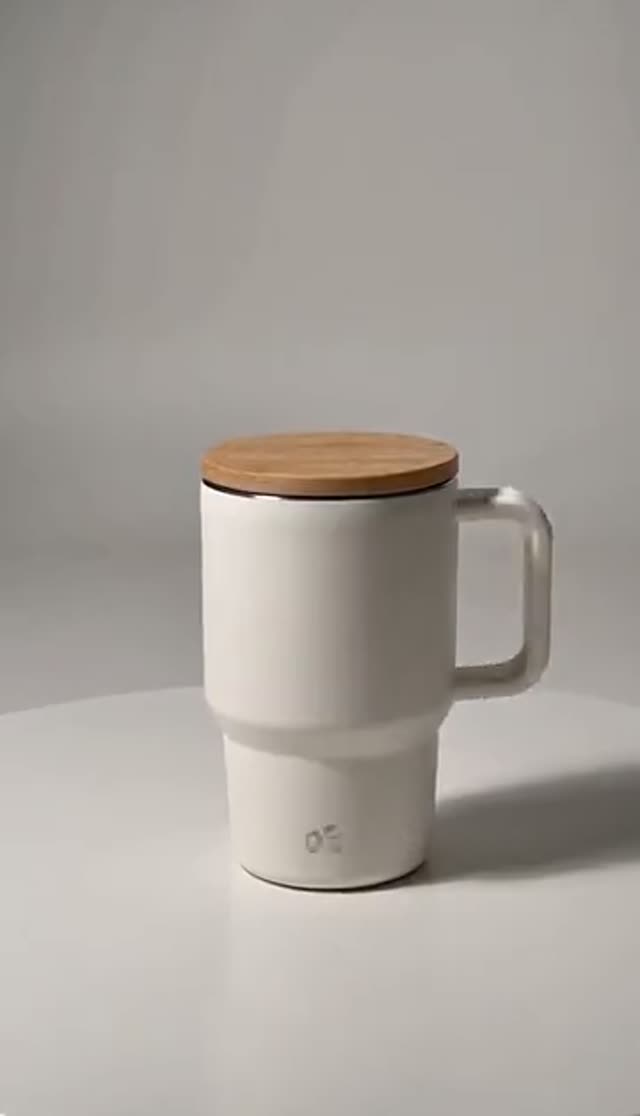
Studio Turntable
Make this with my photo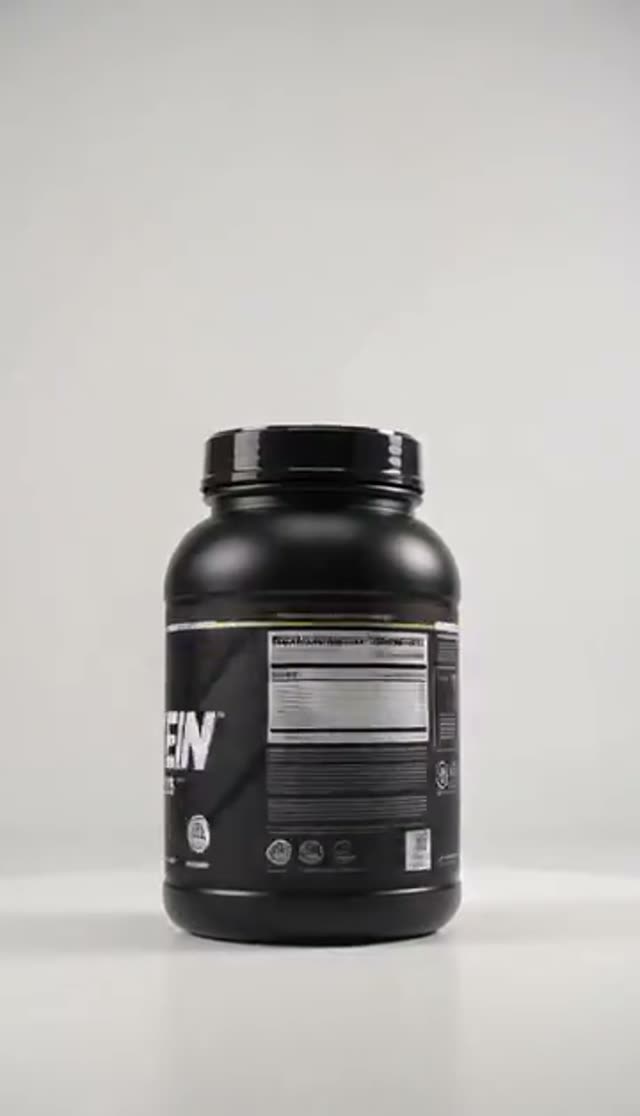
Marketplace White
Make this with my photo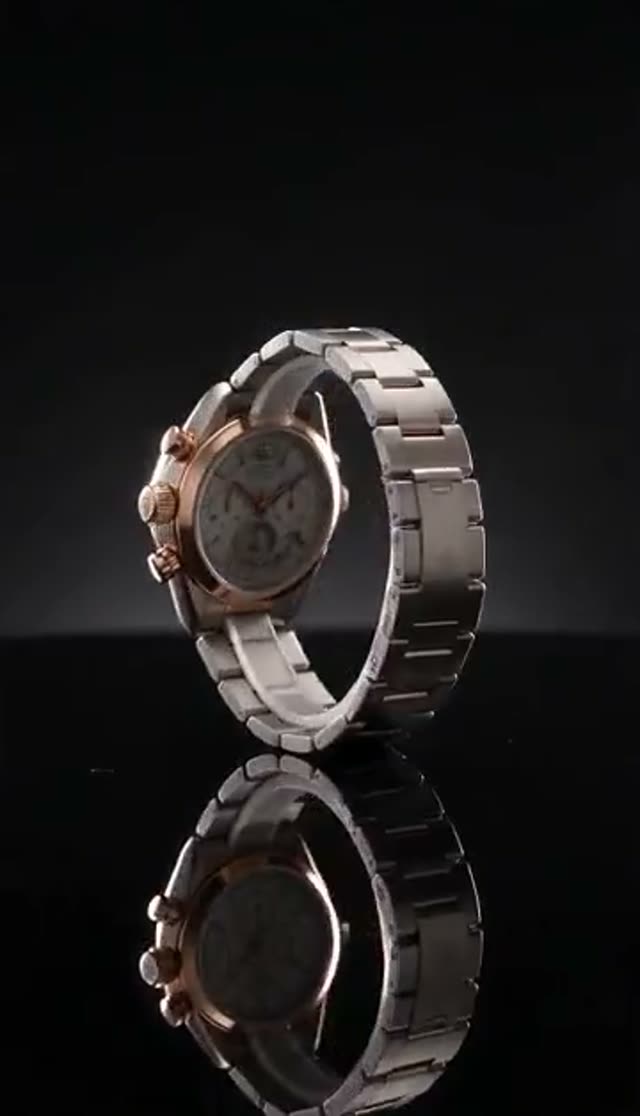
Premium Black
Make this with my photo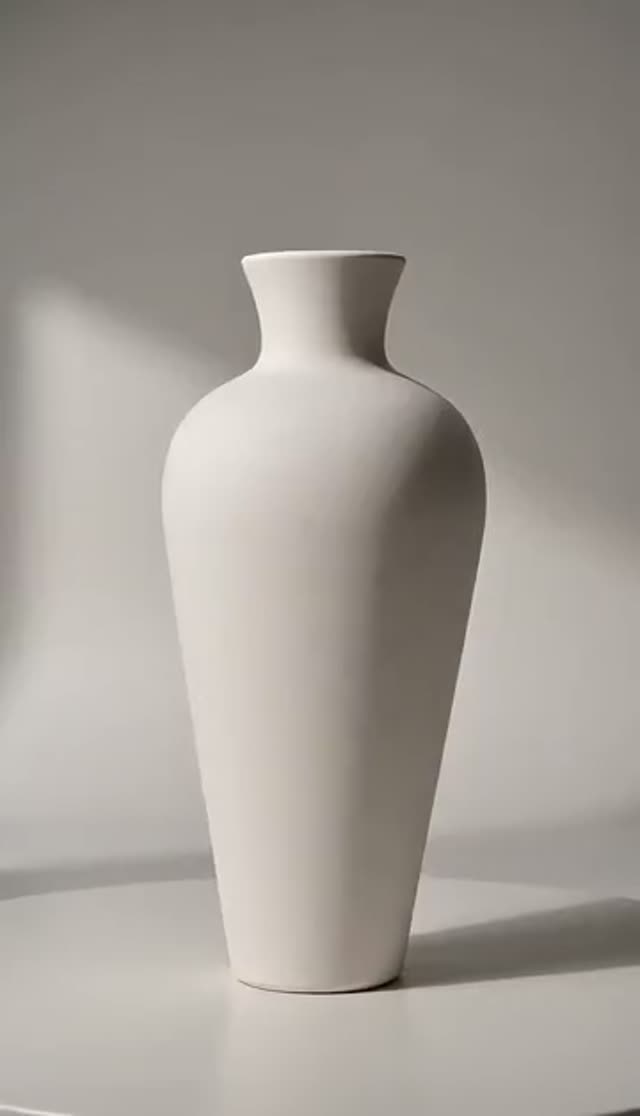
Soft Grey Cyc
Make this with my photo
How it works
- 1
Upload one sharp product photo
Use one straight-on photo on a plain background, with the whole product in frame and the label facing the camera. Keep hands, props and heavy shadows out of it. The photo decides more of the result than any setting below.
- 2
Pick one of 18 styles
Use Marketplace White for listings, Soft Grey Cyc for pale products, and Premium Black or Marble Pedestal for luxury. Category styles cover jewellery, apparel, footwear, beauty, electronics and food. Splash, Smoke, Neon and Floating Hero are for paid social.
- 3
Add detail in the prompt (optional)
Describe the surface, light or mood, for example "brushed concrete, cool morning light". The style’s rigidity instructions stay in place, so the extra detail changes the scene and leaves the product alone.
- 4
Choose model, length and aspect ratio
Test framing on a cheap model, then render the final on a stronger one. Runway, Seedance, PixVerse and Vidu let you choose square, 9:16 or 16:9. Some families, such as Kling 2.6 and the WAN image-to-video models, follow the shape of your photo.
- 5
Check the halfway frame
Scrub to the middle of the clip, where the product is side-on and the model has had to fill in the most. If the logo is readable there, the rest of the rotation is usually fine.
- 6
Download and publish
Download the MP4 for a product page, a listing video slot or an ad build. On a paid plan the file has no watermark, so you can upload it as it is.
Why use this tool
One photo, no rig
You need no turntable, lightbox, second angle or studio hire. The model fills in the sides and back it cannot see and carries them through one continuous rotation.
18 styles, listing to ad
Compliant white and grey backdrops sit at one end of the range. Splash, smoke, neon and floating-hero looks for paid social sit at the other. All of them work from the same upload.
Built around label fidelity
Every style prompt tells the model to keep the product rigid and the text legible for the full turn, with no melting and no invented packaging.
Category lighting presets
Each category has its own light. Jewellery gets pinpoint sparkle lights, fabric gets 45-degree softboxes, electronics get a light tent and food gets a warm slate table.
Loop-ready output
The camera is locked, the speed is constant and the last frame matches the first. The spin can repeat on a product page or in a gallery slot without a visible jump.
Choice of video models
The tab offers the full image-to-video model picker, from 3-credit tests to higher-fidelity families. The exact price shows before you generate.
What is a 360 product video?
A 360 product video, also called a product spin or turntable video, shows a product rotating through a full circle so a shopper can see its sides and back. Traditionally it is shot on a motorised turntable inside a lightbox, or stitched from 24 to 72 stills.
An AI 360 product video works from a single photo. The video model holds what it can see and infers the angles it cannot, then animates a smooth orbit. That makes it fast and cheap. The trade-off is that the hidden sides are a best guess rather than a photograph, which matters for some listings (see the limits below).
Which model should I use, and what does it cost?
All of these models are in the picker on this tab. Prices come from VdoBloom’s credit table, and the exact price shows on the Generate button before anything runs.
| Model | Good for | Length / quality | Credits |
|---|---|---|---|
| Seedance 1.5 Pro | Cheap framing and label tests | 4 s at 480p | 3 |
| Seedance 1.5 Pro | Everyday listing spins | 4 s at 720p | 6 |
| Seedance 1.5 Pro | Longer or sharper spins | 8 s at 720p or 4 s at 1080p | 12 |
| Runway Gen-3 (default) | Default start on this tab | 5 s at 720p | 10 |
| Runway Gen-3 | Longer rotation | 10 s at 720p | 20 |
| Seedance 2 Mini | Newer Seedance family at low cost | 4 s at 480p / 720p | 7 / 14 |
| Kling 2.6 image-to-video | Rigid shapes, follows photo shape | 5 s / 10 s | 22 / 44 |
| Seedance 2 | Highest-fidelity Seedance renders | 4 s at 480p / 720p | 31 / 66 |
Read more: Seedance 1.5 Pro · Runway Gen-3 · Kling 2.6 image-to-video · Seedance 2
How many credits does a catalogue of spins cost?
Worked examples using the prices above. A Lite pack is 300 credits for $19.50, paid once, and the credits never expire.
| What you make | Spins | Credits |
|---|---|---|
| A test spin (Seedance 1.5 Pro, 480p, 4 s) | 1 | 3 |
| One product in three styles (720p, 4 s) | 3 | 18 |
| A 40-product catalogue (720p, 4 s) | 40 | 240 |
| One spin on the default Runway Gen-3 (720p, 5 s) | 1 | 10 |
| What a Lite pack covers at 720p, 4 s on Seedance 1.5 Pro | 50 | 300 |
The 18 spin styles
Each style is a full, tested prompt that already includes the rigidity and loop rules. Pick the job first and the mood second.
| Style | Best for |
|---|---|
| Studio Turntable | Clean white studio, general e-commerce |
| Marketplace White | Pure white RGB 255 background, product about 85% of frame, for listing media |
| Soft Grey Cyc | White, pale and glass products that vanish on white |
| Premium Black | Watches, black electronics, glossy bottles: mirror floor and rim light |
| Marble Pedestal | Boutique and premium goods on a marble plinth |
| Lifestyle Orbit | Camera orbits the product on warm wood with a soft background |
| Macro Detail Glide | Close pass on stitching, texture, ports and engraving |
| Floating Hero | Product hovering with no visible stand |
| Jewel Sparkle | Rings, chains, gold and gemstones |
| Ghost Mannequin | Apparel holding its shape with no model inside |
| Beauty Glow | Cosmetics, serums and droppers with backlit glow |
| Tech Light Tent | Phones, earbuds and glossy casings |
| Sneaker Low Angle | Footwear from a low hero angle |
| Gourmet Table | Packaged food and drink on a warm slate table |
| Splash Spin | Drinks and skincare ads with slow-motion splash |
| Smoke Reveal | Launch teasers with drifting mist |
| Neon Tech | Gaming and tech ads with magenta and cyan rim light |
| Diwali Festive | Festival campaigns with diyas and marigolds |
Use cases
One product photo can cover several placements.
- Marketplace listing videos on a pure white background (Amazon, Flipkart, Meesho).
- Shopify and D2C product pages, as a looping spin beside the gallery.
- Reels, TikTok and Shorts creative, using a 9:16 render and a creative style.
- Launch teasers and festival campaigns, using Smoke Reveal or Diwali Festive.
- Catalogue refreshes, where every SKU gets the same style so the store looks consistent.
Read more: How to make an AI product 360 video · Amazon product video on white · AI video for e-commerce product ads
Tips for a clean spin
Most failed spins come from the source photo, not the model.
- Shoot the front straight on, in even light, with the label large and in focus.
- Crop so the product fills most of the frame; a lot of empty background gives the model room to drift.
- Use a dark, controlled style (Premium Black, Smoke Reveal) for polished metal, clear glass and faceted stones.
- Keep spins short. Drift builds up with duration, so a 4-second spin holds shape better than a long one.
- Change one thing per retry: photo first, then crop, then length, then model.
What AI 360 spins cannot do
The model has seen only the front of your product, so the back and sides are inferred. For products where the back panel carries required information, such as ingredients, ratings or certifications, a real turntable or extra photos are still the accurate choice. Very small print and dense labels soften first, and reflective or transparent materials are the hardest case.
The tool makes a video file, not an interactive drag-to-rotate 3D viewer, and it renders one product per photo. It does not batch a whole catalogue from one upload. You queue spins one after another and collect them from your Creations library. Marketplace video rules change, so check the current spec for your category before uploading.
Frequently asked questions
Do I need multiple photos for a 360 product video?
No. One sharp, straight-on photo is enough. The model fills in the angles it cannot see. A second angle will not help, but a better front photo will: plain background, even light, label facing the camera.
Is the 360 product video maker free?
New accounts get 10 free credits with no card. A 4-second 480p spin on Seedance 1.5 Pro costs 3 credits and a 720p one costs 6, so your first spins are free. Downloads on free credits are watermarked. Paid credits start at 300 for $19.50, one-time and never expiring.
Do the spin videos have a watermark?
On a paid plan, no. The MP4 downloads with no logo or end card. Spins downloaded on the free signup credits carry a VdoBloom watermark, so treat them as tests. Some marketplaces reject listing video that carries third-party branding.
Will my label and logo stay readable?
The styles are written to keep the product rigid and the text legible for the full turn. Text the model can read clearly in your photo holds best, and tiny print softens first. For texture or engraving, run a second pass with Macro Detail Glide.
Are these spins okay for Amazon, Flipkart and Meesho?
Marketplace White is written for listing media: a pure white background, the product at about 85% of the frame, no props or stand, and a small contact shadow. Requirements vary by category and change over time, so check the current spec before uploading.
Which style should I pick?
Match the backdrop to the product. Pale or glass items go on Soft Grey Cyc, and dark or glossy ones on Premium Black. Gold and gems go on Jewel Sparkle, apparel on Ghost Mannequin and footwear on Sneaker Low Angle. For ads rather than listings, try Splash Spin, Smoke Reveal or Floating Hero.
Can I get a square or vertical spin?
Yes, on models that expose an aspect-ratio setting (Runway, Seedance, PixVerse, Vidu). Choose square for a gallery, 9:16 for Reels and Shorts, or 16:9 for a site banner. Other families follow your photo’s shape, so crop the photo first.
How long does a spin take to render?
Usually a few minutes for short clips. 1080p and the heavier models take longer. Rendering runs on the server, so you can queue several products, close the tab and collect them from Creations.
The product warped or the text blurred. What now?
Change one thing per attempt. Use a sharper photo, crop tighter, then shorten the clip. If the shape itself bends, try a higher-fidelity model. If a render fails, the credits are refunded and you can queue it again.
Are my product photos private?
Uploads and finished spins stay in your own Creations library, visible only to your account, and each item can be deleted. Nothing is published automatically. An account is needed, and signing up takes an email only.