AI Text to Video Generator: Type a Prompt, Get a Video
VdoBloom's AI text to video generator turns a written prompt into a video clip. You describe the scene (who is in frame, what happens, how the camera moves, the light and setting) and the model you pick renders it as an MP4. You don't need source footage or editing skills, and it all runs in the browser.
Is it free? New accounts get 10 free credits with no card. That covers a full 5-second clip on several models: Runway Gen-3 costs 10 credits, and P-Video or Seedance 1.5 Pro at 720p cost 8. After that you pay per clip in credits. The Lite plan is 300 credits for $15 a month, or $19.50 as a one-time pack that never expires. The exact credit cost of your model, length and resolution shows before you press Generate.
The prompt box connects to more than 30 model versions from 13 families, including Google Veo 3.1, Seedance 2.5, Kling 3.0 Omni, Wan 3.0, Runway Gen-4.5, MiniMax H3, PixVerse V6 and P-Video. You can send the same prompt to a second model without retyping it. The table below shows which model fits which job and what each one costs.
It is built for creators making Shorts, Reels and TikToks, marketers testing ad concepts, and anyone who needs b-roll or a storyboard shot fast. Free-tier downloads carry a VdoBloom watermark. Paid plans and credit packs download clean, and you keep ownership of what you generate.
Examples
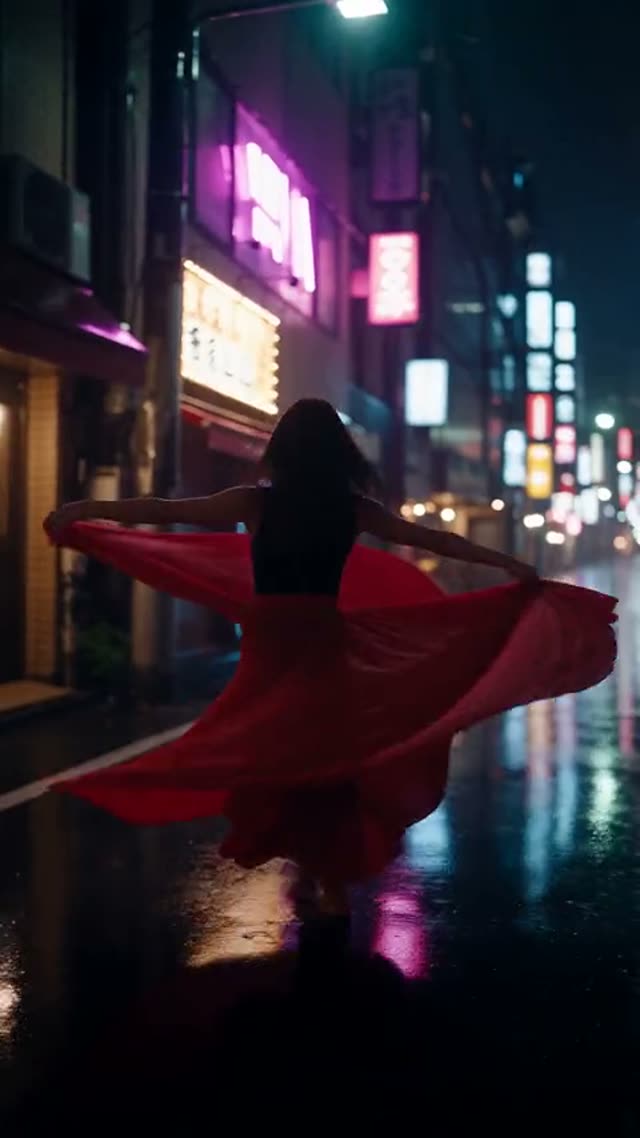
Seedance 2.5
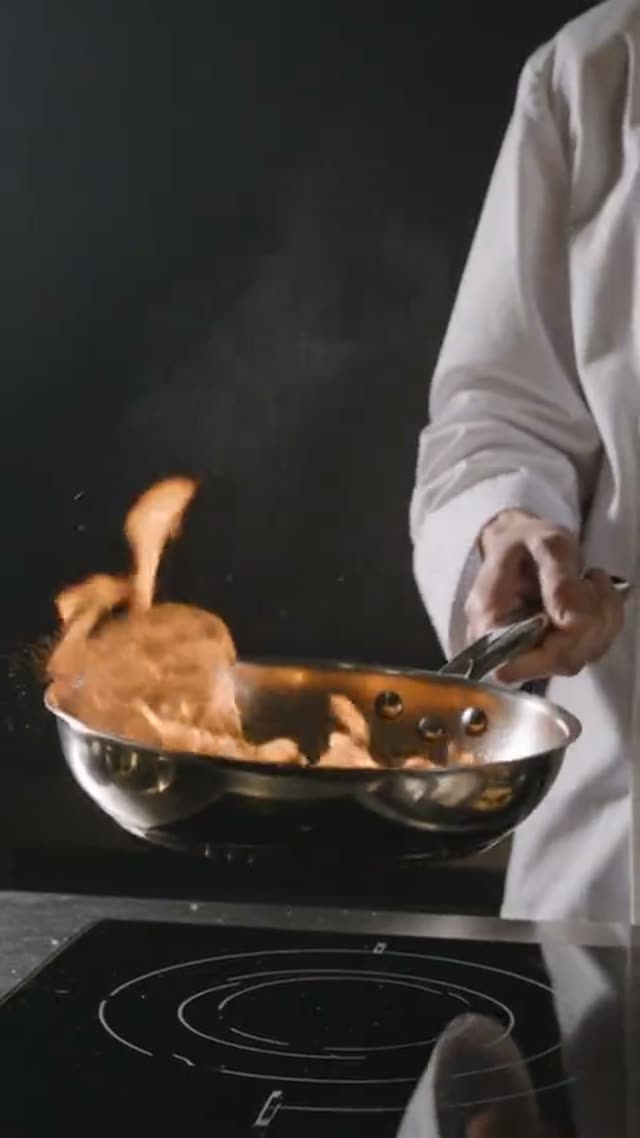
Kling V3.0 Omni Text-to-Video

Veo 3.1 High Quality

Wan AI 3.0 Video
How it works
- 1
Write your prompt
Start with the subject and the action, then add the camera move, lighting and setting. Use the AI Prompt Builder to turn a rough idea into a structured prompt, or tap a camera chip (Push-in, Orbit 360°, Crane up, FPV one-take and more) to add a precise move.
- 2
Pick a model
Choose by job: Seedance 2.5 for long single takes and believable motion, Veo 3.1 for cinematic shots, Kling 3.0 Omni for scenes with native audio and a 4K option, Wan 3.0 or Seedance 2 Mini to keep the cost down.
- 3
Set length, resolution and aspect ratio
Each model lists its own options: Seedance 2.5 runs 4 to 30 seconds, Kling 3.0 Omni 3 to 15, Runway Gen-4.5 5, 8 or 10. Pick 16:9 for YouTube, 9:16 for Shorts and Reels, or 1:1 for feeds. The credit cost updates as you change settings.
- 4
Generate
Credits are taken when the job starts. Most clips finish within a few minutes, and the time depends on the model and length. If a generation fails, its credits are refunded.
- 5
Download, refine or upscale
Save the MP4, change one part of the prompt and run it again, or send the clip to the AI Video Upscaler for a sharper 1080p or 4K master.
Why use this tool
Over 30 models, one prompt box
Veo 3.1, Seedance 2.5, Kling 3.0 Omni, Wan 3.0, Runway Gen-4.5, MiniMax H3, PixVerse V6, P-Video, Vidu, HappyHorse, SkyReels and Gemini Omni, all without separate accounts or API keys.
Cost shown before every clip
The credit cost of the exact model, duration and resolution is displayed before you generate, so there is no surprise bill.
Clips up to 30 seconds
Seedance 2.5 and Wan 3.0 both render up to 30 seconds in a single generation, which most single-model tools do not offer.
Up to 4K and 21:9
Kling 3.0 Omni offers a 4K tier, MiniMax H3 renders 2K up to 21:9, and most models cover 16:9, 9:16 and 1:1.
Camera and lens chips
Twelve one-tap camera moves and six lens looks (anamorphic, 85mm portrait, 16mm film, macro and more) write the right camera language into your prompt.
Credits that do not expire
One-time credit packs never expire. Subscription credits reset each billing cycle. Use them on any VdoBloom tool, not just text to video.
Which text-to-video model should you use?
No single model is best at everything. Each one trades off realism, motion, length, audio and price differently. These are the models most people start with on this tab. Credits are for one 5-second clip at 720p unless the row says otherwise; Veo 3.1 is a flat price per clip.
| Model | Best for | Length | Resolution | Credits (5 s, 720p) |
|---|---|---|---|---|
| Seedance 2.5 | Believable physical motion, long single takes | 4–30 s | 480p, 720p, 1080p | 126 (56 at 480p) |
| Seedance 2 Mini | Cheap, fast drafts | 4–15 s | 480p, 720p | 17 (8 at 480p) |
| Seedance 1.5 Pro | Low-cost clips up to 1080p | 4–14 s | 480p, 720p, 1080p | 8 |
| Veo 3.1 Fast | Cinematic shots with audio, quick turnaround | One clip | 16:9 or 9:16 | 40 per clip |
| Veo 3.1 High Quality | Highest-fidelity Veo render | One clip | 16:9 or 9:16 | 160 per clip |
| Kling 3.0 Omni | Native audio, 4K option | 3–15 s | 720p, 1080p, 4K | 40 (54 at 1080p, 134 at 4K) |
| Kling V3 Turbo | Fast Kling clips | 3–15 s | 720p, 1080p | 36 |
| Wan 3.0 | Native audio, up to 30 s at low cost | 2–30 s | 480p, 720p, 1080p | 32 (16 at 480p) |
| Runway Gen-4.5 | Cinematic look | 5, 8 or 10 s | Set by model | 48 |
| Runway Gen-3 | Low-cost Runway option | 5 or 10 s | 720p, 1080p | 10 |
| MiniMax H3 | Widescreen 21:9 and 2K with audio | 4–15 s | 768P, 2K | 75 (at 768P) |
| PixVerse V6 | Multi-shot storytelling | 1–15 s | 360p–1080p | 45 |
| P-Video | Quick, low-cost test renders | 4–10 s | 720p, 1080p | 8 |
| P-Video 2 | Longer low-cost clips with native audio | 1–20 s | 720p, 1080p | 11 |
Read more: Seedance 2.5 · Seedance 2 Mini · Seedance 1.5 Pro · Veo 3.1 Fast · Veo 3.1 High Quality · Kling 3.0 Omni Text-to-Video · Kling V3 Turbo Text-to-Video · Wan 3.0 Video · Runway Gen-4.5 · Runway Gen-3 · MiniMax H3 Text-to-Video · PixVerse V6 · P-Video · P-Video 2
Is text to video AI free on VdoBloom?
Yes, to start. Every new account gets 10 credits without entering a card. That is enough for one full 5-second clip on Runway Gen-3 (10 credits), P-Video at 720p (8), Seedance 1.5 Pro at 720p (8) or Seedance 2 Mini at 480p (8). The clip renders at the model's normal quality, not as a preview. On the free tier the download carries a VdoBloom watermark. Paid plans and packs remove it.
After the free credits, you pay only for what you generate. The Lite plan gives 300 credits for $15 a month, or $19.50 as a one-time pack. One-time pack credits never expire. Subscription credits reset each billing cycle.
What 300 credits buys in text to video
Credits are spent per clip, so how far 300 credits go depends on the model. Here is how many 5-second clips the Lite allowance covers on popular choices. The figures are whole clips, rounded down.
| Model and setting | Credits per clip | Clips from 300 credits |
|---|---|---|
| P-Video, 5 s at 720p | 8 | 37 |
| Seedance 1.5 Pro, 5 s at 720p | 8 | 37 |
| Seedance 2 Mini, 5 s at 720p | 17 | 17 |
| Wan 3.0, 5 s at 720p | 32 | 9 |
| Veo 3.1 Fast, one clip | 40 | 7 |
| Kling 3.0 Omni, 5 s at 720p | 40 | 7 |
| Seedance 2.5, 5 s at 720p | 126 | 2 |
| Seedance 2.5, 30 s at 720p | 756 | Needs a larger pack |
Read more: Plans and credit packs · How credits work · Low-cost AI video models
How to write a text-to-video prompt that works
Write prompts like a shot list. A good prompt names the subject first, then what the subject does, then the camera, then the light and setting. A clip of a few seconds can only show one or two actions, so keep each prompt to a single beat.
- Subject and action first: "A barista pours latte art into a white cup" beats "cozy café vibes".
- Name one camera move: slow dolly-in, orbit, crane up, handheld tracking. The camera chips add these for you.
- Describe light concretely: golden hour, neon rim light, overcast daylight, single window light.
- Match the aspect ratio to the platform before generating: 9:16 for Shorts, Reels and TikTok, 16:9 for YouTube.
- If a result is close, change one thing at a time and regenerate rather than rewriting the whole prompt.
- Not following the prompt? Try the same text on a second model. Each family reads prompts differently.
Read more: What makes a good video prompt · Camera movement prompts for AI video · Why AI video ignores your prompt · Seedance prompts with example clips
What people make with text to video
Text to video is most useful when you need footage you could not easily film yourself.
- Short-form social clips: hooks, loops and visual gags for TikTok, Reels and YouTube Shorts.
- Ad concepts: test several visual directions for a campaign before paying for a shoot.
- B-roll and cutaways for explainer videos, podcasts and faceless channels.
- Storyboards and pre-visualisation: see a scene move before committing to production.
- Product launch teasers, music visuals and event intros.
Read more: Viral video generator · Long AI video in a single take · Best AI video model for realism
Text to video vs image to video
Text to video invents the whole frame from your words, so it suits new scenes and ideas. Image to video starts from a picture you upload and animates it, which keeps a face, a product or a layout exactly as it looks. If the subject has to match a real photo, generate a still first (or use your own) and animate it on the Image to Video tab.
Read more: Image to Video AI · Text to video vs image to video · AI Image Generator
Limits to know before you generate
AI text to video is strong at single shots and short sequences. It is weaker at precise on-screen text, exact brand logos and long scripted dialogue. Hands and fast complex choreography can still come out wrong. Clip length is set by the model, up to 30 seconds per generation on Seedance 2.5 and Wan 3.0. Longer videos are made by joining clips. Prompts are screened before a job runs and every generation follows VdoBloom's content policies, so some requests are refused. Each model page shows its content-filter level.
Frequently asked questions
Is there a free AI text to video generator?
Yes. VdoBloom gives every new account 10 free credits with no card. That covers one full 5-second clip on Runway Gen-3 (10 credits), P-Video or Seedance 1.5 Pro at 720p (8 credits each), or Seedance 2 Mini at 480p (8). Free-tier downloads carry a watermark. After that, the Lite plan is 300 credits for $15 a month or $19.50 one-time.
Which AI model is best for text to video?
It depends on the shot. Seedance 2.5 handles believable motion and long single takes up to 30 seconds. Veo 3.1 suits cinematic shots with audio. Kling 3.0 Omni adds native audio and a 4K tier. Wan 3.0 and Seedance 2 Mini are the cost-efficient picks. On VdoBloom you can send one prompt to several of them and compare.
How much does AI text to video cost?
Cost depends on the model, length and resolution, and it is shown before you generate. Examples for a 5-second 720p clip: P-Video 8 credits, Seedance 2 Mini 17, Wan 3.0 32, Kling 3.0 Omni 40, Seedance 2.5 126. Veo 3.1 Fast is 40 credits per clip. 300 credits cost $15 a month or $19.50 one-time.
How long can an AI text-to-video clip be?
Up to 30 seconds in a single generation on Seedance 2.5 and Wan 3.0. P-Video 2 goes to 20 seconds, Kling 3.0 Omni, MiniMax H3 and PixVerse V6 to 15, and Runway Gen-4.5 to 10. For longer videos, generate several clips and join them.
Do text-to-video downloads have a watermark?
Free-tier downloads include a VdoBloom watermark. Clips made on any paid plan or credit pack download without a watermark.
Can I make 4K video from text?
Yes. Kling 3.0 Omni has a 4K tier (134 credits for 5 seconds), and MiniMax H3 renders at 2K. You can also generate at 720p or 1080p and run the clip through the AI Video Upscaler to reach 4K.
Can text-to-video AI generate sound?
Several models generate audio with the video, including Veo 3.1, Kling 3.0 Omni, Wan 3.0, MiniMax H3, PixVerse V6 and P-Video 2. Check the model page for its audio support before you pick.
How long does text-to-video generation take?
Most clips finish within a few minutes. Faster variants such as Veo 3.1 Fast, Seedance 2 Fast and P-Video return sooner. Long or high-resolution clips take longer. You can leave the page and find the finished video in My Creations.
Can I use AI-generated videos commercially?
VdoBloom's terms say you keep ownership of the videos you generate; read the terms page for the full wording. You are responsible for the rights to anything you reference and for consent from any real person shown.
Why does the video not match my prompt?
Usually the prompt asks for too much in one clip. Lead with one subject and one action, name a single camera move, then regenerate after changing one element. If a model keeps missing, send the same prompt to another model.