AI Catwalk Turn Video Generator: A Runway Strut and Pivot from One Photo
An AI catwalk turn video animates one photo of a person into the most recognisable moment of a fashion show: the strut to the end of the runway, the pause, and the pivot. On VdoBloom you upload a full-body photo, pick Runway, Fierce or Elegant, and the AI renders the walk and turn under fashion-show lighting. Is it free? New accounts get 10 credits, which covers one clip on the default model, Runway Gen-3 (10 credits for 5 seconds at 720p). If you switch to Seedance 1.5 Pro (8 credits) or ByteDance V1 Pro Fast (7 credits), the free balance stretches further. It is made for fashion creators, clothing sellers, modelling portfolios and anyone who wants a runway moment from an ordinary photo.
A turn shows more of an outfit than a straight walk. The camera sees the front, the side and often the back of the garment in one movement, and the pivot makes skirts, coats and wide trousers swing. The three templates set the attitude: Runway is a professional, controlled turn under clean show lighting; Fierce is a bolder pivot and stronger strut with dramatic light; Elegant is a soft, graceful turn that suits gowns, tailoring and occasion wear.
Catwalk Turn is a direct effect, so your photo and the template prompt go straight to the video model you choose. That means the whole image-to-video roster is available here: ByteDance and Seedance, Kling, Runway, PixVerse, Vidu, Veo, Wan, Hailuo and more. Credits are deducted only after the provider accepts the job and are refunded automatically if a render fails.
Examples
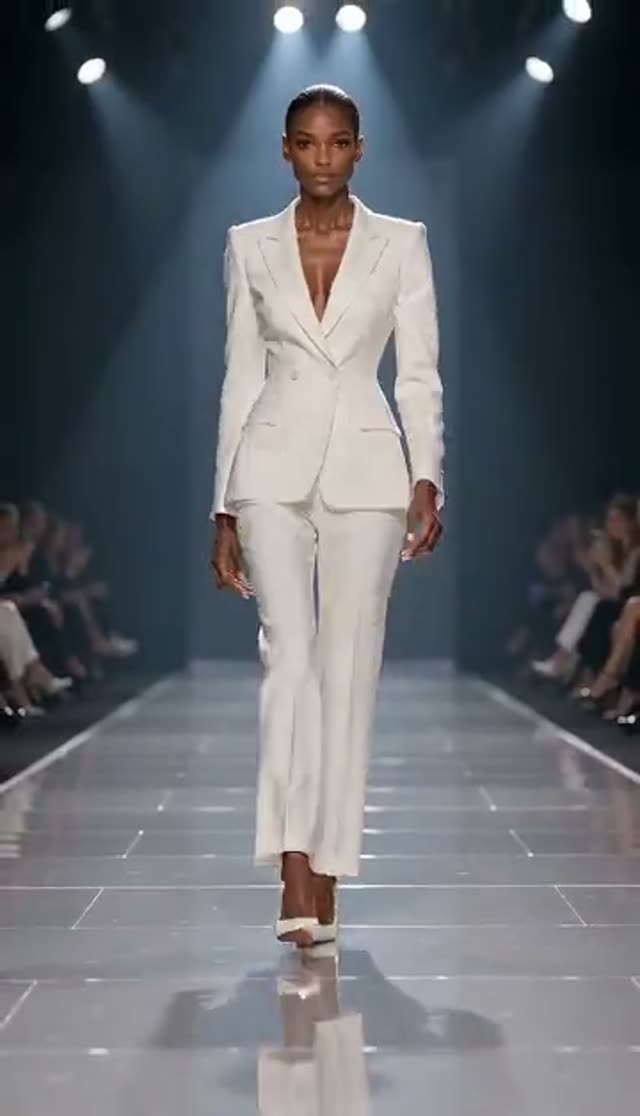
Runway
Make this with my photo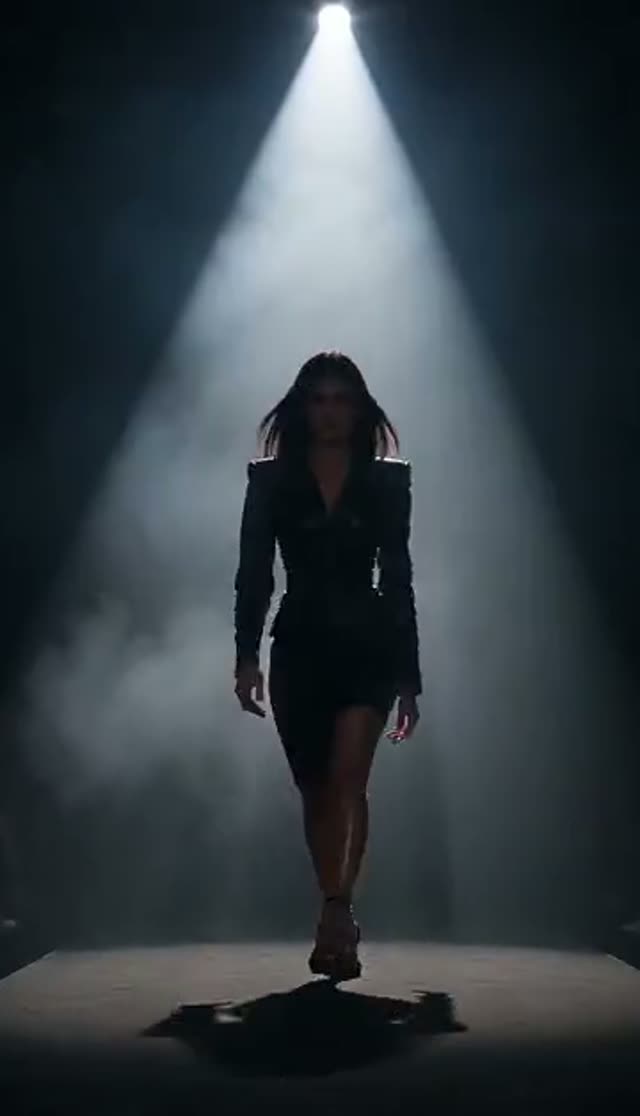
Fierce
Make this with my photo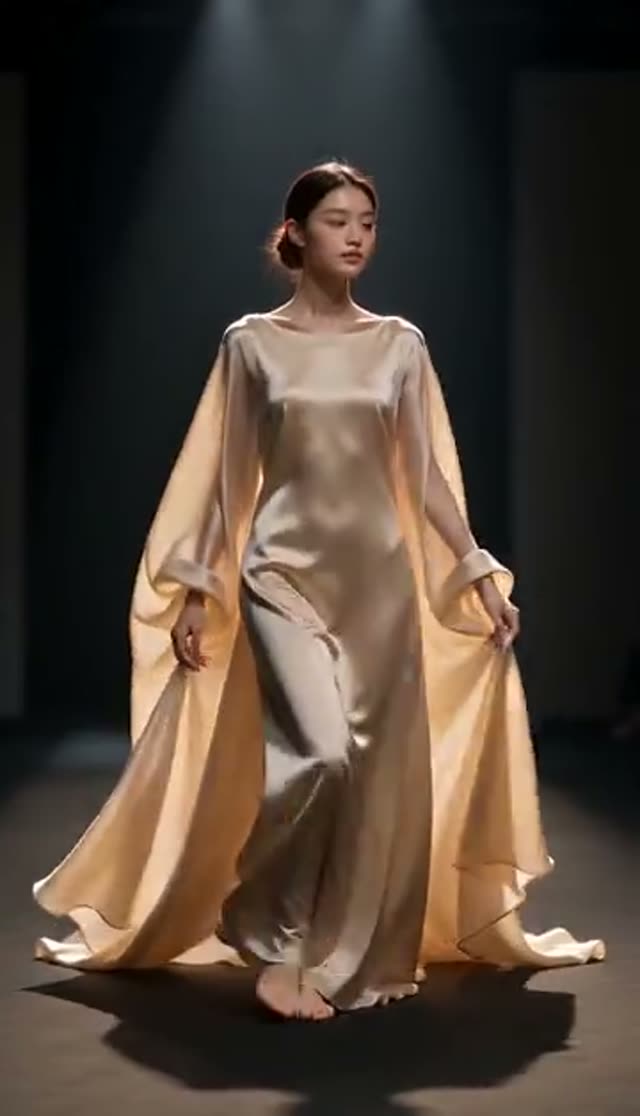
Elegant
Make this with my photo
How it works
- 1
Upload a full-body photo
Choose a sharp, evenly lit photo where the whole outfit is visible from head to shoes. A turn reveals the sides of the garment, so a clean silhouette helps the AI keep the outfit consistent through the pivot.
- 2
Pick a turn style
Runway for a professional catwalk turn, Fierce for a bold strut and pivot under dramatic light, Elegant for a graceful, unhurried turn. Each template plays a preview in the picker.
- 3
Edit the prompt (optional)
The template prompt is editable. Add the setting ("white runway, rows of audience in soft focus"), the light, or the pace. Ask for "one smooth pivot, then hold the pose" if the turn looks rushed.
- 4
Choose model, duration and ratio
Runway Gen-3 loads by default at 10 credits for 5 seconds at 720p. Pick 9:16 for Reels, TikTok and Shorts or 3:4 and 1:1 for product galleries. The cost updates before you generate.
- 5
Generate and check the turn
Most clips are ready in a few minutes. Watch the moment of the pivot: feet, hands and the back of the garment are where weaker renders show problems.
- 6
Download on a paid plan
Free-tier clips play in your library with a watermark and cannot be downloaded. A paid plan removes the watermark and gives you the MP4 for posts, listings and portfolios.
Why use this tool
The full runway moment
Strut, pause and pivot in one short clip, which shows the front and sides of an outfit in a way a straight walk does not.
Three attitudes
Runway, Fierce and Elegant are separate prompt recipes with different lighting and energy, so one photo can produce three different clips.
Wide model choice
The full image-to-video roster is open on this tab, from ByteDance V1 Pro Fast at 7 credits to Runway Gen-4.5 at 48 for a 5-second 720p clip.
Your outfit, your face
The AI animates the person in your photo rather than inventing a model, so the garment colour, cut and styling come from your image.
Vertical or square
Choose 9:16, 1:1, 3:4 or 16:9 before generating so the turn is composed for the platform instead of cropped later.
Pay only for finished work
Credits are charged after the provider accepts the job and are refunded automatically if the render fails.
Is the AI catwalk generator free?
Yes for your first clip. New accounts get 10 credits without a card. The default Runway Gen-3 catwalk turn costs 10 credits; ByteDance V1 Pro Fast costs 7 and Seedance 1.5 Pro costs 8 for the same 5-second 720p clip. Free-tier output plays in your library with a watermark and cannot be downloaded; any paid plan removes both limits.
The Lite pack is 300 credits for $19.50 one-time (credits never expire) or $15 a month (credits reset each cycle). What 300 credits buys here:
| Catwalk turn clip | Credits per clip | Clips from 300 credits |
|---|---|---|
| ByteDance V1 Pro Fast, 5 s, 720p | 7 | 42 |
| Seedance 1.5 Pro, 5 s, 720p | 8 | 37 |
| Runway Gen-3, 5 s, 720p (default) | 10 | 30 |
| Runway Gen-3, 10 s, 720p | 20 | 15 |
| Kling V3 Turbo, 5 s, 720p | 36 | 8 |
| Runway Gen-4.5, 5 s, 720p | 48 | 6 |
Read more: See all credit packs
Which model is best for a catwalk turn?
A pivot is a whole-body rotation, which is harder for video models than walking straight at the camera. Draft on a low-cost model to check the framing and style, then re-run the same photo and prompt on a stronger model for the version you publish. Credits for a 5-second clip:
| Model | 720p | 1080p | Good for |
|---|---|---|---|
| ByteDance V1 Pro Fast | 7 | 15 | Lowest-cost drafts |
| Seedance 1.5 Pro | 8 | 15 | Low-cost drafts with steady motion |
| ByteDance V1 Lite | 9 | 20 | Quick tests |
| Runway Gen-3 (default) | 10 | 20 | Reliable default |
| PixVerse v3.5 | 18 | 24 | Alternative style |
| Vidu Q2 Turbo | 18 | 22 | Low-cost 1080p |
| Runway Gen-4 Turbo | 20 | 20 | Sharper 1080p at the same price |
| Kling 2.6 | 22 | 22 | Natural body motion |
| Kling V3 Turbo | 36 | 45 | Detailed fashion clips |
| Runway Gen-4.5 | 48 | 48 | Hero clips and ads |
Read more: Seedance 1.5 Pro model page · ByteDance V1 Pro Fast model page · Kling V3 Turbo model page · Runway Gen-4.5 model page
The three catwalk templates compared
Each template is its own prompt, so the same photo gives three different clips. Pick by garment and channel:
| Template | Motion | Lighting | Best for |
|---|---|---|---|
| Runway | Confident strut, clean model pivot | Professional fashion-show light | Collections, product pages |
| Fierce | Bolder strut, sharper pivot | Dramatic, high contrast | Launch teasers, streetwear |
| Elegant | Slow, graceful turn | Soft light | Gowns, tailoring, occasion wear |
Catwalk turn vs fashion walk: which tab to use
Fashion Walk animates a straight walk toward or alongside the camera in four styles and runs a keyframe step first to keep the outfit locked. Catwalk Turn adds the pivot at the end of the runway, which shows the sides and back of the garment, and gives you the full model roster. For a product page, many sellers make one of each from the same photo: the walk for the main listing video and the turn for a Reel.
Read more: AI Fashion Walk Video · How to make an AI catwalk turn video
Use cases
Where a catwalk turn earns its place:
- Product videos for coats, dresses, suits and wide-leg trousers, where the swing on the turn shows cut and fabric
- New-collection teasers and drop announcements
- Modelling and stylist portfolios built from existing photos
- Fashion-week style Reels, TikToks and Shorts
- Prom, graduation and event outfit posts
Tips for a clean pivot
Small changes to the photo and prompt make the biggest difference:
- Use a full-body shot with feet visible; the AI needs the feet to plant the turn
- Keep hands clear of the body and away from bags or pockets
- Ask for a slower turn in the prompt if the garment smears during the pivot
- Name the setting: a long, straight runway or corridor reads as a catwalk
- Describe the garment colour and fabric so the back of the outfit stays consistent with the front
Limits
What to expect before you spend credits:
- The AI has to imagine the back of the outfit if your photo only shows the front, so back details may not match a real garment exactly
- It animates the outfit in the photo and does not swap clothes; use AI Fashion Try-On first for a new garment
- One person per photo gives the most stable turn
- Clips are short, typically 5 or 10 seconds; cut several together for a longer show reel
- Only upload photos of adults who agreed to be animated, or images you have licensed
Read more: AI Fashion Try-On
Frequently asked questions
How do I make an AI catwalk video from a photo?
Open the Catwalk Turn tab, upload a full-body photo, choose Runway, Fierce or Elegant, pick a model and aspect ratio, and generate. The AI animates a runway strut and pivot from your photo, usually within a few minutes.
Is the catwalk turn generator free?
Your first clip is. New accounts get 10 free credits, and the default Runway Gen-3 clip costs 10. Seedance 1.5 Pro (8 credits) and ByteDance V1 Pro Fast (7) cost less. Free clips are watermarked and cannot be downloaded until you are on a paid plan.
How much does a catwalk turn video cost?
From 7 credits for a 5-second 720p clip on ByteDance V1 Pro Fast, 10 on the default Runway Gen-3, and up to 48 on Runway Gen-4.5. The 300-credit Lite pack is $19.50 one-time or $15 a month.
Can the AI show the back of the outfit?
Yes, the turn shows the sides and back. If your photo only shows the front, the AI infers the back, so treat back details as an approximation. Describing the garment in the prompt helps it stay consistent.
What is the difference between Runway, Fierce and Elegant?
Runway is a professional, controlled turn under clean show lighting. Fierce is a bolder strut and pivot with dramatic lighting. Elegant is a slower, graceful turn suited to gowns and tailoring.
Which photo gives the best result?
A sharp, evenly lit full-body photo with the whole outfit and both feet visible, arms slightly away from the body, and a simple background.
Can I make a vertical catwalk video for TikTok or Reels?
Yes. Choose 9:16 before generating. Most models in the picker render at the ratio you set; a few take the ratio from the uploaded photo, so a vertical source photo is the safest choice.
Can I change the outfit in the video?
Not on this tab. Dress the person in a new garment with AI Fashion Try-On, then animate that image here. To swap clothing in a video you already have, use Genjutsu.
How long does it take?
A 5-second clip usually takes a few minutes. Higher resolutions, longer clips and premium models take longer. Renders keep going on the server if you close the page.
What if the pivot looks distorted?
Regenerate once, then try a cleaner full-body photo or ask for a slower turn. Moving to Kling or Runway Gen-4.5 often improves rotation. Failed renders are refunded automatically.