7 Tools to Find Story Ideas That Already Get Views on YouTube
Seven tools story and drama creators use to find premises and formats that already broke out on YouTube, with US prices and a simple workflow.
Contents (7 sections)
Guest post by Aditi, Co-Founder of OutlierKit.
The best tools to find story ideas that already get views on YouTube are OutlierKit for breakout story videos in your niche, vidIQ and 1of10 for outlier and title checks, Viewstats and TubeBuddy for competitor tracking, and Google Trends and Reddit for fresh premises. Each one answers the same question before you write the episode: has a story like this already pulled viewers in?
Story channels live or die on the premise. A drama episode can take days to script, voice and edit. If the premise does not grab people, no amount of polish saves it. The good news is that YouTube shows you which premises work. You only need to look before you write.
Why story creators should check premises before they write
An outlier is a video that got far more views than its channel usually gets. If a drama channel that averages 5,000 views posts an episode that hits 80,000, the premise or the title found real demand.
YouTube does not push a video to many times its usual views on clicks alone. People clicked and then kept watching. For a story video, that means the hook, the twist and the pacing held the audience to the end. Studying that episode is studying how a story holds viewers.
One breakout can be luck. When three or four story channels break out on the same type of premise in the same month, you are looking at demand. "The maid was the real heiress" or "My boss did not know I was the new owner" are formats, not one-off hits. You can write your own version with new characters and a new setting.
Quick comparison
| Tool | Best for | Price (US) | Free option |
|---|---|---|---|
| OutlierKit | Finding story videos that beat their channel's views | From $49/mo | 30 free credits for 3 days |
| vidIQ | Keyword checks and ideas inside YouTube | Boost $199/yr | Free plan |
| 1of10 | Outlier titles and thumbnails | Basic $180/yr | Free plan |
| Viewstats | Tracking rival story channels | Business from $249/mo | Free account |
| TubeBuddy | Keyword Explorer and topic planning | See site | Free plan |
| Google Trends | Checking if a theme is rising | Free | Free |
| Reddit search | Raw story prompts from real people | Free | Free |
The 7 tools
1. OutlierKit
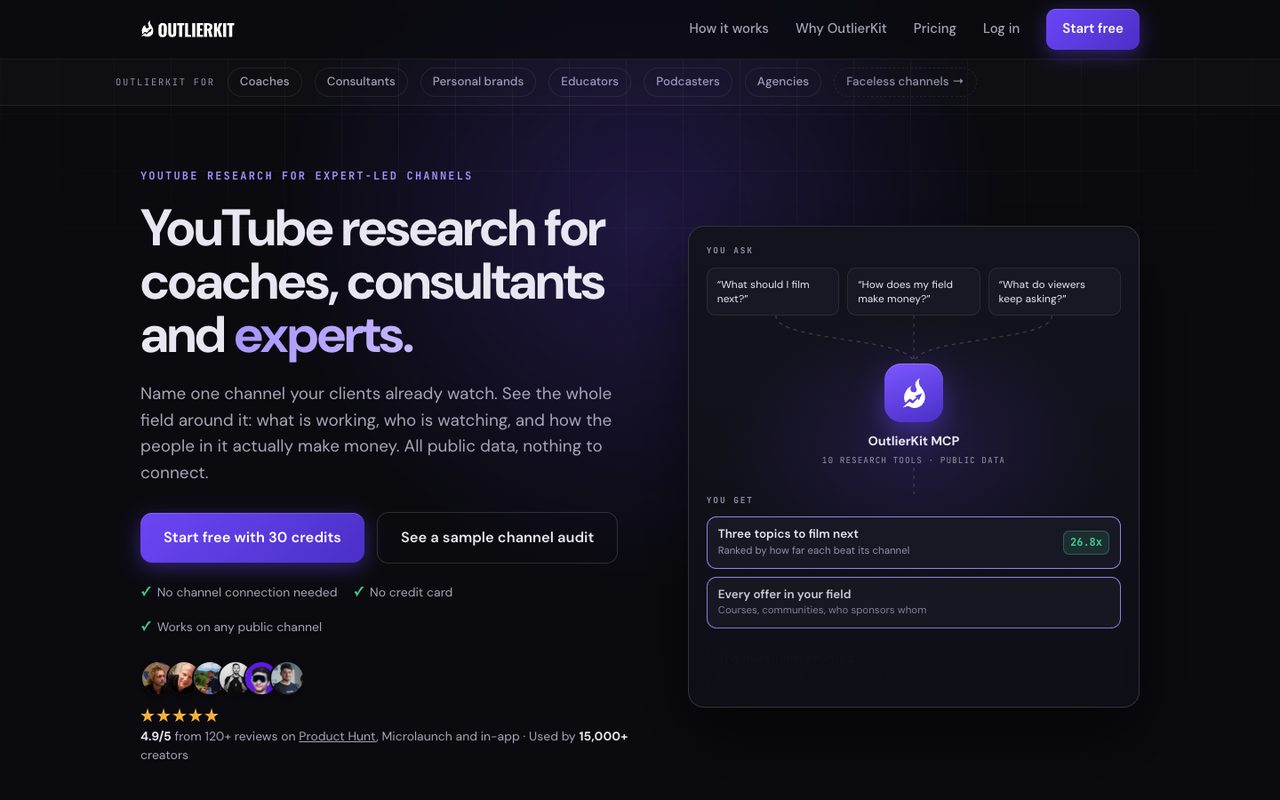
What it does: OutlierKit is YouTube research built for experts, coaches and consultants, and its outlier search works on any niche, story and drama channels included. You search a theme like "revenge drama" or "billionaire romance" and get videos ranked by how far each beat its own channel's usual views. Keyword research shows what people type into YouTube. Channel analysis breaks down a rival story channel's scale, upload cadence, format split and standout videos. Video Analysis shows how a breakout episode hooked viewers and kept them watching, through its hook, curiosity loops, pacing and payoff. Script review scores your own draft against those patterns before you record. It reads the script and does not measure real retention.
Best for: Creators who want to know which premises already broke out in their niche before they write the next episode.
Watch out for: It covers YouTube only. It finds and checks premises, but it does not write the story or make the video for you.
Price: Hobby $49/mo, Pro $99/mo, Max $399/mo. Annual billing saves up to 58%. The free trial gives 30 credits for 3 days, with no card. API and MCP access come on every paid plan, so you can pull outliers into Claude and plan a season in one chat.
2. vidIQ
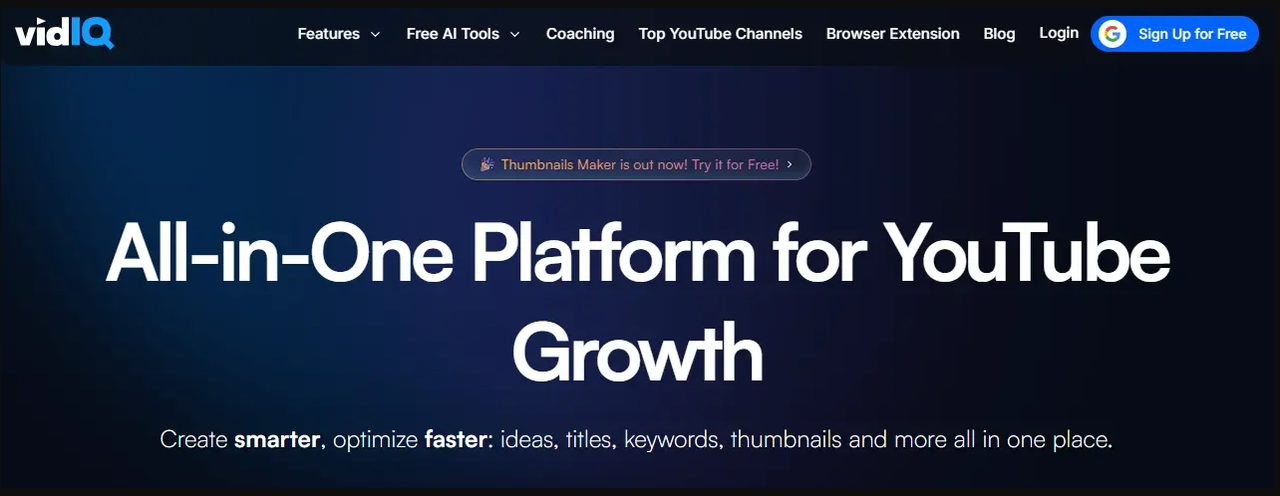
What it does: vidIQ is a broad YouTube growth suite with a keyword tool, an outlier score and AI video ideas. It runs as a browser extension and a web app, so you can check a story keyword while you browse YouTube.
Best for: Creators who want quick search data on story phrases like "true crime story" or "family drama".
Watch out for: The free plan gives 150 AI credits a month, which covers only a few actions. You pay for a large suite, and many tools are not built for fiction.
Price: Free plan. Boost $199/yr and Max $468/yr on yearly billing.
3. 1of10
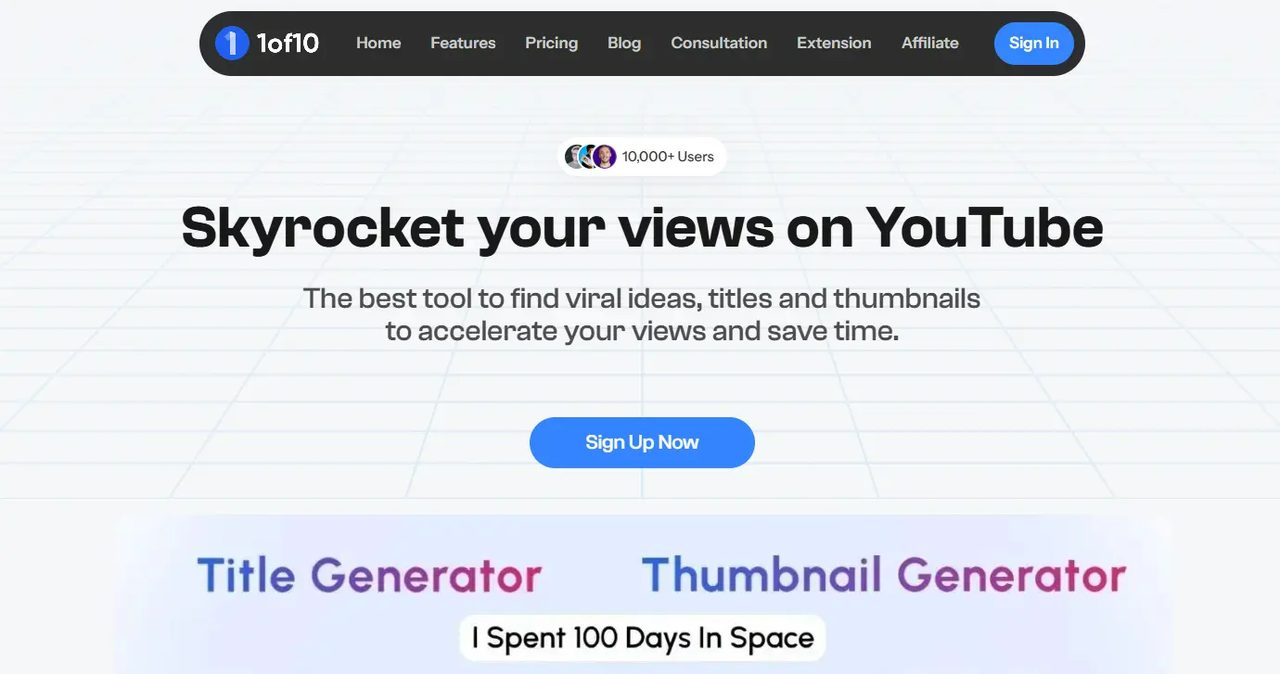
What it does: 1of10 finds videos that beat their channel's average, with outlier search, thumbnail search, trending formats and competitor tracking. Its research tools do not use credits. AI tools for titles, ideas and thumbnails draw from a monthly credit pool.
Best for: Story creators who already have a premise and need a title and thumbnail that earn the click.
Watch out for: The free plan shows only 5 results per outlier or thumbnail search and skips competitor tracking.
Price: Free plan. Basic $180/yr. Pro $828/yr. Yearly billing saves 20%.
4. Viewstats
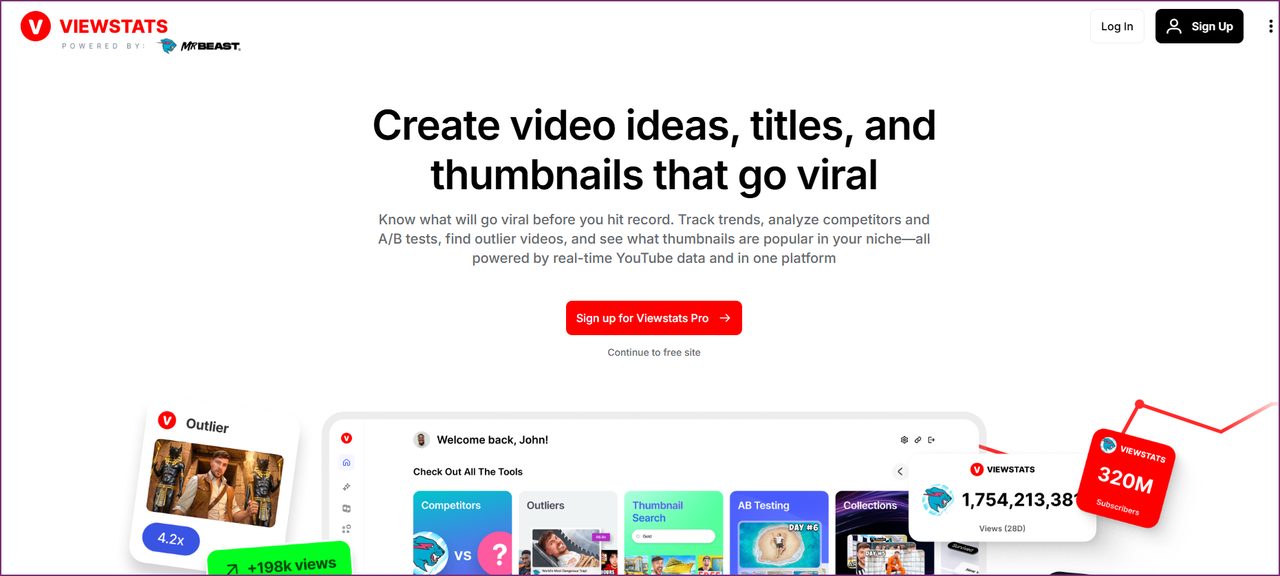
What it does: Viewstats shows outlier videos, thumbnail styles that get clicks, channel and video stats, and competitor tracking. Research boards let you save episodes you want to study.
Best for: Creators who want to watch a handful of rival drama or animated story channels and see which uploads take off.
Watch out for: The Pro price was not shown on the pricing page when I checked, so confirm it before you sign up.
Price: A free account and a free Chrome extension are available. Business starts at $249/mo.
5. TubeBuddy
What it does: TubeBuddy is a browser extension and web app. Keyword Explorer finds the YouTube keywords viewers search for. It also lists a Video Topic Planner, Search Explorer and a new Next Video Ideas tool.
Best for: Creators who want keyword checks and topic planning inside YouTube Studio.
Watch out for: Competitor Scorecard is limited on Legend and full only on Enterprise. Keyword tools show search demand, not which story videos people watched.
Price: Free plan with no card. Check the pricing page for current paid plans.
6. Google Trends
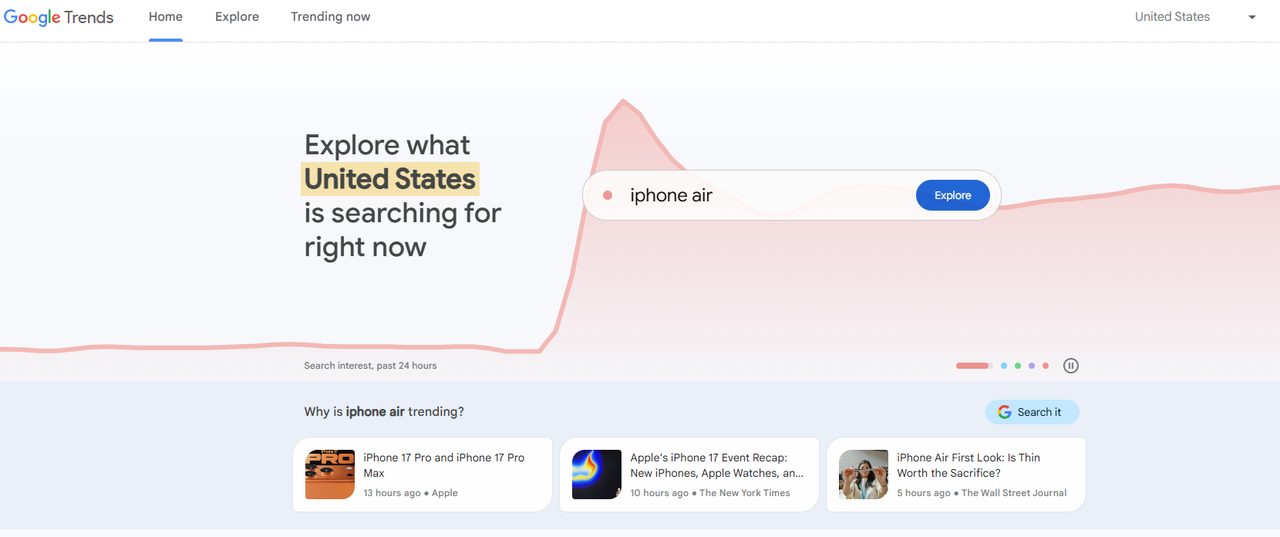
What it does: Google Trends shows how search interest in a topic changes over time. Switch the search type to YouTube Search to see interest on YouTube itself. Compare themes like "mafia romance" and "ghost story" side by side.
Best for: Checking whether a theme is rising, steady or fading before you build a series on it.
Watch out for: It shows a 0 to 100 index, not real search numbers. It tells you interest, not which episodes won.
Price: Free.
7. Reddit search
What it does: Reddit is full of first-person stories. Communities for relationship advice, workplace stories and short horror fiction post new conflicts every day. Search a theme and sort by top posts of the month to see which situations got the most replies.
Best for: Finding raw conflicts and twists you can turn into an original script.
Watch out for: Posts belong to their writers. Use them as prompts for your own story with new characters, not as scripts to read out. A popular post also does not prove a YouTube video on it will get views, so check the premise with an outlier tool.
Price: Free.
A 5-step workflow for your next episode
Take a creator who makes AI drama episodes about family betrayal. The same steps work for horror, romance or revenge stories.
Step 1. Search the theme, not one title. Search "family betrayal story" in an outlier tool. Sort by outlier score, not raw views, and focus on the last 90 days.
Step 2. Pick one breakout and break it down. Note the premise, the promise in the title, the thumbnail and the first 30 seconds. Write down when the first twist lands.
Step 3. Check that it is a pattern. Look for two or three other channels that broke out on the same premise type in the same few weeks. One spike is a hunch. Several spikes are demand.
Step 4. Check that the theme is still rising. Run the core phrase through Google Trends on YouTube Search. A steady or rising line means the format still has room.
Step 5. Write your own version. Read the comments on the breakouts. Viewers often say what they wanted to happen next, or which character they wanted punished. That gap is your angle. Keep the premise type, then change the characters, setting and twist.
Common mistakes
Chasing raw views. A 3M-view episode on a channel with 4M subscribers is normal for that channel. It is not a signal.
Copying a story beat for beat. An outlier proves the premise works, not the exact plot. Viewers notice copies fast.
Skipping the hook. Story viewers decide fast. Open on the conflict, not on the backstory.
Trusting one tool. A trend tool shows interest. An outlier tool shows what people watched. Use both before you write a full episode.
FAQ
What is an outlier video? A video that gets far more views than its channel usually gets. A score of 5x means five times the channel's normal views.
Which free tools help story creators find ideas? Google Trends and Reddit search are free. vidIQ, 1of10 and TubeBuddy have free plans with limits, and OutlierKit has a free trial.
Can I reuse a story premise that already went viral? You can reuse a premise type, like a hidden heir or a revenge plan. Write your own characters, plot and dialogue, and never copy another creator's script.
How many story ideas should I research at once? Research a batch of 10 premises in one session, then rank them by how many channels broke out on each one. Write the top three first.
From premise to episode
A note from the VdoBloom team: once a premise passes these checks, the VdoBloom AI Drama Series generator turns it into a season of 3 to 10 vertical episodes with a consistent cast and lip-synced lines.
About the author: Aditi researches what makes YouTube videos break out for coaches, consultants and expert-led channels, and publishes data-backed channel breakdowns and tool comparisons at outlierkit.com/resources.
Try it yourself
Short-Drama Series
Pick a model, add a photo or a prompt, and see the credit price before you generate. Pay per use with credits that never expire.