LTX 2.5 Fast Text-to-Video: Text to Video Online
Bottom line
LTX 2.5 Fast: video with sound from a text prompt, 6 to 20 seconds at up to 1440p, from 26 credits. Type a prompt into the Text to Video tool and LTX 2.5 Fast Text-to-Video renders it on VdoBloom credits. The cost is shown before you commit, and no LTX 2.5 API key is needed.
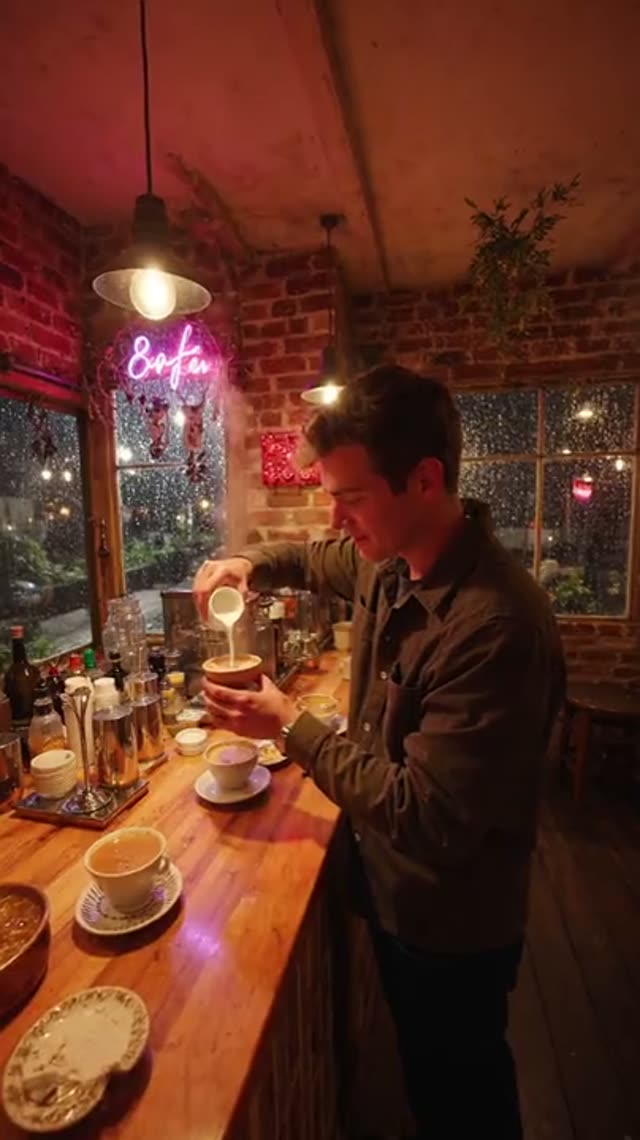
LTX 2.5 Fast is the lower-cost tier of Lightricks' LTX 2.5 video model. From a text prompt it makes a clip with its own sound: voices, effects and background audio are made with the picture, and there is no switch to turn sound off.
You pick the length in steps of 2 seconds from 6 to 20, the resolution (720p, 1080p or 1440p, where 1440p goes up to 10 seconds) and the shape: 16:9, 9:16, 1:1, 3:2 and 2:3. Prompts can be up to 5,000 characters. Words you put in quotes are spoken as dialogue.
It is billed per second of video by resolution: a 6-second 720p clip is 26 credits, 10 seconds at 1080p is 63 and 20 seconds at 1080p is 125. The exact cost is on the button before you generate.
What LTX 2.5 Fast costs on VdoBloom
The price follows the length and the resolution. Sound is always included.
| Length | 720p | 1080p | 1440p |
|---|---|---|---|
| 6 s | 26 credits | 38 credits | 55 credits |
| 10 s | 44 credits | 63 credits | 92 credits |
| 16 s | 70 credits | 100 credits | — |
| 20 s | 87 credits | 125 credits | — |
LTX 2.5 Fast or LTX 2.5 Pro?
Both make clips with sound from the same kind of prompt. Fast is the lower price per second, goes up to 20 seconds and adds a 1440p option (up to 10 seconds). Pro costs more per second and stops at 10 seconds and 1080p; Lightricks positions it for finer faces, textures and text.
| LTX 2.5 Fast | LTX 2.5 Pro | |
|---|---|---|
| Length | 6-20 s (1440p: up to 10 s) | 6, 8 or 10 s |
| Resolution | 720p, 1080p, 1440p | 720p, 1080p |
| 10 s at 1080p | 63 credits | 82 credits |
| Sound | Always on | Always on |
What creators use LTX 2.5 Fast Text-to-Video for
- A 20-second scene with dialogue and sound in one clip, without adding audio later.
- Trying an idea at 720p for 26 credits before making it at 1080p or 1440p.
- Vertical 9:16 clips for Reels and Shorts, or 16:9 for YouTube.
How to use LTX 2.5 Fast Text-to-Video on VdoBloom
- 1Open the Text to Video tool and select LTX 2.5 Fast Text-to-Video from the model picker.
- 2Write your prompt.
- 3Choose your duration (6–20s), quality (720p/1080p/1440p), aspect ratio, review the credit cost, and generate.
Frequently asked questions
How much does LTX 2.5 Fast cost?
It is billed per second by resolution: 6 seconds at 720p is 26 credits, 10 seconds at 1080p is 63, 10 seconds at 1440p is 92 and 20 seconds at 1080p is 125.
How long can an LTX 2.5 Fast clip be?
6 to 20 seconds in steps of 2 at 720p and 1080p. At 1440p the limit is 10 seconds.
Does LTX 2.5 Fast make sound?
Yes. Every clip has sound made with the picture. Put words in quotes in the prompt to have them spoken.
Which shapes can I pick?
16:9, 9:16, 1:1, 3:2 and 2:3.
What happens if a generation fails?
The credits are refunded automatically to the balance they came from.
LTX 2.5 Fast Text-to-Video guides, prices and comparisons
This page is the LTX 2.5 Fast Text-to-Video hub. Each guide below goes deeper on one question and links back here.
LTX 2.5 Fast Image-to-Video
From a photo, 6-20 s, from 26 credits.
LTX 2.5 Pro Text-to-Video
From a prompt, 6-10 s, from 35 credits.