MAGI-2 Reference to Video: Image to Video Online
Bottom line
MAGI-2 reference to video: 10 photos, 5 videos, 5 audio clips into a 1080p clip, from 29 credits. Upload a starting frame, choose MAGI-2 Reference-to-Video in the Image to Video tool, and animate it on VdoBloom. The credit price appears before every generation.
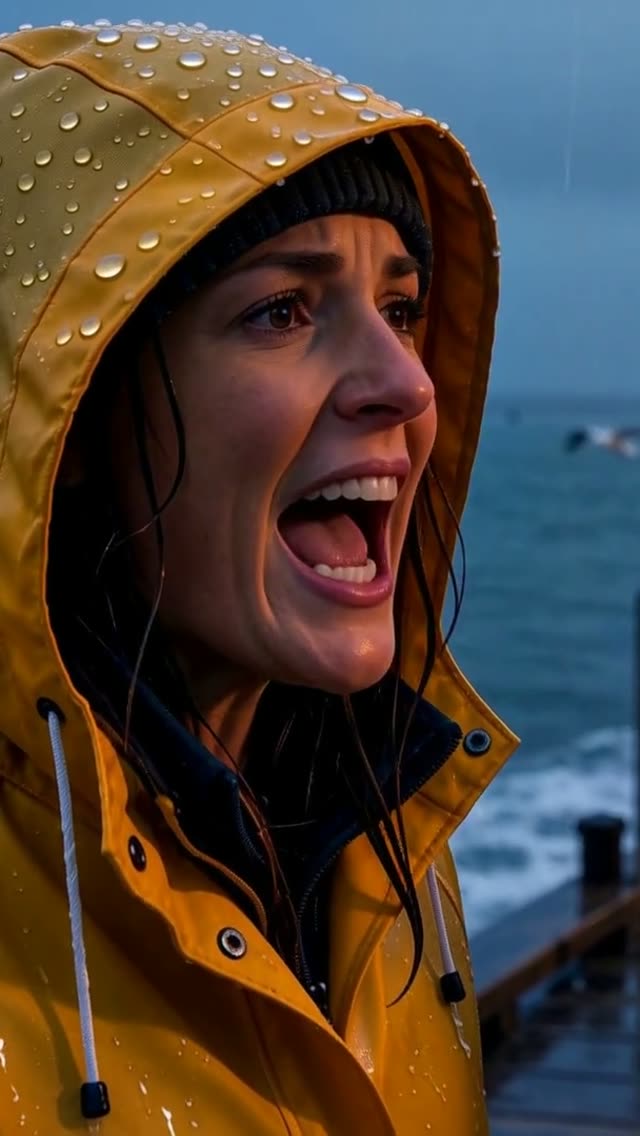
MAGI-2 Reference-to-Video makes a new clip from your references. Give it up to 10 photos (people, products, places), up to 5 short videos and up to 5 audio clips, and say in the prompt how each one should be used, for example who the lead is or which voice to follow.
Reference videos and audio clips can each be 2 to 30 seconds long, up to 30 seconds in total for each kind. At least one reference is needed, of any kind. You pick any length from 4 to 30 seconds and the shape: 21:9, 16:9, 4:3, 1:1, 3:4 and 9:16. The clip is 1080p with sound.
References do not add to the price: it is the same per second as the other MAGI-2 modes, 29 credits for 4 seconds, 36 for 5 seconds and 212 for 30 seconds.
What MAGI-2 Reference-to-Video costs
One price per second at 1080p. Reference photos, videos and audio do not change the price.
| Length | 1080p |
|---|---|
| 4 s | 29 credits |
| 5 s | 36 credits |
| 10 s | 71 credits |
| 15 s | 106 credits |
| 20 s | 141 credits |
| 30 s | 212 credits |
Which MAGI-2 mode should I use?
All three make 1080p clips with sound, 4 to 30 seconds long, at the same price per second. Text-to-video starts from a prompt alone. Image-to-video starts from your photo as the first frame, and can end on a second photo. Reference-to-video takes photos, short videos and audio clips as references for the people, places, motion or voices in the clip.
| Text-to-Video | Image-to-Video | Reference-to-Video | |
|---|---|---|---|
| Starts from | A prompt | Your photo (first frame) | Up to 10 photos, 5 videos, 5 audio clips |
| Shape | 21:9, 16:9, 4:3, 1:1, 3:4 and 9:16 | Follows the photo | 21:9, 16:9, 4:3, 1:1, 3:4 and 9:16 |
| Length | 4-30 s | 4-30 s | 4-30 s |
| 5 s at 1080p | 36 credits | 36 credits | 36 credits |
What creators use MAGI-2 Reference-to-Video for
- Keeping the same person or product across a new scene from a few photos.
- Following the motion of a short reference video in a new setting.
- Using an audio clip as the voice or sound to build the scene around.
How to use MAGI-2 Reference-to-Video on VdoBloom
- 1Open the Image to Video tool and select MAGI-2 Reference-to-Video from the model picker.
- 2Upload your starting image and describe the motion you want in the prompt.
- 3Choose your duration (4–30s), quality (1080p), aspect ratio, review the credit cost, and generate.
Frequently asked questions
How much does MAGI-2 Reference-to-Video cost?
29 credits for 4 seconds, 36 for 5 seconds, 71 for 10 seconds and 212 for 30 seconds. The references are not charged.
What can I use as references?
Up to 10 photos (JPG, PNG or WebP), up to 5 videos (MP4 or MOV) and up to 5 audio clips (MP3 or WAV). Videos and audio clips are 2 to 30 seconds each and up to 30 seconds in total per kind. At least one reference is needed.
Does MAGI-2 make sound?
Yes. Voices, sound effects and background sound are made with the picture. Put words in quotes in the prompt to have them spoken. You can turn sound off for a silent clip; the price is the same.
Which shapes can I pick?
21:9, 16:9, 4:3, 1:1, 3:4 and 9:16.
What happens if a generation fails?
The credits are refunded automatically to the balance they came from.
MAGI-2 Reference-to-Video guides, prices and comparisons
This page is the MAGI-2 Reference-to-Video hub. Each guide below goes deeper on one question and links back here.
MAGI-2
The MAGI-2 main page: from a prompt, 4-30 s with sound, from 29 credits.
MAGI-2 Image-to-Video
From a photo, 4-30 s, from 29 credits.