SkyReels V4 Text-to-Video: Text to Video Online
Bottom line
Skywork's cinema-minded text-to-video: 3-15 second takes across a 480p-720p-1080p ladder. Type a prompt into the Text to Video tool and SkyReels V4 Text-to-Video renders it on VdoBloom credits — the cost is shown before you commit, and no SkyReels V4 API key is needed.
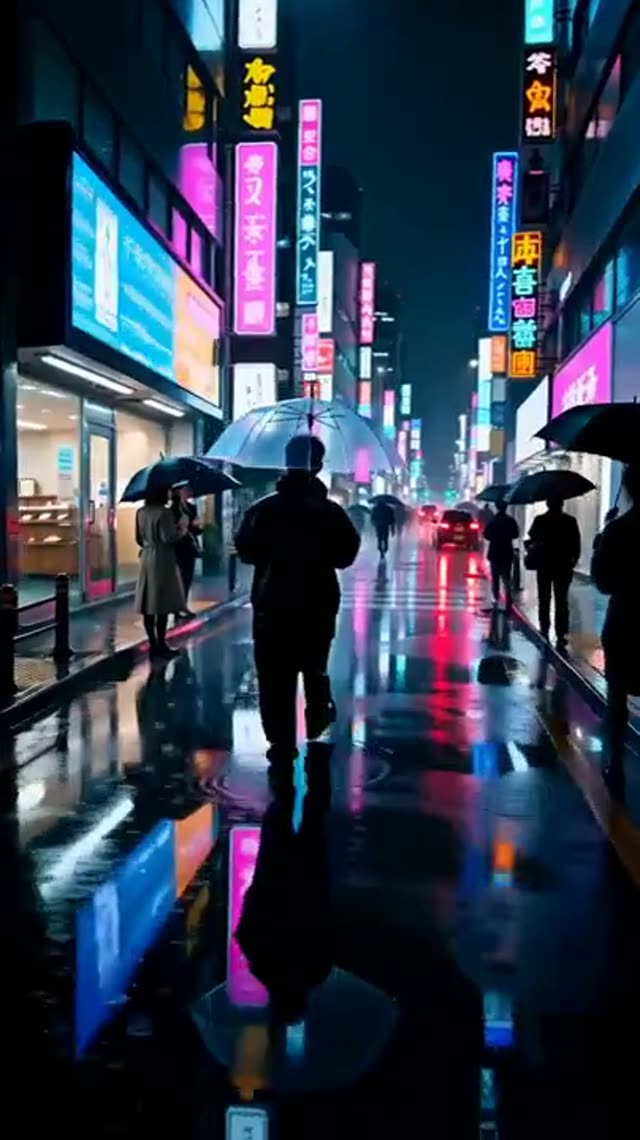
SkyReels V4 Text-to-Video comes from Skywork's push to build video generation around film craft rather than generic motion. Takes run from 3 to 15 seconds — specifically 3, 5, 8, 10, 12, or 15 — long enough for an establishing shot to breathe rather than flicker past. Framing covers five aspect ratios: 16:9, 9:16, 1:1, 4:3, and 3:4.
The three-tier resolution ladder (480p, 720p, 1080p) is built for a draft-then-finish rhythm: rough passes at 480p while you tune the prompt, then 720p or 1080p for the version you keep. One detail worth knowing before you pick a duration: VdoBloom's price table only has entries at 5, 10, and 15 seconds — a 3-second request bills at the 5-second rate, and 8- or 12-second requests bill at the 10- or 15-second rate respectively. There's no cost saving in picking 3 over 5, or 8 over 10; those extra duration buttons exist for creative timing, not cheaper pricing.
On VdoBloom, every run is priced in credits with the amount shown before you generate, and a failed job is refunded automatically rather than silently spending your balance.
What SkyReels V4 costs on VdoBloom
At 5/10/15 seconds: 480p is 20/38/55 credits, 720p is 35/65/95 credits, and 1080p is 60/110/165 credits. Because the price table only has entries at those three durations, a 3-second request is billed at the 5-second rate, and 8- or 12-second requests are billed at the 10- or 15-second rate — worth knowing before you pick 8 seconds expecting to pay less than a 10-second clip.
SkyReels V4 vs other VdoBloom video models
SkyReels V4's fixed-tier pricing (three durations × three resolutions) is simpler to reason about than per-second models like Seedance, but generally costs more per second at comparable settings than Seedance 2 Mini. Where SkyReels stands apart is its framing toward cinematic, film-craft-style prompts and its consistent five-ratio support across both text- and image-to-video modes.
What creators use SkyReels V4 Text-to-Video for
- Previsualizing establishing shots for a short film at 480p, then re-rendering the keepers at 1080p.
- Generating 15-second vertical mood pieces for social channels straight from a written scene description.
- Producing square 1:1 product-teaser clips natively instead of cropping a widescreen master.
- Iterating quickly at 5 seconds and 480p before committing to a longer, higher-resolution take.
How to use SkyReels V4 Text-to-Video on VdoBloom
- 1Open the Text to Video tool and select SkyReels V4 Text-to-Video from the model picker.
- 2Write your prompt.
- 3Choose your duration (3–15s), quality (480p/720p/1080p), aspect ratio, review the credit cost, and generate.
Frequently asked questions
What durations does SkyReels V4 Text-to-Video support?
Six on-screen options — 3, 5, 8, 10, 12, or 15 seconds — but VdoBloom's price table only has real entries at 5, 10, and 15 seconds. Choosing 3, 8, or 12 seconds bills you at the next tier up (5, 10, or 15 respectively), so those in-between choices are about creative timing, not a cheaper price.
What does SkyReels V4 cost?
At 720p: 5 seconds is 35 credits, 10 seconds is 65, 15 seconds is 95. At 480p the same durations are 20/38/55 credits, and at 1080p they're 60/110/165. The price for your selection shows before you generate.
Is SkyReels V4 free or open source?
New VdoBloom accounts start with 10 free credits, which covers the cheapest SkyReels V4 clip (5 seconds at 480p, 20 credits) with a little to spare. It's not open source, though — SkyReels V4 runs as a hosted model on VdoBloom, not a downloadable release.
Why would I ever render at 480p?
480p is the drafting layer: it lets you iterate on prompt wording and shot description before committing to 720p or 1080p. Since VdoBloom shows the credit cost before each run, drafting low and finishing high is easy to budget — a 480p draft costs roughly a third of the same duration at 720p.
Which aspect ratios can SkyReels V4 generate?
Five: 16:9, 9:16, 1:1, 4:3, and 3:4. That covers widescreen, vertical social formats, and square framing without cropping in post.
How strict is SkyReels V4's content filter?
VdoBloom rates it MODERATE, a practical middle tier: routine cinematic writing — tension, confrontation, moody atmosphere — passes normally, while explicit material is declined. Its image-to-video sibling carries the same label.
SkyReels V4 vs Seedance — how do they compare?
Seedance 2 Mini is cheaper per second at comparable resolutions (roughly 1.6-3.3 credits/second vs SkyReels' 4-7 credits/second implied by its flat table), but SkyReels' fixed duration tiers and film-oriented framing are a different design than Seedance's per-second slider. Both carry VdoBloom's MODERATE content label. If per-second cost is the priority, Seedance is generally cheaper; if the fixed 5/10/15-second structure fits your workflow, SkyReels is a straightforward alternative worth testing on the same prompt.
Does SkyReels V4 generate audio?
The underlying model supports synchronized audio, but VdoBloom's current text-to-video settings panel doesn't expose an audio toggle for this model — so treat it as a silent-video tool for now rather than relying on generated sound.