Vidu 2.0: Image to Video Online
Bottom line
Vidu 2.0: image-to-video only, fixed 4s clips at 720p/1080p, 15-20 credits, MODERATE filter. Upload a starting frame, choose Vidu 2.0 in the Image to Video tool, and animate it on VdoBloom — the credit price appears before every generation.
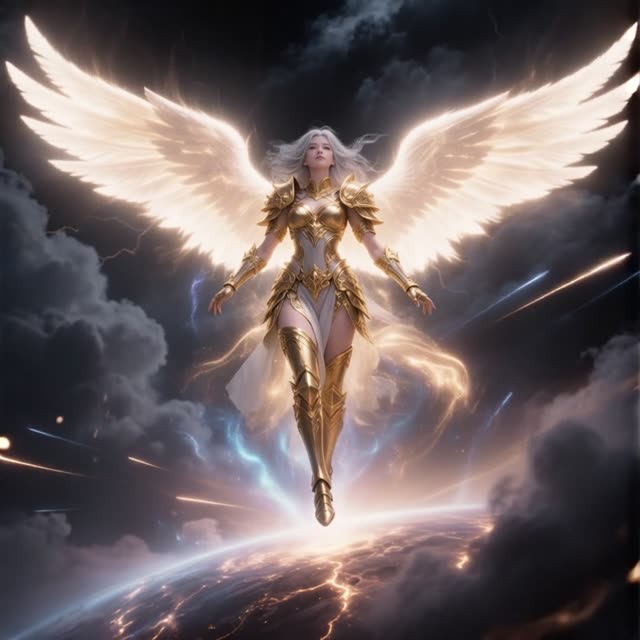
Vidu 2.0 is Shengshu's image-to-video-only model on VdoBloom: there's no text-to-video mode, so every generation starts from a still image you supply, and the composition, character design, and color grade come from that source frame rather than a prompt. On VdoBloom, the interface fixes the duration at 4 seconds, output at 720p or 1080p, framed at 16:9 or square 1:1 — no 9:16 vertical option.
Pricing is 15 credits for a 4-second 720p clip and 20 credits for a 4-second 1080p clip — the cheapest entry point into the Vidu family on VdoBloom. The cost is shown before you generate and refunded automatically on failure.
It carries VdoBloom's MODERATE content badge and the family's 3.9 rating. New accounts start with 10 free credits, covering more than half of the cheapest 720p render. Vidu comes from Shengshu Technology, a Tsinghua University spinout, and 2.0 is the entry generation in a lineup that extends up through the Q1, Q2, and Q3 tiers.
What it costs on VdoBloom
15 credits for a 4-second 720p clip, 20 credits for a 4-second 1080p clip — the cheapest way into the Vidu family. Cost is shown before you generate, and a failed render is refunded automatically. New accounts start with 10 free credits.
Vidu 2.0 vs Vidu Q1
Vidu 2.0 is fixed at 4 seconds, 720p or 1080p, 16:9 or 1:1 only, and image-to-video only, at 15-20 credits. Vidu Q1 moves to a fixed 5-second, 1080p-only format but adds a 9:16 vertical option and text-to-video support, at a flat 25 credits. Choose Vidu 2.0 for the lowest price and when 4 seconds is enough; choose Q1 when you need vertical framing or a text-only starting point.
Common problems and how to avoid them
Because Vidu 2.0 has no independent aspect-ratio control beyond 16:9/1:1, results that look cropped or stretched usually trace back to a source image that wasn't already composed for one of those two frames — recropping the still before upload is the fix, not a setting in the generator. If motion doesn't match the intended action, a simpler, single-action prompt tends to track more reliably than a multi-step description.
What creators use Vidu 2.0 for
- Bringing concept art or illustration to life while preserving the exact style of the original frame.
- Turning square 1:1 product photos into short motion clips for listings and feed posts.
- Cheap 4-second animation tests before moving to a longer Vidu Q-series tier.
- Animating a keyframe from a VdoBloom image model, using the still to lock composition and look.
How to use Vidu 2.0 on VdoBloom
- 1Open the Image to Video tool and select Vidu 2.0 from the model picker.
- 2Upload your starting image and describe the motion you want in the prompt.
- 3Choose your duration (4–4s), quality (720p/1080p), aspect ratio, review the credit cost, and generate.
Frequently asked questions
Can Vidu 2.0 generate video from text alone?
No — it's image-to-video only on VdoBloom. A source still is required for every generation; the prompt (optional) only describes the motion layered on top of it.
How much does Vidu 2.0 cost?
15 credits for a 4-second clip at 720p, 20 credits for a 4-second clip at 1080p.
Is Vidu 2.0 free?
New accounts get 10 free signup credits — close to but short of the cheapest 15-credit render. Beyond that, credits are purchased, with cost shown before generating.
What resolutions and framing does Vidu 2.0 support?
720p or 1080p, framed at 16:9 widescreen or 1:1 square. There is no 9:16 vertical option on this model — for vertical output, the Q-series Vidu models support it.
Is Vidu 2.0 censored?
VdoBloom rates it MODERATE — standard filtering applied to both the source image and any prompt. Normal creative and commercial imagery generates fine; explicit uploads are rejected.
Why choose Vidu 2.0 over Vidu Q1 or Q3?
Price and simplicity: Vidu 2.0 is the cheapest tier (15-20 credits) with a fixed 4-second duration. The Q-series models cost more but add longer durations, more aspect ratios (including 9:16), and, on Q3, generated audio.
Is Vidu open source?
No — Vidu, from Shengshu Technology, is a proprietary hosted API model, not open-weights.
How long can a Vidu 2.0 clip be?
4 seconds — the only duration offered on VdoBloom for this model. For 5, 8, or 16-second options, use one of the Vidu Q-series tiers.