GPT Image 2: AI Image Generator Online
Bottom line
OpenAI's GPT Image 2: 11 aspect ratios including auto, 1K/2K/4K output priced 3, 5, and 8 credits per image. Pick GPT Image 2 in the Text to Image tool, write your prompt, and pay per image in credits — the price is visible before you generate.
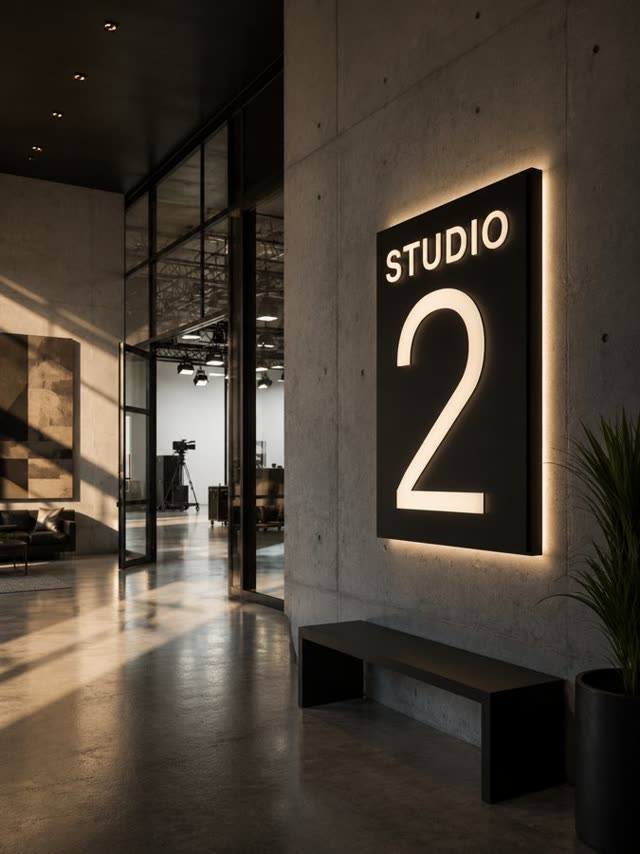
GPT Image 2 is OpenAI's follow-up image model, and on VdoBloom its price scales with the resolution you actually pick: 1K renders cost 3 credits, 2K costs 5, and 4K costs 8. There's no flat surcharge for going bigger beyond that per-tier jump, so a batch of quick 1K concepts and one final 4K export cost roughly what they should. Two rules to know: if you leave aspect ratio on auto (or don't set one), VdoBloom generates at 1K regardless of the resolution you requested — and a square 1:1 image can't be rendered at 4K at all, so pick 2K or a non-square ratio for the largest square-adjacent output.
Format coverage is wide for a generator: 11 aspect ratios including auto, from 1:1 and 5:4 through 21:9. Prompts run up to 20,000 characters, which is enough room to specify exact object counts, spatial layout, and on-image text and have the model actually track all of it.
It carries VdoBloom's STRICT content label, reflecting OpenAI's provider-side filters, and holds a 4.6 user rating. GPT Image 2 launched 2026-04-21, and every generation's credit cost is shown before you run it.
What GPT Image 2 costs on VdoBloom
Pricing is resolution-based: 1K is 3 credits, 2K is 5 credits, 4K is 8 credits, the same rate for every aspect ratio except 1:1, which cannot go to 4K at all. A realistic session — three 1K drafts (9 credits) followed by one 4K final (8 credits) — costs 17 credits. Your 10 free signup credits cover the drafting phase on their own.
GPT Image 2 vs Seedream 5.0 Pro
Both are premium image models with resolution-based pricing, but the tiers work differently. GPT Image 2 charges 3/5/8 credits for 1K/2K/4K across 11 aspect ratios. Seedream 5.0 Pro charges 10 credits (Standard) or 19 credits (High) across 5 aspect ratios, but bundles reference-image editing — up to 10 images — into the same page. If your work is pure generation and you want format flexibility, GPT Image 2 is the cheaper, wider-format option; if you need to blend multiple reference images into one result without switching pages, Seedream 5.0 Pro covers both in one model.
Aspect ratio and resolution rules
Two constraints are worth knowing before you generate: leaving aspect ratio on auto forces 1K output no matter what resolution you selected, and a 1:1 square image cannot be rendered at 4K under any setting — VdoBloom will cap it at 2K. Neither is a failure state; picking an explicit non-square ratio, or accepting 2K on square images, avoids both surprises.
What creators use GPT Image 2 for
- Draft concepts at 1K for 3 credits each, then re-run the winning prompt at 4K for final delivery.
- Prompts with exact object counts, layout instructions, or on-image text that need to survive literally.
- Ultrawide 21:9 or square 1:1 compositions where you need one of 11 native aspect ratios without cropping afterward.
How to use GPT Image 2 on VdoBloom
- 1Open the Text to Image tool and select GPT Image 2.
- 2Write your prompt.
- 3Set resolution (1K/2K/4K), aspect ratio, review the credit cost, and generate.
Frequently asked questions
How much does GPT Image 2 cost on VdoBloom?
It's priced by resolution: 3 credits at 1K, 5 credits at 2K, and 8 credits at 4K. Three 2K images cost 15 credits total; one of each tier costs 16 credits.
Is GPT Image 2 free to use?
New accounts start with 10 free credits, which covers three 1K generations (9 credits) or one 2K generation with 5 credits to spare. After that it draws from your paid balance, with cost shown before every run.
What's the maximum resolution GPT Image 2 can generate at?
4K, at 8 credits — except with a 1:1 aspect ratio, which caps at 2K. Use 2K or pick a non-square ratio if you need the largest possible square-ish image.
Why did my GPT Image 2 image come back at 1K when I asked for more?
If aspect ratio is left on auto, VdoBloom generates at 1K regardless of the resolution setting — that's a KIE platform constraint, not a bug. Pick an explicit aspect ratio if you want 2K or 4K.
How censored is GPT Image 2?
It carries VdoBloom's STRICT content label, the platform's tightest filtering tier, reflecting OpenAI's conservative provider-side rules. Requests involving real people, graphic violence, or explicit content are more likely to be declined than on models tagged HOT.
GPT Image 2 vs GPT Image 2.5 — what's different?
2.5 (Flare and Sunburst, launched 2026-09-08) uses the same 1K/2K/4K pricing shape but drops the 1:1-can't-be-4K restriction, extends editing to 16 reference images instead of 10, and clamps four extra aspect ratios to 1K automatically rather than rejecting them.
GPT Image 2 vs Seedream 5.0 Pro — which is cheaper?
GPT Image 2 is cheaper at every tier that matters for most work: 3–8 credits by resolution versus Seedream 5.0 Pro's flat 10 credits (Standard) or 19 credits (High). Seedream 5.0 Pro's advantage is that generation and reference-based editing live on one page; GPT Image 2's editing is the separate GPT Image 2 I2I model.
Is GPT Image 2 better than Nano Banana Pro?
On price, yes for most jobs: GPT Image 2 runs 3–8 credits by resolution versus Nano Banana Pro's 18 credits at 1K/2K and 24 at 4K. Nano Banana Pro offers more aspect ratios (10, including 4:5 and 5:4) and up to 8 reference images for editing; GPT Image 2 offers more ratios still (11, including auto) but no built-in reference-image input on the text-to-image page.
Do I need a ChatGPT account to use GPT Image 2?
No. VdoBloom runs GPT Image 2 as a standalone model through its own API integration — you generate directly from the dashboard using VdoBloom credits, with no ChatGPT login involved.
How do I prompt GPT Image 2 for strong results?
Use the full prompt budget (up to 20,000 characters) to spell out exact subject counts, positions, lighting, and any text that must render — the model tracks detailed, literal instructions well. Set an explicit aspect ratio rather than auto if resolution above 1K matters to you.