ImagineArt 1.5 Pro: AI Image Generator Online
Bottom line
Native 4K text-to-image with 10 aspect ratios and accurate typography — the print-resolution ImagineArt tier. Pick ImagineArt 1.5 Pro in the Text to Image tool, write your prompt, and pay per image in credits — the price is visible before you generate.
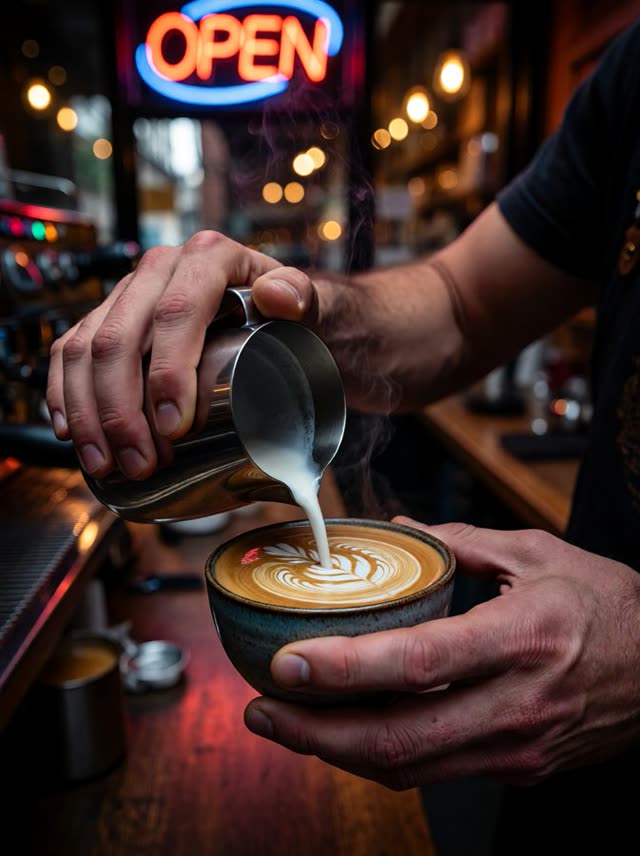
ImagineArt 1.5 Pro is the professional tier of ImagineArt's 1.5 generation, generating natively at 4K rather than upscaling a smaller render — the difference that matters for print, large-format display, or any output someone will view up close. It carries forward the base model's emphasis on accurate on-image text rendering, and adds one aspect ratio over the standard tier: 21:9 ultrawide alongside the shared nine, for ten total.
Like the rest of the ImagineArt family on VdoBloom, it's text-to-image generation only — there's no image-upload editing mode here, and no resolution selector either, since 4K is the fixed output. It runs through VdoBloom's Runware pipeline, the same infrastructure as ImagineArt 1.5 and 2.0. That shared infrastructure means all three tiers show up in the same model picker, so switching from a 1.5 draft to this Pro tier for a final render is a one-click change, not a separate workflow.
VdoBloom prices it at 12 credits, the same as Recraft V4 and Flux 2 Pro I2I, and rates it 3.8. It carries the HOT content badge — the platform's more permissive filtering tier — and, as with every model on the platform, the exact credit cost is quoted before you generate and refunded automatically if the job fails.
What it costs on VdoBloom
ImagineArt 1.5 Pro is a flat 12 credits per generation for native 4K output — a new account's 10 free credits fall 2 short of covering one run. The base ImagineArt 1.5 tier (6 credits, fixed 2K) is the cheaper way to sample the family's look before spending on the 4K tier.
Is the jump to 4K worth it?
The practical test is whether the image is headed somewhere it'll be viewed up close or printed large — a billboard crop, a poster, a zoomed product shot. For screen-only delivery, 2K (the base 1.5 tier, at half the credit cost) is usually indistinguishable in normal viewing and cheaper to iterate on.
What creators use ImagineArt 1.5 Pro for
- Large-format or print deliverables where native 4K avoids the softness of an upscaled render.
- Poster, packaging, or signage concepts where on-image typography has to hold up at full size.
- 21:9 ultrawide concept art or header images at full 4K detail.
How to use ImagineArt 1.5 Pro on VdoBloom
- 1Open the Text to Image tool and select ImagineArt 1.5 Pro.
- 2Write your prompt.
- 3Set aspect ratio, review the credit cost, and generate.
Frequently asked questions
How much does ImagineArt 1.5 Pro cost on VdoBloom?
12 credits per generation, flat — output is fixed at native 4K, so there's no resolution tier to adjust the price.
What do 10 free signup credits get me on ImagineArt 1.5 Pro?
Not quite one run — the 12-credit cost is 2 more than a new account's 10 free credits. The base ImagineArt 1.5 (6 credits) fits inside the free balance if you want to try the family first.
Is ImagineArt 1.5 Pro censored?
It carries VdoBloom's HOT badge, the more permissive filtering tier — the same class as the base ImagineArt 1.5 and ImagineArt 2.0.
Does ImagineArt 1.5 Pro support image editing?
No — like the rest of the ImagineArt lineup on VdoBloom, it's generation-only from a text prompt, with no upload-and-edit mode.
ImagineArt 1.5 Pro vs the base ImagineArt 1.5 — is the 4K worth double the credits?
1.5 Pro doubles the cost (12 credits vs 6) for native 4K output instead of 2K, plus one extra aspect ratio (21:9). If the deliverable is headed to print or large-format display, native 4K avoids the softness of upscaling a 2K render; for web or social use, the base 1.5 tier is the cheaper, sufficient option.
ImagineArt 1.5 Pro vs Recraft V4 Pro — same price, different tools?
Recraft V4 Pro costs 22 credits and outputs fixed 2K at exact pixel dimensions with brand color-palette control. ImagineArt 1.5 Pro costs 12 credits — nearly half — for native 4K, working from aspect ratios rather than pixel dimensions, without color-palette control. If brand-exact colors and precise pixel sizing matter more than resolution, Recraft V4 Pro is the tool; if raw resolution at a lower price matters more, ImagineArt 1.5 Pro is cheaper for a bigger output.
Is ImagineArt 1.5 Pro open source?
This isn't established, so VdoBloom's listing doesn't claim a license status for it either way.
Which aspect ratios does ImagineArt 1.5 Pro support?
Ten: 1:1, 16:9, 9:16, 4:3, 3:4, 3:2, 2:3, 3:1, 1:3, and 21:9 — the same nine as the base 1.5 tier plus 21:9 ultrawide.