Muse Image: AI Image Generator & Editor Online
Bottom line
Meta Muse Image makes, edits and combines images at a fixed 2K size, looking things up on the web as it draws, for 1 credit. Generate from text or edit an existing image with Muse Image in one place. VdoBloom shows the credit cost for either mode before you confirm.
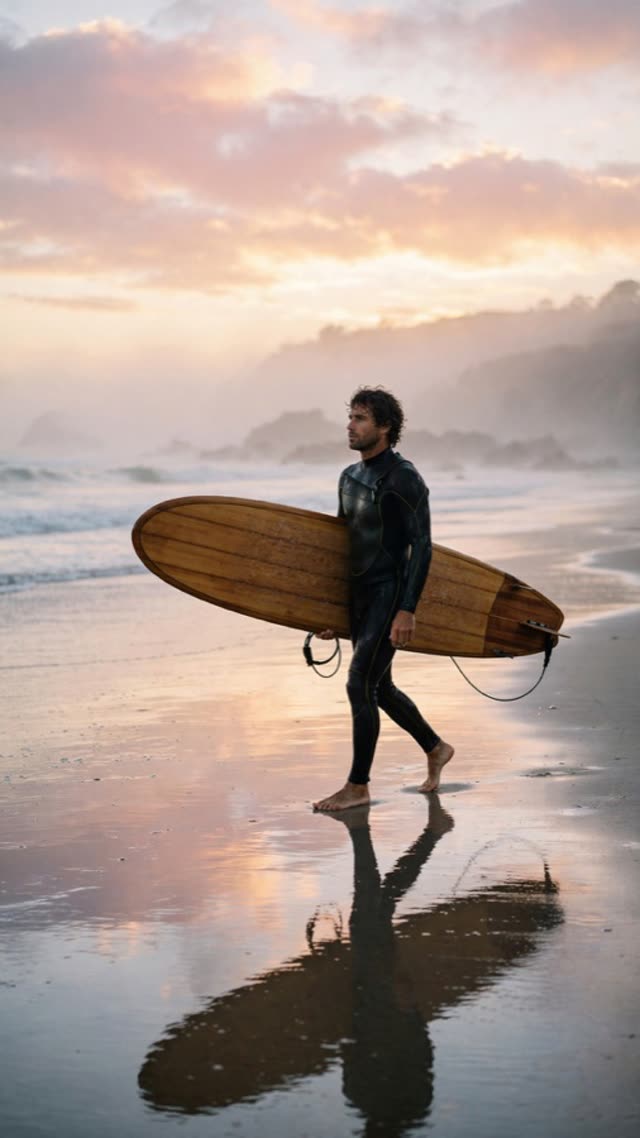
Muse Image is Meta's image model, announced on 7 July 2026. On VdoBloom it does three jobs for the same price: it makes an image from a text prompt, edits one photo, or combines two to ten photos into one scene. Every output is a fixed 2K size of about 2.5 megapixels, and every image costs 1 credit, about $0.05 at the Lite plan rate. VdoBloom keeps Muse's web search, image search and code tools switched on, which is why it handles posters with readable headlines, infographics, menus and simple charts better than most image models.
It is for anyone who needs a lot of images cheaply, and for text-heavy designs. Your 10 free signup credits cover ten Muse images. A one-time 300-credit pack ($19.50, never expires) covers 300; the Lite plan is $15 a month for 300 credits that reset each cycle. Meta's own moderation stays on, so Muse carries VdoBloom's STRICT label.
Below: specs, the exact 2K sizes, worked costs, the comparison with Seedream 5 Flash, WAN 2.7 and Nano Banana, where it runs, prompting tips and its limits.
Muse Image specs at a glance
These come from VdoBloom's Muse service and model settings. The thing to know first: there is no resolution choice. Every Muse image is 2K.
| Spec | Muse Image on VdoBloom |
|---|---|
| Maker | Meta; served through Runware |
| Modes | Text to image; edit (1 photo); combine (2 to 10 photos) |
| Output size | Fixed 2K, about 2.5 MP (see the size table below) |
| Aspect ratios | 1:1, 3:2, 2:3, 4:3, 3:4, 16:9, 9:16, 21:9; Image Edit adds auto (match your first photo) as the default |
| Prompt length | Up to 20,000 characters in the Image Edit tool |
| Built-in tools | Web search, image search and code execution on, high thinking level; all included in the price |
| Speed | About 15 to 20 seconds per image |
| Price | 1 credit per image, flat, in every mode |
| Content label | STRICT (Meta's own moderation stays on) |
| User rating on VdoBloom | 4.3 out of 5 |
| Released | 7 July 2026 |
| Where it runs | Text to Image, Image Edit |
The exact 2K sizes
Muse accepts only these sizes; VdoBloom sends the one that matches your ratio. On Image Edit with auto selected, VdoBloom reads your first photo's real size and picks the nearest ratio from this table, so a portrait photo comes back portrait.
| Aspect ratio | Output size (pixels) |
|---|---|
| 1:1 | 1600 x 1600 |
| 3:2 | 1920 x 1280 |
| 2:3 | 1280 x 1920 |
| 4:3 | 1792 x 1344 |
| 3:4 | 1344 x 1792 |
| 16:9 | 2048 x 1152 |
| 9:16 | 1152 x 2048 |
| 21:9 | 2352 x 1008 |
What Muse Image costs: worked examples
One credit per image, in every mode, including a ten-photo composition. The dollar column uses the Lite plan rate ($15 for 300 credits, $0.05 a credit); on the one-time $19.50 pack an image is $0.065, and pack credits never expire.
| Images | Credits | At the Lite plan rate |
|---|---|---|
| 1 (text to image, edit or 10-photo combine) | 1 | $0.05 |
| 10 (what the free signup credits cover) | 10 | $0.50 |
| 50 | 50 | $2.50 |
| 300 (one 300-credit pack) | 300 | $15.00 |
Read more: What the 10 free credits cover · Credit packs and plans
Muse Image vs Seedream 5 Flash vs WAN 2.7 Image vs Nano Banana
These are the low-cost options people compare Muse with. Muse is the cheapest per image and the one with web lookup built in; the others offer a resolution choice or a more permissive filter.
| Model | Text to image | Edit | Max photos in edit | Output size | Content label |
|---|---|---|---|---|---|
| Muse Image | 1 cr | 1 cr | 10 | Fixed 2K | STRICT |
| Seedream 5 Flash | 2 cr | 4 cr | 10 | 1K or 2K | HOT |
| WAN 2.7 Image | 4 cr | 4 cr | 9 | 1K, 2K or 4K | HOT |
| Nano Banana / Nano Banana Edit | 6 cr | 5 cr | 10 | No resolution setting | STRICT |
Read more: Boogu Image Edit (3 credits, keeps your photo's shape) · Auto Smart Edit (7 credits, HOT, with fallbacks) · Flux Kontext Pro (7 credits)
Where to run Muse Image on VdoBloom
Muse appears under the same name in both image tools.
- Text to Image: pick Muse Image, write the prompt, choose one of the eight ratios. No photo needed.
- Image Edit: upload one photo to edit it, or two to ten to combine them. The ratio starts on auto, which matches your first photo; you can choose a fixed one instead.
Read more: Meta Muse Image guide: modes, sizes and prompt tips · Best AI image model for text in images · AI image editor from a photo
How to prompt Muse Image
For text in the image, put the exact words in quotation marks and keep each line short: a headline, a subtitle, three labels. Short lines render far more reliably than paragraphs. For infographics and charts, give the content as a list (the steps, the numbers, the labels) and say the layout you want: "a vertical five-step infographic, numbered circles on the left". Because Muse can look things up, you can name real places, objects or facts and it will try to draw them accurately.
When combining photos, give each one a job in upload order: "the woman from photo 1, wearing the jacket from photo 2, on the street from photo 3". To keep a character or product consistent across a series, reuse the same reference photos for every image. At 1 credit a run, generating three variations and keeping the best is the cheapest way to get a good result.
Limits and honest caveats
Output is 2K only, in the eight fixed shapes: there is no 1K, 4K or custom size. For a larger file, upscale a Muse result in the Image Upscaler or use an editor with 4K output such as WAN 2.7 Image. Filtering is strict because Meta's moderation stays on: revealing or suggestive requests, violence and real public figures are refused more often than on models with the HOT label. Long paragraphs of small text are still unreliable, as on every image model. With auto ratio, the output follows the nearest of the eight shapes, not your photo's exact pixel size.
VdoBloom's own content checks also run before any credit is charged, on every model.
What creators use Muse Image for
- Posters, menu boards, thumbnails and covers where the headline has to be spelled correctly.
- Infographics, step-by-step explainers and simple charts that need a planned layout and real-world facts.
- Product mockups: one product photo placed on a counter, in a gift box or on a billboard.
- Combining up to ten reference photos (a person, an outfit, a location) into one scene.
- High-volume drafting: three versions of an idea cost 3 credits.
How to use Muse Image on VdoBloom
- 1Open the Text to Image tool and select Muse Image.
- 2Write your prompt (or upload an image to edit).
- 3Set aspect ratio, review the credit cost, and generate.
Frequently asked questions
What is Muse Image?
Meta's image model, released on 7 July 2026. On VdoBloom it makes images from text, edits a photo, or combines up to ten photos into one scene, always at a fixed 2K size, for 1 credit per image.
How much does Muse Image cost on VdoBloom?
1 credit per image for text to image, single-photo edits and multi-photo combines alike, about $0.05 at the Lite plan rate. The 10 free signup credits give you ten Muse images.
How many photos can Muse Image combine?
Up to ten in one Image Edit run. One photo means an edit; two to ten means a composition. Give each photo a job in the prompt, in upload order.
What sizes does Muse Image make?
Fixed 2K sizes of about 2.5 MP: 1600 x 1600 (1:1), 1920 x 1280 and 1280 x 1920 (3:2, 2:3), 1792 x 1344 and 1344 x 1792 (4:3, 3:4), 2048 x 1152 and 1152 x 2048 (16:9, 9:16) and 2352 x 1008 (21:9).
What does the auto ratio do on Muse?
On Image Edit, auto reads the size of your first photo and picks the nearest of the eight ratios, so a portrait photo comes back portrait. It is the default there.
Does Muse Image really search the web?
VdoBloom keeps Muse's web search, image search and code tools switched on for every request, at no extra cost. That is what helps it get real-world facts, layouts and chart labels right.
Is Muse Image good at text in images?
Yes, it is one of its strongest areas. Put the exact words in quotation marks and keep each line short; headlines and labels render far more reliably than paragraphs.
Why was my Muse Image prompt refused?
Meta's own moderation stays on for every request, so Muse is labelled STRICT. Rephrase an ambiguous prompt in neutral terms, or use a model with the HOT label for content that is allowed on VdoBloom.
Can Muse Image make 4K images?
No, every Muse output is 2K. Upscale the result in the Image Upscaler, or use WAN 2.7 Image, which offers 4K, if you need a larger file.
Muse Image vs Seedream 5 Flash: which is cheaper?
Muse is 1 credit for text to image and edits. Seedream 5 Flash is 2 credits for text to image and 4 for edits, with a 1K or 2K choice and the more permissive HOT label.
Muse Image guides, prices and comparisons
This page is the Muse Image hub. Each guide below goes deeper on one question and links back here.
Meta Muse Image guide
Text to image, editing and composition, with sizes and tips.
Best AI image model for text in images
Which model to pick for headlines, labels and posters.
Free AI image generator online
What the 10 free signup credits actually cover.
AI image editor from a photo
Muse alongside every other edit model on VdoBloom.