Artistic Styles · Free template
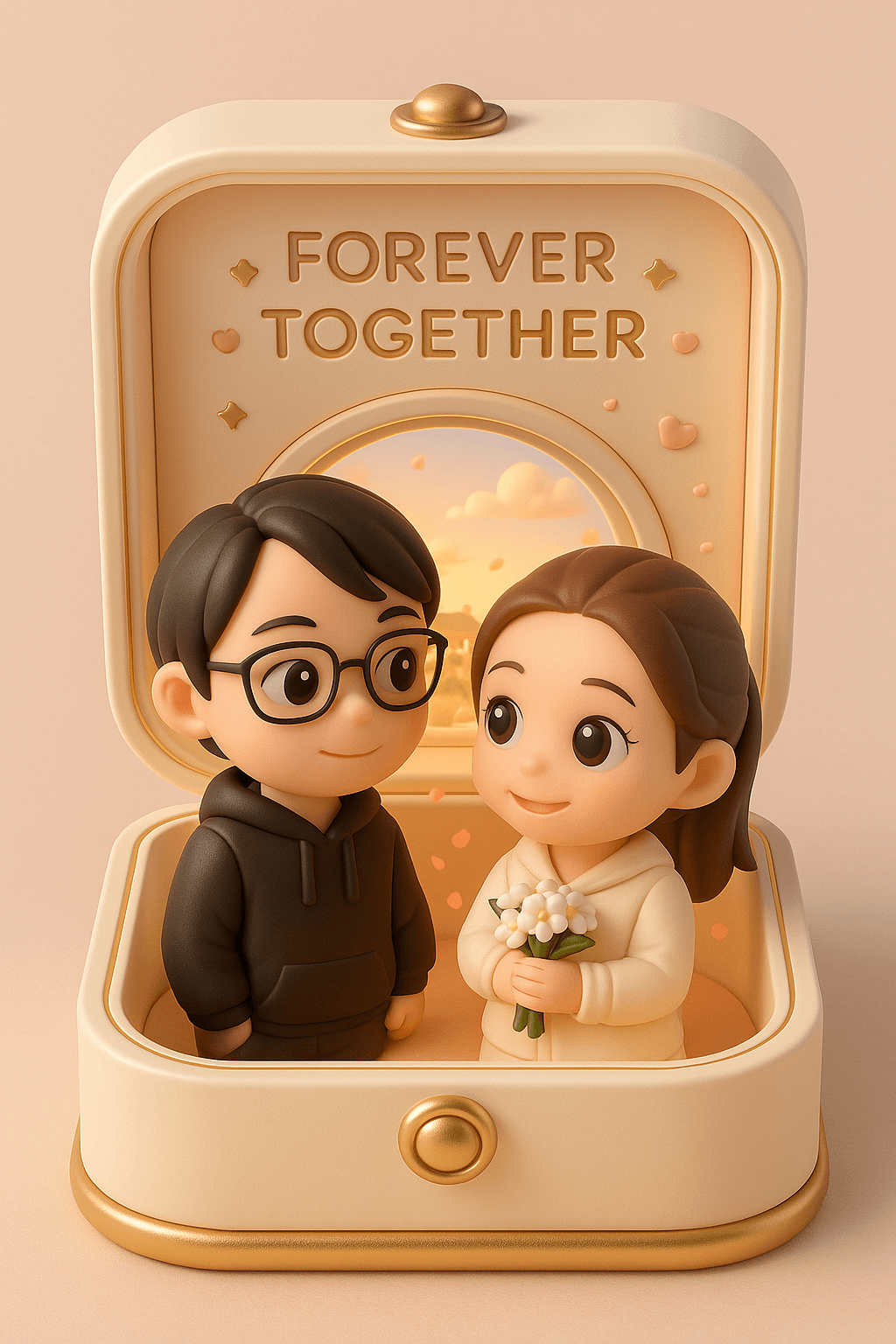
3D Couple Jewelry Box Figurine AI Template
Recreate a couple's photo as chibi figurines displayed inside an opening cream-and-gold keepsake box engraved 'FOREVER TOGETHER.' Prompt details like the white bouquet, floating petals, and round window onto a sunny traditional Chinese town give it a dreamlike miniature quality in 9:16. It is a lovely gesture for anniversaries and proposals.
What you need
A couple's photo.
Opens VdoBloom Art Studio with this prompt prefilled. Free account required; generation uses credits.
The prompt
The complete prompt, exactly as it runs in Art Studio. Copy it, edit it, or take it to any image tool you like — the CC-BY-4.0 license allows reuse and adaptation with credit to the original author below.
Create a finely crafted, adorably charming 3D-rendered collectible figure based on the subjects in the photo, displayed inside a pastel-toned, warm and romantic presentation box. The box is designed in a soft cream color with gentle gold accents, resembling an elegant portable jewelry case.

When opened, the box reveals a heartwarming romantic scene: two chibi-style characters gazing sweetly at each other. The lid is engraved with the words “FOREVER TOGETHER,” surrounded by delicate star and heart motifs.

Inside the box stands the female from the photo, holding a small bouquet of white flowers. Beside her is her partner, the male from the photo. Both characters have large, expressive, sparkling eyes and soft, warm smiles that radiate affection and charm.

Behind them is a round window, through which a sunny skyline of a traditional Chinese town can be seen, along with gently drifting clouds. The interior is softly lit with warm ambient lighting, and petals float in the background to enhance the atmosphere.

The overall color scheme of both the display box and the characters is elegant and harmonious, creating a luxurious and dreamlike miniature keepsake.

Aspect ratio: 9:16
How to use this template
- 1
Open the template in Art Studio
Click the button below and the template loads into VdoBloom Art Studio with this exact prompt prefilled. You will need a free VdoBloom account if you are not signed in yet.
- 2
Upload your photo(s)
If the template needs a reference image (see "What you need" above), attach it in Art Studio. Templates without a reference requirement skip straight to the next step.
- 3
Generate and download
Pick an image model — Nano Banana, Seedream, or Flux — and generate. Results vary run to run, so regenerate or tweak the prompt until you like the output, then download it.
Attribution & license
Prompt by @dotey · CC-BY-4.0 · via the awesome-nano-banana collection (original source).
Example image by @jamez-bondos, created with Sora.
Related templates
3D Chibi Proposal Scene
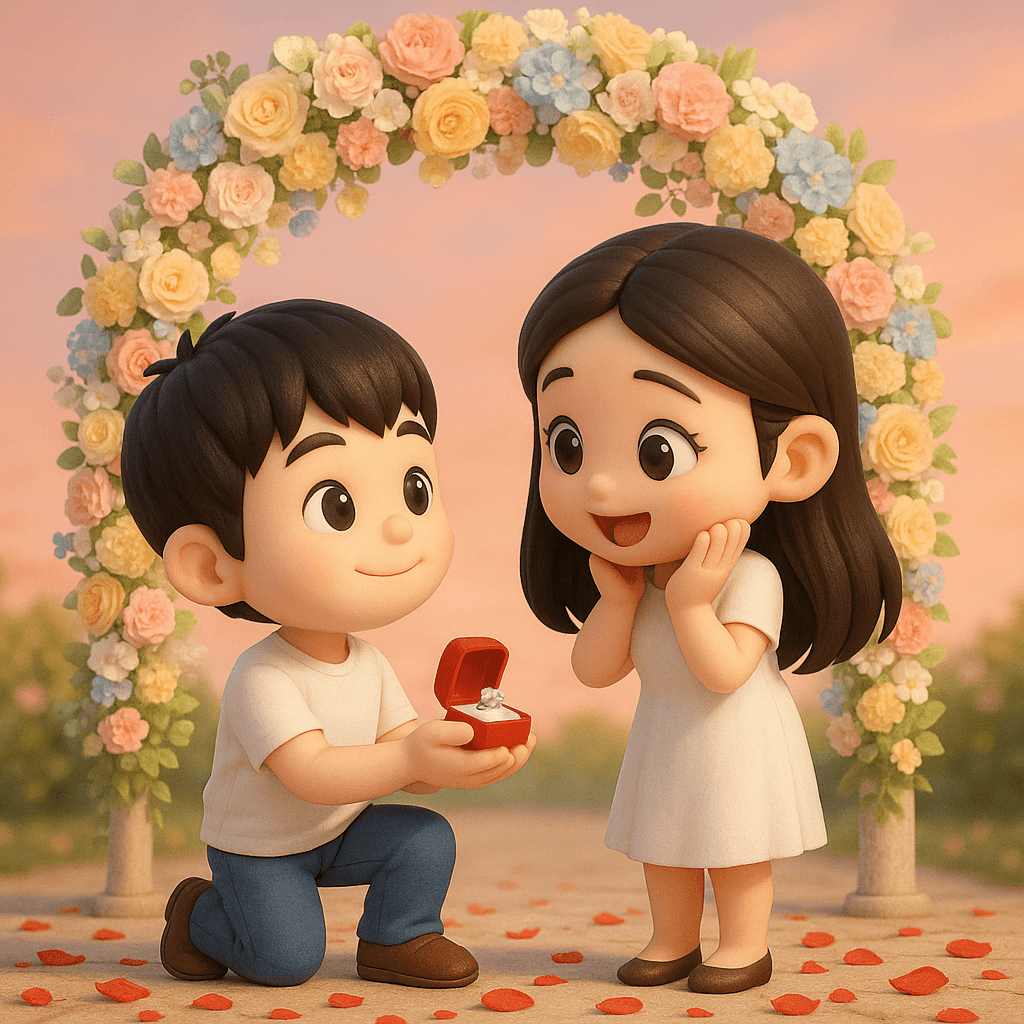
Turn a couple's photo into an adorable chibi 3D proposal beneath a pastel floral arch, with rose petals scattered across the ground.
3D Polaroid Breakout Effect
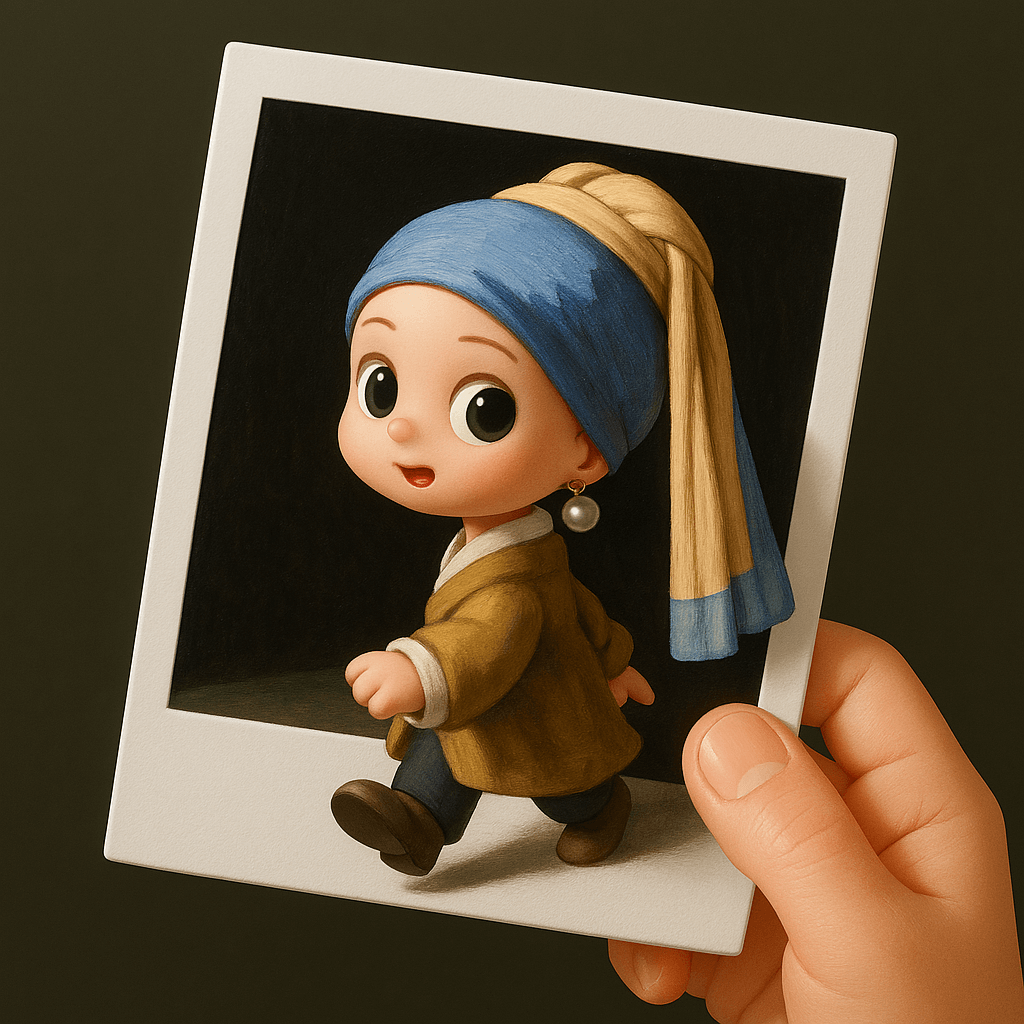
Upload a single-person photo and get a chibi 3D figure stepping out of a Polaroid held by a real human hand.
Retro Style Promotional Poster
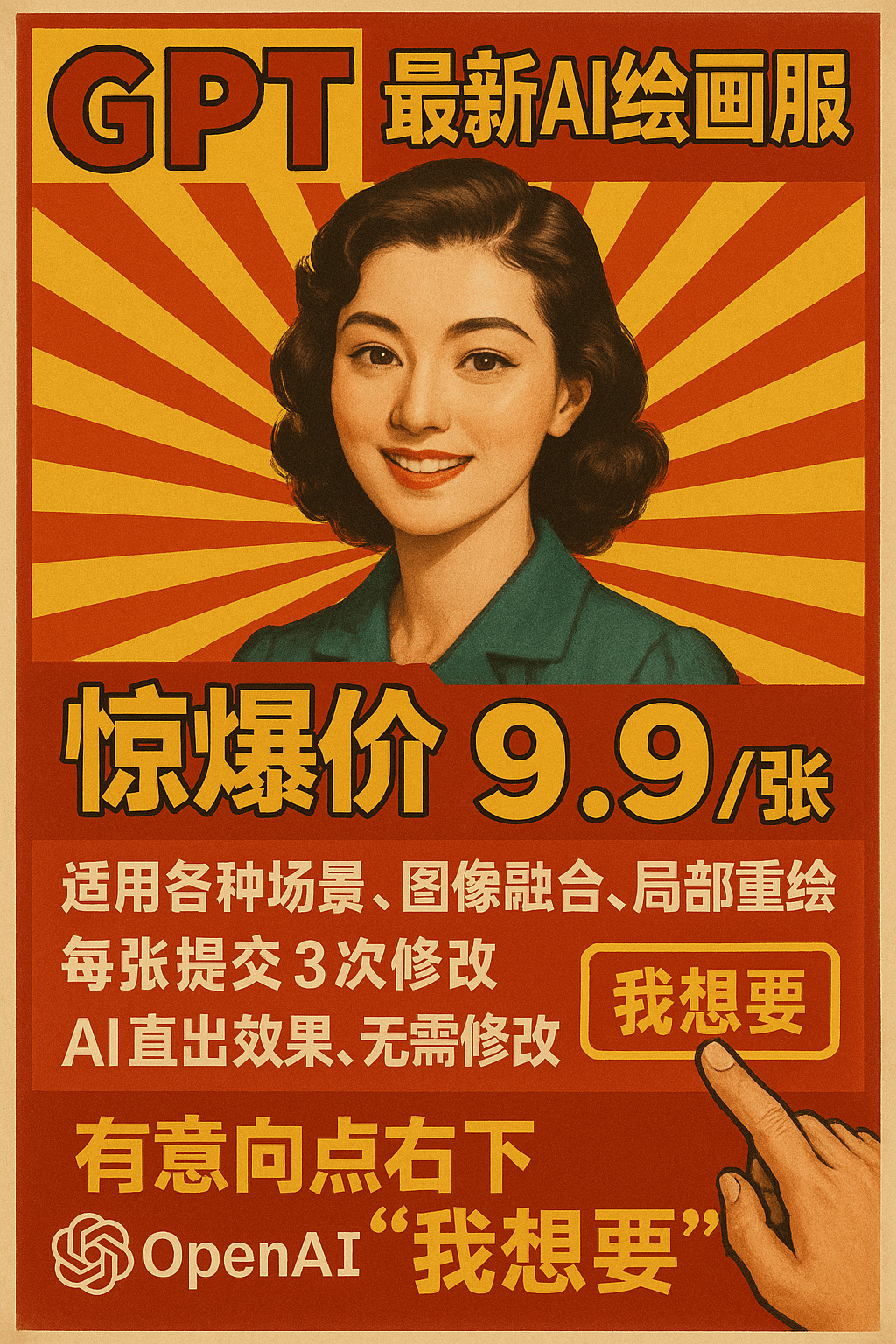
This prompt restyles a marketing message as a vintage Chinese advertising poster set against a red-and-yellow radial burst background.
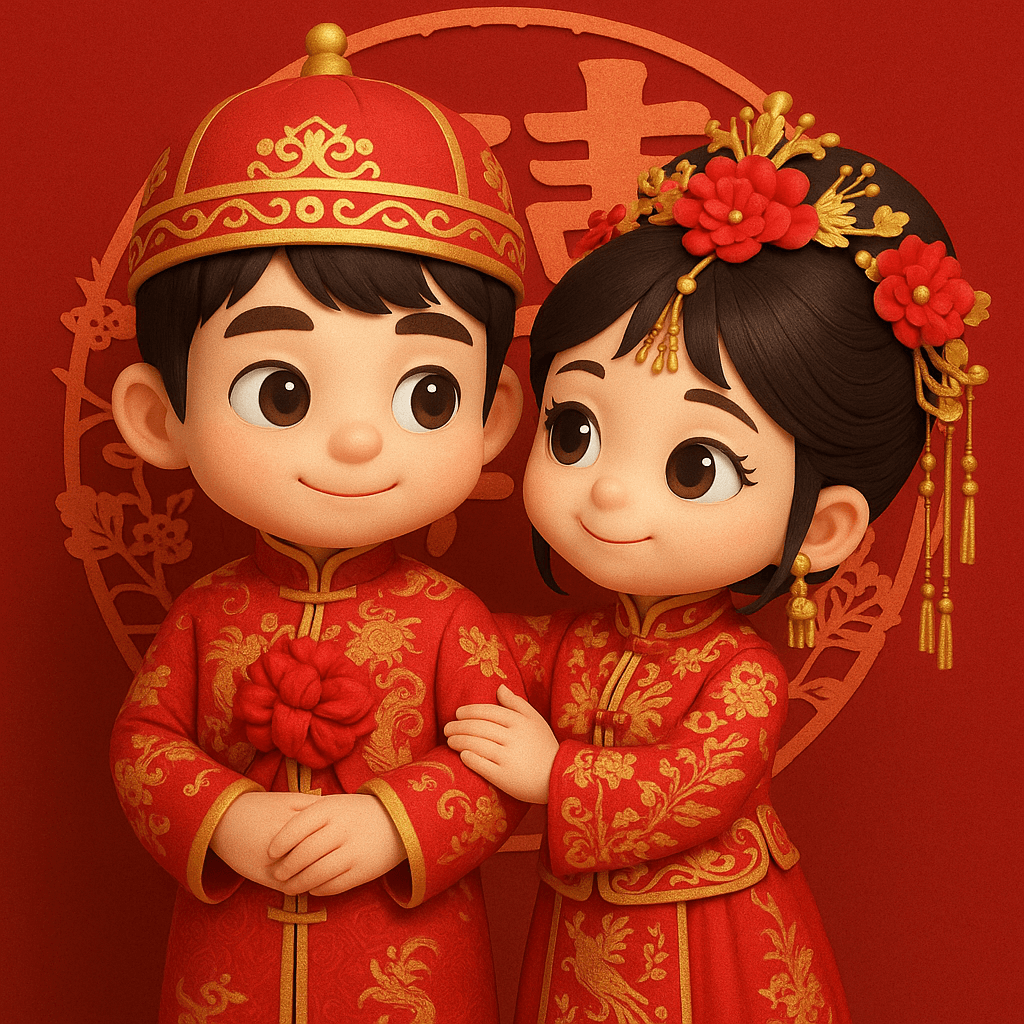
3D Chibi Chinese Wedding Scene
The 3D Chibi Chinese Wedding Scene template reimagines a couple's photo as chibi 3D characters in traditional red wedding attire, from the groom's dragon-embroidered changpao to the bride's phoenix-embroidered xiuhe gown and crown.