Artistic Styles · Free template
Lego Cityscape (Shanghai Bund) AI Template
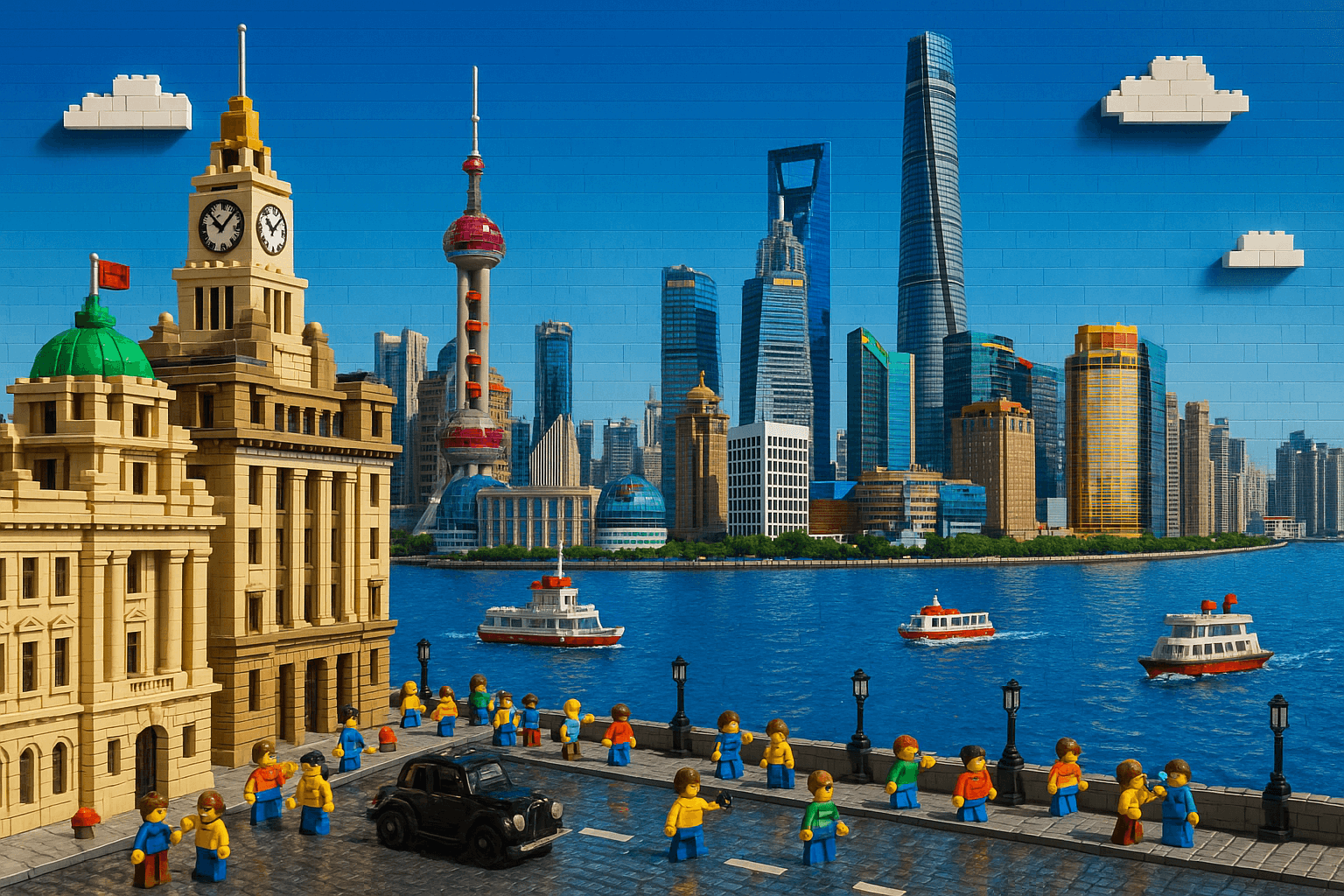
Build Shanghai's riverfront as a vividly colored brick diorama, no photo upload required. It recreates the Bund's neoclassical clock towers and colonnades opposite the Oriental Pearl Tower and Lujiazui skyline, with minifigures strolling beside a Huangpu River assembled from translucent blue bricks. A playful pick for travel-themed wall art or city tribute posters.
Opens VdoBloom Art Studio with this prompt prefilled. Free account required; generation uses credits.
The prompt
The complete prompt, exactly as it runs in Art Studio. Copy it, edit it, or take it to any image tool you like — the CC-BY-4.0 license allows reuse and adaptation with credit to the original author below.
Create a highly detailed and vividly colored LEGO-style scene of the Shanghai Bund. The foreground features the iconic historical buildings of the Bund, meticulously recreated with LEGO bricks in Western and neoclassical architectural styles — including clock towers, domes, and colonnades. LEGO minifigures are seen strolling along the riverfront, taking photos, and sightseeing, with classic LEGO-style cars parked along the street.
In the background lies the spectacular Huangpu River, assembled with translucent blue LEGO bricks. On the water, LEGO ferries and tour boats sail along. Across the river stands the skyline of Lujiazui in Pudong, including the Oriental Pearl Tower, Shanghai Tower, Jin Mao Tower, and Shanghai World Financial Center — all rendered as vibrant, lifelike LEGO skyscrapers.
The sky is LEGO’s signature bright blue, adorned with a few white LEGO brick clouds, creating a visual full of energy and modernity.
How to use this template
- 1
Open the template in Art Studio
Click the button below and the template loads into VdoBloom Art Studio with this exact prompt prefilled. You will need a free VdoBloom account if you are not signed in yet.
- 2
Upload your photo(s)
If the template needs a reference image (see "What you need" above), attach it in Art Studio. Templates without a reference requirement skip straight to the next step.
- 3
Generate and download
Pick an image model — Nano Banana, Seedream, or Flux — and generate. Results vary run to run, so regenerate or tweak the prompt until you like the output, then download it.
Attribution & license
Prompt by @dotey · CC-BY-4.0 · via the awesome-nano-banana collection (original source).
Example image by @jamez-bondos, created with Sora.
Related templates

3D Chibi Proposal Scene
Turn a couple's photo into an adorable chibi 3D proposal beneath a pastel floral arch, with rose petals scattered across the ground.
3D Polaroid Breakout Effect
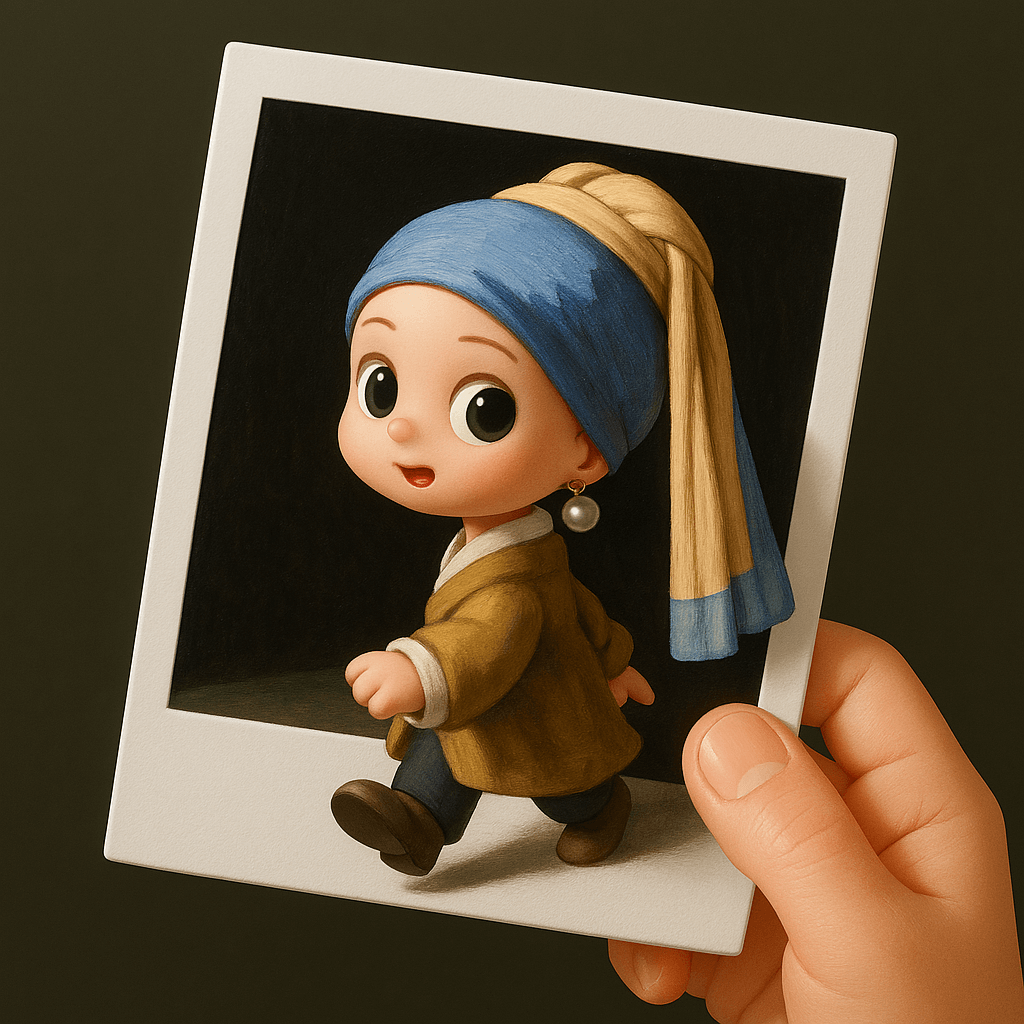
Upload a single-person photo and get a chibi 3D figure stepping out of a Polaroid held by a real human hand.
Retro Style Promotional Poster
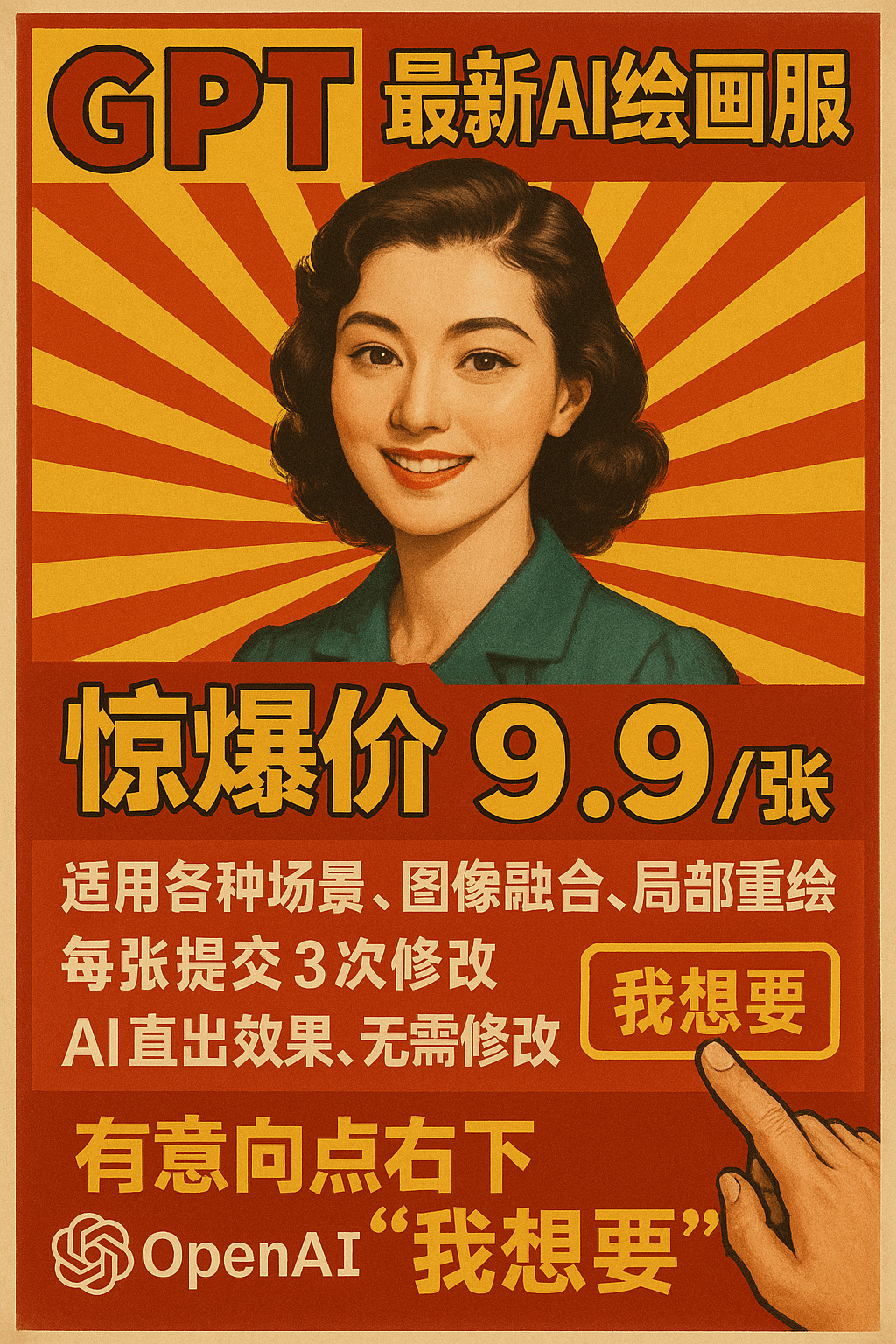
This prompt restyles a marketing message as a vintage Chinese advertising poster set against a red-and-yellow radial burst background.
3D Chibi Chinese Wedding Scene
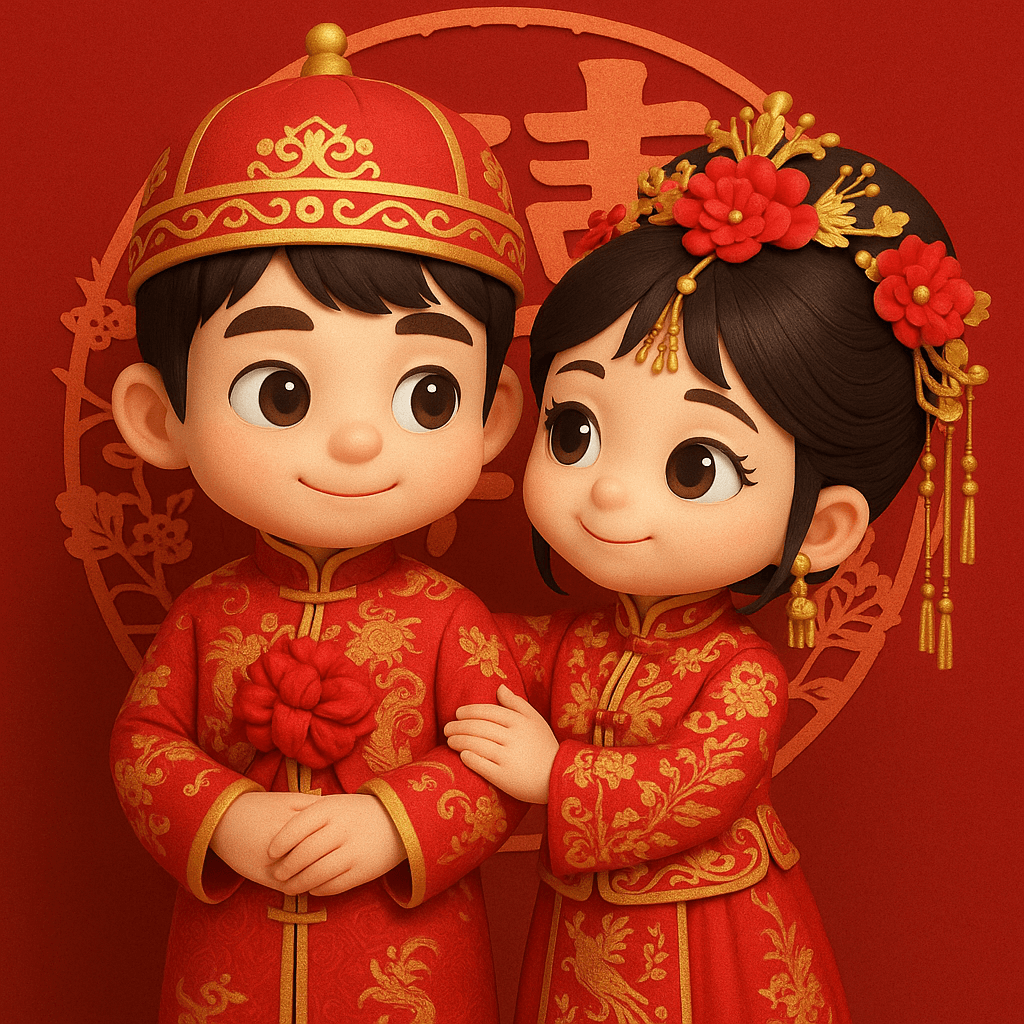
The 3D Chibi Chinese Wedding Scene template reimagines a couple's photo as chibi 3D characters in traditional red wedding attire, from the groom's dragon-embroidered changpao to the bride's phoenix-embroidered xiuhe gown and crown.