Artistic Styles · Free template
Ultra-realistic 3D Game AI Template
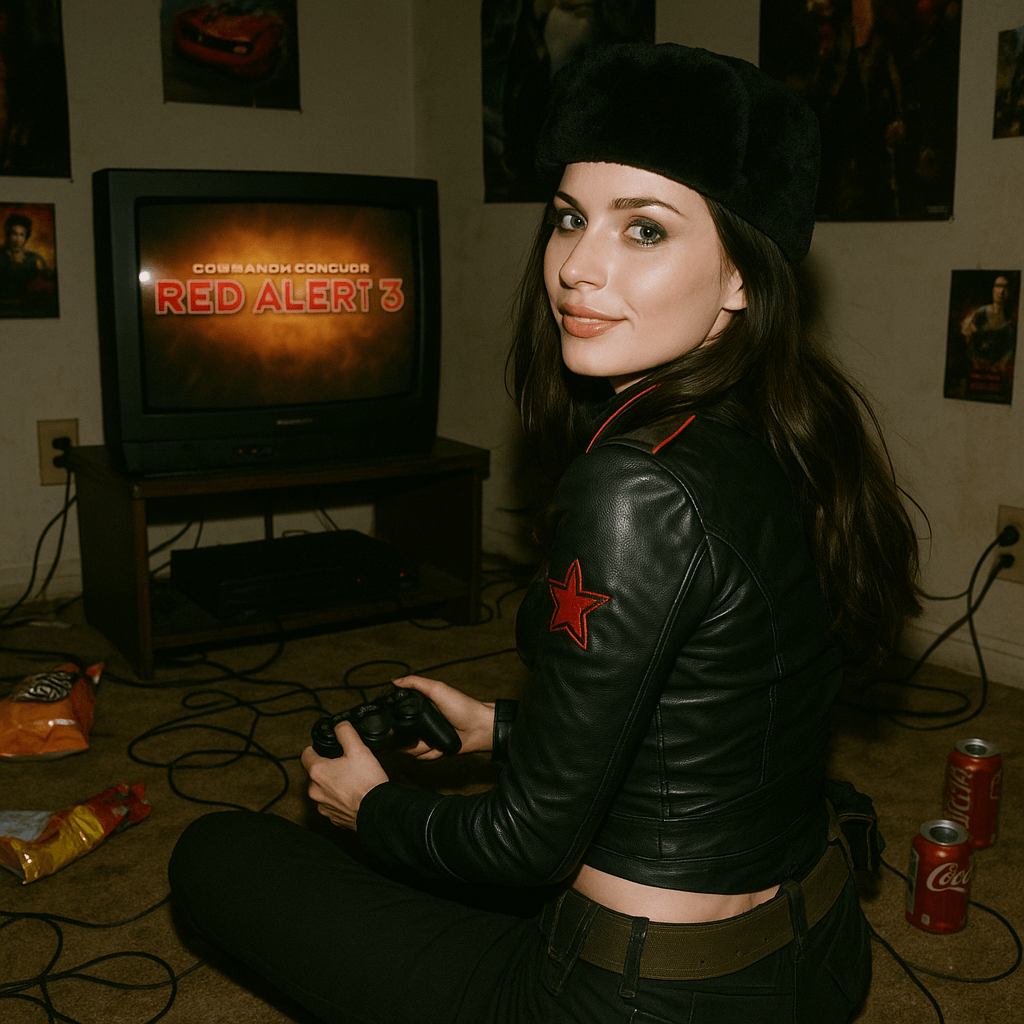
Drop a faithful game character into a flash-lit 2008 bedroom, styled like an authentic film snapshot from that era. The example recreates Natasha from Command & Conquer: Red Alert 3 mid-turn among snack bags, soda cans, and a CRT playing her own game. It's built for nostalgic gaming content with uncanny realism.
Opens VdoBloom Art Studio with this prompt prefilled. Free account required; generation uses credits.
The prompt
The complete prompt, exactly as it runs in Art Studio. Copy it, edit it, or take it to any image tool you like — the CC-BY-4.0 license allows reuse and adaptation with credit to the original author below.
Ultra-realistic 3D rendered image that replicates the character design of Natasha from Command & Conquer: Red Alert 3 in 2008, following the original model exactly. The scene is set in a dim and cluttered bedroom from the year 2008. The character is sitting on the carpet, facing an old-fashioned television that is playing Command & Conquer: Red Alert 3 and a game console controller.
The entire room is filled with a nostalgic atmosphere of the year 2008: snack packaging bags, soda cans, posters, and tangled wires are everywhere. Natasha Volkova is captured in the moment of turning her head, looking back at the camera over her shoulder. There is an innocent smile on her iconic ethereally beautiful face. Her upper body is slightly twisted, with a natural dynamic, as if she is reacting to being startled by the flash.
The flash slightly overexposes her face and clothes, making her silhouette stand out more prominently in the dimly lit room. The whole photo appears raw and natural. The strong contrast between light and dark casts deep shadows behind her. The image is full of tactile feel, with a simulated texture that resembles an authentic film snapshot from 2008.
How to use this template
- 1
Open the template in Art Studio
Click the button below and the template loads into VdoBloom Art Studio with this exact prompt prefilled. You will need a free VdoBloom account if you are not signed in yet.
- 2
Upload your photo(s)
If the template needs a reference image (see "What you need" above), attach it in Art Studio. Templates without a reference requirement skip straight to the next step.
- 3
Generate and download
Pick an image model — Nano Banana, Seedream, or Flux — and generate. Results vary run to run, so regenerate or tweak the prompt until you like the output, then download it.
Attribution & license
Prompt by @ZHO_ZHO_ZHO · CC-BY-4.0 · via the awesome-nano-banana collection (original source).
Example image by @jamez-bondos, created with Sora.
Related templates
3D Chibi Proposal Scene
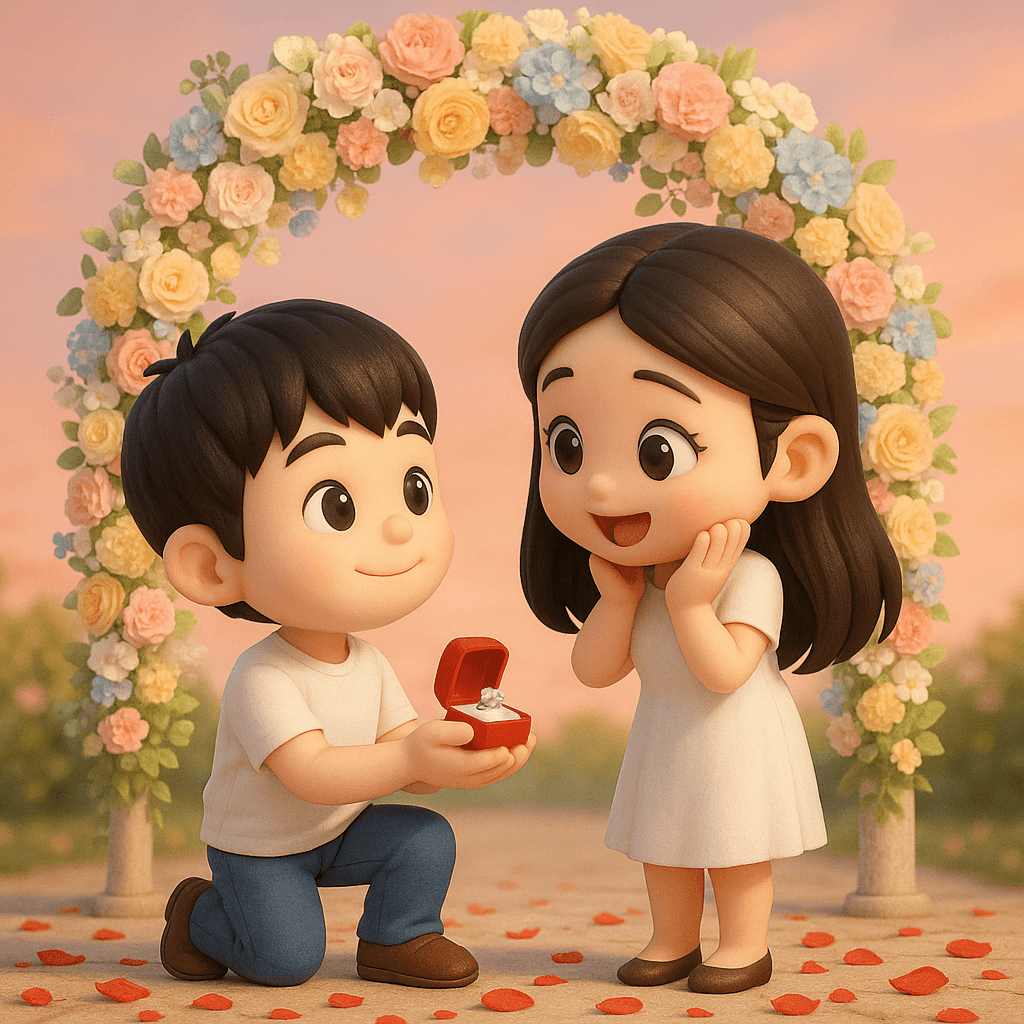
Turn a couple's photo into an adorable chibi 3D proposal beneath a pastel floral arch, with rose petals scattered across the ground.
3D Polaroid Breakout Effect
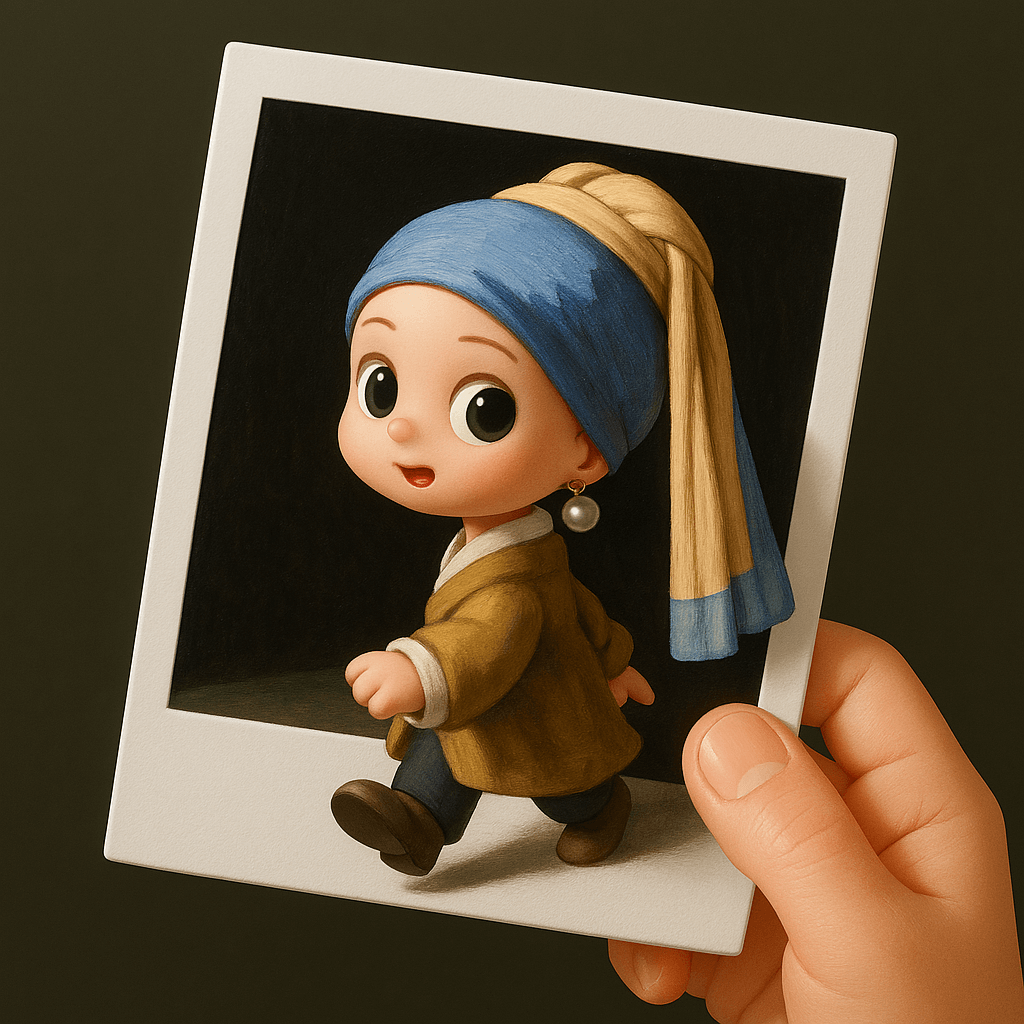
Upload a single-person photo and get a chibi 3D figure stepping out of a Polaroid held by a real human hand.
Retro Style Promotional Poster
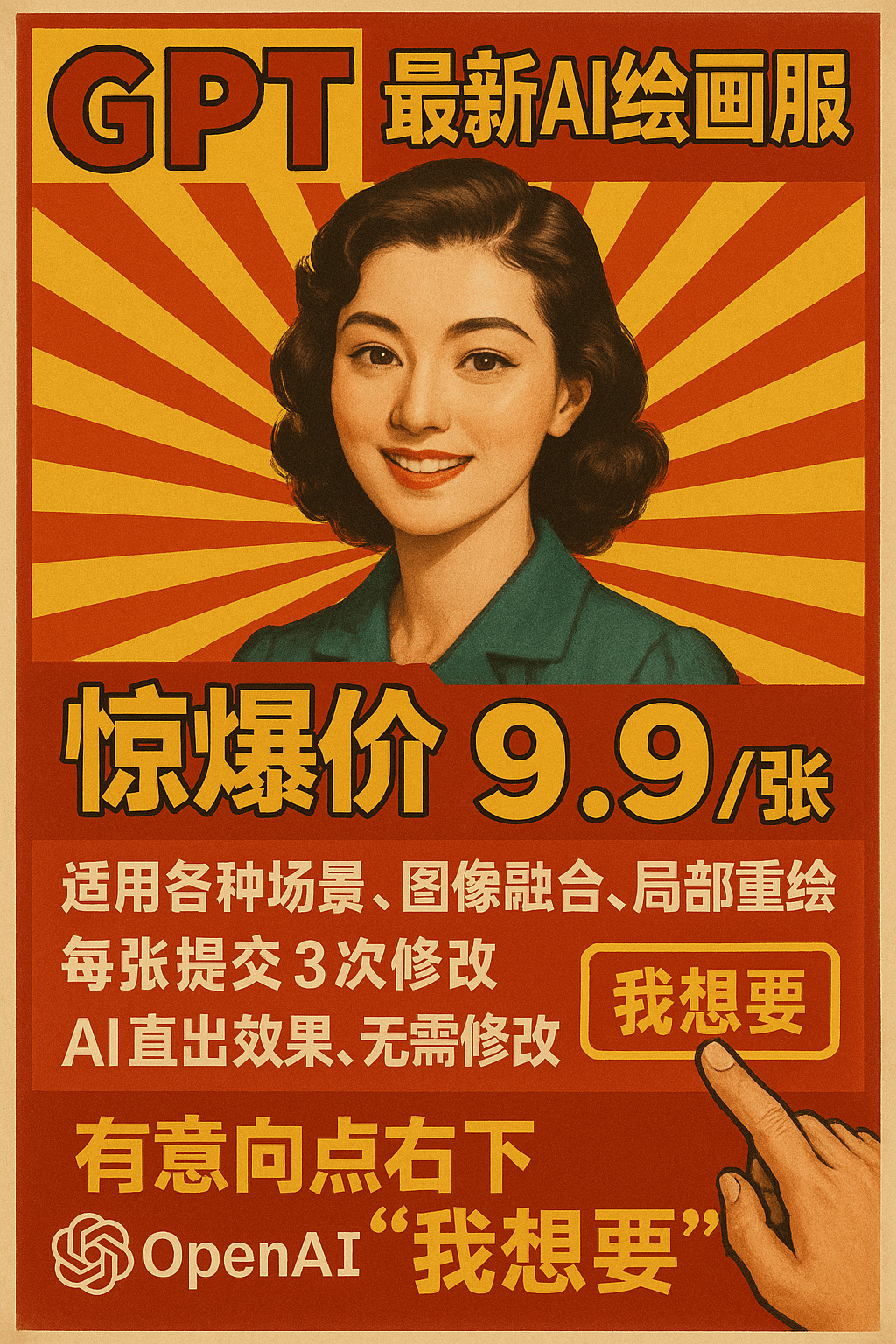
This prompt restyles a marketing message as a vintage Chinese advertising poster set against a red-and-yellow radial burst background.
3D Chibi Chinese Wedding Scene
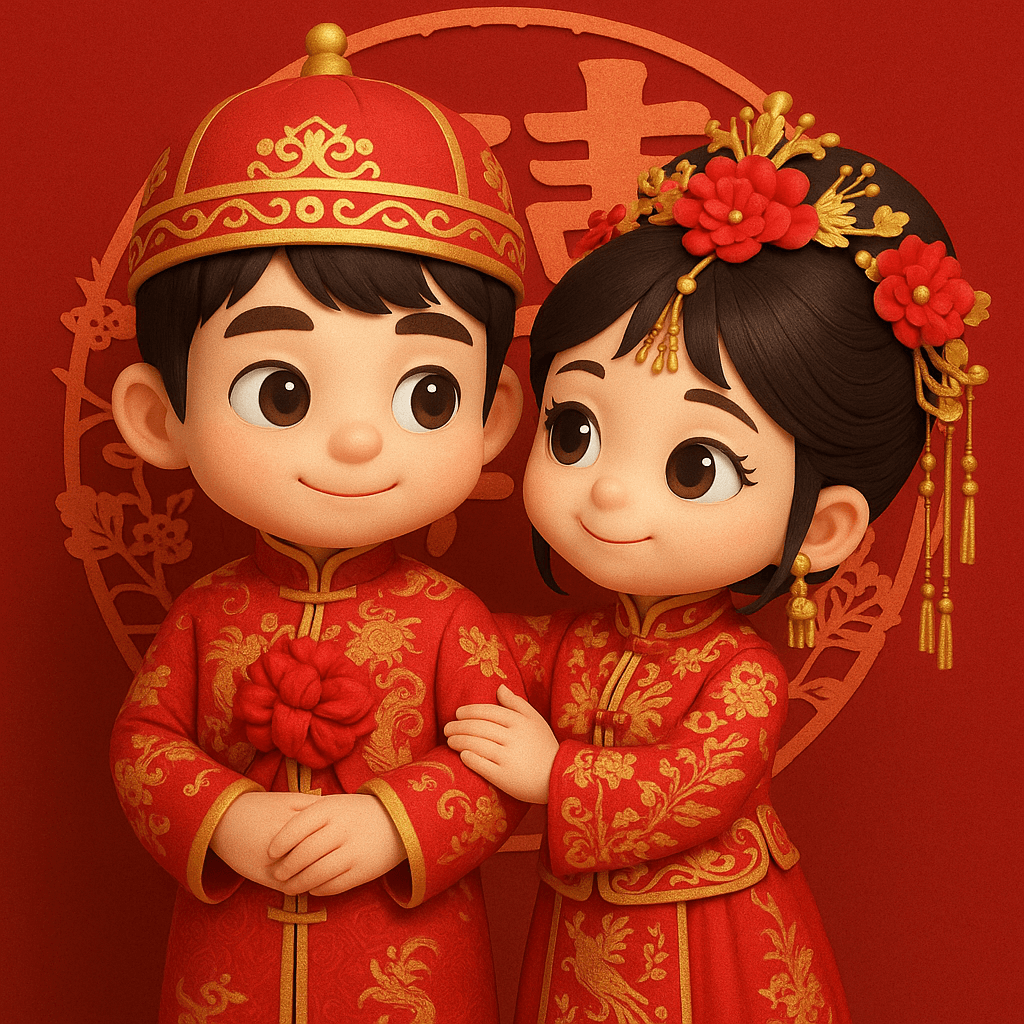
The 3D Chibi Chinese Wedding Scene template reimagines a couple's photo as chibi 3D characters in traditional red wedding attire, from the groom's dragon-embroidered changpao to the bride's phoenix-embroidered xiuhe gown and crown.