Qwen Image 2.0 Pro: AI Image Generator & Editor Online
Bottom line
The typography-focused Qwen tier: sharper text rendering, flat 12 credits, gen and edit in one model. Generate from text or edit an existing image with Qwen Image 2.0 Pro in one place — VdoBloom shows the credit cost for either mode before you confirm.
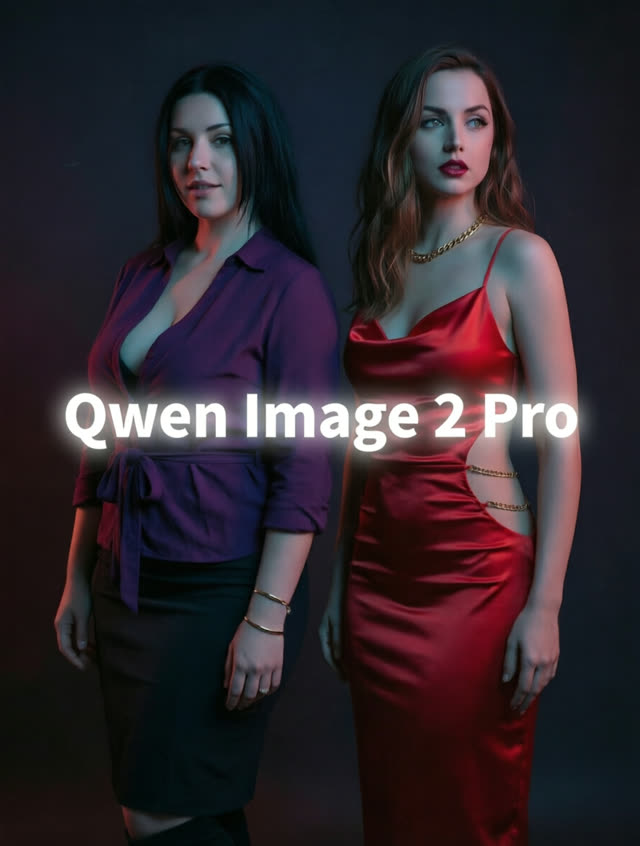
Text inside images is where most generators fall apart — warped letterforms, phantom characters, signage that reads as alphabet soup. Qwen Image 2.0 Pro is pitched directly at that weakness: it's the enhanced tier of Qwen Image 2.0, with improved visual fidelity and specifically better typography, at a flat 12 credits per job whether you're generating or editing.
Like the standard 2.0, it works as both generator and editor, accepting up to three reference images, with output capped at 1920×1080 across the same seven aspect ratios: 1:1, 4:3, 3:4, 16:9, 9:16, 3:2 and 2:3.
The model comes from Alibaba's Qwen research line; VdoBloom runs it as a hosted API, not a downloadable checkpoint. It rates 4.2 among VdoBloom users — a notch above the standard model's 4.1 — and carries the HOT content label for more permissive filtering. As with every model, the credit cost is shown before you generate, and it's worth weighing against the plain 2.0 tier (10 credits) when your imagery has no text in it at all.
What it costs on VdoBloom
Qwen Image 2.0 Pro runs a flat 12 credits per job — the most expensive flat-rate Qwen model on VdoBloom, 2 credits above the standard Qwen Image 2.0. Five jobs cost 60 credits total, with no change in price whether you're generating a poster from scratch or editing one you already made.
The 10 free signup credits don't quite cover one Pro job; they do cover a standard Qwen Image 2.0 run (10 credits) or a Qwen2 Text-to-Image draft (8 credits, with 2 left over). Cost is shown before every generation, and failed jobs are refunded automatically.
Qwen Image 2.0 Pro vs the rest of the Qwen ladder
Among VdoBloom's Qwen models, Qwen Image 2.0 Pro is the only one priced as a flat rate above 10 credits — Qwen Image 3.0 Pro, its closest typography-focused rival, costs 6 credits at 1K or 7 at 2K, which is cheaper at either resolution and rated higher (4.8 versus 4.2). The reason to still pick 2.0 Pro is the combined workflow: one model handles both generation and editing with up to three reference images, where the 3.0 line splits that into Qwen Image 3.0 Pro (generate) and Qwen Image 3.0 Pro Edit (edit) as separate model selections.
Against the non-Pro Qwen Image 2.0 (flat 10 credits, 4.1 rating), the 2-credit premium buys sharper typography specifically — for images with no in-frame text, the standard tier is the better value.
Getting clean text in your renders
In-image text is the whole reason to pick the Pro tier, so treat the prompt accordingly: spell out the exact copy in quotation marks, separate the text content from the scene and layout description, and keep headline length short enough to render legibly at the target aspect ratio. The 3:2 and 4:3 ratios suit poster and flyer layouts; 16:9 and 9:16 suit slide and story formats.
Because generation and editing share the model, a common workflow is to generate the base composition first, then switch to an edit pass with the same file as a reference image to fix a single word or label — cheaper than regenerating the whole design from a revised prompt.
What creators use Qwen Image 2.0 Pro for
- Poster, flyer and social-ad comps where headline text must render as actual legible words.
- Brand mockups — packaging, signage, storefronts — that combine high visual fidelity with readable typography.
- Editing generated designs in place, fixing a headline or swapping a label without regenerating the whole composition.
How to use Qwen Image 2.0 Pro on VdoBloom
- 1Open the Text to Image tool and select Qwen Image 2.0 Pro.
- 2Write your prompt (or upload an image to edit).
- 3Set aspect ratio, review the credit cost, and generate.
Frequently asked questions
How is Qwen Image 2.0 Pro different from the standard Qwen Image 2.0?
The Pro tier adds enhanced visual fidelity and stronger typography, for 2 more credits (12 versus 10). If your images include headlines, labels or any in-frame text, Pro is the tier to use; for text-free imagery the standard 2.0 often suffices.
Is Qwen Image 2.0 Pro good at rendering text inside images?
That is its headline improvement. The Qwen image line is publicly known for strong text rendering, and the Pro tier's typography focus makes it VdoBloom's Qwen pick for posters, signage and layouts where words must be legible.
Can Qwen Image 2.0 Pro edit existing images?
Yes — it is a combined generator and editor. You can generate a design and then issue edit instructions against it with up to three reference images, which is particularly handy for correcting or changing text in a composition.
How strict is Qwen Image 2.0 Pro's content filter?
It carries VdoBloom's HOT label, meaning filtering is more permissive and flexible than on strictly moderated models. Stylized and mature-leaning creative prompts have more latitude, subject to platform rules.
How much does Qwen Image 2.0 Pro cost?
A flat 12 credits per job — 2 more than the standard Qwen Image 2.0's flat 10 — whether you're generating from text or editing with up to three reference images. Ten jobs in a session cost 120 credits.
Can I try Qwen Image 2.0 Pro on the free signup credits?
Not quite — new accounts get 10 free credits, and Qwen Image 2.0 Pro costs 12. The standard Qwen Image 2.0 (10 credits) fits exactly; cheaper Qwen options like Qwen2 Text-to-Image (8 credits) leave room to spare.
Is Qwen Image 2.0 Pro open source?
Alibaba's Qwen-Image research line has released open-weight checkpoints, but VdoBloom hosts this Pro version as a managed API — there's no local model to download through this integration.
Qwen Image 2.0 Pro vs Qwen Image 3.0 Pro — which is the better value?
Qwen Image 3.0 Pro costs less (6 credits at 1K, 7 at 2K, versus 2.0 Pro's flat 12) and rates higher with users (4.8 versus 4.2). It splits generation and editing into separate models with an explicit 1K/2K choice, where 2.0 Pro bundles both into one model capped at 1920×1080.
How do I use Qwen Image 2.0 Pro for text-heavy designs?
Write out the exact words you want rendered in quotes within your prompt, keep the layout description separate from the text content, and use the 3:2 or 4:3 ratios for poster-style compositions. Generate first, then switch to editing the same job with reference images if a headline needs a follow-up tweak.