Qwen2 Image Edit: AI Image Editor Online
Bottom line
Alibaba's Qwen2 editor is built for turnaround — quick instruction edits across eight ratios up to 21:9. Open the Image Edit tool, select Qwen2 Image Edit, upload your image, and the exact credit cost appears before the edit runs.
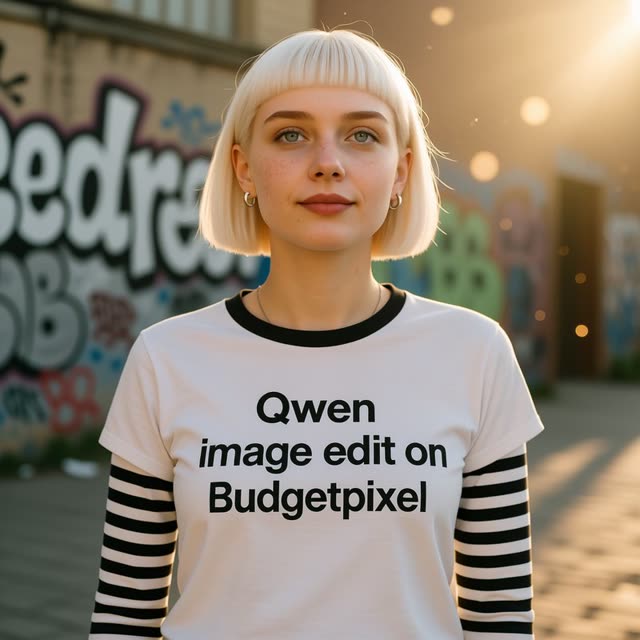
Image editing is rarely a one-shot operation. In practice you run an edit, judge it, adjust the wording, and run it again — often five or six times before the result holds up. Qwen2 Image Edit is built around that loop: it is a speed-first editor, so each attempt costs less waiting and the iteration cycle stays tight.
It comes from Qwen, Alibaba's open model family spanning language and vision, whose image-editing branch has earned a reputation for solid instruction-following without heavyweight infrastructure. Format coverage is broad for a speed-focused tool: eight aspect ratios, from square 1:1 and vertical 9:16 through 21:9 ultrawide, so a quick edit can go straight into whatever frame the deliverable needs.
Content filtering carries the HOT label — more permissive and flexible than typical provider defaults — and users rate the model 4.0 on VdoBloom. As with every model on the platform, jobs draw from your credit balance and the price of each run is shown before you generate.
What it costs on VdoBloom
Qwen2 Image Edit runs a flat 6 credits per edit, whatever the aspect ratio. Eight edits in a run cost 48 credits. The 10 free signup credits cover one edit with 4 left over, and cost is always shown before you generate.
Qwen2 Image Edit vs the newer Qwen editors
Qwen2 Image Edit was VdoBloom's original Qwen editor, added August 2025. Its flat 6-credit price is now matched by P-Image-Edit and undercut at 1K by Qwen Image 2.1 Edit's resolution-based 3-5 credits, which also adds mask editing and transparent output that Qwen2 Image Edit lacks. What Qwen2 Image Edit still offers that none of the newer options do is a completely flat price with no resolution decision to make, plus the widest standard aspect-ratio set among VdoBloom's sub-10-credit editors at eight, topping out at 21:9 ultrawide.
What creators use Qwen2 Image Edit for
- Rapid look development — run several prompt variants in quick succession and keep the strongest.
- Ultrawide 21:9 banner and header edits without switching to a separate model.
- Everyday cleanups such as background swaps, color changes, and object removal where turnaround matters more than maximum fidelity.
How to use Qwen2 Image Edit on VdoBloom
- 1Open the Image Edit tool and select Qwen2 Image Edit.
- 2Upload the image(s) to edit and describe the change you want.
- 3Review the credit cost and generate — results appear in your library.
Frequently asked questions
What is Qwen2 Image Edit optimized for?
Speed. It is positioned as a fast editor, which pays off in the edit-judge-rewrite loop that most real editing work turns into. If you expect to iterate on a prompt several times, shorter waits per attempt add up quickly.
Which aspect ratios does Qwen2 Image Edit support?
Eight: 1:1, 2:3, 3:2, 3:4, 4:3, 9:16, 16:9, and 21:9. That range covers square and vertical social formats through ultrawide banners, which is broad coverage for a speed-focused editor.
Will Qwen2 Image Edit refuse borderline prompts?
Less often than most. It carries the HOT content label on VdoBloom, the platform's more permissive and flexible filtering tier, so edgier stylistic edits are more likely to pass than on STRICT or MODERATE models — still within the platform's overall rules.
Who develops the Qwen2 models?
Qwen is Alibaba's model family, covering language, vision, and image generation. The image-edit branch hosted here on VdoBloom focuses on instruction-based editing and runs on the platform's credit system with costs shown up front.
How much does Qwen2 Image Edit cost?
6 credits per edit, flat, regardless of aspect ratio. Ten edits in a session cost 60 credits.
Can I try Qwen2 Image Edit for free?
New accounts get 10 free credits, which covers one Qwen2 Image Edit run with 4 left over.
Qwen2 Image Edit vs Qwen Image 2.1 Edit
Qwen Image 2.1 Edit undercuts it at 1K (3 credits versus Qwen2's flat 6) and matches it at 2K (5 versus 6), while adding mask-based local editing and transparent-background export that Qwen2 Image Edit doesn't have. Qwen2 Image Edit's edge is a flat price that doesn't shift with resolution and a wide standard aspect-ratio set.
Qwen2 Image Edit vs P-Image-Edit
Both cost 6 credits flat. Qwen2 Image Edit offers eight aspect ratios (including 21:9) and a PNG/JPEG output-format choice; P-Image-Edit covers seven ratios with no format control, but shares the same up-to-10-image ceiling. Qwen2 Image Edit carries VdoBloom's HOT content label; P-Image-Edit carries the stricter MODERATE label.