WAN 2.7 Image Pro: AI Image Generator & Editor Online
Bottom line
WAN 2.7's top image tier: identical controls to the base model, flagged as the reliable 4K pick, 18 credits. Generate from text or edit an existing image with WAN 2.7 Image Pro in one place — VdoBloom shows the credit cost for either mode before you confirm.
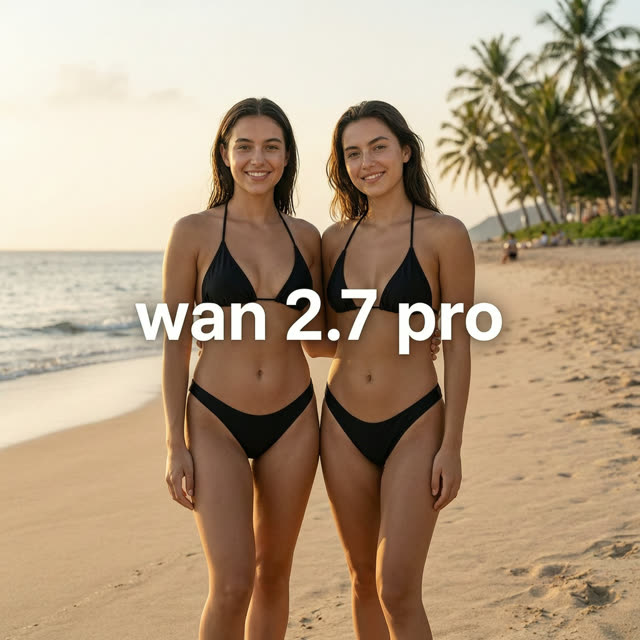
Pro tiers usually mean a new interface to learn. WAN 2.7 Image Pro deliberately doesn't -- it exposes exactly the same controls as WAN 2.7 Image: the same eight aspect ratios from 1:1 out to the extreme 1:8 and 8:1 banner formats, the same 1K/2K/4K resolution options, the same 9-reference-image edit mode with a 5,000-character prompt limit. The difference is that VdoBloom flags Pro internally as the 4K-capable tier for standard text-to-image mode, and prices it accordingly at 18 credits against the base model's flat 4.
That makes the decision between the two tiers straightforward: if 4-credit renders are working for you, stay on the base WAN 2.7 Image. Reach for Pro specifically when a text-only prompt needs to land reliably at full 4K resolution -- print work, large-format display, assets that will be cropped and zoomed. Like the base model it also functions as an editor, so instruction-based revisions are available at the same tier.
WAN is Alibaba's image and video generation family, and Pro is currently the highest-rated WAN image option on VdoBloom at 4.4 (versus the base model's 4.3). The HOT content label signals flexible filtering, and the credit cost of each generation is displayed before you commit, so stepping up to Pro is a deliberate choice rather than a surprise.
What it costs on VdoBloom
WAN 2.7 Image Pro is a flat 18 credits per generation regardless of resolution, versus the base WAN 2.7 Image's flat 4 credits. Since both models list the same 1K/2K/4K resolution options, the practical reason to pay the premium is VdoBloom's internal 4K-capable flag on Pro -- if a project genuinely needs full-resolution output from a text prompt every time, the reliability is worth the difference; for iterative drafting, the base model is the cheaper choice at every tier.
Base vs Pro: which WAN 2.7 Image tier to use
Identical aspect ratios, identical resolution options, identical 9-image edit mode -- the only functional difference documented is that Pro is VdoBloom's flagged 4K-reliable tier, at 4.5x the price. Default to the base model for everything except final, print-grade or large-format 4K deliverables, where Pro's dedicated pricing tier is the safer bet.
What creators use WAN 2.7 Image Pro for
- Text-to-image work that needs to land at 4K reliably in one pass -- print collateral, large-format displays, high-DPI hero assets.
- Generating extreme-format 21:9, 1:8 or 8:1 visuals at the higher-rated WAN image tier.
- Editing existing high-resolution images with instructions while keeping output at Pro-tier fidelity.
How to use WAN 2.7 Image Pro on VdoBloom
- 1Open the Text to Image tool and select WAN 2.7 Image Pro.
- 2Write your prompt (or upload an image to edit).
- 3Set resolution (1K/2K/4K), aspect ratio, review the credit cost, and generate.
Frequently asked questions
How much does WAN 2.7 Image Pro cost?
18 credits per generation, regardless of whether you output 1K, 2K or 4K -- 4.5x the base WAN 2.7 Image's 4-credit flat price.
What does WAN 2.7 Image Pro add over the standard WAN 2.7 Image?
VdoBloom flags Pro internally as its 4K-capable tier for standard text-to-image mode, while keeping the exact same controls, aspect ratios and 1K/2K/4K resolution ladder as the base model. It also rates slightly higher with VdoBloom users, 4.4 versus 4.3.
Which aspect ratios does WAN 2.7 Image Pro support?
Eight: 1:1, 3:4, 4:3, 9:16, 16:9, 21:9, plus the ultra-extreme 1:8 and 8:1. The banner-grade formats render natively at any of the three resolution tiers.
Can WAN 2.7 Image Pro edit images?
Yes -- like the base model it's a combined generator and editor, accepting up to 9 reference images and prompts up to 5,000 characters, so you can apply instruction-based edits rather than regenerating from scratch.
How permissive is WAN 2.7 Image Pro's content filtering?
It carries VdoBloom's HOT content label, denoting more permissive, flexible filtering than strictly moderated providers. Platform rules still apply, but stylized and mature-leaning creative work has more room than on STRICT-rated models.
Is it worth paying 18 credits instead of 4 for the base model?
Only if you specifically need reliable full-resolution 4K from a standard text prompt -- both models list the same 1K/2K/4K options, but Pro is the tier VdoBloom designates as 4K-capable. For 1K or 2K drafts, or general edit-mode work, the base WAN 2.7 Image at 4 credits covers the same controls for a quarter of the price.
Is WAN 2.7 Image Pro open source?
No -- Alibaba hasn't released these weights publicly. It runs only through hosted platforms like VdoBloom.
Does WAN 2.7 Image Pro support the same 1:8 and 8:1 banner ratios as the base model?
Yes -- Pro carries the identical eight-ratio set, including the extreme 1:8 and 8:1 formats, at all three resolution tiers. There's no ratio exclusive to either tier; the difference between them is the 4K-capable flag and price, not the shape options.