Kling IMAGE O1: AI Image Editor Online
Bottom line
Kling IMAGE O1 generates or edits images with up to 10 references at 1K/2K for a flat 14 credits. Open the Image Edit tool, select Kling IMAGE O1, upload your image, and the exact credit cost appears before the edit runs.
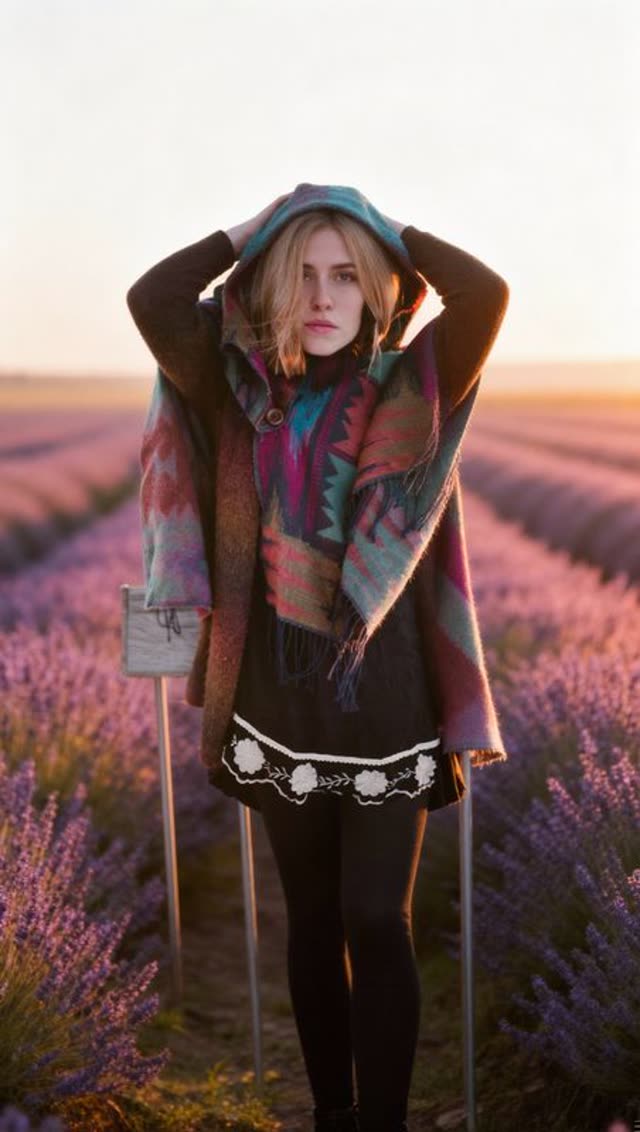
Kling IMAGE O1 is Kuaishou's high-control image model on VdoBloom, and unlike the Kling video models it works on both sides of the image tools — text-to-image generation and reference-based editing use the same model. For editing, it accepts up to 10 reference images at once, more than most other editors on the platform, which makes it useful for compositing several elements or keeping a character consistent across a batch of edits.
Output resolution is 1K or 2K, aspect ratio can be set to any of eight ratios from square to ultra-wide 21:9, and the prompt can run up to 2,500 characters. Pricing is flat regardless of resolution or reference-image count: 14 credits per generation, shown before you run it.
Kling IMAGE O1 carries VdoBloom's MODERATE content-filter rating rather than the STRICT rating applied to Kling's video models — image models on VdoBloom are rated separately from video models, and IMAGE O1 falls into the platform's default moderate tier rather than a stricter or more permissive one.
What it costs on VdoBloom
Kling IMAGE O1 is a flat 14 credits per generation — the price doesn't change with resolution (1K vs 2K), aspect ratio, or how many of the up-to-10 reference images you use for an edit. The cost is shown before you generate and refunded automatically if the job fails.
Content filter and inputs
Kling IMAGE O1 carries a MODERATE content-filter rating on VdoBloom, distinct from the STRICT rating on Kling's video models — image and video models are rated on separate scales. It accepts up to 10 reference images for editing and a prompt up to 2,500 characters, with output at 1K or 2K across eight supported aspect ratios.
What creators use Kling IMAGE O1 for
- Editing a photo with up to 10 reference images in one pass, for compositing or multi-element consistency.
- Generating a new image from text at 1K or 2K with a specific, less-common aspect ratio like 21:9.
- Running several image edits at a predictable flat 14-credit cost regardless of resolution.
How to use Kling IMAGE O1 on VdoBloom
- 1Open the Image Edit tool and select Kling IMAGE O1.
- 2Upload the image(s) to edit and describe the change you want.
- 3Review the credit cost and generate — results appear in your library.
Frequently asked questions
How much does Kling IMAGE O1 cost?
A flat 14 credits per generation, whether you're generating from text or editing with reference images, and regardless of 1K or 2K resolution.
Is Kling IMAGE O1 free?
New accounts get 10 free credits — close to, but not quite, one 14-credit Kling IMAGE O1 generation. A small top-up covers the gap.
How many reference images can Kling IMAGE O1 use?
Up to 10 at once for editing, more than most other VdoBloom image editors.
What resolutions and aspect ratios does Kling IMAGE O1 support?
1K or 2K resolution, and eight aspect ratios: 1:1, 3:2, 2:3, 4:3, 3:4, 9:16, 16:9, and 21:9.
What's the prompt character limit for Kling IMAGE O1?
2,500 characters.
Is Kling IMAGE O1 censored?
VdoBloom rates Kling IMAGE O1's content filter MODERATE — one tier below the STRICT rating applied to Kling's video models. VdoBloom never promises unrestricted output; the provider still rejects prompts and uploads that violate its policy.
Is Kling AI open source?
No — Kling is Kuaishou's proprietary model family, image and video alike, accessed only through its API.
Does Kling IMAGE O1 support both generating and editing images?
Yes — it appears in both VdoBloom's image-generation and image-editing pickers, using the same underlying model for a text-to-image prompt or a reference-image edit.