Recraft V4 Vector: AI Image Editor Online
Bottom line
Converts a raster upload into a real SVG file via Recraft's vectorize model — no prompt used, 14 credits. Open the Image Edit tool, select Recraft V4 Vector, upload your image, and the exact credit cost appears before the edit runs.
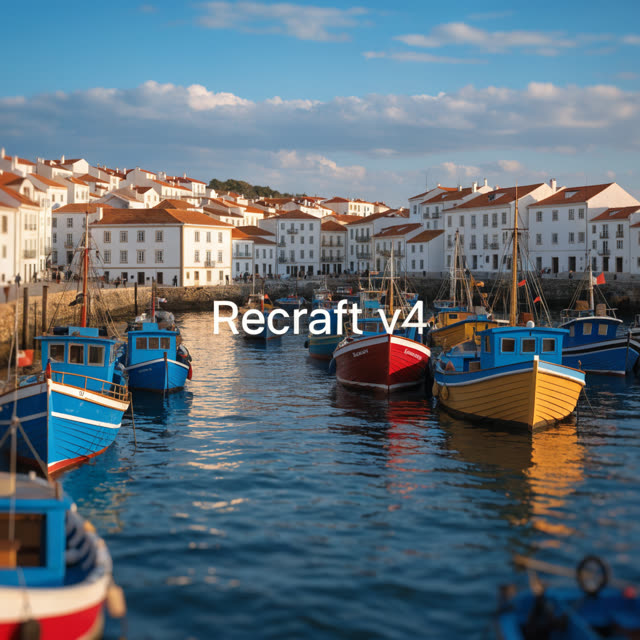
Recraft V4 Vector does one specific job: upload a raster image and it traces it into genuine vector artwork — an actual SVG file with paths and fills, produced through a dedicated vectorize task rather than a generator dressed up to look vector-like. That distinction matters, because plenty of "vectorize" tools just upscale or clean a raster and hand it back as a PNG; this one calls Recraft's real raster-to-SVG conversion model and requests SVG output specifically.
There's a detail worth knowing before you run it: the text prompt field is shown in the editor, but the vectorization step doesn't use it — it is not sent to the model, since text prompts aren't supported for this conversion. Only your uploaded image controls the result; the dimension and color-palette controls shown alongside it don't feed into this particular job either, since the vectorize call only takes the image.
VdoBloom prices it at 14 credits, rates it 4.1, and applies the HOT content badge.
What it costs on VdoBloom
Recraft V4 Vector is 14 credits per conversion — a new account's 10 free credits fall 4 short of covering one run.
What actually controls the output
Only the source image you upload. The prompt field, the dimension selector, and the color-palette controls shown in the editor are all decorative for this specific model — none of them are sent to the underlying vectorize call. The one setting worth focusing on is the quality of the source image itself: flat, high-contrast art traces cleanly, while gradients and photographic detail get flattened.
Recraft V4 Vector vs V4 Pro Vector
Both tiers take one source image and return real SVG paths; neither uses the prompt, dimension or color settings. V4 Vector is 14 credits and V4 Pro Vector is 24, so V4 Vector is the lower-cost way to test how a file traces before committing.
What creators use Recraft V4 Vector for
- Turning an AI-generated or hand-drawn logo concept into a production-ready SVG.
- Vectorizing flat icons and illustrations for a design system that needs lossless scaling.
- Rebuilding a low-resolution brand mark as clean vector paths instead of upscaling pixels.
How to use Recraft V4 Vector on VdoBloom
- 1Open the Image Edit tool and select Recraft V4 Vector.
- 2Upload the image(s) to edit and describe the change you want.
- 3Review the credit cost and generate — results appear in your library.
Frequently asked questions
How much does Recraft V4 Vector cost on VdoBloom?
14 credits per conversion. The cost shows before you run it, and it's refunded automatically if the job fails.
What do 10 free signup credits get me on Recraft V4 Vector?
Not quite one conversion — 14 credits is 4 more than a new account's 10 free credits.
Does Recraft V4 Vector actually output a real SVG, or just a cleaned-up PNG?
A real SVG. it runs through Recraft's dedicated vectorize model and explicitly requests SVG as the output format — it's a genuine raster-to-path conversion, not a raster image relabeled as vector.
Does Recraft V4 Vector use my text prompt?
No. VdoBloom's editor shows the prompt field for interface consistency, but it is not sent for this model — vectorization runs on the source image alone. Typing a description won't change the traced result.
Do the dimension and color-palette settings affect the Recraft V4 Vector result?
No — the vectorize step only takes your uploaded image; VdoBloom doesn't pass the dimension or color-palette selections shown in the editor to this particular conversion. Focus on the source image quality rather than those settings.
What kinds of images vectorize well?
Flat, high-contrast graphics — logos, icons, badges, and illustrations with solid fills and clean edges. Photographs and images with continuous tonal gradients are a poor fit for path tracing and will come out heavily simplified, which is a general property of raster-to-vector conversion rather than something specific to this model.
Is Recraft V4 Vector censored?
It carries VdoBloom's HOT content badge, the more permissive tier. Since it traces existing artwork rather than generating new scenes, content refusals are rare in normal design use.
How is Recraft V4 Vector different from Recraft V4 Pro Vector?
Both take one source image and return real SVG paths, and neither uses the prompt, dimension or color settings. V4 Vector costs 14 credits and V4 Pro Vector costs 24, so V4 Vector is the cheaper way to test a file first.