Recraft V4: AI Image Generator Online
Bottom line
Text-to-image with exact pixel dimensions and hex-locked brand colors instead of aspect ratio presets, 12cr. Pick Recraft V4 in the Text to Image tool, write your prompt, and pay per image in credits — the price is visible before you generate.
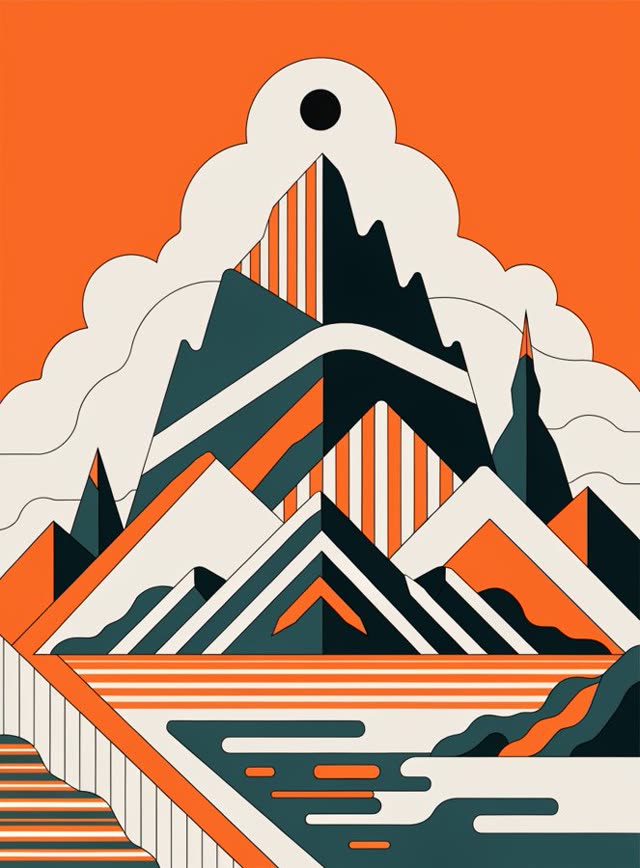
Recraft V4 generates from a different control scheme than most text-to-image models on VdoBloom: instead of picking an aspect ratio, you pick from fourteen exact pixel dimensions (1024x1024 up to 1536x768 and its rotations), and instead of describing colors in the prompt, you can lock specific hex values through Recraft's color-palette and background-color controls. That combination is aimed squarely at brand and design work, where "roughly blue" in a prompt isn't precise enough but a hex code is.
It comes from Recraft, a company built specifically around design-grade, brand-controllable image tooling rather than general photo generation, and V4 is their current text-to-image tier, capped at 1K output. Prompts run up to 10,000 characters. Recraft also offers a separate vectorization tool on VdoBloom — Recraft V4 Vector — which converts an existing raster image to SVG; V4 itself only generates new raster images from text, it doesn't vectorize.
VdoBloom prices Recraft V4 at 12 credits, rates it 4.2, and applies the HOT content badge, its more permissive filtering tier.
What it costs on VdoBloom
Recraft V4 is a flat 12 credits per generation at fixed 1K resolution — a new account's 10 free credits fall 2 short of one run. Prompts run up to 10,000 characters, well beyond most other image models on the platform.
Recraft V4 vs V4 Pro
Both use the same pixel-dimension-and-brand-color control scheme. V4 caps at 1K for 12 credits; V4 Pro doubles the resolution to 2K for 22 credits. There's no other documented functional difference between the two tiers — the choice is purely about how much resolution the deliverable needs.
What makes Recraft's control scheme different
Most text-to-image models on VdoBloom work from aspect ratios and leave color to the prompt's wording. Recraft V4 instead takes exact pixel dimensions and lets you lock specific hex colors through dedicated palette and background-color controls — a deliberate design choice for brand and design work where approximate color descriptions aren't precise enough.
What creators use Recraft V4 for
- Brand assets where specific hex colors need to be locked rather than approximated from a text description.
- Generating at an exact pixel size for a template slot instead of picking the closest aspect ratio.
- Flat, design-forward graphics and illustrations — the style Recraft's tooling is built around.
How to use Recraft V4 on VdoBloom
- 1Open the Text to Image tool and select Recraft V4.
- 2Write your prompt.
- 3Review the credit cost and generate.
Frequently asked questions
How much does Recraft V4 cost on VdoBloom?
12 credits per generation, flat — output is fixed at 1K, so there's no resolution tier to change the price.
What do 10 free signup credits get me on Recraft V4?
Not quite one generation — the 12-credit cost is 2 more than a new account's 10 free credits. ImagineArt 1.5 (6 credits) or FLUX.2 [dev] (4 credits) fit the free balance if you want a first VdoBloom generation before topping up.
Is Recraft V4 censored?
It carries VdoBloom's HOT badge, the more permissive content-filtering tier — the same class as the rest of the Recraft and ImagineArt lineups here.
How do I set exact colors with Recraft V4?
Through its color-palette and background-color controls, which take specific hex values rather than relying on the text prompt to describe a shade. That's the model's defining feature over ratio-based generators — useful when a brand's exact color needs to appear pixel-for-pixel.
What sizes can Recraft V4 generate at?
Fourteen preset pixel dimensions rather than named aspect ratios — from 1024x1024 square through 1536x768 and 768x1536 (2:1 and 1:2), plus intermediate sizes like 1280x832 and 832x1344, all capped at 1K resolution. There's no free-form dimension entry, but the preset list covers most common ratios.
Recraft V4 vs Recraft V4 Pro — is Pro worth the extra 10 credits?
Pro doubles the resolution ceiling to 2K (2048x2048 and its rotations) using the same pixel-dimension and brand-color-control scheme, for 22 credits against V4's 12. If 1K is enough for the deliverable, V4 is the cheaper choice; step up to Pro specifically for the resolution, not for any documented change in color accuracy or generation quality.
Can Recraft V4 vectorize an image into SVG?
No — V4 is a raster text-to-image generator only. VdoBloom's Recraft V4 Vector is the separate tool for converting an existing image into scalable SVG artwork; V4 doesn't do that conversion.
Recraft V4 vs ImagineArt 2.0 — which for a branding job?
Recraft V4 is built around locking exact brand colors via hex values and generating at precise pixel dimensions, for 12 credits at fixed 1K. ImagineArt 2.0 works from aspect ratios with a selectable 1K/2K resolution and no color-locking control, for 10 credits. When a brand's colors must be exact, Recraft V4's palette control is the deciding factor.
Is Recraft V4 open source?
This isn't established, so this page doesn't claim a license status for it.