Recraft V4 Pro: AI Image Generator Online
Bottom line
The 2K tier of Recraft's brand-color generator — same hex-locked palette control as V4, double the resolution. Pick Recraft V4 Pro in the Text to Image tool, write your prompt, and pay per image in credits — the price is visible before you generate.
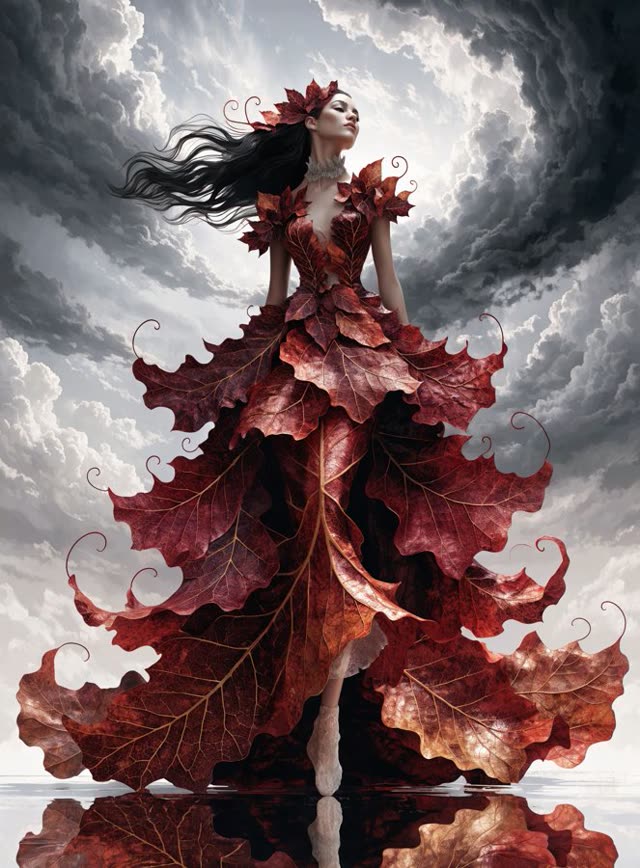
Recraft V4 Pro is the higher-resolution tier of Recraft's text-to-image line: the same exact-pixel-dimension and hex-locked brand-color control scheme as the base Recraft V4, stepped up to a 2K output ceiling (2048x2048 and its rotations, up to 3072x1536) instead of V4's 1K. For brand and design work headed to print or large-format display, that's the difference that matters — V4's 1K output can look soft blown up to poster size, while Pro's 2K holds detail further.
Like V4, Pro is generation-only, with no image-upload editing mode; Recraft's separate vectorization models — Recraft V4 Vector and V4 Pro Vector — handle converting an existing raster image into SVG, a different job from this one. Color-palette and background-color controls work the same way as on the base tier, letting you lock specific hex values rather than describing a shade in the prompt.
VdoBloom prices Recraft V4 Pro at 22 credits, rates it 4.3, and applies the HOT content badge — its more permissive filtering tier.
What it costs on VdoBloom
Recraft V4 Pro is a flat 22 credits per generation at fixed 2K resolution — more than double a new account's 10 free credits, so it's not a free-tier model to test casually. Its base sibling, Recraft V4 (12 credits, 1K), is the cheaper way to confirm the color-control workflow suits the job before spending on the 2K tier.
Recraft V4 Pro vs the base V4
The only documented difference is resolution — 2K on Pro versus 1K on V4 — using the identical pixel-dimension-and-hex-color control scheme. There's no separate quality claim beyond the resolution step-up, so the deciding factor is simply whether the deliverable needs 2K.
What creators use Recraft V4 Pro for
- 2K brand assets for print or large-format use where the base V4's 1K would need upscaling.
- Locking exact hex colors on a high-resolution generation for design-system-consistent output.
- Poster, packaging, or signage concepts that need to survive close inspection at size.
How to use Recraft V4 Pro on VdoBloom
- 1Open the Text to Image tool and select Recraft V4 Pro.
- 2Write your prompt.
- 3Review the credit cost and generate.
Frequently asked questions
How much does Recraft V4 Pro cost on VdoBloom?
22 credits per generation, flat — output is fixed at 2K, so there's no separate resolution tier to adjust for.
What do 10 free signup credits get me on Recraft V4 Pro?
Not a full generation — 22 credits is more than double a new account's 10 free credits. The base Recraft V4 (12 credits) is still short by 2, so trying Recraft's color-control scheme on the free balance alone isn't quite possible; ImagineArt 1.5 (6 credits) is a cheaper first VdoBloom generation to try instead.
Is Recraft V4 Pro censored?
It carries VdoBloom's HOT badge, the more permissive filtering tier — the same class as the base Recraft V4.
What does "Pro" actually add over the base Recraft V4?
Resolution, specifically: Pro's pixel-dimension presets top out at 2K (2048x2048 and its rotations, up to 3072x1536) versus V4's 1K ceiling. The brand color-palette control, dimension-based sizing scheme, and generation-only capability are identical between the two tiers.
Recraft V4 Pro vs ImagineArt 1.5 Pro — which gives more resolution per credit?
ImagineArt 1.5 Pro generates at native 4K for 12 credits; Recraft V4 Pro caps at 2K for 22 credits — nearly double the price for half the resolution. The trade-off is control: Recraft V4 Pro's exact pixel dimensions and hex-locked brand colors aren't available on ImagineArt 1.5 Pro, which works from aspect ratios with no color-palette control. Choose based on whether brand-exact color matters more than raw resolution.
Can I vectorize an image with Recraft V4 Pro?
No — this is a raster generator only. Recraft V4 Pro Vector is the separate VdoBloom tool for converting an existing image to SVG.
What pixel dimensions does Recraft V4 Pro support?
Fourteen presets from 2048x2048 square up to 3072x1536 and 1536x3072 (2:1/1:2), plus intermediate sizes like 2560x1664 and 2432x1792 — the same ratio spread as the base V4, doubled in pixel count.
Is Recraft V4 Pro open source?
This isn't established, so this page doesn't claim a license status for it.