Qwen Image 3.0: AI Image Generator Online
Bottom line
Qwen 3 text-to-image • 1K/2K • 8 aspect ratios Pick Qwen Image 3.0 in the Text to Image tool, write your prompt, and pay per image in credits — the price is visible before you generate.
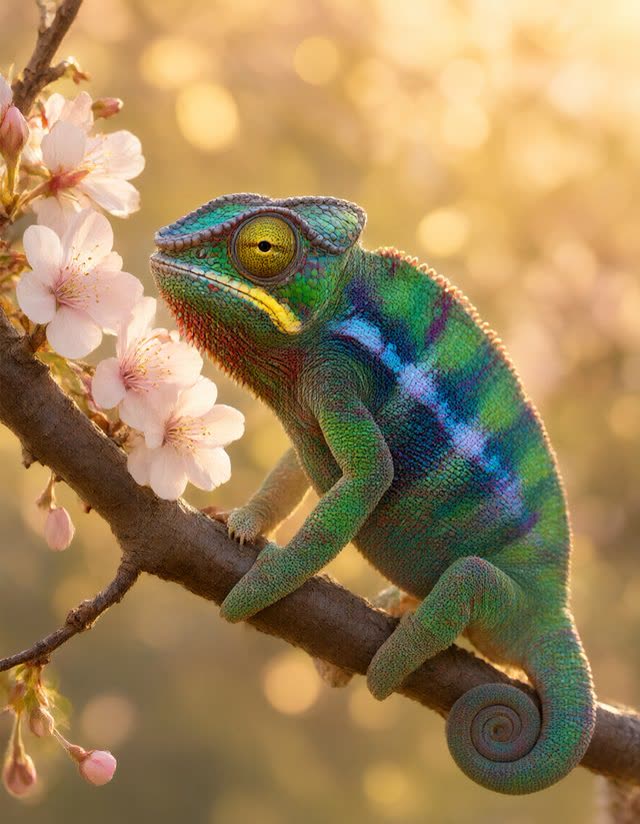
Qwen Image 3.0 is one of the image models available on VdoBloom, where you can use it directly in the Text to Image tool without managing API keys or separate subscriptions. It supports 1K, 2K resolutions, 8 aspect ratios including 16:9, 1:1, 3:2.
Generation runs on VdoBloom credits, and the exact cost for your chosen settings is shown before you confirm — so there are no surprises. Results land in your creations library where you can download, share, or continue editing with other tools on the platform.
What creators use Qwen Image 3.0 for
- Producing visuals for social content without leaving one workspace.
- Comparing Qwen Image 3.0 output against other VdoBloom models side by side before committing credits to a larger batch.
- Prototyping creative directions quickly, then rerunning the best prompt at higher quality settings.
How to use Qwen Image 3.0 on VdoBloom
- 1Open the Text to Image tool and select Qwen Image 3.0.
- 2Write your prompt.
- 3Set resolution (1K/2K), aspect ratio, review the credit cost, and generate.
Frequently asked questions
How do I use Qwen Image 3.0 on VdoBloom?
Open the Text to Image tool, pick Qwen Image 3.0 from the model selector, add your prompt, review the credit cost shown, and generate. No separate account with the model provider is needed.
What does Qwen Image 3.0 cost?
Pricing is in VdoBloom credits and depends on the settings you pick (such as duration or resolution). The exact cost is displayed in the tool before you start a generation.
Can I try Qwen Image 3.0 for free?
New VdoBloom accounts receive free credits at signup, and more can be earned through challenges and referrals — enough to evaluate the model before purchasing a credit pack.